Innova CarScan OBD2 Scanner Review: The Bluetooth Dongle, the Handheld and the Full Scan Tool
The check engine light comes on, and the first question is always the same: what is wrong, and how bad is it? This Innova CarScan diagnostics Bluetooth code reader automotive scanner tool review answers that question for three real Innova tools: the Innova 1000, a Bluetooth dongle that turns your phone into a scan tool; the Innova 3100i, a handheld reader with its own screen; and the Innova 31703, a full scan tool that also reads older OBD1 cars. All three read codes, but they differ in use, reach and coverage.
The short answer: if you want your phone to do the work, start with the Innova CarScan 1000 — it plugs into the diagnostic port, pairs with the RepairSolutions2 app, and shows live data on your phone. If you want a tool with its own screen and no phone at all, the Innova 3100i is the handheld pick. And if your garage includes an older car from before 1996, the Innova 31703 is the only one of the three that also reads OBD1. Check your car’s year against the listing before you order.
As an Amazon Associate I earn from qualifying purchases.
Quick Pick: Innova CarScan OBD2 Scanners
| Pick | Product | Best For | Check Price |
|---|---|---|---|
| Bluetooth App Dongle | Innova 1000 Bluetooth OBD2 Scanner – CarScan Mobile Diagnostic Tool for iPhone and Android | A Bluetooth dongle that turns your phone into a scan tool with live data and repair reports | Check Price on Amazon |
| Handheld ABS Reader | Innova 3100i Diagnostic Code Reader/Scan Tool with ABS and Live Data | A handheld reader with its own screen, ABS codes and live data, no phone needed | Check Price on Amazon |
| OBD2 and OBD1 Depth | Innova 31703 CarScan OBD2 + OBD1/ABS/SRS Scan Tool | A full scan tool that reads OBD2 and OBD1, ABS and SRS, plus enhanced and transmission codes | Check Price on Amazon |
Table of Contents
Innova 1000 CarScan Mobile: The Bluetooth Dongle
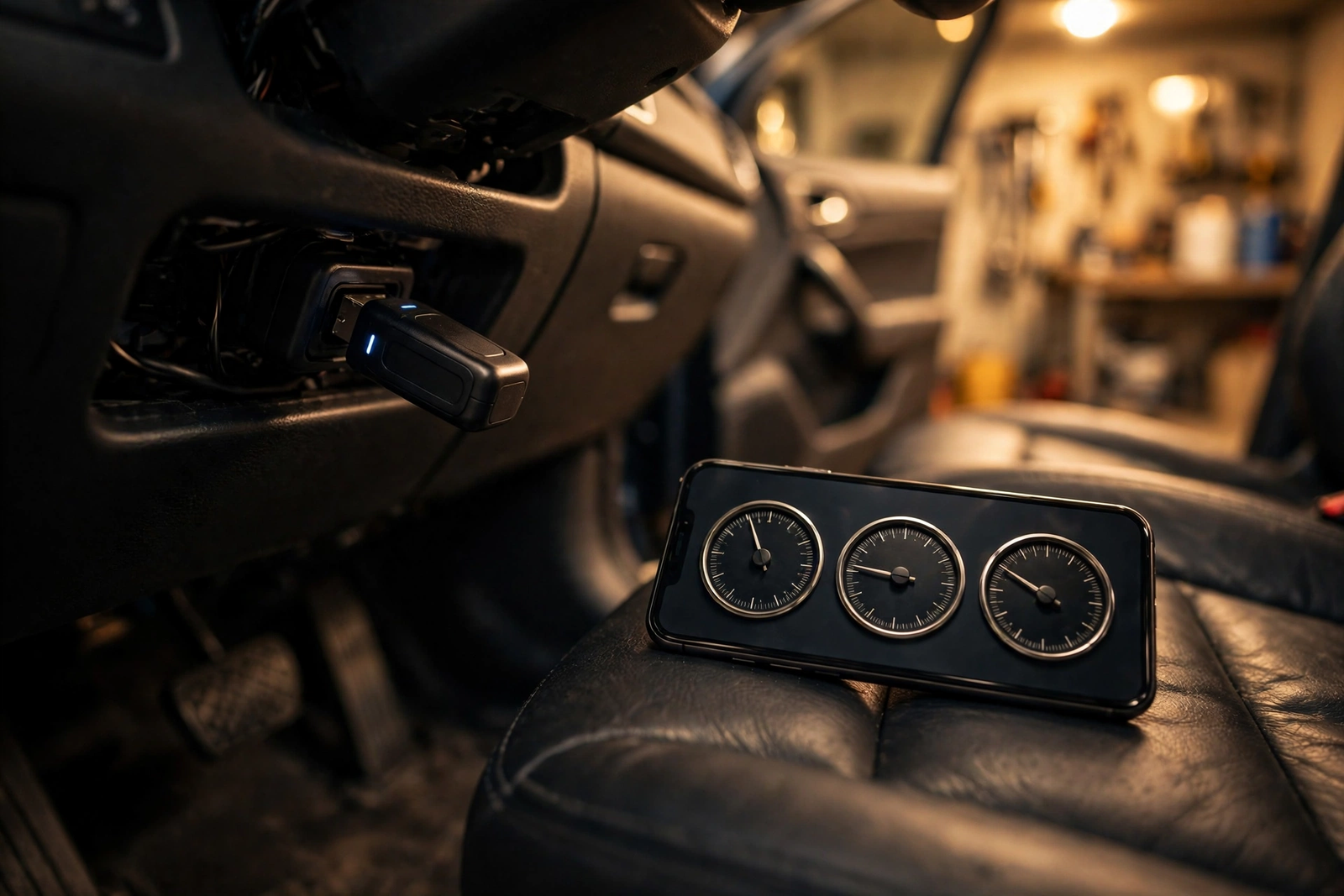
The Innova 1000 is the hero of this review, and it is the simplest Innova CarScan tool to use. It is a Bluetooth dongle, model 1000, that plugs into the car’s OBD2 diagnostic port and pairs with the RepairSolutions2 app on an iPhone or Android phone. The phone becomes the screen: codes, live data and repair reports show up in the app instead of on a tool you hold. Innova describes it as a one-time purchase with unlimited scans and no hidden costs, and the app is free to pair — that is Innova’s own description, so check the listing before you buy.
Live data is where the 1000 earns its place. The app shows readings such as engine speed, short and long term fuel trim, mass air flow, engine coolant temperature, throttle position and intake manifold pressure, in graph or table form, as the car runs. Innova notes that it does not show manufacturer-specific live data, so the readings are the standard set, not the deep dealer set. The app also draws on a database of repairs verified by ASE Master Technicians, according to Innova, to suggest fixes for the codes it finds — use those suggestions as a starting point, not a diagnosis.
The limits matter as much as the features. Innova says the 1000 works with most OBD2 vehicles from 1996 onwards, and its own pages list support for vehicles from 1996 to 2023, with 2024 coverage still being added — check the year of your car against the listing. Innova also says its products are region-restricted to the United States, Canada and Mexico, and that 2018 or newer FCA vehicles need AutoAuth access for some functions, such as erasing codes and oil resets. Our BlueDriver OBD2 scan tool review covers the phone-app rival in detail — the 1000 is Innova’s answer to the same idea: a dongle, a phone, and no handheld at all.
The 1000 is the pick in this roundup for the driver who always has a phone in the car and wants the scan tool to live in an app — plug in the dongle, open RepairSolutions2, and read the code before you call a shop.
Innova 1000 Bluetooth OBD2 Scanner – CarScan Mobile Diagnostic Tool for iPhone and Android on Amazon: Bluetooth OBD2 dongle, pairs with the RepairSolutions2 app on iPhone and Android, live data in graph or table form, ABS and SRS functions per Innova, one-time purchase with unlimited scans per Innova, model 1000, UPC 042173310005.
Buy the Innova 1000 if: you want your phone to be the scan tool, and your car is a 1996 or newer model sold in the United States, Canada or Mexico. Check Innova’s Coverage Checker for your exact year, make and model first.
Innova 3100i: The Handheld Code Reader With ABS and Live Data
The Innova 3100i is the handheld answer to the same problem. It is a diagnostic code reader and scan tool with its own screen, model 3100i, and it works without a phone: plug it into the diagnostic port with the included OBD2 cable and read the codes on the tool itself. Two AA batteries are included with the tool. It is an entry-level tool, and it reads like one — simple menus and no app to install.
ABS is the 3100i’s extra reach. The listing says it reads and erases ABS light trouble codes for most GM, Ford, Chrysler, Honda and Toyota vehicles, and it shows live data as well. That matters because a plain engine-code reader stops at the check engine light, while the 3100i also reaches the braking system on the makes the listing names. The listing also covers a battery/alternator test and freeze-frame data — the readings frozen at the moment the fault set. The listing also says it works with all 1996 and newer OBD2 cars, light trucks, SUVs, hybrids and minivans, domestic and imported — but features vary by vehicle, so check your own year, make and model against Innova’s Coverage Checker before you order.
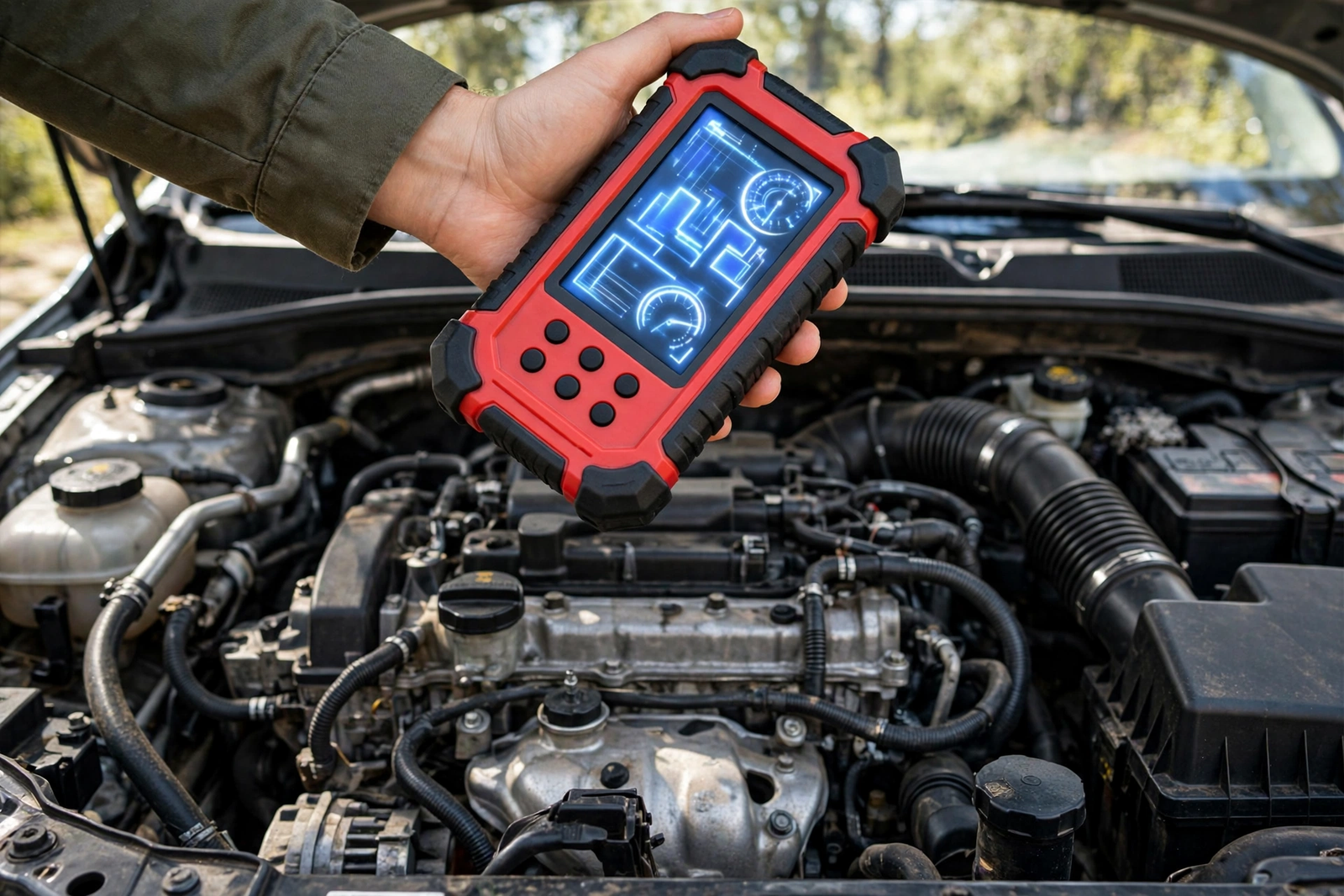
The 3100i is the pick in this roundup for the driver who wants a tool with a screen and buttons and no phone involved — a glovebox tool for a check engine light, an ABS light, or a quick live-data look before a long drive.
Innova 3100i Diagnostic Code Reader/Scan Tool with ABS and Live Data on Amazon: handheld code reader with its own screen, reads and erases ABS light codes for most GM, Ford, Chrysler, Honda and Toyota vehicles per the listing, live data, OBD2 cable and 2 AA batteries included, model 3100i, UPC 042173731008.
Buy the Innova 3100i if: you want a standalone handheld with no phone and no app, and you want ABS coverage on the makes the listing names. Confirm your vehicle is covered before you order.
Innova 31703 CarScan: The Full OBD2 and OBD1 Scan Tool
The Innova 31703 is the deepest tool in this roundup. Its full name is the Innova 31703 CarScan OBD2 + OBD1/ABS/SRS Scan Tool, and it reads and erases check engine lights on all OBD2 vehicles, plus ABS and SRS airbag lights on an expanded selection of vehicles — the listing names GM, Ford, Chrysler, Toyota and Honda for ABS/SRS coverage. It also reads enhanced and transmission diagnostic codes — the codes beyond the basic engine set — on all OBD2 vehicles from 1996 onwards.
The OBD1 reach is what sets it apart. The listing says the 31703 also works with some of the most popular OBD1 vehicles from 1981 to 1995, so a garage with an older car is not left out. The listing names the family it belongs to — the 30203 code reader, the 31003 diagnostic tool, the 31403 OBD2 and OBD1 tool, the 31603 with ABS and SRS, and this 31703 at the top — and the 31703 is the one that combines OBD2, OBD1, ABS and SRS in a single tool.
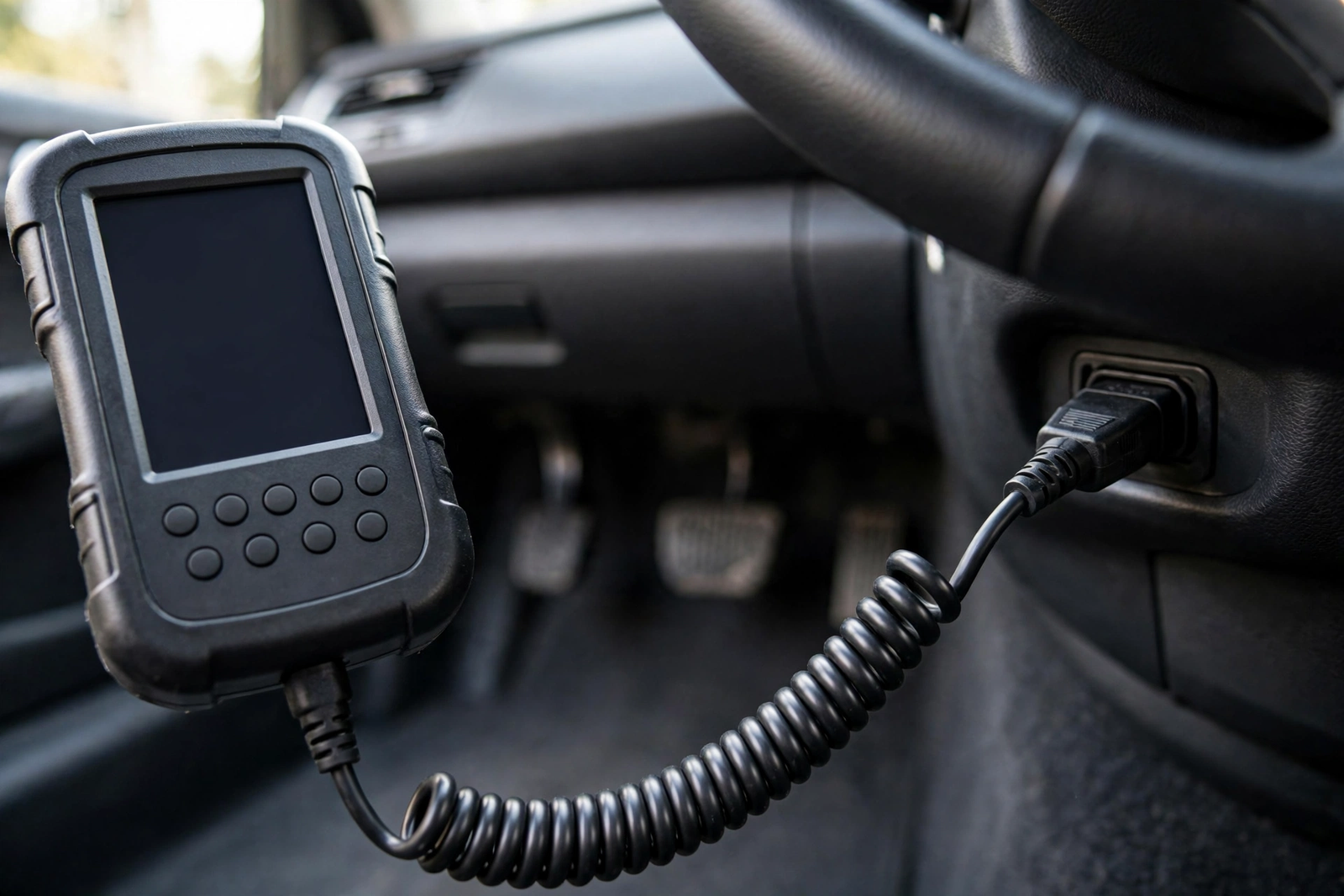
The 31703 is the pick in this roundup for the driver with more than one car to look after, especially if one of them is older than 1996 — one tool that reads the engine, the brakes and the airbag system across the cars in the driveway.
Innova 31703 CarScan OBD2 + OBD1/ABS/SRS Scan Tool on Amazon: reads and erases check engine lights on all OBD2 vehicles, ABS and SRS on an expanded selection of domestic, Asian and European vehicles, enhanced and transmission codes, plus some popular OBD1 vehicles from 1981 to 1995, UPC 042173031702.
Buy the Innova 31703 if: you want the deepest coverage of the three, or you have a pre-1996 car to scan. Check that your older vehicle is among the OBD1 vehicles the listing covers.
How Innova CarScan Works: Dongle, App and Handheld
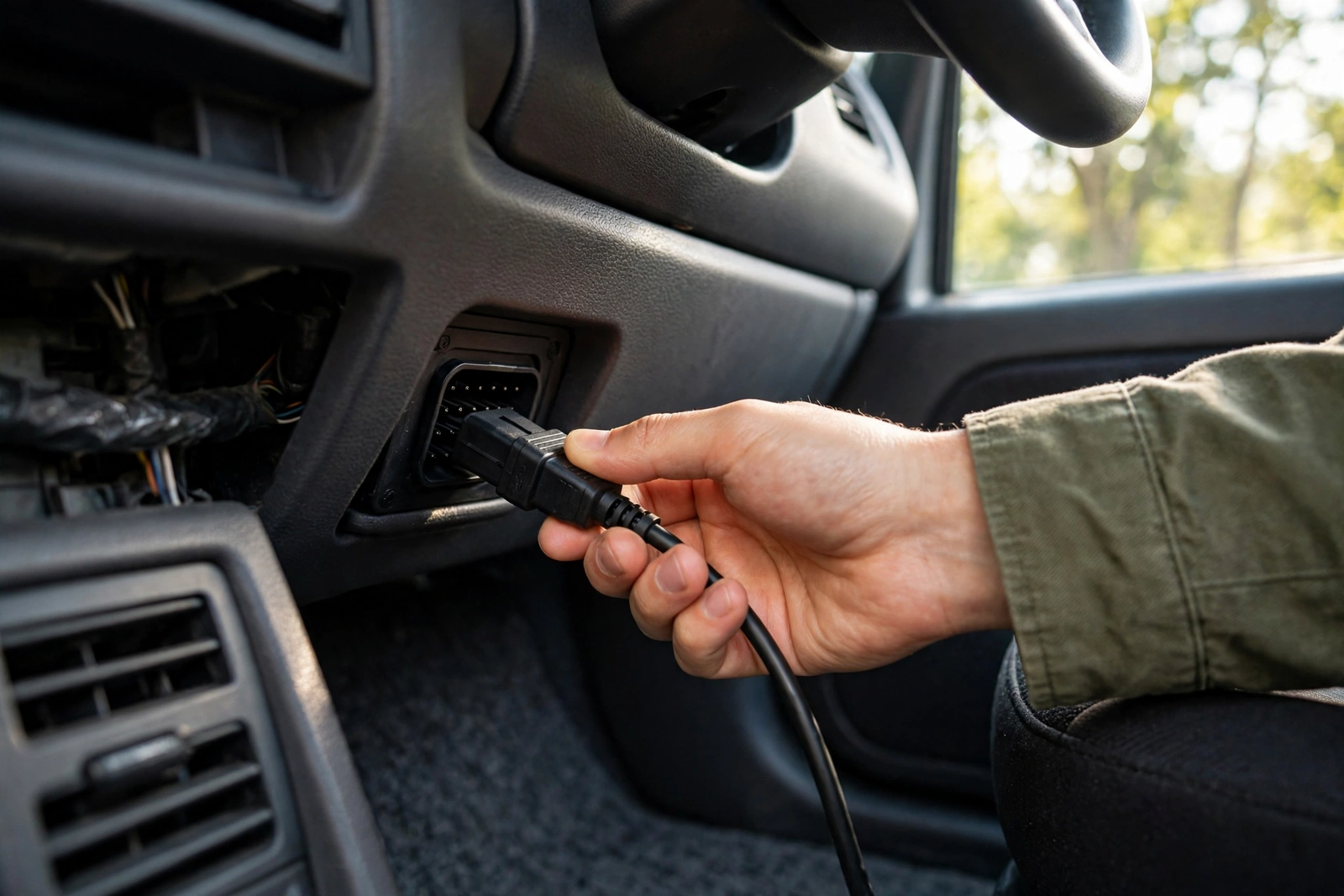
Every Innova CarScan tool starts the same way: plug it into the OBD2 diagnostic port, which sits under the dashboard on the driver’s side, usually below the steering wheel. Turn the ignition on, and the tool powers up from the car — the dongle draws its power from the port, and the handhelds run on the car’s power. From there the paths split: the 1000 sends everything to your phone over Bluetooth, while the 3100i and the 31703 show it on their own screens.
Reading a code is the easy part. The tool asks the car’s computer for its stored trouble codes, shows the code and a short description, and offers live data if you want to watch the engine while it runs. Clearing a code is also easy — and that is the trap. Clearing a code does not fix the fault that set it. Write the code down before you clear it, and treat the code as the start of the diagnosis, not the end of it. If the light comes back, the fault is still there.
Live Data, ABS and SRS: What Each Innova CarScan Tool Reads
The three tools do not read the same things. The Innova 1000 shows live data on your phone — engine speed, fuel trim, mass air flow, coolant temperature, throttle position and intake manifold pressure — and Innova lists ABS and SRS functions for it, but no manufacturer-specific live data. The Innova 3100i shows live data on its own screen and reads and erases ABS codes for most GM, Ford, Chrysler, Honda and Toyota vehicles. The Innova 31703 goes furthest: enhanced and transmission codes on all OBD2 vehicles, live data streamed and recorded, plus ABS and SRS on an expanded selection of domestic, Asian and European vehicles.
None of that is a promise for your exact car. ABS and SRS coverage depends on the year, make and model, and the listings say so in their own words — the 3100i names five makes, and the 31703 talks about an expanded selection rather than every vehicle. That is why the Coverage Checker exists, and why it is worth the minute it takes: pick the tool that lists your car, not the tool with the longest feature list.
Innova CarScan Compatibility: Vehicle Years, Apps and Limits
The baseline is simple: every OBD2 car sold in the United States from 1996 onwards has the same diagnostic port, and all three tools here plug into it. The 31703 reaches further back, to some popular OBD1 vehicles from 1981 to 1995. Beyond that baseline, the details are per-vehicle. Innova runs a Coverage Checker on its own site that lists which features work on which year, make and model — use it before you buy, because a feature that works on a neighbour’s car may not work on yours.
Three limits deserve a plain statement. First, Innova says the 1000 is region-restricted to the United States, Canada and Mexico, and will not work outside them. Second, Innova’s own pages list the 1000 as supporting vehicles from 1996 to 2023, with 2024 coverage still being added — a brand-new car may not be covered yet. Third, 2018 or newer FCA vehicles need AutoAuth access for some functions on the 1000, and without it the tool cannot erase codes or perform oil resets on those cars. If any of those limits touches your car, check the listing for your exact model before you order. Our FIXD OBD2 scanner review covers another app-based reader, for the driver comparing phone-based tools before choosing one.
Innova CarScan vs BlueDriver: Where This Single Review Fits
This article is the Innova single review — the CarScan 1000, 3100i and 31703 on their own terms — and it is not the head-to-head comparison. That comparison already exists on this site: our Innova CarScan vs BlueDriver OBD2 scanners article puts the two brands against each other, handheld depth against phone simplicity. The short version is this: BlueDriver is a phone-only tool, like the Innova 1000, while Innova also sells handhelds with their own screens — the 3100i and the 31703 — for drivers who do not want to scan through a phone. Read the comparison if you are choosing between the brands; read this review if you have already chosen Innova and want to pick the right CarScan tool.
The distinction matters because the two articles answer different questions. The comparison asks which brand fits which driver. This review asks which Innova tool fits which car and which job: the dongle for the phone-first driver, the handheld for the glovebox, and the full scan tool for the multi-car garage with an older vehicle in it.
Innova CarScan Mistakes to Avoid
The most common Innova CarScan mistake is buying without checking coverage. A tool that reads ABS on most GM, Ford, Chrysler, Honda and Toyota vehicles may not read ABS on yours, and a tool that supports vehicles to 2023 may not support your 2024 yet. Run Innova’s Coverage Checker for your exact year, make and model before you order — it takes a minute and it is the only check that answers the question for your car.
The second mistake is clearing a code and calling the job done. Clearing a code turns the light off; it does not fix the fault. Write the code down first, look up what it means, and fix the cause — if the light comes back, the fault is still there. The third mistake is buying the 1000 for a car outside the United States, Canada or Mexico, where Innova says it will not work. The fourth is expecting dealer-level data from a consumer tool: the 1000 does not show manufacturer-specific live data, and no tool here claims to. And the fifth is buying the 31703 for an older car without checking that your exact OBD1 vehicle is among the popular ones the listing covers.
Who Should Buy an Innova CarScan — and Who Should Not
Buy an Innova CarScan if: your check engine light is on and you want to know what it means before you call a shop, or you work on your own cars and want live data and ABS coverage in the driveway. Pick the 1000 if your phone is always with you, the 3100i if you want a standalone handheld, and the 31703 if you have more than one car or one older than 1996.
Buy with care if: your car is a 2024 or newer model, a 2018 or newer FCA vehicle, or outside the United States, Canada or Mexico — check the Coverage Checker and the listing for your exact car first, because those are the cases where a feature may not work.
Do not buy an Innova CarScan if: you need dealer-level diagnostics, manufacturer-specific live data, or a tool for a car the Coverage Checker says is not covered. A scan tool tells you what the car’s computer recorded; it does not replace a mechanic for a fault you cannot trace.
The Verdict
This Innova CarScan diagnostics Bluetooth code reader automotive scanner tool review comes down to three tools for three drivers. The Innova 1000 is the pick for the phone-first driver: a Bluetooth dongle, the RepairSolutions2 app, and live data on a screen you already own. The Innova 3100i is the pick for the driver who wants a handheld with its own screen, ABS codes and no phone at all. And the Innova 31703 is the pick for the multi-car garage, especially one with a car older than 1996 — the only tool here that reads OBD1 as well as OBD2, ABS and SRS.
Whichever tool you choose, check two things before you order: your exact year, make and model against Innova’s Coverage Checker, and the listing for the features you need — ABS and SRS coverage varies by vehicle, and a feature that works on one car may not work on another. For the wider set of scanners beyond Innova, our best OBD2 scanner for home mechanics article covers the other brands worth comparing.
Frequently Asked Questions
Does the Innova CarScan 1000 work with iPhone and Android?
Yes — the Innova 1000 is a Bluetooth dongle that pairs with the RepairSolutions2 app on both iPhone and Android, and the phone becomes the screen for codes, live data and repair reports. The dongle plugs into the car’s OBD2 diagnostic port and talks to the phone over Bluetooth, so you need the app installed and the phone nearby to scan.
What is the difference between the Innova 1000 and the Innova 3100i?
The Innova 1000 is a Bluetooth dongle with no screen of its own — it pairs with the RepairSolutions2 app on your phone, which shows the codes, live data and repair reports. The Innova 3100i is a handheld tool with its own screen and buttons: plug it into the diagnostic port with the included OBD2 cable and read the codes on the tool, with no phone and no app. The 3100i also reads and erases ABS codes for most GM, Ford, Chrysler, Honda and Toyota vehicles, and it runs on two included AA batteries for off-car review.
Will an Innova CarScan tool read ABS and airbag codes?
It depends on the tool and the car. Innova lists ABS and SRS functions for the 1000, the 3100i reads and erases ABS codes for most GM, Ford, Chrysler, Honda and Toyota vehicles, and the 31703 reads ABS and SRS on an expanded selection of domestic, Asian and European vehicles. None of them promises ABS or SRS coverage on every vehicle, so check Innova’s Coverage Checker for your exact year, make and model before you buy.
Does the Innova 31703 work on older OBD1 cars?
The listing says the 31703 works with some of the most popular OBD1 vehicles from 1981 to 1995, as well as all OBD2 vehicles from 1996 onwards. It is the only tool in this review with OBD1 reach. Check that your exact older vehicle is among the OBD1 vehicles the listing covers before you order, because the listing says some popular vehicles, not all of them.
Do I need a subscription to use Innova CarScan?
Innova describes the 1000 as a one-time purchase with unlimited scans and no hidden costs, and pairs it with the free RepairSolutions2 app — that is Innova’s own description, so check the listing and the app before you buy. The app’s features vary by vehicle, so check what is included with the tool before you buy.
Will Innova CarScan work on my car?
If your car is a 1996 or newer OBD2 vehicle sold in the United States, the port fits and the basic code reading should work — the 31703 also reaches some popular OBD1 vehicles from 1981 to 1995. But features vary by year, make and model: ABS and SRS coverage, live data depth and 2024 support all depend on your exact car. Run Innova’s Coverage Checker for your vehicle before you buy, and note that the 1000 is region-restricted to the United States, Canada and Mexico.