The best OBD2 scanner for home mechanics is a Bluetooth dongle paired with a smartphone app. This setup costs less than a dedicated handheld unit and offers deeper data access. You get live graphs and freeze frame data without paying for pro features.
Best OBD2 scanners for home mechanics
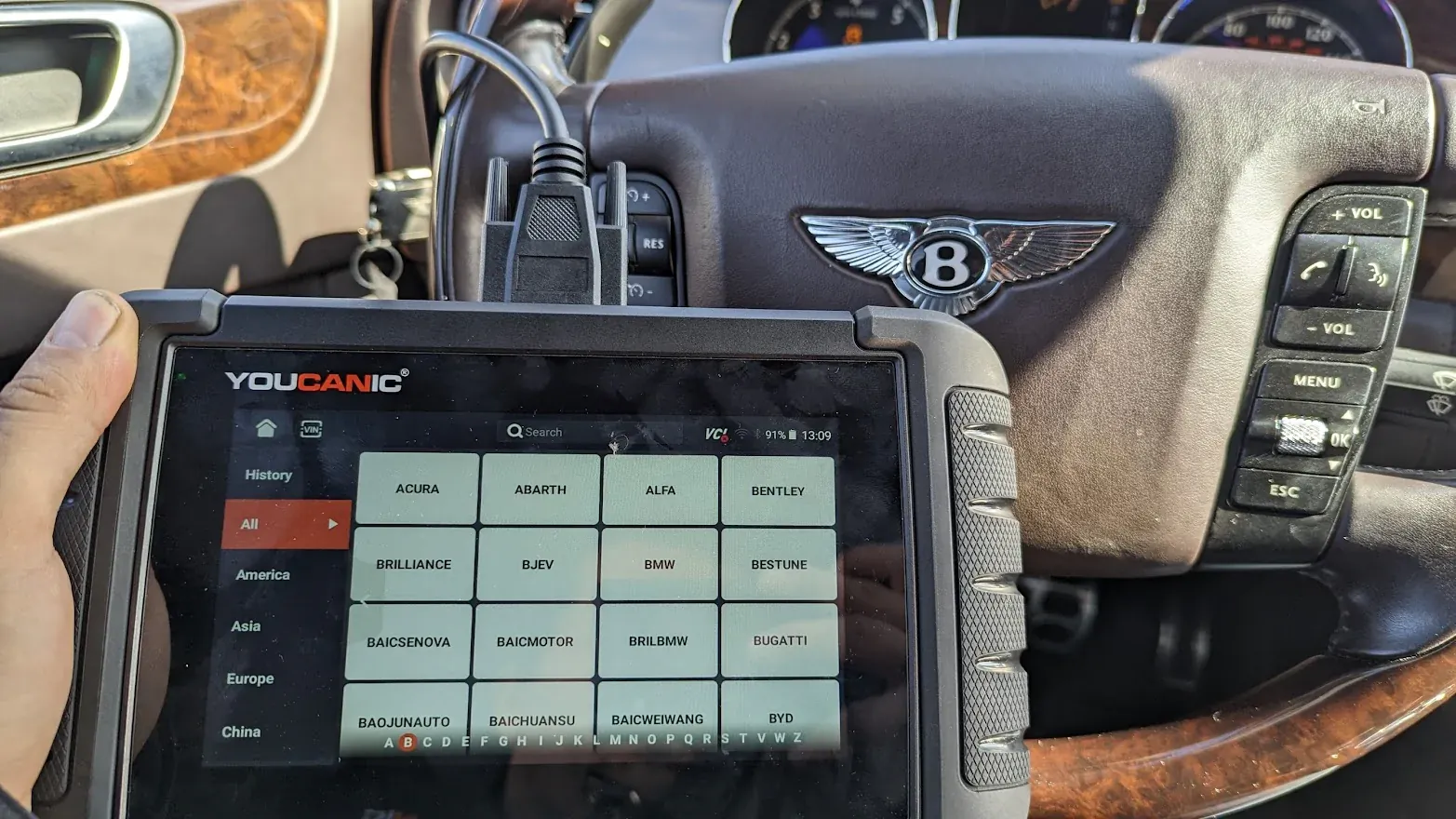
Choosing the right tool depends on your car’s age and your comfort with apps. Some devices plug in and stay there, while others need a cable connection. The table below shows the most reliable options for DIY repairs.
| Scanner type | Best for | Real-world example |
|---|---|---|
| Bluetooth dongle | Deep data analysis | Veepeak OBDCheck BLE |
| Basic code reader | Quick check engine light fix | Ancel AD310 |
| WiFi adapter | iOS device users | OBDLink MX+ |
Bluetooth OBD2 dongles
These small plugs stay in your car’s port and send data to your phone. They suit drivers who want detailed graphs and long-term tracking.
- View live sensor data in real-time graphs
- Record trip logs for fuel economy tracking
- Access manufacturer-specific codes for deeper repairs
Check oxygen sensor voltage while driving. See the wave pattern on your phone instantly. Spot a failing sensor before it triggers a light. Most dongles draw little power and won’t drain your battery.
Basic handheld code readers
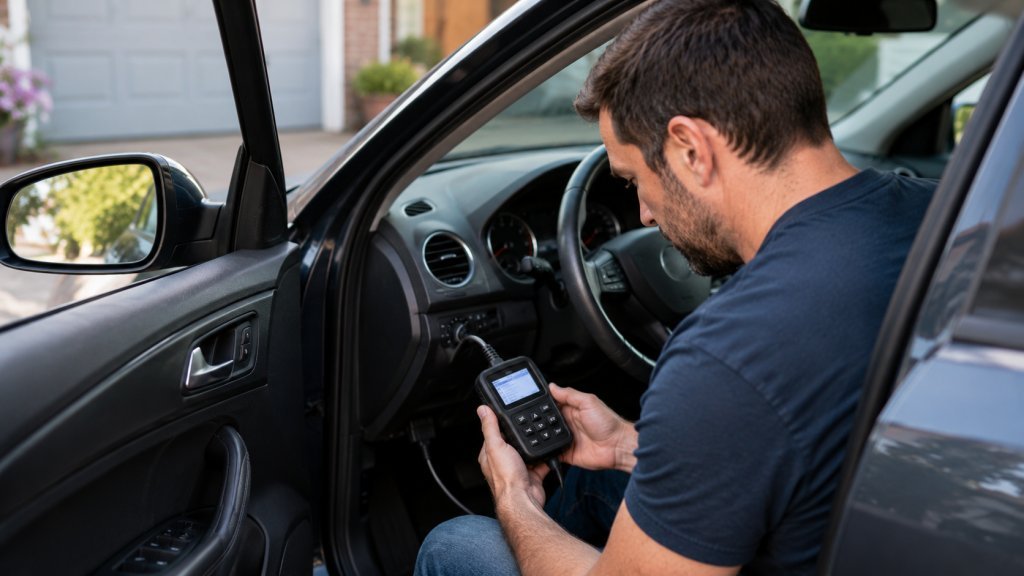
A basic reader is a standalone device with its own screen and buttons. It suits people who want a simple yes-or-no answer. You plug it in, read the code, and look it up online.
- Clear check engine lights instantly
- Display standard trouble codes clearly
- Work without a smartphone or internet
Use this when you just want to know if a loose gas cap caused the light. Read the P0455 code, tighten the cap, and clear the memory.
WiFi OBD2 adapters
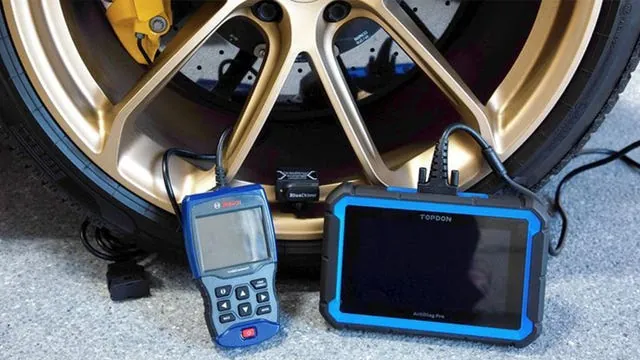
WiFi adapters connect to your phone or tablet without Bluetooth pairing issues. They suit iPhone users who often face compatibility limits with cheap dongles.
- Support iOS apps that block Bluetooth
- Provide high-speed data for live streaming
- Connect to multiple devices at once
You might use this to stream live engine data to a tablet. Mount the tablet on your dash while you test drive. Watch the coolant temperature rise in real time as you drive.
Professional handheld scanners
These larger units offer deep system access without needing a phone. They suit serious DIYers who work on many different car brands. The screen is bigger and brighter than a basic code reader.
- Read ABS and airbag codes
- Perform active tests like fan cycles
- Show live data in multiple formats
A mechanic uses this to cycle the EVAP purge valve. You hear the sound and see the pressure change on the screen.
Other scanning options
- USB ELM327 cables connect directly to a laptop for old-school diagnostics. Use this if your car has weak wireless signals or you prefer keyboard input. It’s reliable but less convenient for quick driveway checks.
- Dealer-level tools offer full programming capabilities for advanced users. Choose this only if you need to code new modules or keys. These cost hundreds of dollars and require specific training to use safely.
- Multi-system scan tools read transmission and body control modules. Pick this if your car has complex electronic issues beyond the engine. It helps diagnose shifting problems or window motor faults accurately.
How to choose your scanner
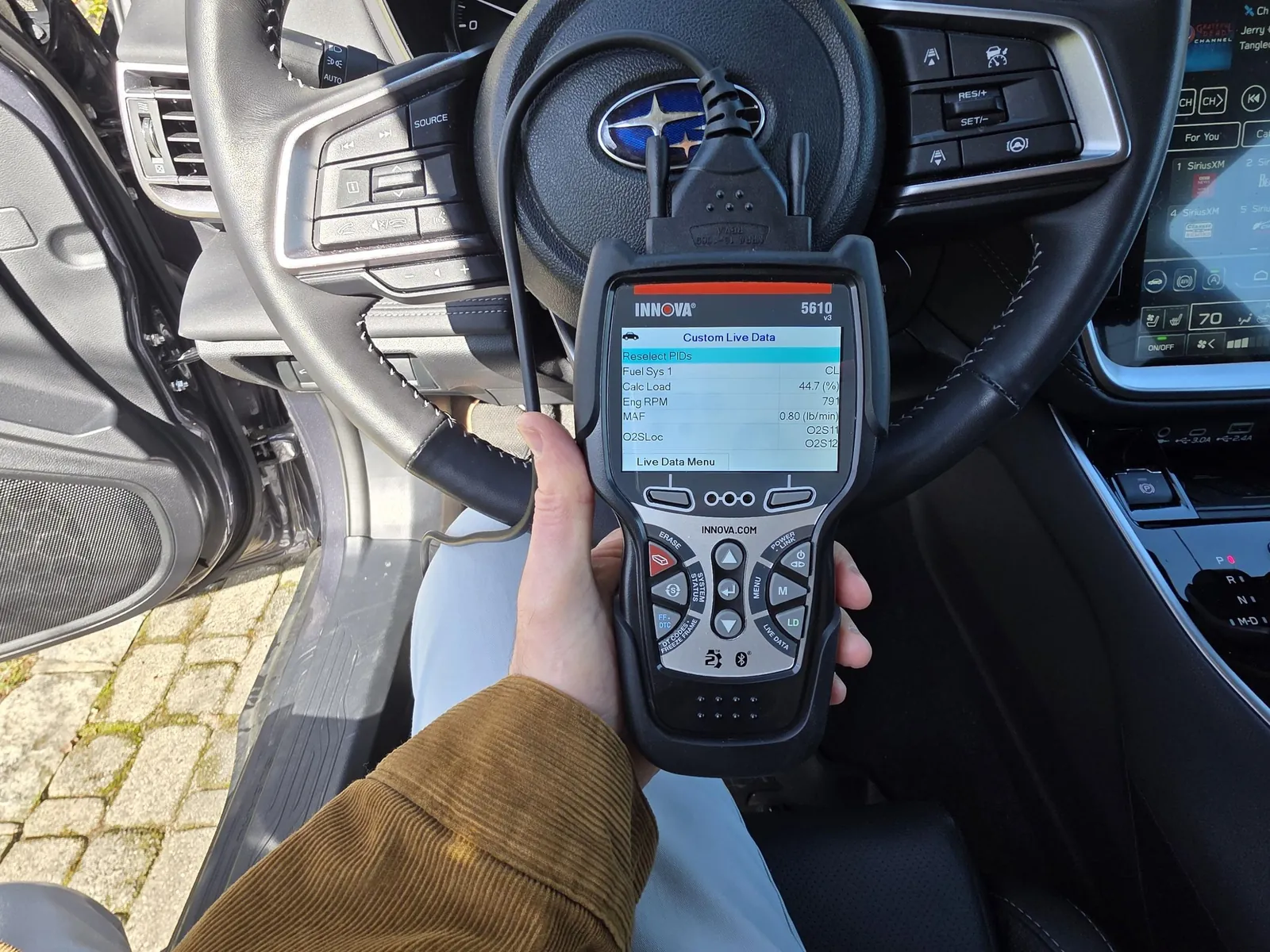
Your choice depends on your phone type and how deep you want to dig. If you use an iPhone, pick a WiFi adapter or a certified Bluetooth model. Android users have more freedom with cheap Bluetooth dongles. If you only want to clear a light, a basic handheld reader is enough.
Combine a dongle with a paid app for the best value. This gives you pro-level data for a low upfront cost. Don’t buy a expensive handheld unit if you already have a good tablet. The tablet screen is often better than the small displays on budget scanners.
Frequently asked questions
Will an OBD2 scanner damage my car?
No, these tools only read data from the computer. They don’t send commands that change engine settings unless you select a specific test. Plugging it in is safe for all modern vehicles made after 1996.
How long does a scan take to complete?
A full system scan takes about two to five minutes. The tool queries each module one by one, which creates a short delay. Faster results appear if you only scan the engine control unit.
Can I leave the scanner plugged in forever?
Most modern dongles sleep after a few minutes to save power. However, leaving any device plugged in for weeks may drain a weak battery. Unplug it if you plan to park the car for a month.
Does it matter which app I use with a dongle?
Yes, the app determines what data you can see and graph. Free apps often show basic codes, while paid ones unlock live sensors. Check the app store reviews for compatibility with your specific car brand.
Is it safe to clear codes without fixing the problem?
Clearing codes turns off the warning light but doesn’t fix the issue. The light will return once the computer runs its self-tests again. Only clear codes after you have repaired the faulty part.
What happens if the scanner won’t connect?
Check that the ignition is in the “on” position, not just accessory mode. Ensure the app has permission to use Bluetooth or location services. Try restarting your phone and the car’s electrical system.
First steps for scanning
Plug the scanner into the port under your dashboard and turn the key. Open your app and wait for the connection light to turn green. You’ll see live engine data within seconds if the link is good. Stop using the tool if the app crashes repeatedly or shows garbled data.