A check engine light is stressful mostly because it says nothing useful. It is a small orange symbol with no explanation, no urgency rating, and no hint of what the repair might involve — so most drivers either ignore it and hope, or book a garage visit without knowing whether the problem is a loose fuel cap or a failing sensor. The FIXD Bluetooth OBD2 Scanner is a car code reader built for exactly that moment: a small sensor that plugs into your car and a phone app that translates the fault code into plain English, tells you how serious it is, and suggests what to do next.
In this review of the FIXD Bluetooth OBD2 scanner, we cover what the sensor and app actually do, what stays free and what sits behind the FIXD Premium subscription, which cars it fits, and how it compares with the ANCEL AD310 and the BlueDriver LSB2. The Quick Pick table below has the short version.
As an Amazon Associate I earn from qualifying purchases.
| Pick | Product | Why it stands out | Check Price |
|---|---|---|---|
| Overall Winner | FIXD Bluetooth OBD2 Scanner, 1 Pack | Bluetooth sensor + app that explains 7,000+ codes in plain English, with maintenance reminders and multi-car tracking | |
| Best Budget | ANCEL AD310 OBD II Scanner | Wired handheld reader with its own screen — no app, no phone, no subscription | |
| Premium Pick | BlueDriver Bluetooth Pro OBDII Scan Tool LSB2 | Bluetooth scan tool with a free app, ABS and airbag coverage, and no subscription fee |
Table of Contents
What the FIXD Bluetooth OBD2 Scanner Is — and What It Is Not
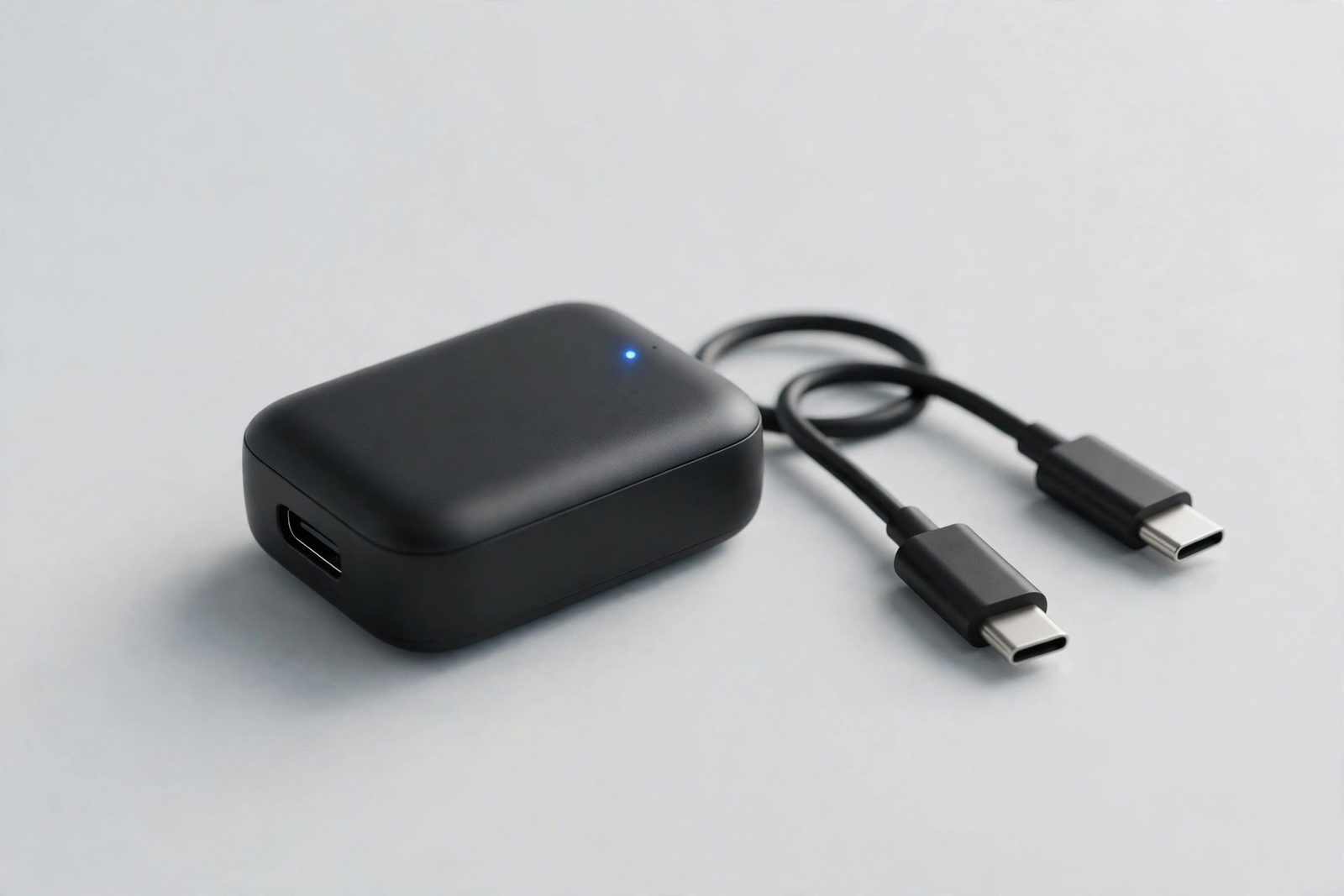
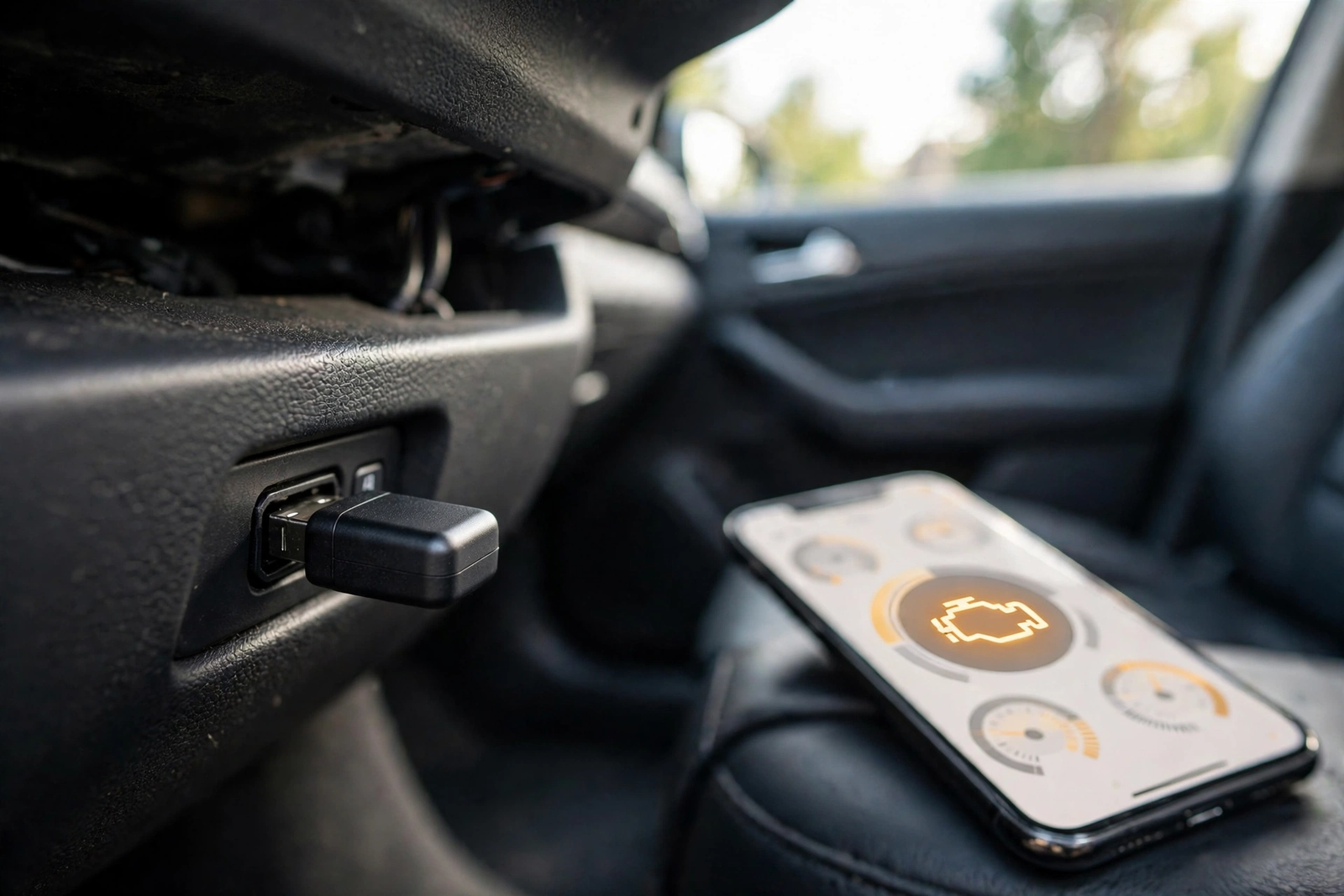
The FIXD Bluetooth OBD2 Scanner is a two-part car code reader: a small sensor that plugs into the car’s 16-pin OBD2 port, usually under the dashboard, and a free app for iPhone and Android that does all the talking. The sensor draws power from the car, so there is no battery to charge, and it sends what the car reports to your phone over Bluetooth. It has no screen and no buttons — your phone is the display.
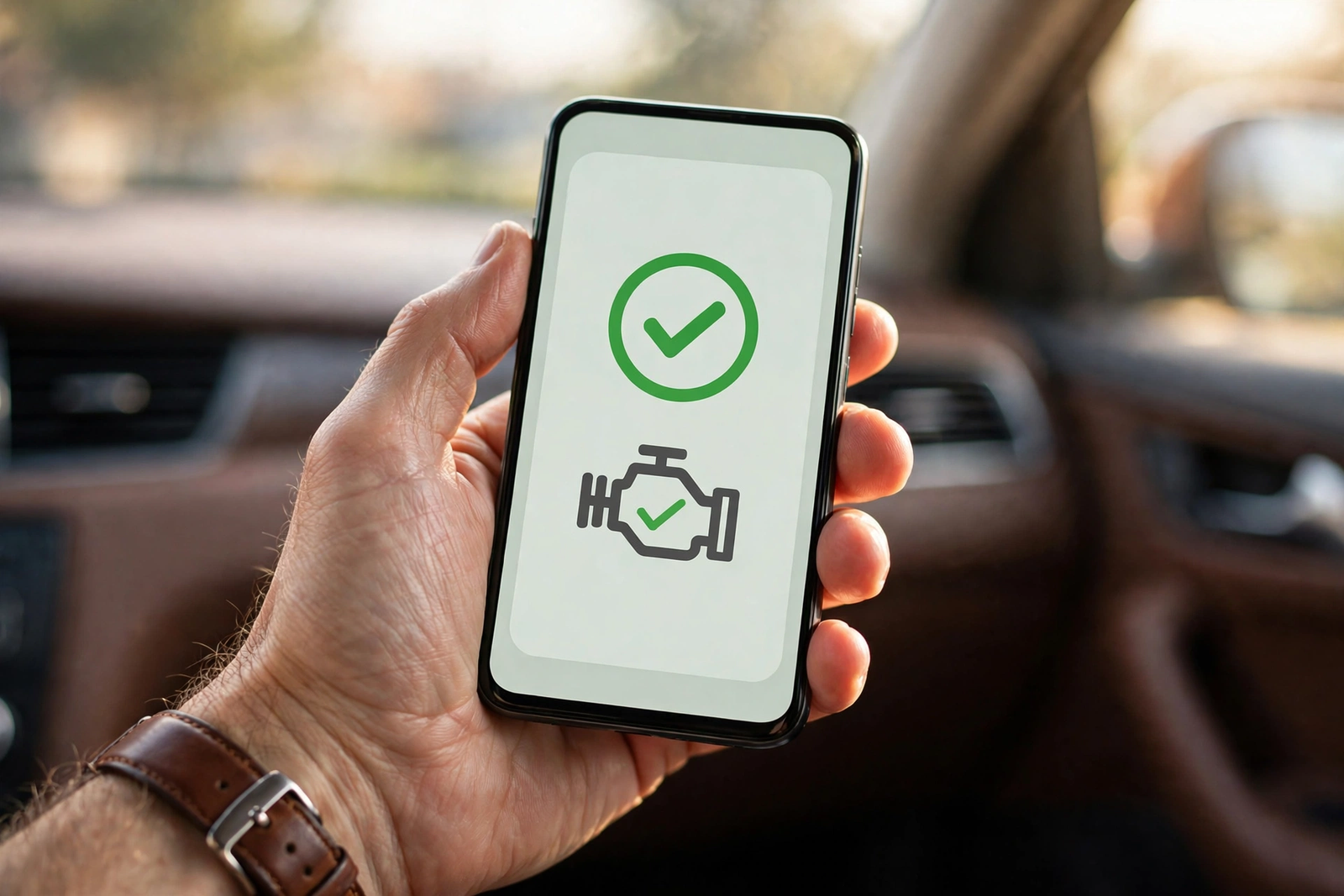
When the check engine light comes on, the app reads the stored fault code and turns it into a plain-English explanation: what the code means, how serious FIXD rates it, and whether it is safe to keep driving. According to the listing, the app translates more than 7,000 engine fault codes this way. Just as important is what FIXD is not: it covers engine codes only, and it is not a standalone reader — without a phone and the app, the sensor does nothing. One caution: some listing pages for this exact sensor say it is no longer in production and point buyers to a second-generation FIXD sensor, while other listings show it in stock. We could not settle that conflict today, so confirm the listing you open is this one-pack sensor.
Plain-English Code Reading: How the FIXD App Explains a Fault
A raw fault code is nearly useless to most drivers. A code on its own says nothing about whether the car is safe to drive, what might have caused it, or what the repair is likely to involve — and that gap is where garage bills start to feel like guesswork. As an obd2 code reader, FIXD closes that gap by giving each code a plain-English explanation, a severity rating, and guidance on the consequences of continued driving, so you walk into the garage knowing roughly what is wrong.
The app also gives a repair cost estimate for the fault it found: a basic estimate on the free tier, and a more detailed one based on parts and local labour rates on Premium, according to FIXD’s own description. Treat any estimate as a starting point for a conversation with a mechanic, not a quote — the app has not seen your car. The severity rating matters most on the day the light comes on: a loose fuel cap and a misfire light the same lamp, but one can wait for the weekend and the other should not be driven far. We claim no hands-on test of how accurate those ratings are.
Setup, Maintenance Reminders, and Multi-Car Tracking
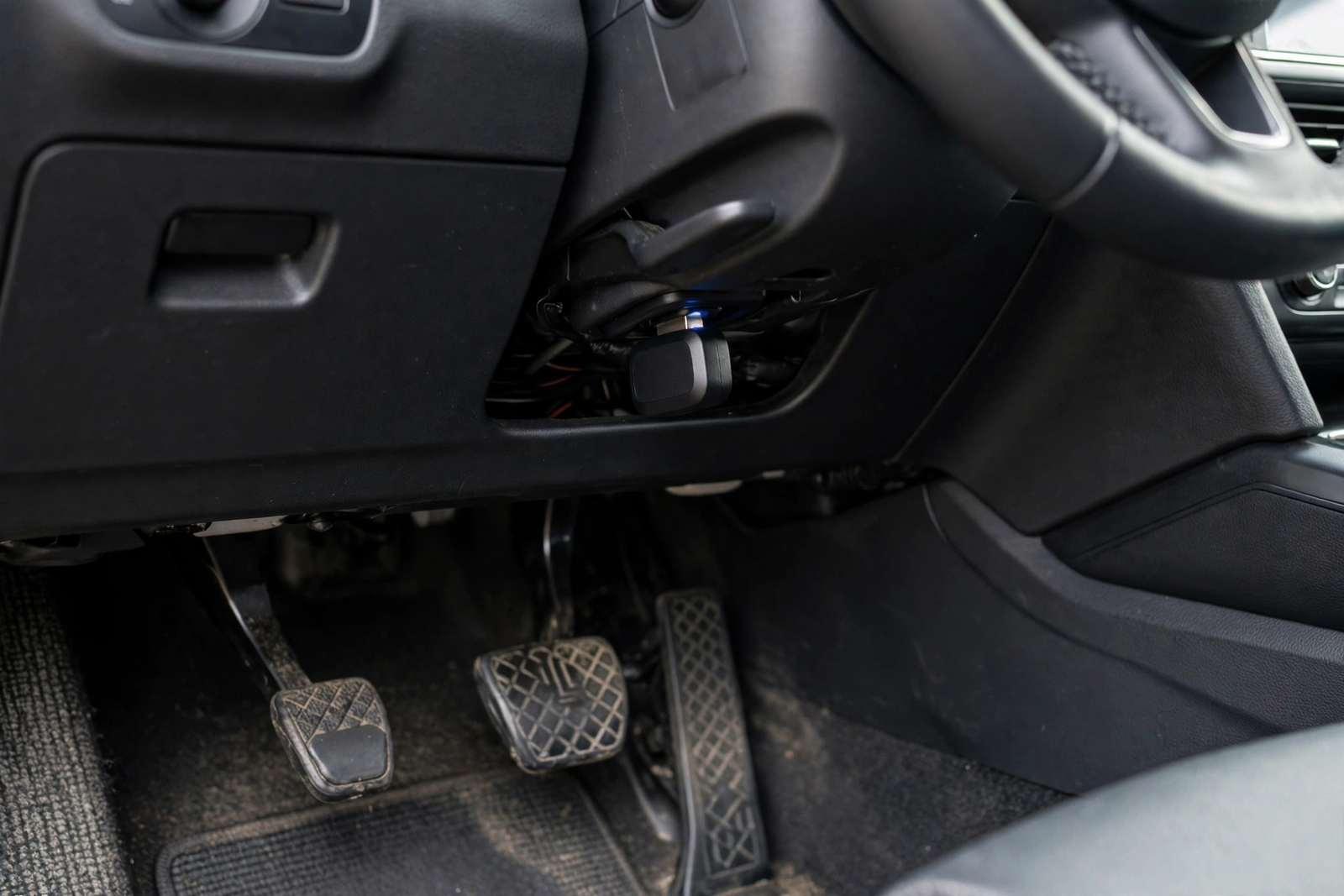
Setting FIXD up takes minutes, according to the listing, and there is nothing to install beyond the sensor itself. Find the 16-pin OBD2 port under the dashboard on the driver’s side, push the sensor in firmly, download the FIXD app, and pair it over Bluetooth. The app asks you to add your vehicle using its VIN and mileage, and from there the sensor stays plugged in and the app checks in with the car whenever you drive.
The sensor is small enough to leave plugged in, which is how the maintenance reminders earn their keep: FIXD tracks service intervals based on your car’s VIN and mileage, and reminds you about wear items such as oil life, battery, and tyre wear. Multi-car tracking is where FIXD suits a household better than a single-car reader — one account can follow several cars in the same app, with each car’s health, reminders, and fault history in one place. Each car needs its own sensor, so budget a sensor per car.
FIXD Premium: What the Subscription Adds — and What It Costs
Here is the catch, stated plainly: the sensor is only half the product, and the full version of the app is a subscription. The free FIXD app reads check engine codes, explains them in plain English, rates their severity, and tracks maintenance reminders — that much costs nothing beyond the sensor. FIXD Premium is the paid tier, and this one-pack listing includes a free 14-day Premium trial, which renews automatically unless you cancel before the trial ends. Set a reminder if you only want the trial.
Premium adds the features FIXD advertises most: a mechanic hotline for a second opinion from a certified mechanic, confirmed fixes and detailed cost estimates for your specific repair, an issue forecast, a note on how common your issue is, an emissions pre-check, and vehicle history reports. FIXD lists Premium at $99/year, billed annually, with a monthly billing option also offered. That is a real ongoing cost — over a few years, the subscription can cost more than the hardware did. If you drive an older car or run several cars, the hotline could pay for the subscription in a single use; if you only check a light once or twice a year, the free tier already does that. Use the trial on a real fault, and cancel before it ends if the paid features did not earn their keep.
Which Cars It Fits — and Which It Does Not
According to the listing, FIXD works with most gas-powered vehicles from 1996 or newer, including hybrids, and with diesel vehicles from 2008 or newer. That 1996 line is the OBD2 line: cars built for the US market from 1996 onward carry the standard 16-pin diagnostic port the sensor plugs into. As an obd 2 scanner, FIXD needs the car to actually have that port — check under the dashboard on the driver’s side before ordering.
The limits matter as much as the coverage. FIXD does not work on electric vehicles, which have no engine fault codes for it to read, and it will not fit cars built before OBD2 became standard. It reads engine fault codes only — the P-codes — so an ABS, airbag, transmission, or body warning needs a reader that covers those systems. Sources disagree on the diesel cut-off year, so if your car is a diesel from the mid-2000s, confirm the fit for your exact year and model. The app works with iPhone and Android over Bluetooth, and the sensor is only useful while paired with a phone — there is no screen on the sensor itself.
FIXD vs the Alternatives (ANCEL AD310, BlueDriver LSB2)
The ANCEL AD310 is the opposite idea to FIXD, and the better buy for drivers who dislike phone apps. It is a wired handheld reader with its own backlit screen: plug it into the same 16-pin port, read the code and its definition on the unit, clear it after a repair, and unplug it — no app, no Bluetooth pairing, no account, and no subscription. Our ANCEL AD310 review covers it in full: engine codes, live data, freeze frame data, emissions readiness, and an EVAP test, with free lifetime updates. Its limits mirror FIXD’s: engine codes only, no ABS or airbag coverage, and a small screen instead of a phone display.
The BlueDriver Bluetooth Pro OBDII Scan Tool LSB2 is the closest rival to FIXD, and the one to pick if the subscription is the deal-breaker. Like FIXD it is a Bluetooth sensor that turns your phone into the display, and like FIXD it reads more than 7,000 codes — but its app is free, with no subscription and no in-app purchases, and it covers more systems: ABS, airbag, and tyre-pressure monitoring, plus repair reports you can email as a PDF. As a vehicle code reader for a driver who wants deeper coverage without a yearly fee, BlueDriver is the stronger tool on paper; FIXD’s edge is the beginner-first experience.
Who Should Buy It — and Who Should Skip It
Buy FIXD if a check engine light is the problem you actually have and you want it explained rather than just read. It suits a first-time car owner, a nervous driver who dreads garage visits, and anyone buying a used car who wants to scan it before handing over money — the listing itself frames it as a tool for repairs and car buying. It also suits a household with more than one car, where the shared app view is worth more than any single scan. As an auto code reader for a driver who has never owned a scan tool before, it is the easiest starting point of the three readers here.
Skip it if you need more than the engine: an ABS or airbag light needs a reader that covers those systems, and FIXD will not see them. Skip it if you will not pay a yearly subscription for the full app — the free tier is genuinely useful, but the features FIXD advertises most are the paid ones, and the BlueDriver LSB2 above gives you a free app with deeper coverage. Skip it too if you dislike doing car jobs through a phone — the wired ANCEL AD310 in our ANCEL AD310 review is the no-app alternative. And skip it if your car is electric or predates OBD2.

Verdict
The FIXD Bluetooth OBD2 Scanner is the most beginner-friendly car code reader of the three in this review, and that is a real achievement rather than a polite way of saying it does less. It plugs in within minutes, explains more than 7,000 engine codes in plain English, rates how serious each fault is, and keeps track of maintenance and several cars in one app. Its limits are equally clear: engine codes only, no screen without a phone, and the best features behind a yearly subscription. Accept those facts and FIXD is a strong buy for the driver it is built for; if any of them is a deal-breaker, the ANCEL AD310 or the BlueDriver LSB2 above is the honest next step.
Frequently Asked Questions
Does the FIXD scanner work without the Premium subscription?
Yes. The free FIXD app reads check engine codes, explains them in plain English, rates their severity, and tracks maintenance reminders, with no subscription needed. FIXD Premium is a paid yearly subscription that adds the mechanic hotline, detailed repair cost estimates, issue forecasts, emissions pre-checks, and vehicle history reports. The one-pack listing includes a free 14-day Premium trial that renews automatically unless you cancel before it ends.
Will FIXD work on my car?
According to the listing, FIXD works with most gas-powered vehicles from 1996 or newer, including hybrids, and with diesel vehicles from 2008 or newer. Your car needs the standard 16-pin OBD2 diagnostic port under the dashboard. It does not work on electric vehicles, and it will not fit cars built before OBD2 became standard. If your car is a diesel from the mid-2000s, confirm the fit for your exact year and model first, because sources disagree on the diesel cut-off year.
Can FIXD clear the check engine light?
Yes. The FIXD app reads diagnostic trouble codes and clears them, which turns off the check engine light. Clearing a code does not fix the fault behind it, so if the problem is still there, the light will come back after a few drive cycles. Always repair the fault first, then clear the code, and scan again after driving to confirm the repair held.
Does FIXD read ABS or airbag codes?
No. FIXD reads engine fault codes only, the P-codes, and does not cover ABS, airbag, transmission, or body systems. If an ABS or airbag warning light is on, you need a reader that covers those systems, such as the BlueDriver LSB2 in the Quick Pick above, which covers ABS, airbag, and tyre-pressure monitoring.
Do I need a separate sensor for each car?
Yes. One FIXD account can track several cars in the same app, but each car needs its own sensor plugged into its own OBD2 port — one sensor cannot watch two cars. Budget a sensor per car, and check whether the Premium features you want cover every car on the account or just one.
Should I buy FIXD or the BlueDriver LSB2?
Buy FIXD if you want the most beginner-friendly experience: plain-English explanations, severity ratings, maintenance reminders, and multi-car tracking in one app. Buy the BlueDriver LSB2 if you want deeper coverage without a yearly subscription — its app is free, it covers ABS, airbag, and tyre-pressure monitoring, and it gives vehicle-specific repair reports. If you dislike phone apps altogether, the wired ANCEL AD310 is the no-app alternative.