A check engine light tells you something is wrong and nothing about what to do next. The BlueDriver Bluetooth Pro OBDII Scan Tool, model LSB2, closes that gap: it turns your phone into automotive diagnostic tools that not only read the fault code but explain it, with a vehicle-specific Repair Report listing the definition, possible causes, and fixes reported for your exact car. There is no screen on the sensor, no subscription, and no in-app purchase — the phone is the display.
In this review of the BlueDriver OBD2 scan tool, we cover what the sensor reads, where its deeper ABS and airbag coverage depends on your car, what the app adds beyond a code number, and how it compares with the wired ANCEL AD310 and the Autel AL519. The Quick Pick table below has the short version.
As an Amazon Associate I earn from qualifying purchases.
| Pick | Product | Why it stands out | Check Price |
|---|---|---|---|
| Overall Winner | BlueDriver Bluetooth Pro OBDII Scan Tool (LSB2) | Phone-based scanning with vehicle-specific Repair Reports and no subscription | |
| Best Budget | ANCEL AD310 OBD II Scanner | Wired handheld with its own screen — no phone, no app, no pairing | |
| Premium Pick | Autel AutoLink AL519 OBD2 Scanner | Handheld with Mode 6 diagnostics, one-click smog check and DTC lookup |
Table of Contents
What the BlueDriver LSB2 Is: Automotive Diagnostic Tools on Your Phone
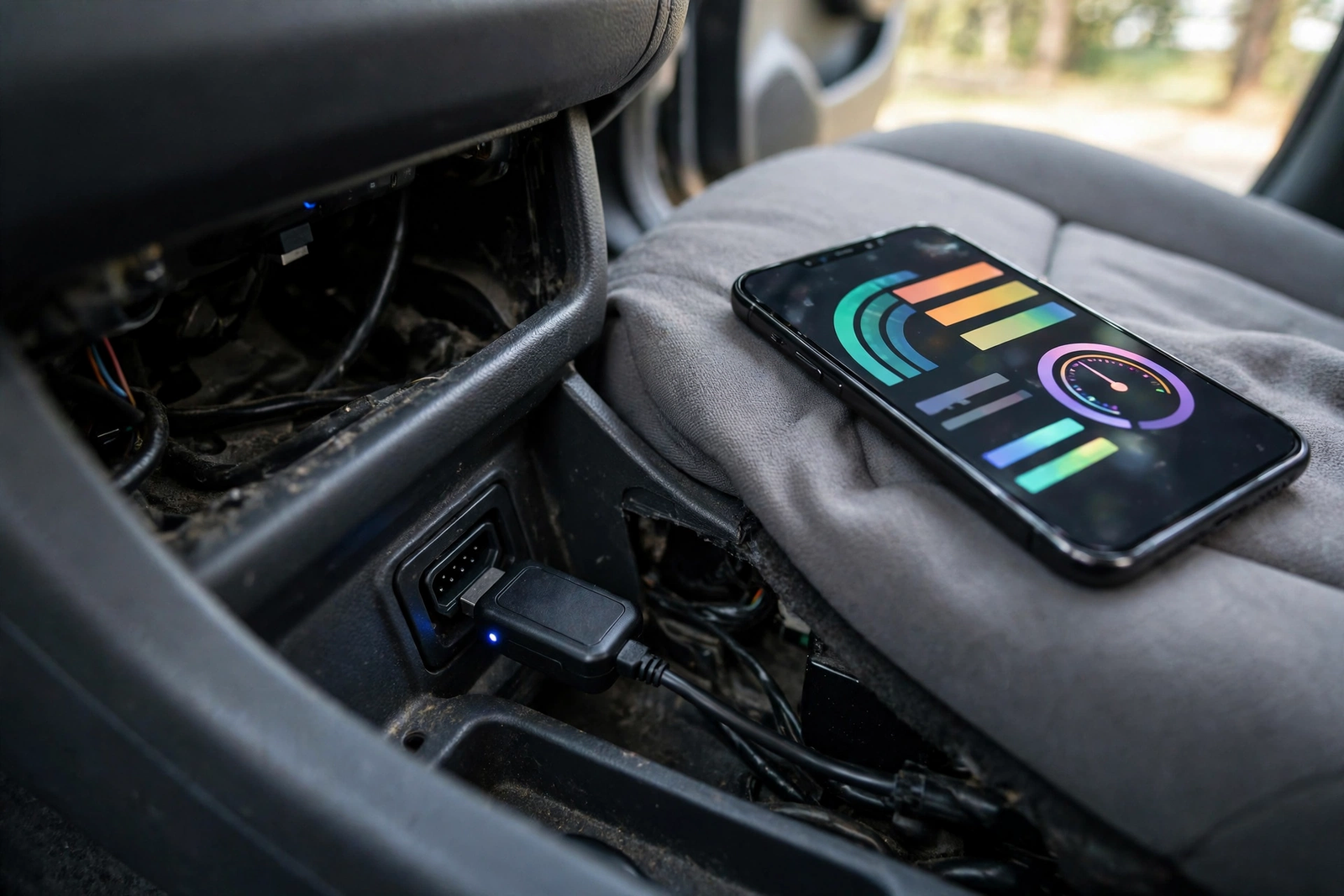
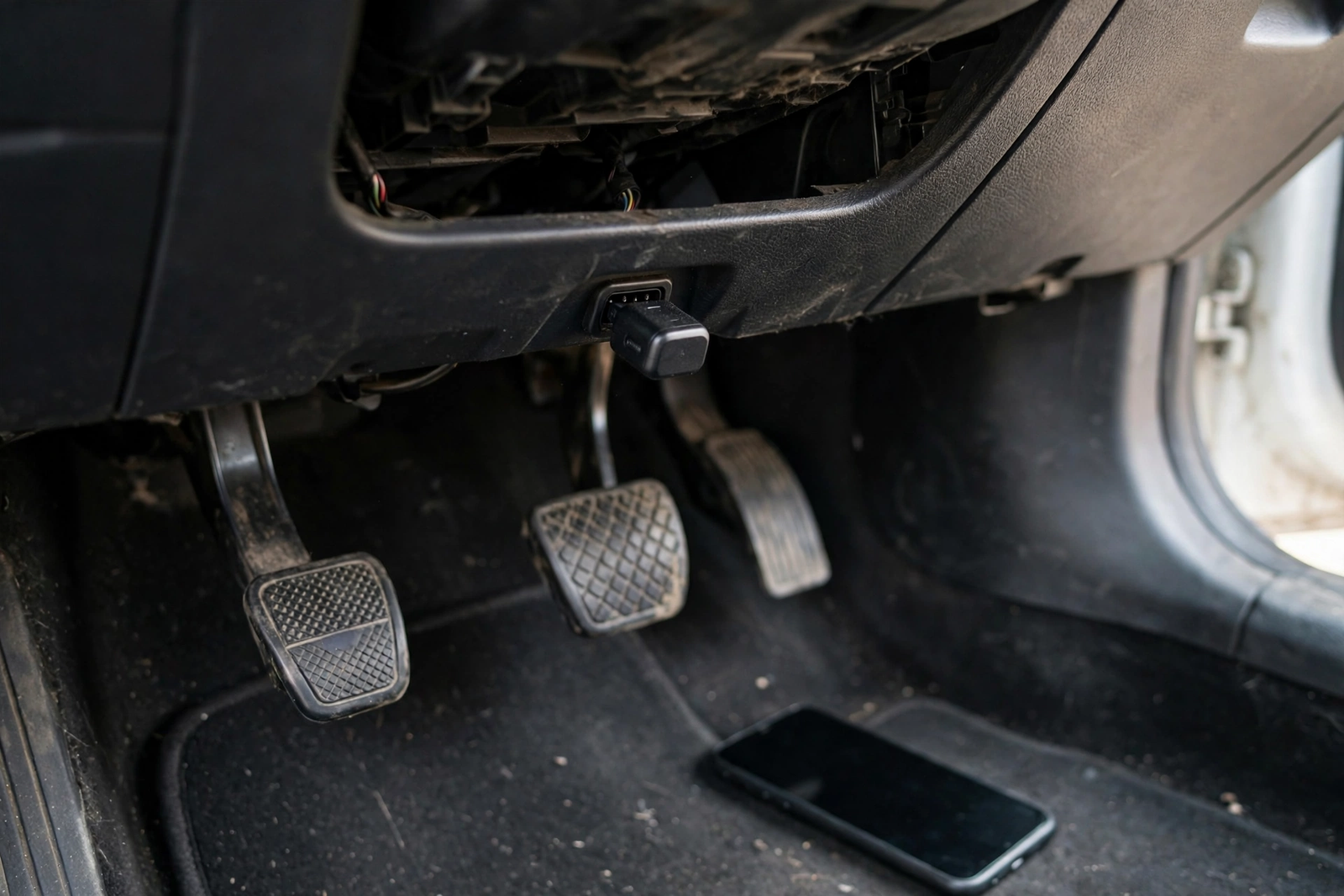
The BlueDriver LSB2 is a small Bluetooth sensor that plugs into your car’s 16-pin OBD2 diagnostic port, usually under the dashboard on the driver’s side, and talks to your phone. It has no screen, no buttons, and no battery of its own — it draws power from the car — and the listing gives its length as 2.2 inches, so it sits low and out of the way. Everything you see and tap happens in the free BlueDriver app on iPhone or Android.
That phone-first design is the whole point. A handheld scanner shows a code on a small screen and leaves the research to you; BlueDriver shows the code on a phone screen and explains it, with a Repair Report matched to your vehicle’s year, make, and model. The listing calls it a professional diagnostic scan tool that reads over 7,000 codes, and the Google Play listing says it is trusted by over 1 million drivers — the store’s claim, not a verified one.
Just as important is what the LSB2 is not. It is not a standalone reader: the sensor does nothing on its own, and the app cannot scan a car alone — the two work exclusively as a single tool, per the listing. It is not a full professional scan tool for every system on every car, because deeper coverage depends on your make and model. And it is not a repair: clearing a code turns the light off, but if the fault is still there, the light comes back.
How It Works: Sensor, Bluetooth, and the Free App
Using the BlueDriver takes about five minutes the first time and less after that. Find the 16-pin port under the dashboard, push the sensor in firmly, and turn the ignition on. The sensor powers up from the car and pairs with the phone over Bluetooth — no cables, nothing to charge — and the app reads the car and shows any stored codes.
The app is free, with no subscription and no in-app purchases, according to the listing — the only purchase is the sensor itself. That matters because the usual catch with phone-based scan tools is a monthly fee that unlocks the useful features; BlueDriver’s listing is explicit that there are none. The sensor is made by Lemur Vehicle Monitors, and the app is licensed for iOS and Android.
As an obd diagnostic tool with no screen of its own, the LSB2 lives or dies by the phone in your pocket: a strength when the phone is charged and the app is installed, a weakness when it is not, since a dead phone battery means no scan where a wired handheld would still work. Keep the app installed before you need it.
What It Can Read and Clear: Codes, Live Data, and Repair Reports
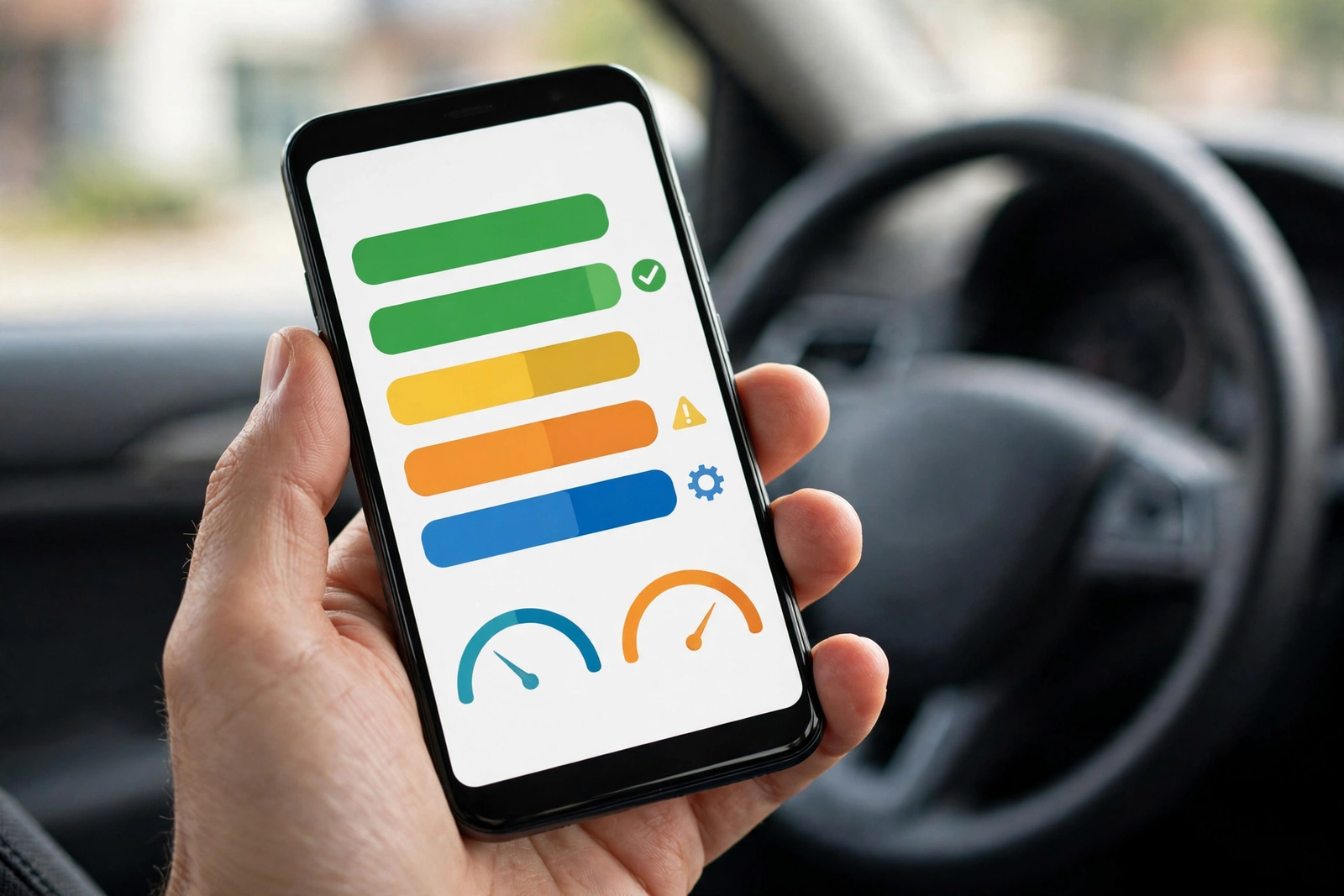
The LSB2 reads and clears check engine codes — confirmed, pending, and permanent, per the listing — and shows a definition for each one. After a repair, it clears the codes, turns off the check engine light, and resets the monitors. The listing puts coverage at over 7,000 codes, and the app pairs each code with a Repair Report: the definition, possible causes, and reported fixes specific to your vehicle, from a database the listing says is verified by ASE-certified technicians. The report can be emailed as a PDF to share with a mechanic.
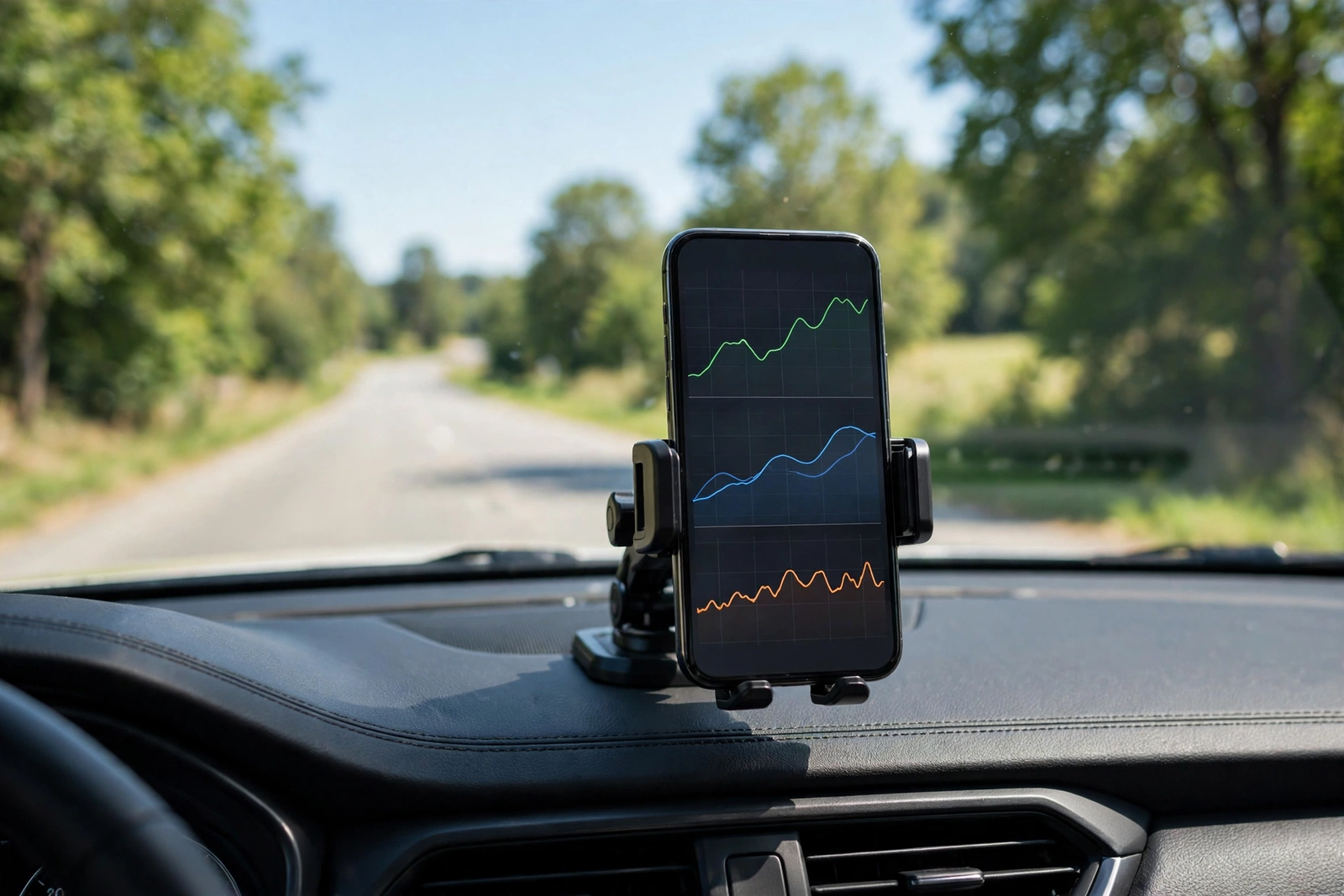
A code tells you what the computer recorded; live data tells you what the engine is doing right now. The app streams live sensor readings — engine speed, coolant temperature, fuel system status, and more — and can graph several at once or export the log to a file. That is the feature that turns the LSB2 from a simple scanner into a diagnostic aid: a sensor reading that looks wrong in real time is worth more than a single stored code, especially for faults that come and go.
Two honest caveats belong here. First, clearing a code does not fix the fault behind it — if the problem is still there, the light returns after a few drive cycles. Second, the app can only show what the car sends it, so two cars with the same light may not offer the same depth of data.
The Repair Report is the feature that separates BlueDriver from a plain code lookup. Instead of a bare definition, you get the possible causes and the fixes reported for your exact vehicle — the difference between knowing a code number and knowing what to check first — and the app links repair videos for common issues. Freeze frame saves a snapshot of the engine’s condition when a fault code is set, the smog check shows whether the car’s emissions monitors are ready for a test, and Mode 6 shows on-board monitoring test results, so you can see a component drifting toward failure before it sets a code.
ABS, Airbag, and TPMS: Where Coverage Depends on Your Car
The listing promises the BlueDriver diagnoses check engine, ABS, SRS airbag, and more than 7,000 issues. The fine print is that the enhanced coverage — ABS, airbag, transmission, and TPMS — is offered only for supported makes and model years: GM, Ford, Chrysler, Toyota, Nissan, and Mazda worldwide, plus 2005 and newer Mercedes, 2008 and newer Mitsubishi, and 2011 and newer Hyundai, as well as VW, 2003 and newer Honda, and 2005 and newer BMW in North America, and Subaru in the United States.
If your car is on that list, the LSB2 reaches beyond the engine: it can read and clear enhanced codes for the systems above — the difference between a tool that explains an ABS light and one that cannot see it at all. If your car is not on the list, the engine features still work on any OBD2 vehicle, per the listing, but the deeper systems stay out of reach. Check BlueDriver’s compatibility page for your exact year, make, and model before ordering: “enhanced diagnostics may not yet be offered on your vehicle” is the listing’s own warning, and the most common reason buyers end up disappointed.
BlueDriver vs the Alternatives (ANCEL AD310, Autel AL519)
The ANCEL AD310 is the opposite idea to the BlueDriver: a wired handheld with its own backlit screen that plugs into the same 16-pin port, draws power from the car, and needs no phone, no app, and no pairing. It reads and clears check engine codes, shows live data and freeze frame, checks emissions readiness, and runs an EVAP system test — but it is engine only, with no ABS or airbag coverage and no battery test. If all you need is an engine code reader and you dislike phone apps, the AD310 is the simpler buy — our ANCEL AD310 review covers it in full.
The Autel AutoLink AL519 is the step up for drivers who want more than the basics from a handheld: Mode 6 diagnostics — deeper test results that show how close a component is to failing before it sets a code — plus a one-click smog check and DTC lookup, with lifetime free updates. Like the AD310 it has its own screen and needs no phone. Among automotive diagnostic tools at this level, the AL519 is the pick for a driver who does their own maintenance on a standalone unit; the BlueDriver is the pick for a driver who wants repair guidance on a phone screen.
Fitment: Which Cars It Works On — and Which It Does Not
As a diagnostic tool for cars built from 1996 onward, the BlueDriver works on all vehicles 1996 or newer, domestic and import, per the listing, and supports all OBD2 protocols including CAN. The condition that matters is the port: the car must be OBD2-compliant with the standard 16-pin connector under the dashboard on the driver’s side. No 16-pin port means no scan, so check for the port before ordering if your car is near 1996.
Just as important is what it does not fit. It does not work on cars with the older OBD1 system — no adapter makes a Bluetooth OBD2 sensor speak the older protocol, because the car itself does not speak it. It also does not diagnose systems the car does not expose: enhanced ABS, airbag, transmission, and TPMS coverage depends on the make and model list above, and a car outside that list still gets engine codes and Repair Reports.
Who Should Buy It — and Who Should Skip It
Buy the BlueDriver LSB2 if you want more than a code number — a Repair Report that tells you the likely cause and the reported fix for your exact car, on a phone screen. It suits a driver with one or two cars who wants to know whether a light means a loose fuel cap or a failing sensor before booking a garage visit, and anyone who would rather tap an app than squint at a two-inch handheld screen. It also suits a driver whose car is on the enhanced-diagnostics list and wants ABS and airbag coverage without a professional scan tool.
Skip it if you dislike phone apps for car jobs: the sensor does nothing without the app, and a dead phone battery means no scan. Skip it too if your car is not on the enhanced-diagnostics list and an ABS or airbag light is the problem you actually have — the engine features will still work, but the deeper systems stay out of reach. Skip it if your car is OBD1 or predates OBD2, and skip it if you want a tool with its own screen: the ANCEL AD310 review covers the wired handheld that needs no phone at all.
Verdict
The BlueDriver LSB2 is a vehicle diagnostic tool that earns its place by answering the question a code alone cannot: what is wrong, and what do I do about it. The Bluetooth sensor, the free app with no subscription, the vehicle-specific Repair Reports, live-data graphing, freeze frame, smog check, and Mode 6 add up to a complete phone-based package, and the enhanced ABS and airbag coverage, where your car supports it, is the step beyond a basic engine scanner. Its limits are equally clear: it needs a charged phone, its best features depend on your car’s make and model, and it cannot fix anything by itself. Accept those facts and this is a strong buy; if any is a deal-breaker, the alternatives above are the honest next step.
Frequently Asked Questions
Does the BlueDriver LSB2 need a subscription?
No. The BlueDriver app is free, with no subscription and no in-app purchases, according to the listing. The only purchase is the sensor itself, and once you have it, you have access to everything the app offers, including Repair Reports, live data, freeze frame, smog check, and Mode 6.
Will BlueDriver work on my car?
It works on all vehicles 1996 or newer, domestic and import, that have the standard 16-pin OBD2 port, per the listing. It supports all OBD2 protocols including CAN. It does not work on cars with the older OBD1 system. Check for the 16-pin port under the dashboard on the driver’s side before ordering, and check BlueDriver’s own compatibility page for your exact year, make, and model if you want the enhanced ABS and airbag coverage.
Does BlueDriver read ABS and airbag codes?
Yes, but only on supported makes and model years. Enhanced diagnostics covering ABS, airbag, transmission, and TPMS are offered for GM, Ford, Chrysler, Toyota, Nissan, and Mazda worldwide, plus 2005 and newer Mercedes, 2008 and newer Mitsubishi, and 2011 and newer Hyundai, as well as VW, 2003 and newer Honda, and 2005 and newer BMW in North America, and Subaru in the United States. On cars outside that list, engine codes and Repair Reports still work, but the deeper systems are not covered.
What is a BlueDriver Repair Report?
A Repair Report is a vehicle-specific explanation of a fault code: the code definition, possible causes, and reported fixes for your exact year, make, and model, with the fixes drawn from a database the listing says is verified by ASE-certified technicians. The report can be emailed as a PDF, so you can share it with a mechanic or keep it with the car’s records.
Do I need the BlueDriver app, or does the sensor work on its own?
You need the app. The sensor has no screen and no buttons, and the app on its own cannot scan a car — the two are designed to work exclusively as a single tool, per the listing. The app is free for iPhone and Android, with no subscription or in-app purchases, and the sensor pairs with your phone over Bluetooth with no cables between them.
Should I buy the BlueDriver or the ANCEL AD310?
Buy the BlueDriver if you want repair guidance on a phone screen — Repair Reports matched to your car, live-data graphs, and enhanced ABS and airbag coverage where your car supports it. Buy the ANCEL AD310 if you want the simplest tool possible: a wired handheld with its own screen that needs no phone, no app, and no pairing, and covers engine codes only. If an ABS or airbag light is the job and your car is on BlueDriver’s enhanced list, the BlueDriver is the better pick; if it is not on the list, neither tool covers those systems, and the AD310 is the simpler buy.