The Garmin Dash Cam 67W is a pocket-sized front camera that records in 1440p through an extra-wide 180-degree lens, with voice control, GPS and a 2-inch screen for playback. Among car dash cameras, it sits in the middle of Garmin’s own range: sharper than the tiny Mini 3, simpler than any two-channel setup, with a 16GB memory card already in the box. The catch is the connected half: Parking Guard and remote live view need extras that are not in the box.
In this review of the Garmin Dash Cam 67W, we cover what the 1440p video and the 180-degree view actually record, how the screen, voice control and the app work, what GPS and the Vault add, and what Parking Guard really needs. We also compare it with the Mini 3 and the ROVE R2-4K Dual. The Quick Pick table below has the short version first.
As an Amazon Associate I earn from qualifying purchases.
| Pick | Product | Why it stands out | Check Price |
|---|---|---|---|
| Overall Winner | Garmin Dash Cam 67W | 1440p through a 180-degree lens, voice control, GPS, 2-inch screen and a 16GB card included | |
| Best Budget | Garmin Dash Cam Mini 3 | Smallest, simplest single-channel camera — 1080p, no screen, no card in the box, no fuss | |
| Premium Pick | ROVE R2-4K Dual Dash Cam | 4K front (upscaled) plus 1080p rear, Sony IMX675 STARVIS 2 sensor, 128GB card included |
Table of Contents
What the Garmin Dash Cam 67W Is Among Car Dash Cameras
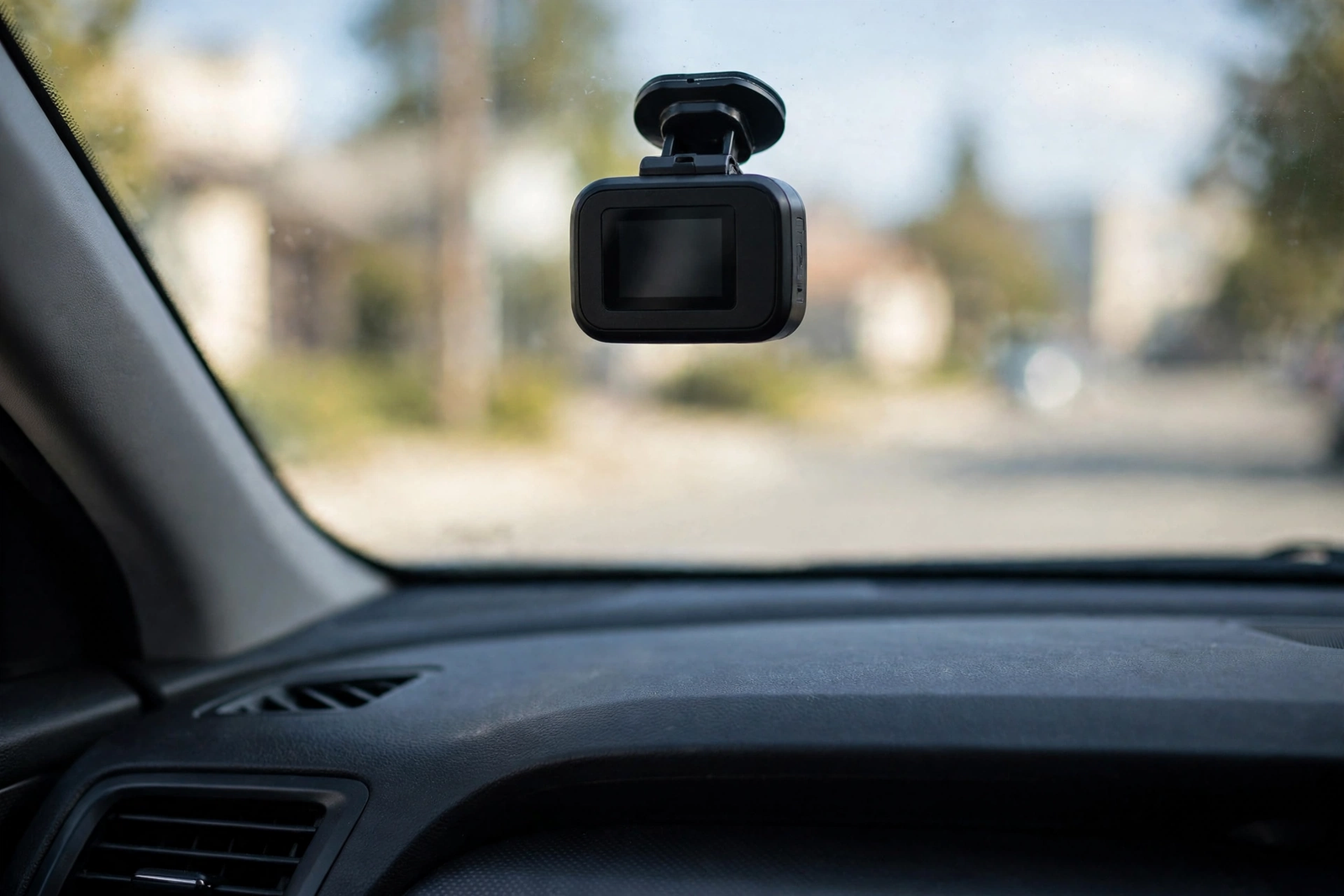
The Garmin Dash Cam 67W is a single-channel front camera: one lens, one direction, one job. It mounts on the windshield on a low-profile magnetic mount, starts recording automatically when the car powers up, and saves incident video with the GPS location, date and time stamped on it. At 2.21 by 0.86 by 1.59 inches and 2.01 ounces, it is pocket-sized and all but disappears behind the rearview mirror. Among the car cameras on the market, the 67W is the middle Garmin: sharper than the Mini 3, simpler than a two-channel setup.
What comes in the box, according to the listing, is the camera, a preinstalled 16GB microSD card, the low-profile magnetic mount, two vehicle power cables and a dual USB power adapter. The two cables are the thoughtful part: a longer 13.25-foot cable for a tidy permanent installation routed behind the trim, and a shorter 5-foot cable for temporary use or moving the camera between vehicles. The camera supports cards up to 512GB, Class 10 or faster, so a larger card holds more history before loop recording overwrites the oldest footage.
Just as important is what the 67W is not. It is not a rear camera: no second channel, no rear camera in the box, and none can be added. Garmin’s Dash Cam Video Sync links up to four separate Garmin cameras in the app, but that is four front cameras in four places, not a rear view of your own car. It is not an automotive backup camera either — it records the road ahead for evidence, not the bumper view while you reverse. And it is not a 4K camera: 1440p is the top setting.
Video Quality: 1440p and the 180-Degree View
The headline spec is 1440p: 2560 by 1440 at 30 frames per second with Garmin Clarity HDR, or 1080p at 60 frames per second if you prefer smoother motion over resolution. That puts the 67W between the Mini 3’s 1080p and the 4K front cameras in our five-pick dash cam roundup. In bright daylight the extra pixels show where they matter: plates stay readable a little further out, with more room to crop into a frame after the fact.
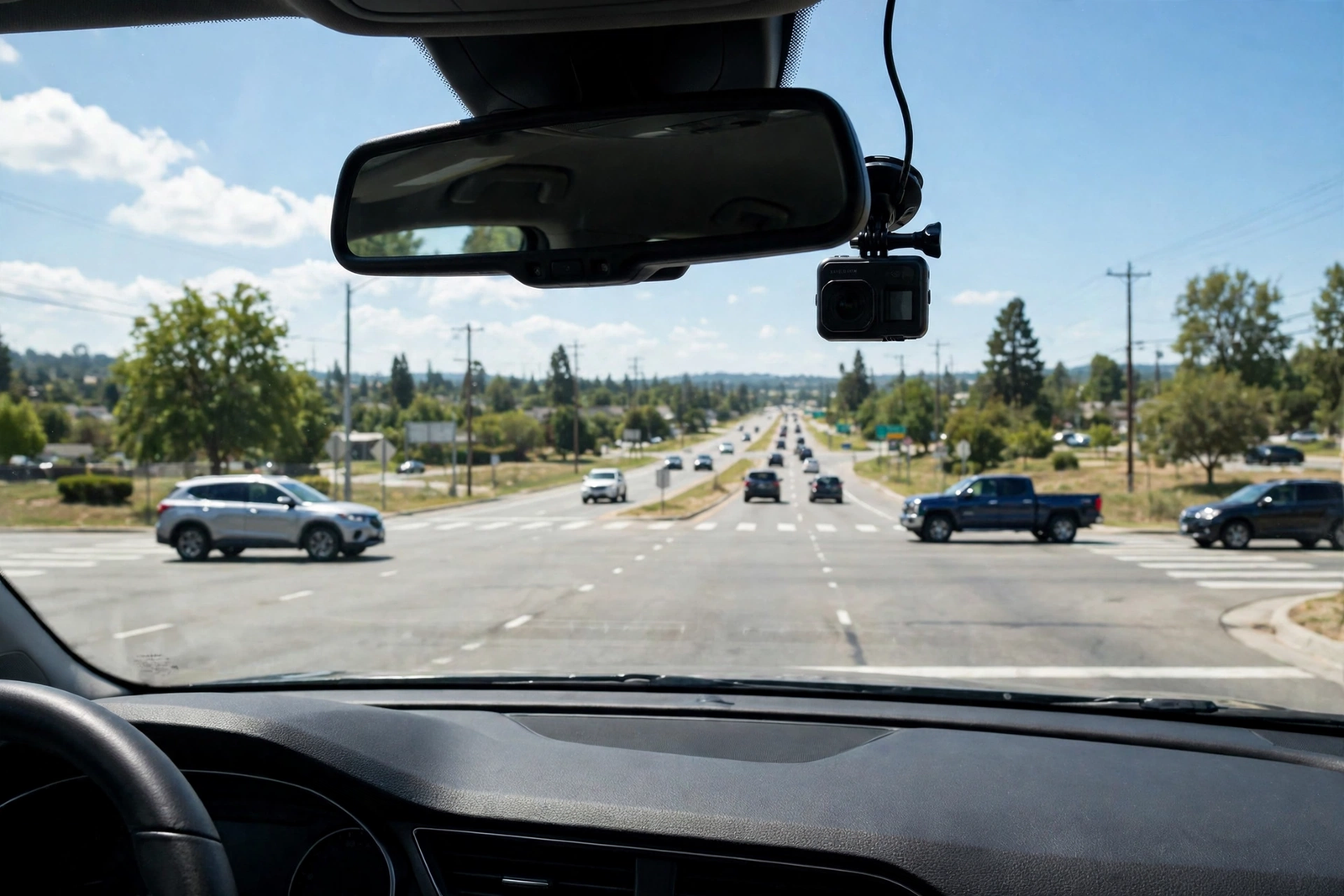
The lens is the 67W’s real party piece: an extra-wide 180-degree field of view. It catches the road ahead, the adjacent lanes and much of the cross traffic at an intersection. The trade-off is the usual ultra-wide one: straight lines bend at the frame edges. HDR helps in the high-contrast moments that matter most — driving out of a tunnel into bright sun, or facing oncoming headlights at night — blending multiple exposures to hold the bright areas back while the shadows stay visible.
Incident detection is automatic: when the camera detects an incident, it saves that clip, so the footage is preserved instead of being overwritten by loop recording as the card fills up. That is the core job of any of the car dash cameras in this class, and the 67W does it without your phone nearby.
Screen, Voice Control, and the Garmin Drive App
Yes, the 67W has a screen. It is a 2-inch LCD display on the back of the camera, and it is the single biggest everyday difference between the two Garmins. You can play video back on the device, frame the shot and change settings without your phone. It is a small, low-resolution screen, and serious clip review is still best on your phone — but for a quick check at the roadside it is there, where the Mini 3 has nothing at all.
Voice control is the other hands-free half. You can use spoken commands to save a video clip, start or stop audio recording, and take a still picture, in English, German, French, Spanish, Italian and Swedish. That is a genuine safety feature: when something happens on the road, you can lock the clip in with a spoken command instead of reaching for the camera or your phone. Audio can also be stopped by voice.
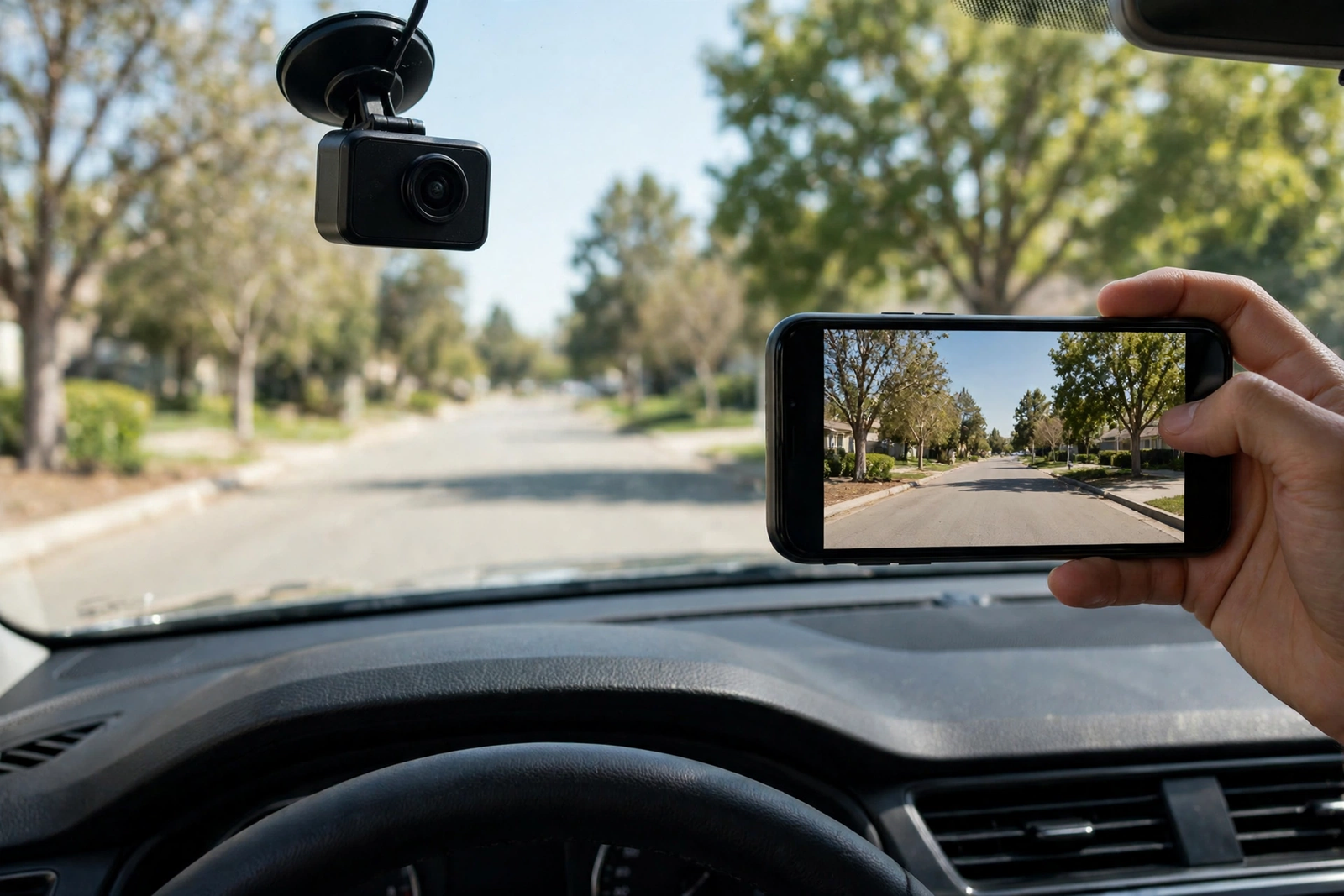
The Garmin Drive app handles everything else. It connects over Bluetooth and Wi-Fi, shows the live view for aiming, and lets you view, save and share clips without pulling the memory card. It can also link multiple Garmin cameras into one network, so a second Garmin in another vehicle shows up in the same app. One caution from Garmin: some jurisdictions regulate or prohibit the use of this device, so check your local rules before you install it.
GPS, Wi-Fi, and the Vault
GPS is built in, and it does more than stamp your speed on the video. It records your location alongside the footage, so a clip shows where and how fast you were travelling — the detail that matters if footage ever supports an insurance claim.
Wi-Fi is what moves clips off the camera. Saved videos upload automatically over Wi-Fi to the Garmin Vault, the secure online storage where you can view and share them later, including sending a clip to someone else with a link and passcode. The camera records to the card with or without Wi-Fi, and no subscription is needed for local recording.
The Vault’s free tier keeps saved clips for 24 hours from upload, and paid plans extend that to 7 days or 30 days. Live View — checking the camera remotely while you are away from your parked car — also needs a Vault subscription, plus constant power and an active Wi-Fi connection. Red light and speed camera alerts work only in select regions and need a subscription for database updates.
Parking Guard: What It Really Needs
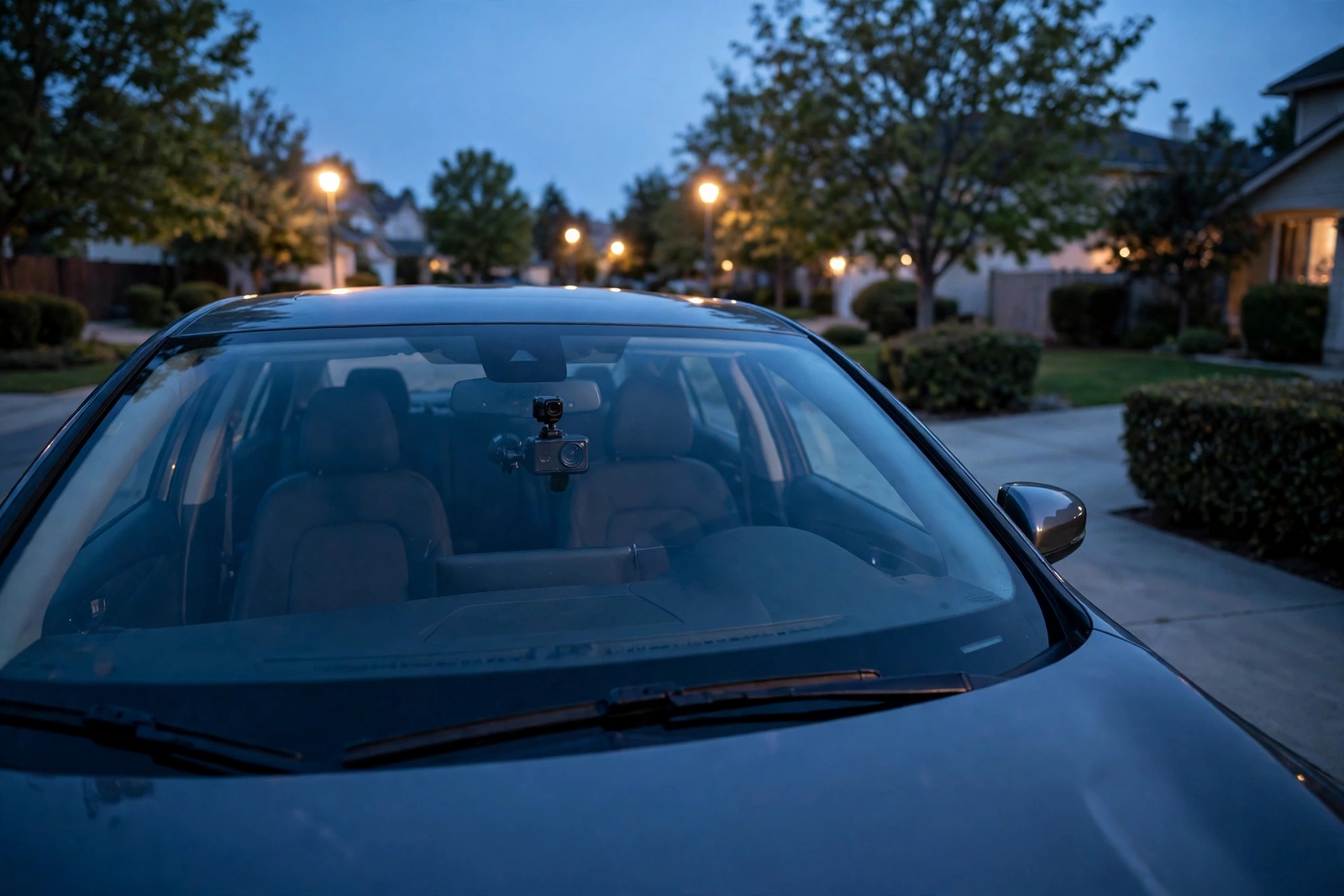
Parking Guard is the 67W’s parked-car feature: it monitors your parked vehicle, and if an incident is detected it records video and sends a clip notification to your phone through the Garmin Drive app. That sounds like out-of-the-box protection, but it is not. The alert reaches your phone over Wi-Fi, so the camera needs a Wi-Fi connection it can reach while parked — your home Wi-Fi in the driveway, for example. Parked beyond Wi-Fi range, the notification has no route to your phone.
The power requirement is the one that costs extra. The included power setup runs the camera while the car is on; keeping it powered while parked needs Garmin’s Constant Power Cable, sold separately. The cable plugs into the OBD-II port and can power up to two Garmin cameras for a set time after you turn the car off. Without it, the camera can still use its built-in battery to record when an incident is detected — a fallback for one incident, not all-night monitoring — and with an external power source it records 15 seconds before incidents too.
So the honest picture is this: the 67W can watch a parked car, but only as a system — the camera, the Constant Power Cable, a Wi-Fi network in range, and the app on your phone. If parked-car protection is the main reason you are buying, budget for the cable from day one and check your usual parking spot is inside your home Wi-Fi.
Garmin 67W vs the Alternatives (Mini 3, ROVE R2-4K Dual)
The Garmin Dash Cam Mini 3 is the 67W’s smaller sibling, and the choice between them is a trade of size against capability. Our Garmin Dash Cam Mini 3 review covers it in full: a key-sized 1080p camera with a 140-degree view, voice control, a built-in Clarity polarizer, and no screen at all. It is smaller and simpler, it hides behind the mirror, and it just records. But it comes with no memory card in the box, and its Parking Guard needs the same extras. If you want the smallest front camera you can buy and will manage everything by phone, take the Mini 3. If you want sharper 1440p video, a screen, and a card in the box, the 67W is the honest step up.
The ROVE R2-4K Dual is the premium step in the other direction: more coverage, not just more resolution. Our ROVE R2-4K Dual review covers it in full: 4K front (upscaled from a native 2.5K sensor) plus 1080p rear, a Sony IMX675 STARVIS 2 sensor, a 3-inch touchscreen, dual-band Wi-Fi, a supercapacitor, and a 128GB card included. If you need a rear camera for car coverage, the 67W cannot give it to you — the ROVE watches both directions and records the rear-end collision the Garmin misses. The ROVE is also the largest and most visible of the three, and like both Garmins its parking mode needs a hardwire kit sold separately.
Who Should Buy It — and Who Should Skip It
Buy the Garmin 67W if you want sharper-than-1080p front video with a screen you can check at the roadside, plus voice control, GPS stamps and a card already in the box. It suits drivers who want one camera fitted once and forgotten, commuters who want incident evidence with location and time stamped on it, and anyone already in Garmin’s world who likes linking several cameras in one app. Its pocket size and magnetic mount also suit a leased or shared car, since it lifts off and moves between vehicles.
Skip it if you need rear coverage — a rear-end collision is the most common crash, and this camera does not record it; the ROVE above is the better buy. Skip it too if you want true 4K, if parked-car alerts are your main reason for buying without budgeting for the Constant Power Cable and Wi-Fi in range, or if you want the smallest and cheapest front camera — the Mini 3 covers that job for less.
Verdict
The Garmin Dash Cam 67W is a complete single-channel camera: 1440p through a 180-degree lens, Clarity HDR, a 2-inch screen, voice control, GPS, and a 16GB card in the box. Among car dash cameras, it is the sensible middle ground — sharper than the Mini 3, simpler than any two-channel setup. Its limits are equally clear: no rear camera, no 4K, and Parking Guard that only works as a system with a cable, Wi-Fi and the app. Accept those three facts and this is a strong buy.
Frequently Asked Questions
Does the Garmin Dash Cam 67W have a screen?
Yes. The Garmin Dash Cam 67W has a 2-inch LCD display on the back of the camera, which you can use to play video back right on the device, frame the shot when you aim the lens, and change settings without opening your phone. It is a small, low-resolution screen, and serious clip review is still best on your phone, but it is a real screen — unlike the Garmin Dash Cam Mini 3, which has no screen at all.
Does the Garmin Dash Cam 67W record the rear of the car?
No. The Garmin Dash Cam 67W is a single-channel front camera only, with no rear camera and no way to add one. Garmin’s Dash Cam Video Sync links up to four separate Garmin cameras in the app, but that is four front cameras in four places, not a rear view of your own car. If you need rear coverage, the ROVE R2-4K Dual in the comparison above records both directions.
Is a memory card included with the Garmin Dash Cam 67W?
Yes. A 16GB microSD card comes preinstalled in the box, and the camera supports cards up to 512GB, Class 10 or faster. A larger card holds more driving history before loop recording starts overwriting the oldest footage, so buy a bigger card with the camera if you want to keep more than a few days of driving.
Does Parking Guard work out of the box?
No. Parking Guard needs an active Wi-Fi connection and constant power, and constant power needs Garmin’s Constant Power Cable, which is sold separately and plugs into the vehicle’s OBD-II port. Without the cable, the camera can still use its built-in battery to record when an incident is detected, but that is a fallback for one incident, not all-night monitoring. The alert also only reaches your phone when the camera is on a Wi-Fi network it can reach.
Do I need a Vault subscription to use the Garmin Dash Cam 67W?
No. The camera records to the memory card with no subscription at all, and no subscription is needed to save and view clips locally. The Vault is Garmin’s secure online storage for cloud backup and remote access: the free tier keeps saved clips for 24 hours from upload, and paid plans extend that to 7 days or 30 days. Live View remote monitoring also needs a Vault subscription, plus constant power and an active Wi-Fi connection.
Should I buy the Garmin 67W or the Garmin Mini 3?
Buy the Garmin 67W if you want sharper 1440p video, a 2-inch screen for quick checks, built-in GPS and a 16GB card in the box. Buy the Garmin Mini 3 if you want the smallest, simplest front camera you can buy and are happy managing everything through the Garmin Drive app on your phone. Both are single-channel front cameras with no rear camera, and both need the same extras — a Constant Power Cable, Wi-Fi and the app — before Parking Guard protects a parked car.