A check engine light is a question, not an answer — and most cheap readers only cover the engine. The TOPDON TopScan is a different idea: a small Bluetooth dongle that plugs into your car’s diagnostic port and turns your phone into a full-system auto diagnostic scanner, with bidirectional control and service functions that used to need a tablet. Your phone is the screen, the app is the interface, and the dongle is the bridge.
In this review of the TopScan OBD2 scanner, we cover what full-system scanning means on a phone, what bidirectional control lets you do that a basic reader cannot, which service functions the app offers, and the one cost every buyer must understand before ordering: the first year is free, and after that the full service runs on a subscription. We also compare it with the wired ANCEL AD310 and the subscription-free BlueDriver.
As an Amazon Associate I earn from qualifying purchases.
| Pick | Product | Why it stands out | Check Price |
|---|---|---|---|
| Overall Winner | TOPDON TopScan OBD2 Scanner Bluetooth, Full System, Bidirectional | Phone-first full-system scanning with bidirectional control and service functions, no tablet to carry | |
| Best Budget | ANCEL AD310 OBD II Scanner | Simple wired handheld for engine codes only — no app, no pairing, no subscription | |
| Premium Pick | BlueDriver Bluetooth Pro OBDII Scan Tool LSB2 | Phone-first scanning with a free app forever — no subscription at any point |
Table of Contents
What the TOPDON TopScan Auto Diagnostic Scanner Is — and What It Is Not
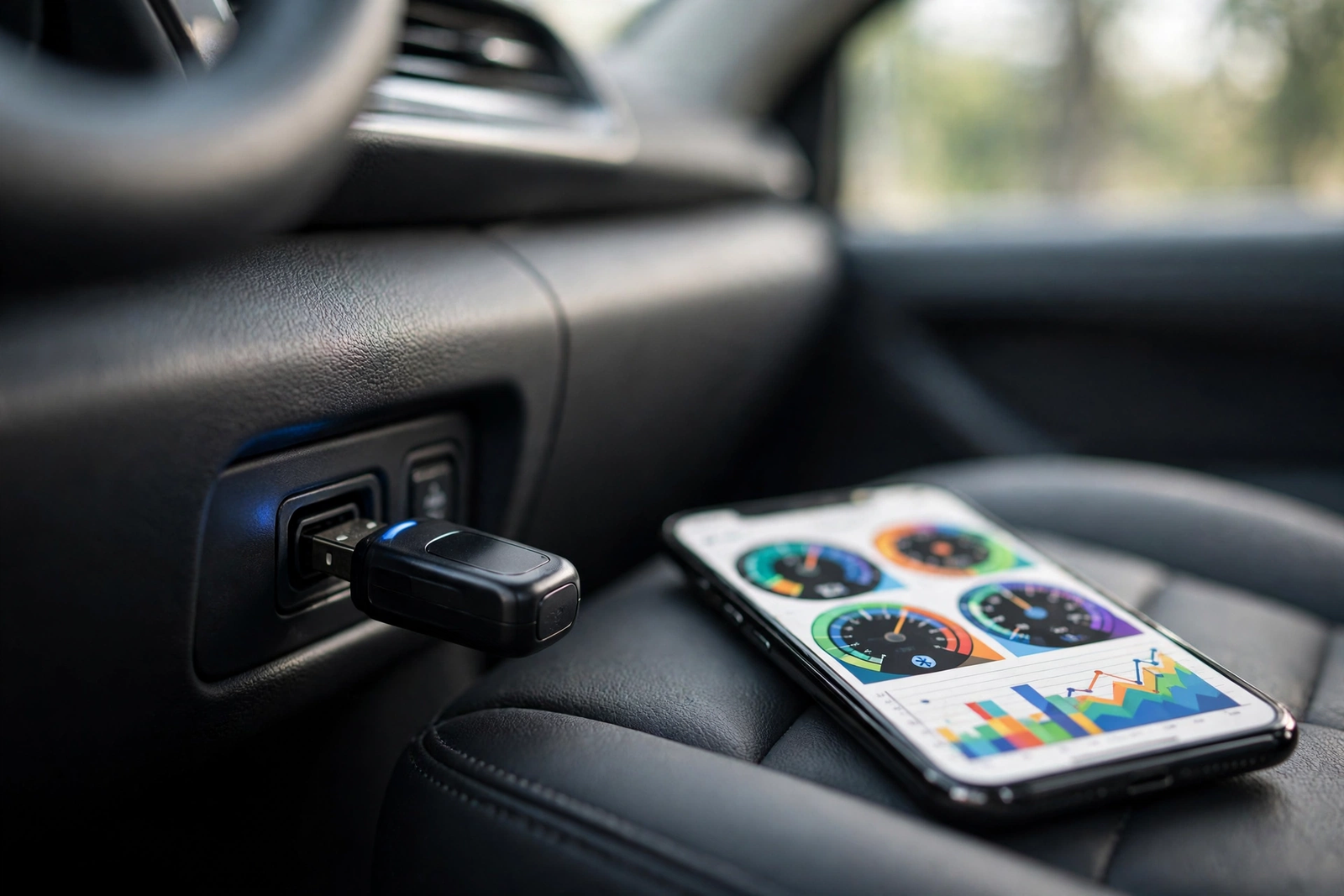
The TopScan is a compact Bluetooth dongle that plugs into the car’s standard 16-pin diagnostic port under the dashboard and draws its power from the car. It talks to your phone over Bluetooth 5.0, through TOPDON’s app — TOPGURU on iPhone, TopScan on Android. One naming note: the Amazon listing for this ASIN titles the product the TopScan Lite; the family also includes a newer Pro. This review covers the Lite listing and its eight-plus service functions — not the Pro.
What you get is the dongle itself: nothing to mount, nothing to update by cable, and nothing to carry except a small plug that can stay in the port between uses. The app is where the work happens — it reads fault codes, shows live sensor data as graphs and gauges, identifies the car automatically from its VIN.
Just as important is what the TopScan is not. It is not a standalone tool: without a compatible phone and the app, the dongle does nothing. It is not a professional workshop tablet — it is a phone-first scanner for drivers and home mechanics who want deeper access than an engine-only reader. And it is not free forever: the first year carries no subscription fees, and after that continued full access runs on a paid plan.
Full-System Scanning From Your Phone
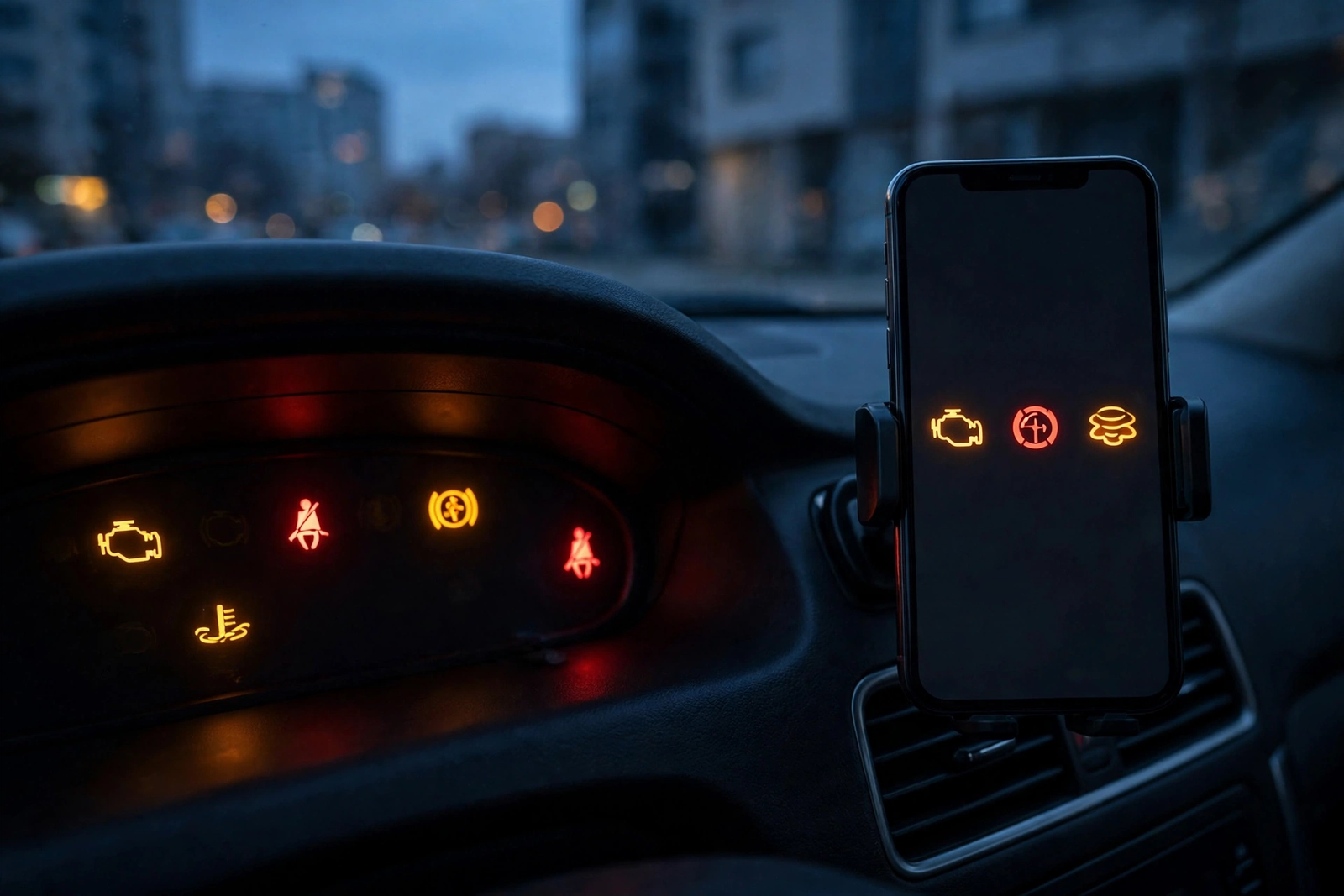
Full-system is the claim that separates the TopScan from a basic engine reader. Instead of covering only the engine, the listing describes diagnostics across all of the car’s systems — engine, transmission, ABS, airbag and the rest — so one scan can chase a warning light wherever it lives. With several warning lights on at once, an engine-only reader can explain the check engine light and nothing else, while a full-system scan reports on each system in turn.
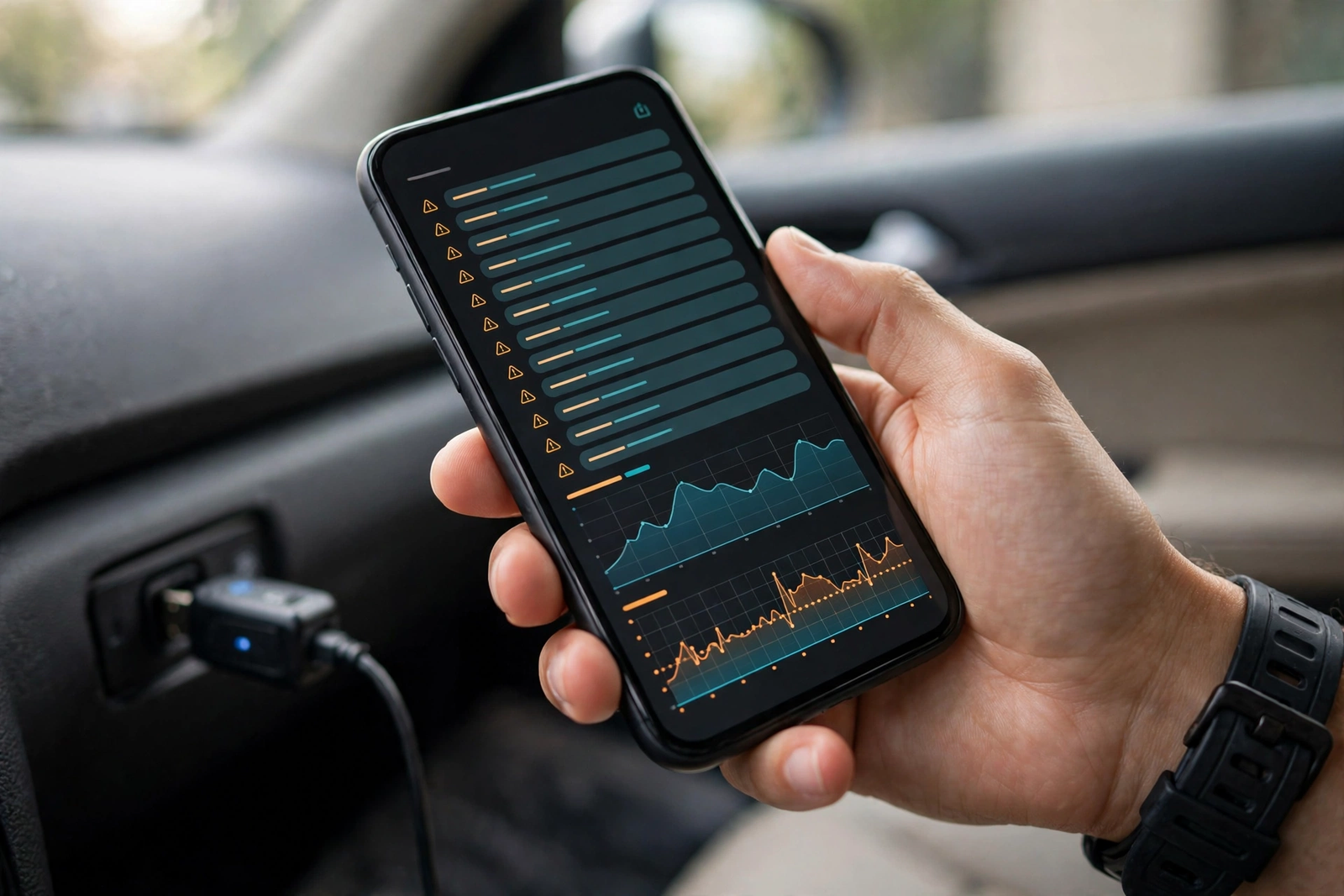
The scan itself is straightforward. Plug the dongle in, open the app, let it identify the car from the VIN, and run the scan. The app reads and clears fault codes and shows live data while the engine runs, on the phone screen. As a diagnostic tool for cars that covers more than the engine, it also suits the driver who does their own maintenance and wants to see what the car is reporting before booking a garage visit.
Two honest limits belong here. First, full-system coverage varies by make, model and year: the listing describes support for more than one hundred car brands and more than ten thousand models, but no phone dongle reaches every manufacturer-specific system on every car. Second, everything in this section is a listed capability, not a result we tested — we cannot confirm how deep the coverage goes on any particular vehicle.
Bidirectional Control: Sending Commands, Not Just Reading Codes
Bidirectional control is the TopScan’s headline feature, and it means the scanner can talk back. A basic reader only listens: it asks the car what is wrong and reports the answer. A bidirectional scanner can also send commands from the phone to the car’s computer for active testing — switching a component on and off to see whether it responds. The listing gives examples such as the air conditioning clutch, the doors and the sunroof: command the part and watch whether it responds.
That matters because it turns guessing into testing. A fault code cannot always tell you which end of the circuit is at fault. An active test that commands a component and gets no response points at the component; a test that works fine points back at the wiring or the sensor. For a home mechanic deciding whether to order a part, that distinction matters, and it is what separates this obd2 scan tool from read-only dongles.
The limit, as with full-system coverage, is the car. Which active tests are available depends on what the car’s own computer supports, so the menu of commands will be longer on some vehicles than on others. The listing describes bidirectional control as a general capability; it does not promise a specific test for a specific car. If one particular active test is the reason you are buying, confirm it first.
Service Functions, the App, and the Subscription After Year One
Beyond reading codes, the TopScan offers eight or more service functions — the maintenance resets that normally follow a repair, handled through the app rather than a separate tool. The listing also mentions repair guides and a performance test, so the app is meant to carry you from finding the fault to understanding it. We could not verify the exact list of the eight functions, so we do not enumerate them here.
The app is the other half of the product, and it is worth judging on its own terms. Pairing happens inside the app over Bluetooth 5.0, and the app holds the scan results, the live data views and the service functions in one place. That is convenient, and also a dependency: if the app is slow or hard to navigate, the whole scanner feels that way. A phone-first scanner is only as good as its app.
Now the subscription, stated plainly. The listing says there are no subscription fees for the first year, and that after that the TopScan offers two subscription options, quarterly and yearly. TOPDON’s listing materials put the yearly update subscription at around fifty-five to sixty dollars a year once the free year ends. The real cost of owning this scanner is the purchase plus a yearly payment for continued full access. Check the listing before you buy to see what stays free after year one.
Which Cars It Fits — and Which It Does Not
The TopScan scanner works with cars that have the standard 16-pin OBD2 diagnostic port, which in practice means most petrol cars built from 1996 onward and OBD2-compliant diesels. The listing describes support for more than one hundred car brands and more than ten thousand models. Before ordering, look for the 16-pin connector under the dashboard: no port means no scan.
The phone matters as much as the car. The TopScan works with iPhone through the TOPGURU app and with Android through the TopScan app, and the listing warns that it cannot support 32-bit mobile phones. Pairing is done through Bluetooth inside the app, not through the phone’s general Bluetooth settings, which is worth knowing, since pairing from the wrong place is the most common setup frustration.
It does not fit cars built before the OBD2 standard, and no adapter makes an older car speak the newer protocol. It is also a poor fit for a driver who wants a tool that works with no phone at all: a wired handheld with its own screen is the honest alternative. System coverage and active tests vary by vehicle.
TOPDON TopScan vs the Alternatives (ANCEL AD310, BlueDriver)
The ANCEL AD310 is the opposite idea to the TopScan, and the cheapest route to an answer. It is a wired handheld with its own screen and buttons that plugs into the same diagnostic port, reads and clears engine codes, shows live data and freeze frame information, and checks emissions readiness — with no app, no pairing and no battery to charge. Our ANCEL AD310 review found it reads the engine system only — no ABS, airbag or transmission codes — with updates free for life.
The BlueDriver is the closer rival, because it is phone-first too: a Bluetooth dongle that turns a phone into a scanner, reading thousands of fault codes including ABS and airbag issues, with vehicle-specific repair reports. Its headline advantage is the price structure: its listing states there is no subscription and no fees, and the app is free with no add-ons. The TopScan answers with bidirectional control for active testing and its eight-plus service resets. As a vehicle diagnostic tool, the BlueDriver is the no-ongoing-cost choice; the TopScan is the deeper-testing choice that charges yearly after year one.
The choice is about what you will actually use. Choose the TopScan if you want full-system scanning, bidirectional active tests and service resets from your phone, and you accept a yearly subscription after the free first year. Choose the BlueDriver if you want phone-first scanning with repair reports and no subscription ever. Choose the AD310 for the simplest, cheapest answer to a check engine light, with no phone involved.
Who Should Buy It — and Who Should Skip It
Buy the TopScan if you do your own maintenance and want pro-style capability without carrying a tablet. It suits a driver with one or two cars who wants to read faults across all systems, run active tests before ordering parts, and handle service resets through an app. It also suits a buyer who has read the subscription terms and accepted them.
Skip it if you hate subscriptions: the BlueDriver gives you phone-first scanning with a free app forever, and the AD310 gives you engine codes with no app and no ongoing cost. Skip it too if you only need an engine light explained — an obd code reader that covers the engine alone does that job for less. Skip it if your phone is old or 32-bit, if you want a tool with its own screen, or if your car predates OBD2 or has no 16-pin port.
Verdict
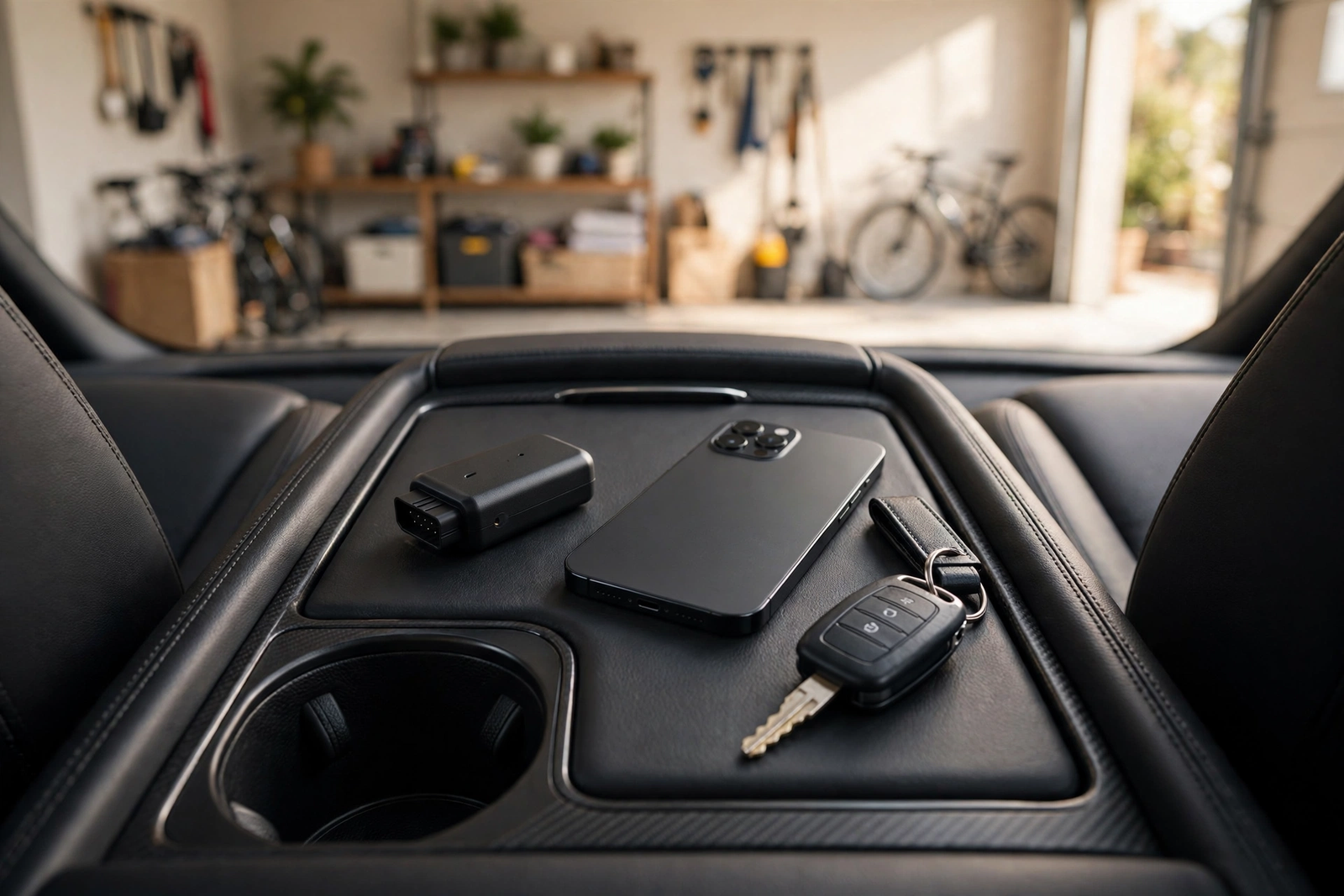
The TOPDON TopScan is the most capable phone-first auto diagnostic scanner of the three in this review: full-system coverage, bidirectional active testing and service resets, from a dongle the size of a matchbox. Its limits are equally clear: it needs a compatible phone and app, coverage varies by vehicle, and the first free year is followed by a yearly subscription of around fifty-five to sixty dollars a year. Accept those three facts and this is a strong buy for a home mechanic; if any is a deal-breaker, the BlueDriver or the ANCEL AD310 above is the honest next step.
Frequently Asked Questions
Does the TOPDON TopScan work without a subscription?
For the first year, yes. TOPDON’s listing says there are no subscription fees for the first year. After that, continued full access needs a subscription, offered as quarterly and yearly plans, with the yearly plan listed at around fifty-five to sixty dollars a year. Check the listing before you buy to see exactly which features stay free after year one, because that split was not something we could verify.
What phones does the TopScan work with?
The TopScan works with iPhone through the TOPGURU app and with Android through the TopScan app, pairing over Bluetooth 5.0 inside the app. The listing warns that it cannot support 32-bit mobile phones, so an old phone may not run it. Pairing is done through Bluetooth inside the app, not through the phone’s general Bluetooth settings.
What is bidirectional control, and what can it do?
Bidirectional control means the scanner can send commands from your phone directly to the car’s computer for active testing, instead of only reading what the car reports. The listing gives examples such as the air conditioning clutch, the doors and the sunroof: command the part, watch whether it responds, and you learn whether the fault is in the part itself or in the signal reaching it. Which active tests are available depends on what the car’s own computer supports.
Does the TopScan read ABS, airbag and transmission codes?
According to the listing, yes: it describes full-system diagnostics across all of the car’s systems, including engine, transmission, ABS and airbag, so one scan can report on each system in turn. That is a listed capability, not a result we tested, and coverage varies by make, model and year, so confirm your car is covered before ordering.
Should I buy the TOPDON TopScan or the BlueDriver?
Choose the TopScan if you want bidirectional active testing and eight-plus service resets from your phone, and you accept a yearly subscription after the free first year. Choose the BlueDriver if you want phone-first scanning with vehicle-specific repair reports and no subscription at any point — its listing states there is no subscription and no fees, and its app is free with no add-ons. Both read fault codes across more than the engine system.
Is the TOPDON TopScan better than a basic plug-in reader like the ANCEL AD310?
They do different jobs. The ANCEL AD310 is a wired handheld with its own screen that reads and clears engine codes, shows live data and checks emissions readiness, with no app, no pairing and free updates for life — but it covers the engine system only. The TopScan covers all systems from your phone, adds bidirectional control and service resets, and charges a subscription after the first free year. If the check engine light is the only job, the AD310 is enough; if the job is bigger, the TopScan is the step up.