A wireless adapter has one job: get your phone off the cable without losing anything the cable gave you. The OTTOCAST Mini Cube 3.0 is a 2026 2-in-1 adapter that does that job in a cube 21.5mm on each side — one of the smallest of its kind — turning a car’s factory wired CarPlay or Android Auto into a wireless connection. It uses 5GHz Wi-Fi with Bluetooth, connects in about 10 seconds and reconnects in about 5 seconds once paired. In this review of the OTTOCAST Mini Cube 3.0, an aftermarket wireless carplay adapter covering both iPhone and Android, we look at what it is, how fast it really connects, and where it falls short of its rivals.
This review covers the compatibility check, the size and build, setup, tested connection times, heat and call quality, and the comparison with the CarlinKit Mini Ultra 3 and the AAWireless TWO+. If you want the short version first, the Quick Pick table below has it.
As an Amazon Associate I earn from qualifying purchases.
| Pick | Product | Why it stands out | Check Price |
|---|---|---|---|
| Overall Winner | OTTOCAST Mini Cube 3.0 | 2026 2-in-1 adapter, 21.5mm cube, 5GHz Wi-Fi, connects in about 10 seconds | |
| Best Budget | CarlinKit Mini Ultra 3 | Ranked the number-one adapter of 2026 in CarPlayLife’s hands-on test, about 25mm across, 10-second boot | |
| Premium Pick | AAWireless TWO+ | Made-in-EU 2-in-1 adapter with a multifunction button for switching between unlimited paired phones, plus a companion app |
Table of Contents
What the OTTOCAST Mini Cube 3.0 Aftermarket Wireless CarPlay Adapter Is — and What It Is Not
The Mini Cube 3.0 is a 2-in-1 adapter: it converts a car’s existing wired Apple CarPlay to wireless CarPlay, and does the same for wired Android Auto. One device serves both platforms, so a household with an iPhone and an Android phone shares a single adapter. Shoppers often search for this kind of device as a wireless carplay dongle, a term whose search interest is up 900% over the last three months, but the job is the same.
The compatibility check comes first — it decides everything else in this review. The Mini Cube 3.0 only works in cars that already have factory wired CarPlay or Android Auto: it makes the wired signal your car already produces wireless, it cannot create CarPlay in a car that never had it, and it cannot cross-convert — a CarPlay-only car cannot gain Android Auto through it, and vice versa. OTTOCAST says it works with 98% of wired CarPlay and Android Auto vehicles, typically 2016 or newer, via a USB data port — not a charge-only port. It is not compatible with BMW or Tesla vehicles, and Sony aftermarket head units are excluded. On the phone side it works with iPhone running iOS 10 or above and Android phones running Android 11 or above (selected Samsung and Google phones also on Android 9).
What it does not change is how you control the car: the adapter supports your car’s original control methods — voice control, steering wheel controls, the OEM knob, and the touchscreen — so CarPlay and Android Auto behave the way they did over the cable. In the box are the adapter, a short USB-A to USB-C converter, and a user manual; OTTOCAST also sells a dedicated USB-C version, and Grey and Cosmic Orange versions alongside this Black one. The listing describes an unnamed next-generation chip, 50,000-plug-cycle testing, and FOTA firmware-over-the-air updates.
Size and Build: A 21.5mm Cube With a Glass Top
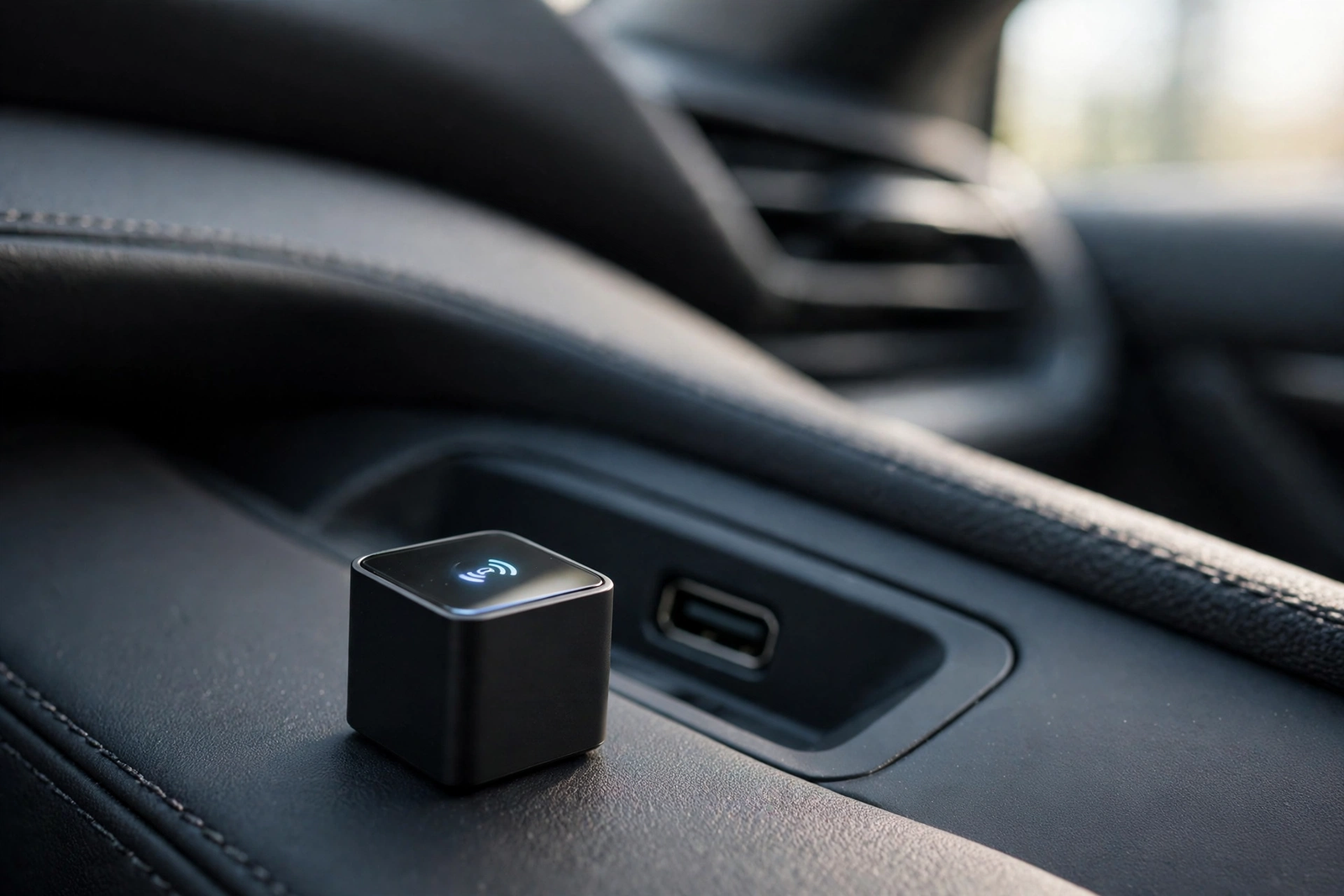
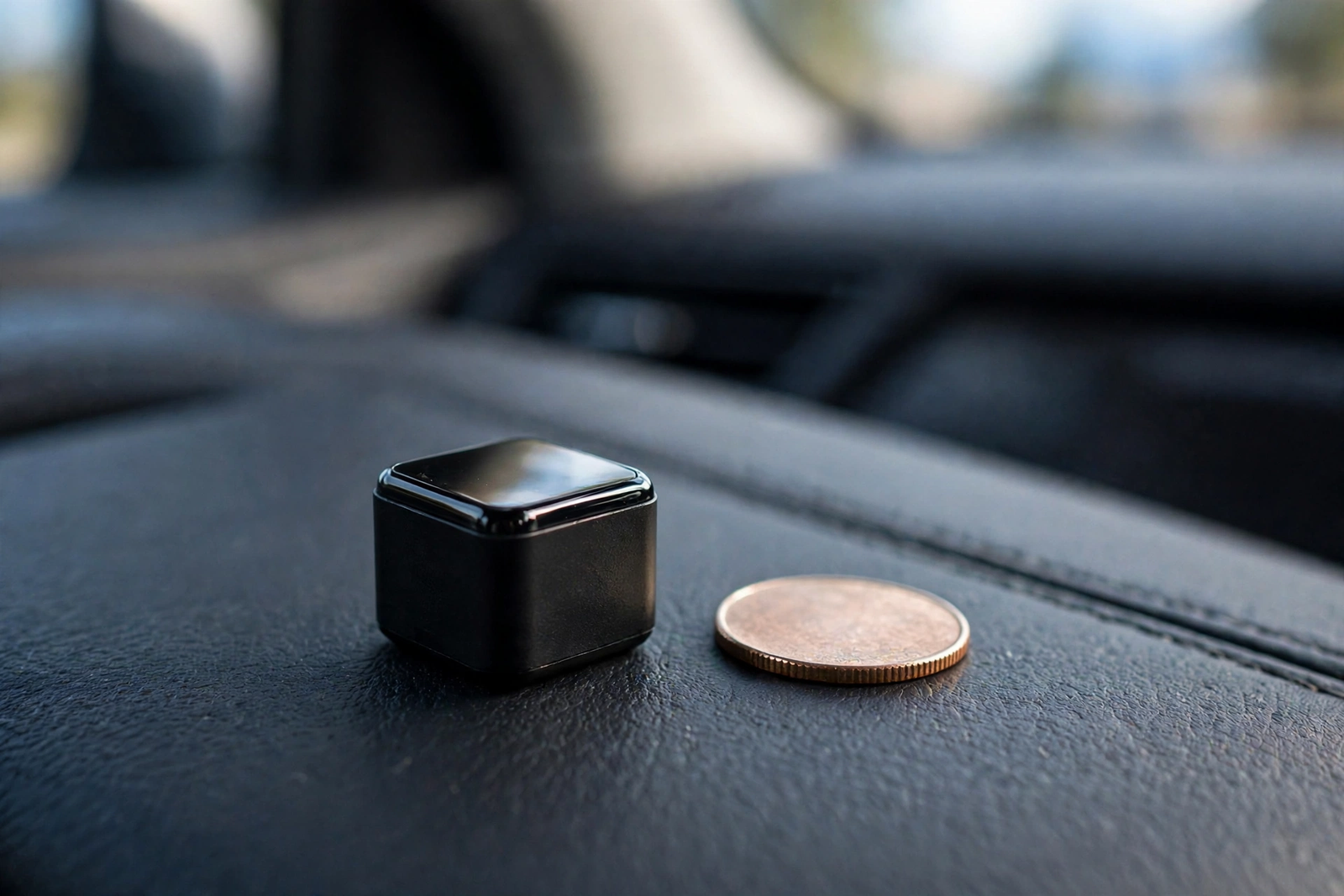
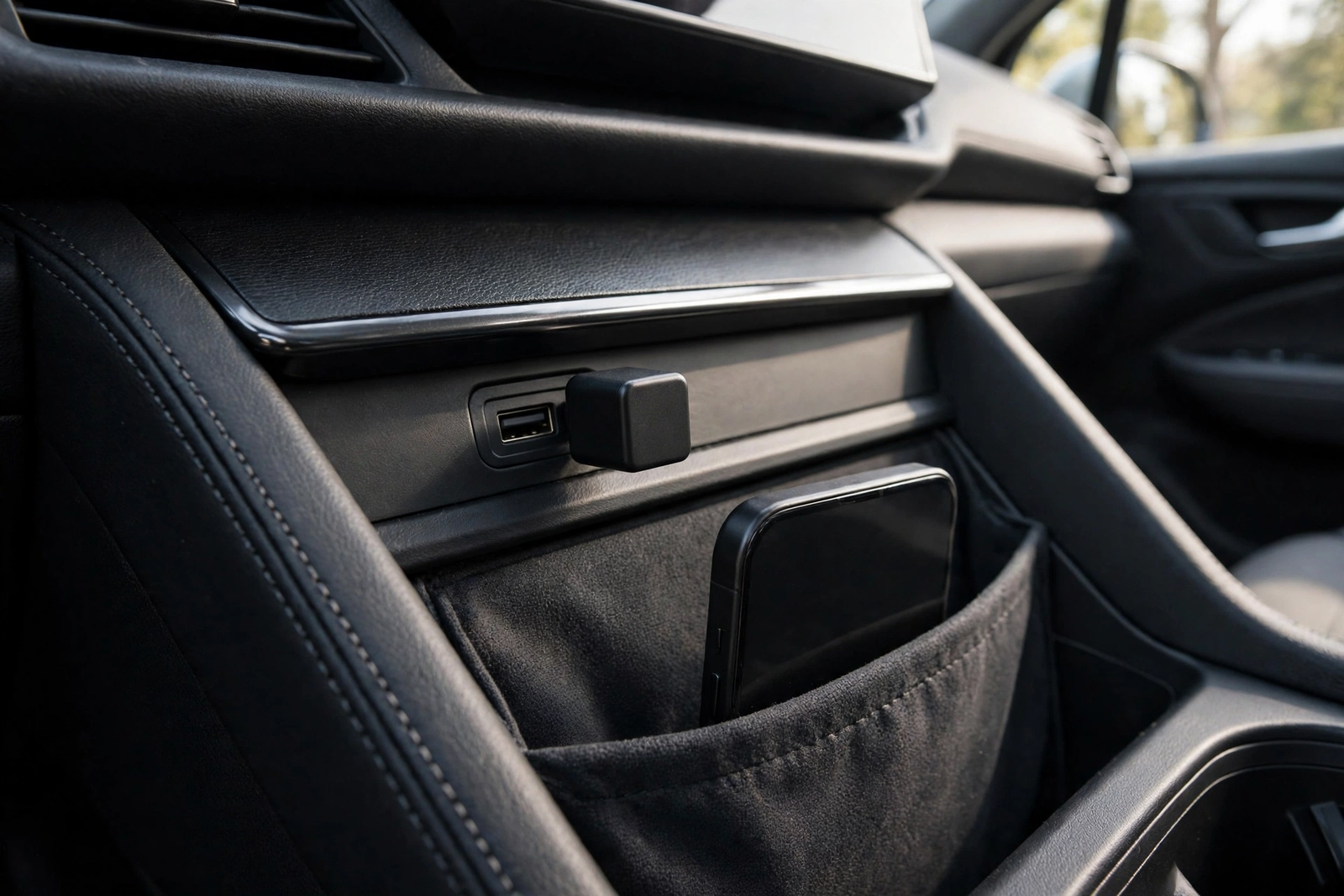
The headline feature is the size. At just 21.5mm on each side, the Mini Cube 3.0 is one of the smallest adapters TechTwo had tested, and OTTOCAST describes it as 50% smaller than typical adapters. That matters in cars with exposed USB ports, where a larger adapter spoils the clean look of the dashboard. This one sits discreetly in the port and stays out of the way of the gear lever.
Despite its micro-size, the Mini Cube 3.0 feels solid. Its glass top carries the OTTOCAST logo, which glows to show power and connection status, and the matte indented plastic edges give a subtle grip for drivers who remove the adapter often. The aluminium alloy body aids heat dissipation, per the manual, and the vented design helps shed heat on longer drives. The compact body uses a 90-degree USB connector that saves space and keeps the setup neat. Small size is the whole point of this aftermarket wireless carplay adapter: wireless CarPlay with no cable and no bulky box on the dashboard.
Setup: Plug In, Pair, and the First Connection
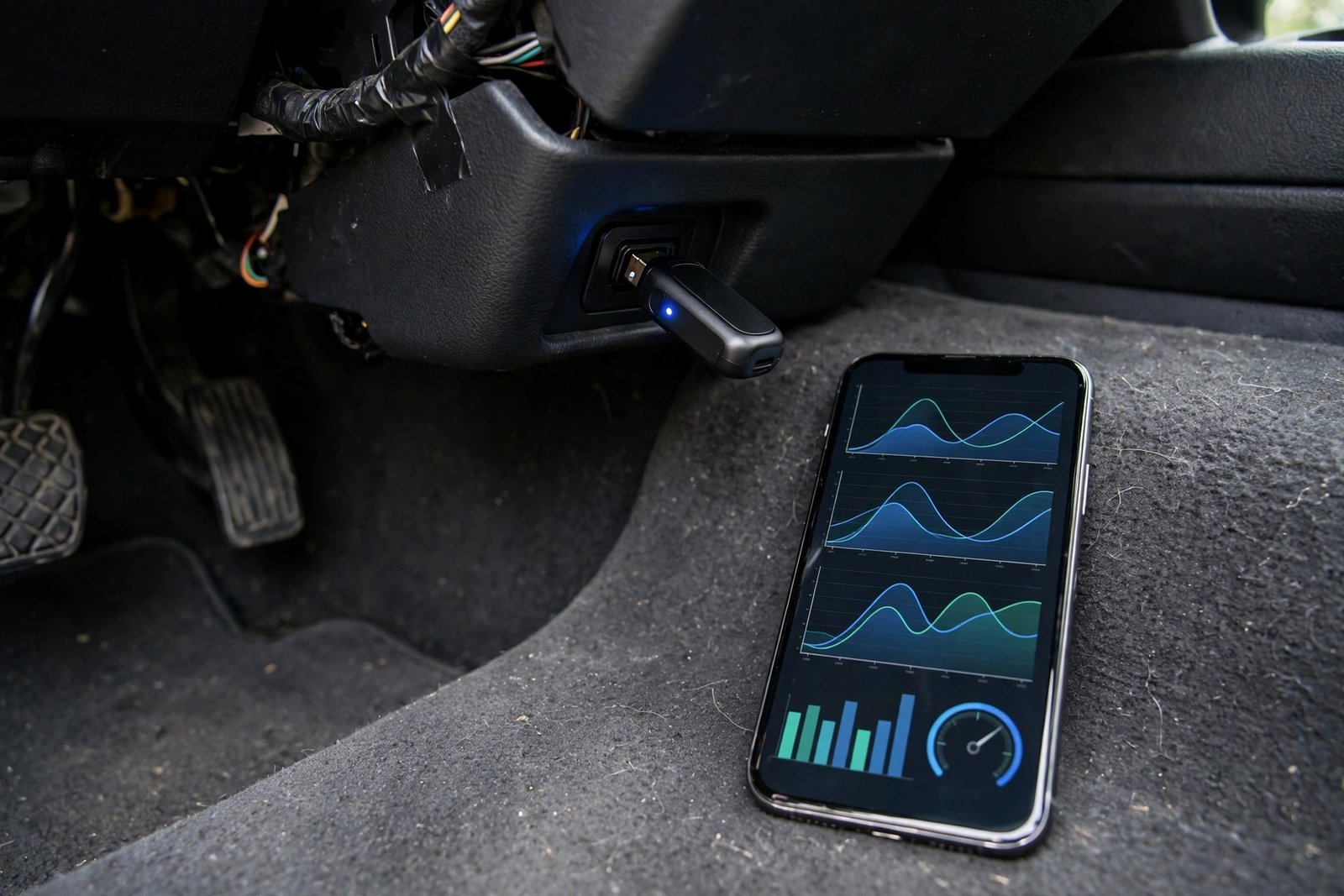
Setup takes a few minutes the first time, and no time after that. First, plug the Mini Cube 3.0 into the USB port your car uses for wired CarPlay or Android Auto — it must be the data port, not a charge-only socket. Second, pair your phone over Bluetooth; the adapter shows up in the phone’s Bluetooth list under a name starting with “CAR2-“. After that, the adapter remembers your device and reconnects automatically every time you start the car — typically within 5 to 10 seconds per the manual, 5 seconds per the listing.
The adapter includes a configuration interface for factory resets, Wi-Fi band modes, start delay, GPS pass-through, and the LED indicator — handy for night driving when you would prefer a darker cabin. Check there first if the connection misbehaves: a wrong Wi-Fi band or start delay is the usual suspect. No separate app is needed for the first connection — pairing happens through the phone’s own Bluetooth settings.
Speed: Fast CarPlay, Slower Android Auto
Speed is where the Mini Cube 3.0 splits in two, and the numbers come from TechTwo’s hands-on test in a Cupra Born, not a spec sheet. On the iPhone side it is fast: the OTTOCAST interface appeared within 7.14 seconds, CarPlay launched in 7.9 seconds, and the entire connection took 12.23 seconds from ignition to full wireless CarPlay access — the top tier of fast adapters in TechTwo’s testing. The listing claims the same: a connection in about 10 seconds and a 5-second auto-reconnect on later starts.
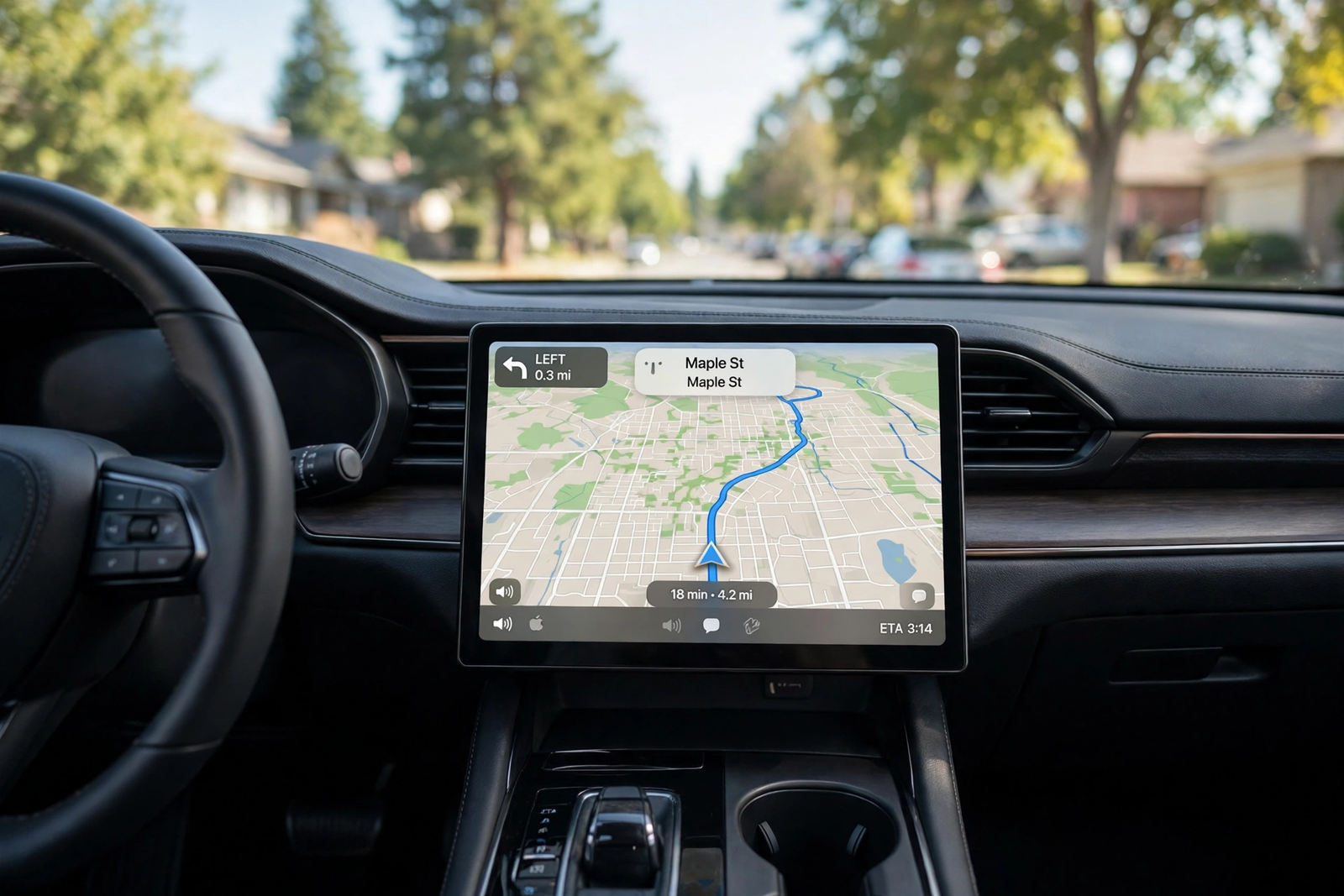
Android Auto is the slower half. Pairing via Bluetooth launched Android Auto in 9.10 seconds — but the total boot time was 25.03 seconds from ignition into Android Auto, a result TechTwo said really dampened the adapter’s overall test score. In everyday use CarPlay is usually ready before you finish reversing out of a parking space, while Android Auto takes noticeably longer. Navigation apps loaded quickly, music stayed clear and well synchronised, and steering-wheel controls worked, with a 1.18-second track-skipping delay in TechTwo’s test.
Heat, Calls, and Everyday Use
A body this small has one obvious worry: heat. In TechTwo’s test the Mini Cube 3.0 ran warm but stable, with surface temperatures peaking around 37 degrees Celsius during extended use — good for such a small body, helped by the glass top and vented design. No heat-related failures were reported. The glowing logo can be switched off in the settings menu if you prefer a darker cabin at night.
Calls were impressive in the same test. The adapter uses the car’s built-in microphone and speakers, keeping voice clarity clean and balanced with a minimal 0.14-second call return delay. Siri voice commands and dictation worked reliably, without dropouts. On Android Auto, navigation stayed accurate with instrument cluster and head-up display support in the test car, and Google Assistant worked as expected. Once connected, it behaves like a native wireless connection on either platform — the difference is how long you wait for it to appear, not how it feels afterwards.
Mini Cube 3.0 vs the Alternatives (CarlinKit Mini Ultra 3, AAWireless TWO+)
The closest rival is the CarlinKit Mini Ultra 3 — our CarlinKit Mini Ultra 3 review covers it in full. It is the other tiny 2-in-1 adapter of 2026: about 25mm across, roughly the size of a coat button, with Bluetooth 5.4 and over-the-air updates. In CarPlayLife’s hands-on test it ranked as the number-one adapter of 2026, booting into the CarPlay menu in about 10 seconds, with an iPhone connecting in about 7 seconds, an Android phone in about 11 seconds, an Android Auto boot of about 18 seconds that beats the Mini Cube 3.0’s 25.03 seconds, and audio latency of about 0.11 seconds. Its trade-offs are a metal case that holds heat and a 90-degree plug that can block a neighbouring USB port. Between the two, tested speed decides it: the CarlinKit is faster overall, while the Mini Cube 3.0 is the smaller cube with the glass top and glowing logo.
The premium alternative is the AAWireless TWO+, a 2-in-1 adapter made in Europe that adds something neither of the other two has: a physical multifunction button for switching between paired phones, and support for unlimited paired phones — the pick for households and shared cars with three or more drivers. It sets up through a companion app that also handles firmware updates, diagnostics, and settings, and it works with iPhone X or newer for CarPlay and Android 11 or newer for Android Auto. In CarPlayLife’s test its boot averaged around 26 seconds from engine start to CarPlay — slower than either rival — though Android Auto booted in about 12 seconds on a portable display. It is 5.5 by 3.5 by 1.5 centimetres and 18 grams, with a USB-C interface.
One more name for tighter budgets: the CarlinKit 5.0 2air, an older dual-model adapter doing the same 2-in-1 job at a lower price, though its many parallel seller listings split review counts across listings. The three adapters with buttons here cover three buying positions: the Mini Cube 3.0 is the newest and smallest, the Mini Ultra 3 is the tested fastest, and the AAWireless TWO+ is the multi-user premium pick — and all three need a car with factory wired CarPlay or Android Auto.
| Mini Cube 3.0 | Mini Ultra 3 | AAWireless TWO+ | |
|---|---|---|---|
| Size | 21.5mm cube | About 25mm across | 5.5 x 3.5 x 1.5 cm, 18 g |
| Connectivity | 5GHz Wi-Fi, Bluetooth 4.2 (manual) | Bluetooth 5.4, dual-core processor | Bluetooth and Wi-Fi |
| Connection claim | About 10 s; 5 s auto-reconnect | About 10 s boot; 8–10 s reconnect | Not listed as a claim |
| Tested CarPlay boot | 12.23 s (TechTwo) | About 10 s (CarPlayLife) | About 26 s (CarPlayLife) |
| Tested Android Auto boot | 25.03 s (TechTwo) | About 18 s (CarPlayLife) | About 12 s, portable display (CarPlayLife) |
| Standout | Smallest; glass top, glowing logo | Ranked number one of 2026 (CarPlayLife) | Button switching, unlimited phones |
Who Should Buy It — and Who Should Skip It
Buy the Mini Cube 3.0 if your car already has factory wired CarPlay or Android Auto and you are tired of plugging in every trip. It also suits buyers who value the smallest possible adapter: at 21.5mm on each side it disappears into the USB port. It suits mixed iPhone-and-Android households too, and drivers who want fast CarPlay — 12.23 seconds from ignition in TechTwo’s test.
Skip it if your car has no factory wired CarPlay or Android Auto — the adapter cannot add what the car never had. Skip it too if you drive a BMW or a Tesla, or your car has a Sony aftermarket head unit, since all three are excluded. Skip it if Android Auto is your daily platform and you want the fastest boot: the Mini Ultra 3’s tested 18 seconds beats this adapter’s 25.03 seconds. And if three or more drivers share the car, the AAWireless TWO+ and its switching button are the honest next step.
Verdict
The OTTOCAST Mini Cube 3.0 is a strong buy for the buyer it is built for. As an aftermarket wireless carplay adapter it does the core job well: a 21.5mm cube that turns wired CarPlay and Android Auto wireless, connects to CarPlay in about 12 seconds in independent testing, reconnects in about 5 seconds, and runs warm but stable. Its limits are equally clear: Android Auto takes about 25 seconds to boot, it works only in cars that already have factory wired CarPlay or Android Auto, and BMW, Tesla, and Sony head units are excluded. Accept those facts and this is a strong buy; if any is a deal-breaker, the Mini Ultra 3 or the AAWireless TWO+ above is the honest next step.
Frequently Asked Questions
Will the Mini Cube 3.0 work in my car?
Only if your car already has factory wired CarPlay or Android Auto. The Mini Cube 3.0 converts your car’s existing wired connection to wireless — it cannot add CarPlay to a car that never had it. OTTOCAST says it works with 98% of wired CarPlay and Android Auto vehicles, typically 2016 or newer, and it must be plugged into a USB data port, not a charge-only port. It is not compatible with BMW or Tesla vehicles, and Sony aftermarket head units are excluded too.
Does it work with both iPhone and Android?
Yes. The Mini Cube 3.0 is a 2-in-1 adapter that supports both wireless CarPlay for iPhone running iOS 10 or above and wireless Android Auto for Android phones running Android 11 or above, with selected Samsung and Google phones also supported on Android 9. One device serves both platforms, so a household with an iPhone and an Android phone shares a single adapter. It cannot cross-convert: a car with wired CarPlay alone cannot gain Android Auto through this adapter, and vice versa.
How fast does it connect?
In TechTwo’s hands-on test, CarPlay launched automatically in 7.9 seconds and the entire connection took 12.23 seconds from ignition to full wireless CarPlay access. Android Auto was slower: pairing took 9.10 seconds and the total boot time was 25.03 seconds from ignition. OTTOCAST’s listing claims a connection in about 10 seconds and a 5-second auto-reconnect on later starts, and the manual says the adapter typically reconnects within 5 to 10 seconds after the first pairing.
Does the Mini Cube 3.0 get hot?
It runs warm but stable. In TechTwo’s test, surface temperatures peaked around 37 degrees Celsius during extended use, with good heat dissipation for such a small body thanks to its glass top and vented design. The body is aluminium alloy, which the manual credits with heat dissipation and stability. No heat-related failures were reported in that test, and a warm adapter is normal for this kind of device.
Can it add CarPlay to a car that never had it?
No. The Mini Cube 3.0 needs the car’s factory wired CarPlay or Android Auto to work with. If your car has no CarPlay or Android Auto at all, the adapter will do nothing for you, and this misunderstanding is the number-one cause of returns for this kind of device. Check your car’s specifications or manual for wired CarPlay or Android Auto support before ordering.
Should I buy the Mini Cube 3.0 or the CarlinKit Mini Ultra 3?
It comes down to tested speed against size. The Mini Ultra 3 ranked as the number-one adapter of 2026 in CarPlayLife’s hands-on test, boots into the CarPlay menu in about 10 seconds, and its Android Auto boot of about 18 seconds beats the Mini Cube 3.0’s tested 25.03 seconds. The Mini Cube 3.0 is the smaller of the two at 21.5mm on each side, with a glass top and a glowing logo, and its CarPlay connection of 12.23 seconds in TechTwo’s test is close to the CarlinKit’s. If the fastest overall performance matters most, choose the Mini Ultra 3; if the smallest cube and the glass-top design matter most, choose the Mini Cube 3.0.