The garmin dash cam mini 3 is the smallest dash camera Garmin makes: a key-sized, screen-free camera that sticks to the windshield, records in 1080p, and is controlled by voice or by the Garmin Drive app on your phone. It watches the road ahead and nothing else — no rear camera, no cabin camera, no screen to tap. If you want a camera you install once and forget about, this is the shape that idea takes. If you want rear coverage, a screen, or a card in the box, it is not.
This review covers what the Mini 3 is and is not, how the 1080p video and 140-degree view hold up, how voice control and the app replace a screen, what Parking Guard actually needs before it works, and the one extra purchase every buyer has to make. We also compare it with the dual-channel alternatives most buyers shortlist next to it.
As an Amazon Associate I earn from qualifying purchases.
| Pick | Product | Why it stands out | Check Price |
|---|---|---|---|
| Overall Winner | Garmin Dash Cam Mini 3 — Ultracompact 1080p Dash Cam | Key-sized front camera, 1080p with a 140-degree view, voice control, no screen to distract | |
| Best Budget | SUVCON J06 3-Channel Dash Camera | Three channels — front, cabin and rear — with a 32GB card included and a G-sensor | |
| Premium Pick | ROVE R2-4K Dual Dash Cam | 4K front (upscaled) plus 1080p rear, Sony IMX675 STARVIS 2 sensor, 128GB card included |
Table of Contents
What the Garmin Dash Cam Mini 3 Is
The Garmin Dash Cam Mini 3 is a single-channel front camera: one lens, one direction, one job. It mounts on the windshield on a low-profile adhesive mount, starts recording automatically when the car powers up, and saves video of detected incidents with the date and time stamped on the footage. There is no screen, no buttons to learn, and no rear camera to wire through the car. Among the car dash cameras on the market, it is the deliberately minimal one.
What comes in the box, according to the listing, is the camera and the low-profile adhesive mount — the whole kit: no memory card, no hardwire kit, no extra mount. The camera connects over Bluetooth and Wi-Fi, and everything you do with it — viewing clips, changing settings, checking the live view — happens in the Garmin Drive app on your phone.
Size and Design: Key-Sized and Screen-Free
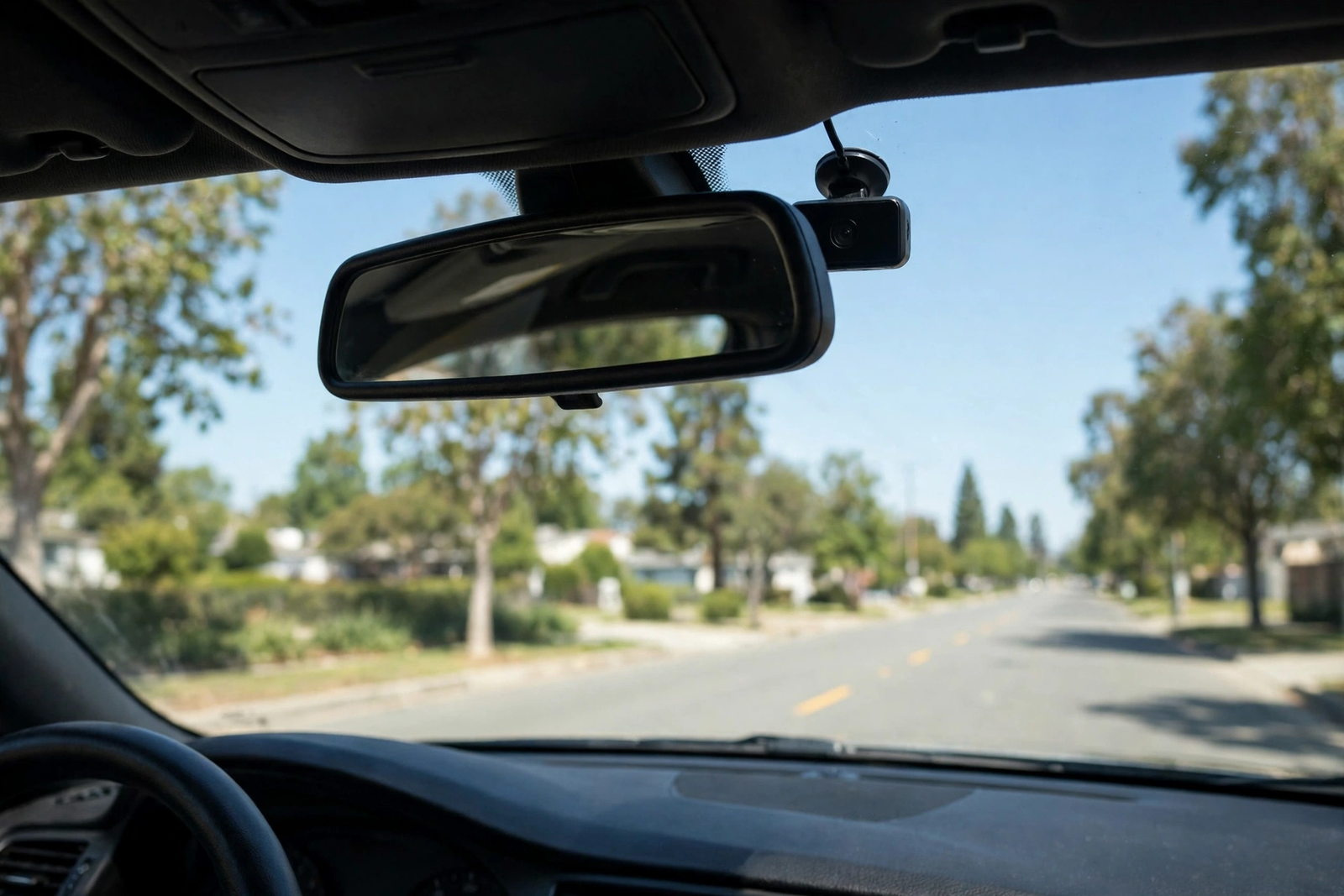
Garmin calls the Mini 3 key-sized, and the measurements back that up: the camera is 2 inches by 0.8 inches by 1.3 inches and weighs 1.1 ounces, roughly the size of a car key fob. Tucked behind the rearview mirror, it all but disappears from the driver’s view, and from outside the car it is easy to miss entirely. That discretion is a real advantage: it does not block your view, and it does not advertise itself to anyone looking into a parked car.
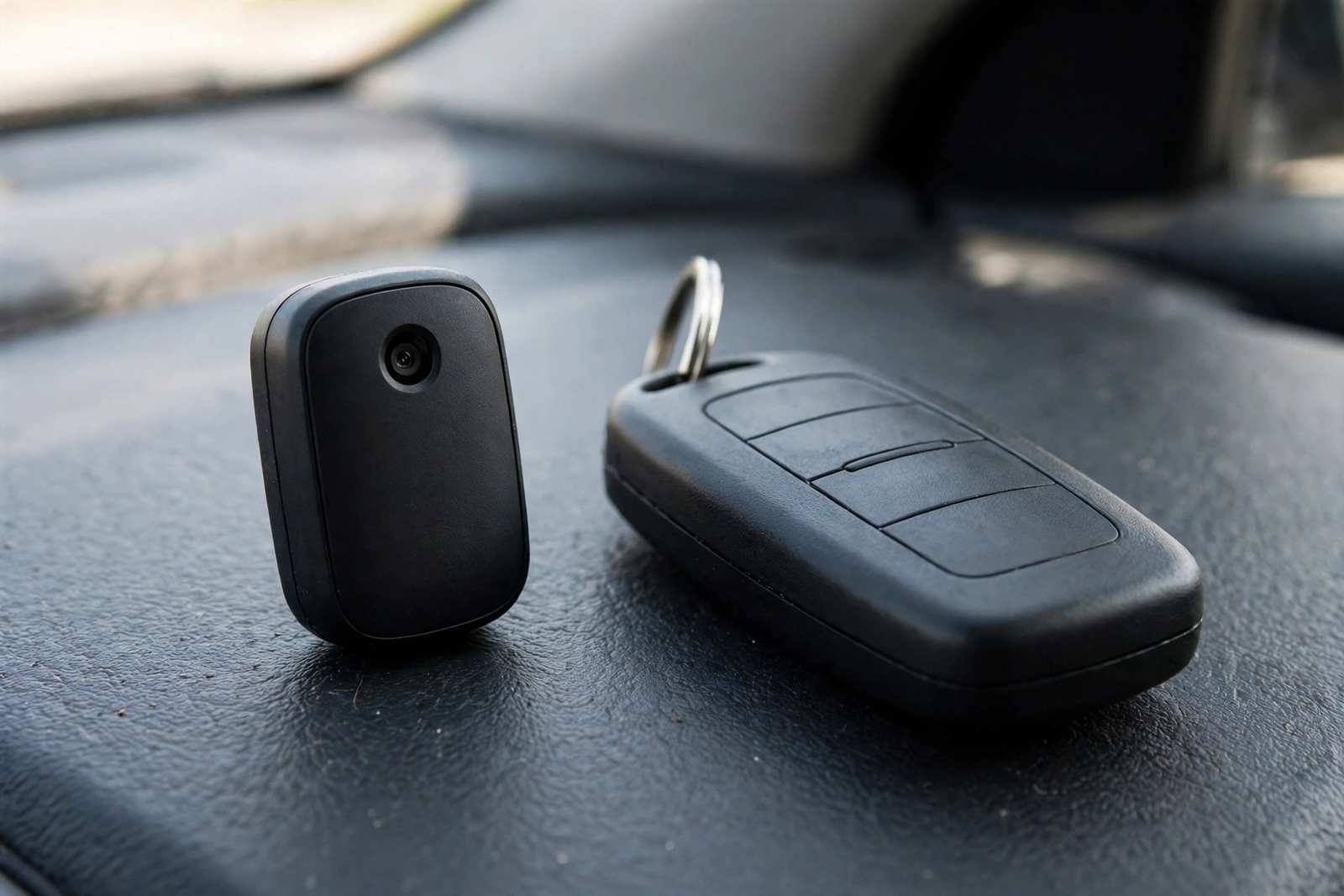
The screen-free design is the trade-off that comes with the size. There is nothing on the camera to frame a shot with, so aiming it means checking the framing in the app’s live view, and there is nothing to review footage on, so every clip check means opening your phone. For most owners that is fine — dash cam footage is something you look at after an incident, not every day. The built-in Clarity polarizer, a small filter over the lens, cuts windshield glare in the footage, which matters on a camera this small because there is no hood or shade around the lens.
Video Quality: 1080p and the 140-Degree View
The Mini 3 records in 1080p HD — 1920 by 1080 at 30 frames per second — with a wide 140-degree field of view. That is the honest number for this camera: this is not a 4K camera, and Garmin does not claim it is. What 1080p with a 140-degree lens gives you is a clear record of the road ahead across multiple lanes. In bright daylight the footage is sharp enough to read nearby plates; at distance, and at night, expect the usual 1080p limits, where fine detail softens.
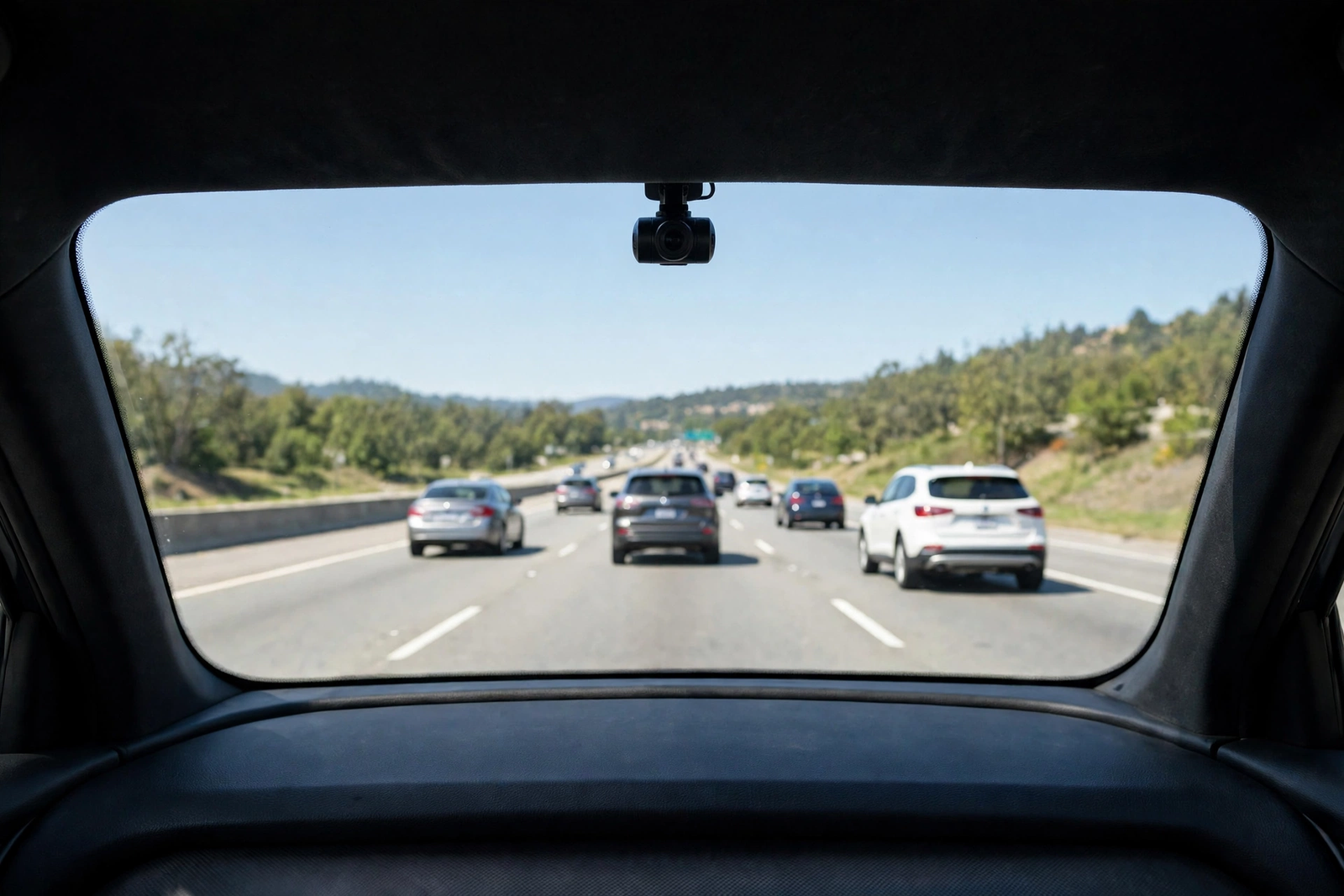
The 140-degree view is the right width for a front-only camera: wide enough to catch the car in the next lane and the edge of an intersection, without the heavy fisheye bend wider lenses bring. The built-in polarizer helps with the glare that washes out so much daytime footage. What the camera cannot do is cover the rear — there is no second channel, and no rear camera can be added. That is the single biggest capability gap in this camera, and it is a deliberate one: Garmin traded the rear channel for the size.
Incident detection is automatic: when the camera detects an incident, it saves that clip with the date and time stamped on it, so the footage is preserved instead of being overwritten by loop recording as the card fills up.
Voice Control and the Garmin Drive App
With no screen and no buttons worth mentioning, the Mini 3 is controlled two ways: your voice, and the Garmin Drive app. Voice control lets you use spoken commands to save a video clip and to start or stop audio recording, in English, German, French, Spanish, Italian, and Swedish. That is a genuine safety feature on a screen-free camera: when something happens on the road, you can lock the clip in with a spoken command instead of reaching for the camera or your phone. Audio can also be stopped by voice, which matters because audio consent laws vary by state.
The Garmin Drive app handles everything else. It connects over Wi-Fi, shows the live view for aiming the lens, and lets you view, save, and share clips without pulling the memory card. Garmin also offers Dash Cam Video Sync, which links multiple Garmin cameras in the app, and Vault cloud storage for a paid subscription. One caution from Garmin’s own documentation: some jurisdictions regulate or prohibit the use of this device, so check your local rules before you install it.
Parking Guard: What It Needs to Work
Parking Guard is the Mini 3’s parked-car feature: if the camera detects an incident while your vehicle is parked, it sends a notification to your phone. That sounds like out-of-the-box protection, but it is not — Parking Guard has four requirements, and all four have to be in place: a paid Vault subscription, an active Wi-Fi connection, constant power to the camera, and the Garmin Drive app on your phone. Miss any one of them and the alert does not reach you.
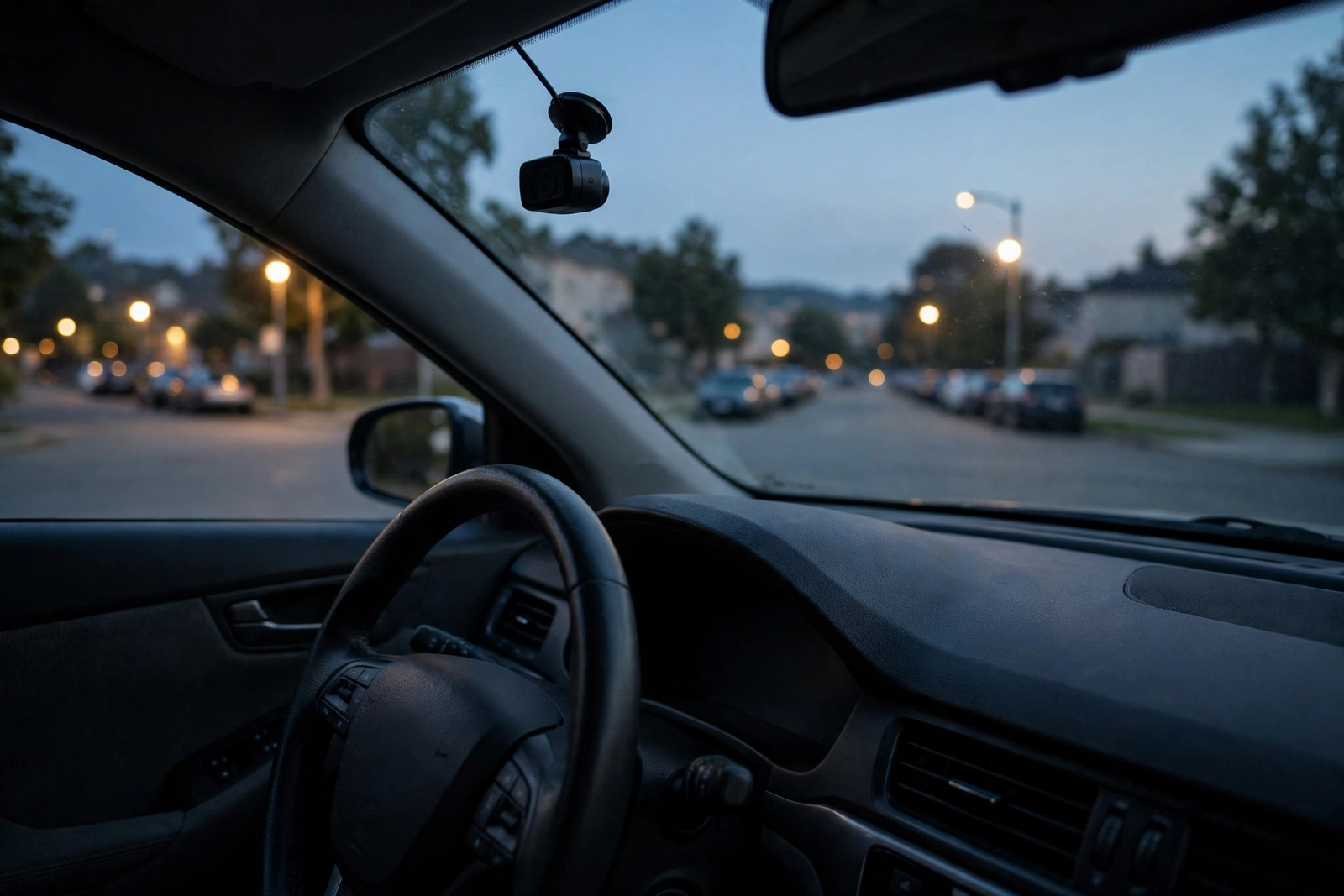
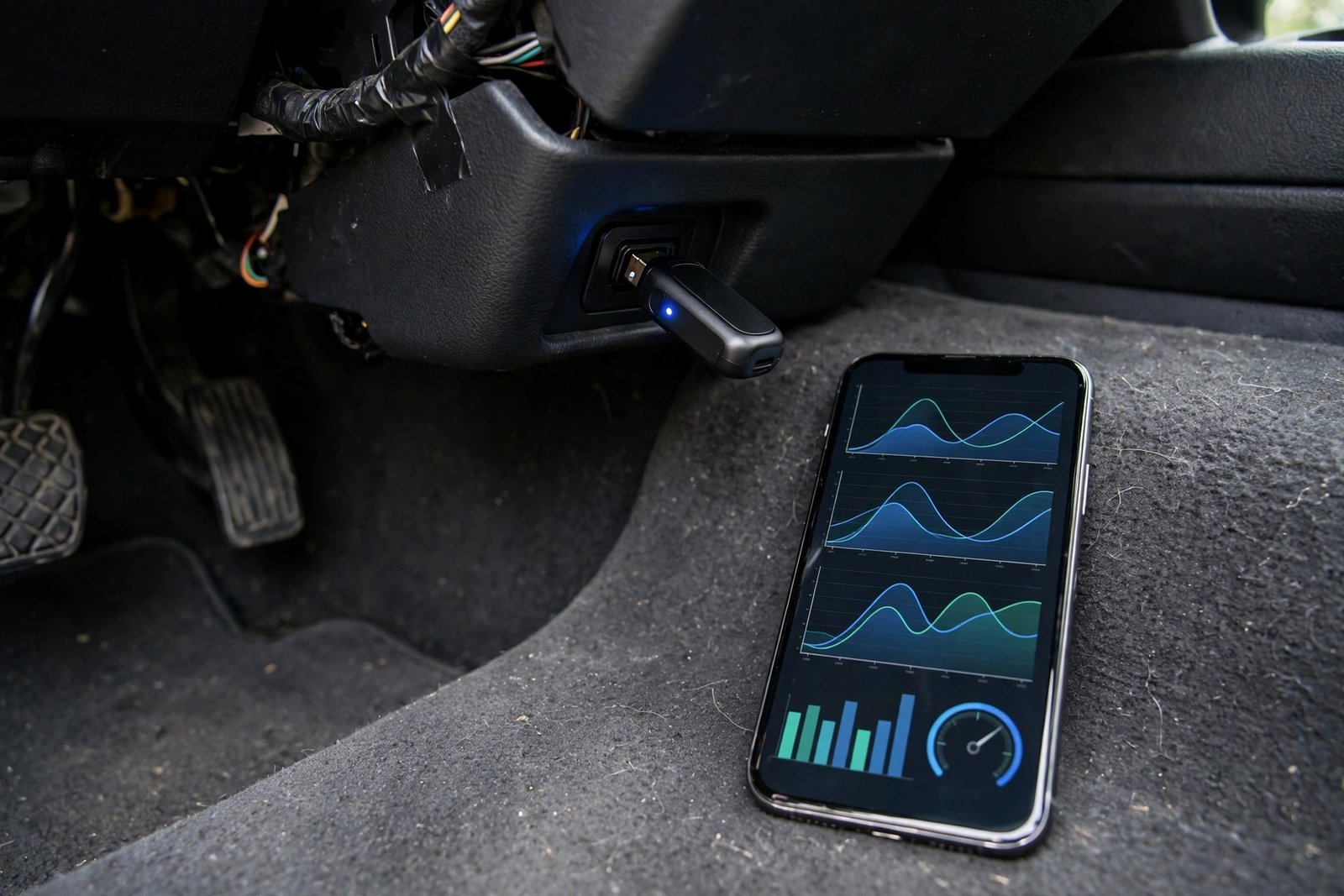
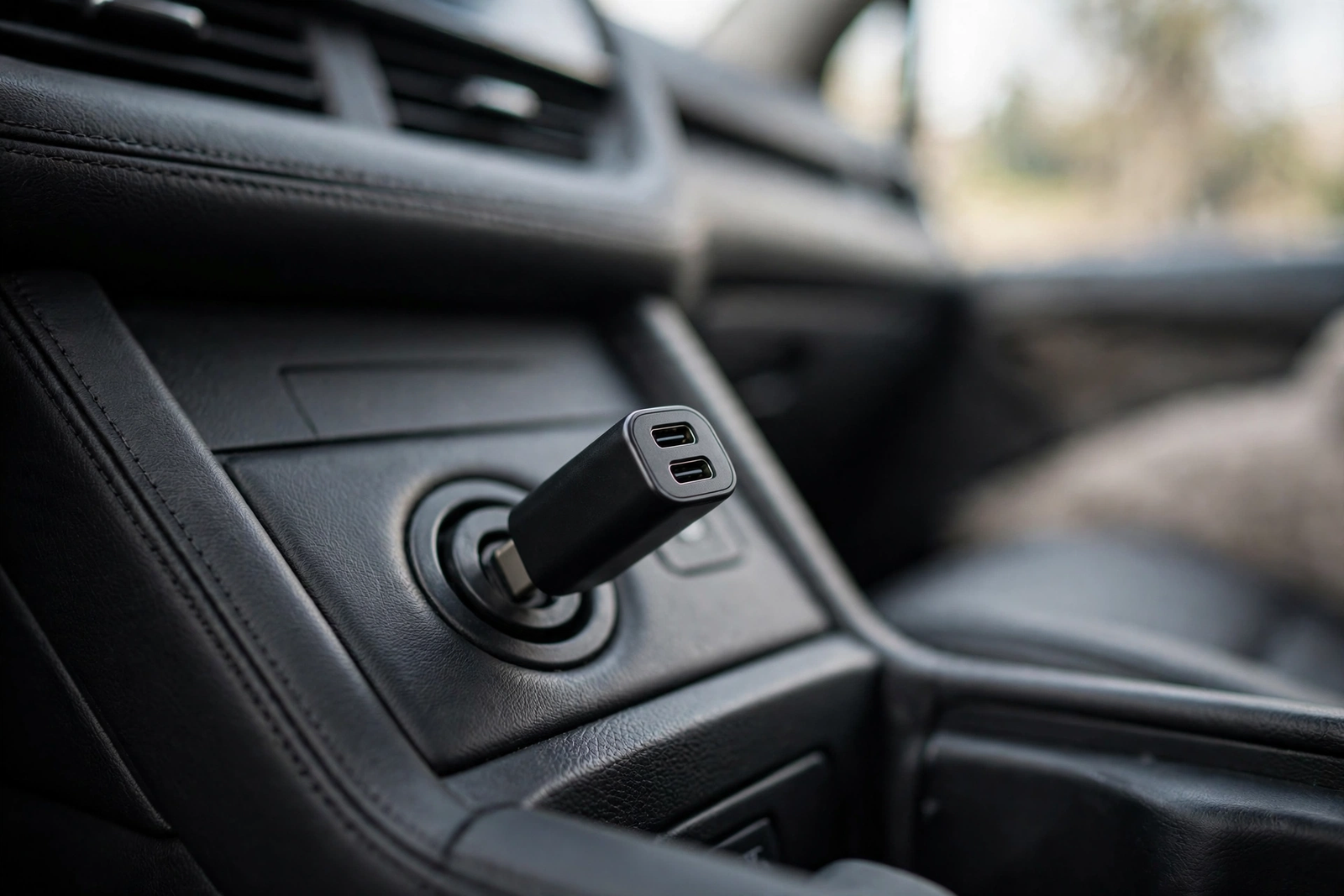
The constant-power requirement is the one that costs extra. The included power setup runs the camera while the car is on; keeping it powered while parked needs Garmin’s Constant Power Cable, sold separately. The Wi-Fi requirement is the other quiet catch: the alert reaches your phone over Wi-Fi, so the camera needs a network it can reach while parked — your home Wi-Fi in the driveway, for example. Live View carries the same subscription requirement. If parked-car protection is the main reason you are buying, go in with the full picture: the camera, the cable, and the subscription are three separate purchases.
Storage: Bring Your Own microSD Card
The Mini 3 requires a microSD memory card, and one is not included in the box. You need at least an 8GB card, Class 10 or faster, and the camera supports cards up to 512GB. That is a small extra purchase, but it is a mandatory one: without a card the camera has nowhere to record to. Buy the card with the camera, not after it.
What size to buy depends on how much driving history you want to keep. A larger card holds more hours of 1080p footage before loop recording starts overwriting the oldest clips, and because 1080p files are far smaller than 4K files, a mid-size card goes a long way. For a camera that writes constantly, a high-endurance card is the right call, and a Class 10 or faster rating is the minimum the camera asks for. The card slot is the only storage the camera has: no built-in memory, and Vault cloud storage is a subscription add-on, not a replacement.
Garmin Dash Cam Mini 3 Compared With the Alternatives
The Mini 3 makes sense only against the alternatives: its whole case is a trade of size and simplicity for coverage and resolution. Our five-pick dash cam dashboard camera roundup puts the same trade in a wider field. A front and rear dash camera records both directions at once, which is what the Mini 3 gives up.
The REDTIGER F7NP is the dual-channel value pick. Our REDTIGER F7NP review covers it in full: 4K up front and 1080p behind, a STARVIS sensor (the Sony IMX335), a 3.16-inch screen, built-in GPS and Wi-Fi, a supercapacitor, and a 32GB card in the box. The honest catch is that the front 4K is interpolated from a native 2.5K sensor. Against the Garmin it is bigger and needs a rear camera wired to the back glass — but it watches both directions and records the rear-end collision the Garmin misses. Buy the F7NP (ASIN B098WVKF19), not the lookalike F7N Touch.
The ROVE R2-4K Dual is the premium step up. Our ROVE R2-4K Dual review covers it in full: 4K front (upscaled from a native 2.5K sensor) plus 1080p rear, a Sony IMX675 STARVIS 2 sensor, dual-band 5.8GHz Wi-Fi, a 3-inch touchscreen, a supercapacitor, and a 128GB card included. It is the sharpest image quality of the three, but also the largest and most visible on the windshield. Like the F7NP, its parking mode needs a hardwire kit sold separately.
The budget pick, the SUVCON J06, is a different answer again: a three-channel camera that watches the road, the cabin, and the rear, with a 32GB card included and a G-sensor for impact locking. It is the pick for rideshare drivers and parents who want the interior on record — but its front resolution is a step below the 4K-class picks, and it is a much bigger unit than the Garmin. The short version: the Garmin for the smallest front camera; the F7NP for front-and-rear coverage; the ROVE for the best image quality; the J06 if the cabin matters to you.
Who Should Buy It — and Who Should Skip It
Buy the Garmin Mini 3 if you want a front camera that disappears behind the mirror and just records; if you drive a leased or shared car and want a camera you can move between vehicles; if you like voice control and managing everything from your phone; or if a visible camera bothers you and you would rather have the smallest unit available.
Skip it if you need rear coverage — a rear-end collision is the most common crash, and this camera does not record it. Skip it if you want a screen on the camera, or a memory card in the box. And skip it if parked-car alerts are your main reason for buying, because Parking Guard needs the cable, the subscription, and Wi-Fi where you park. In those cases the F7NP or the ROVE above is the better buy.
Verdict
The Garmin Mini 3 is the most convincing version of the tiny-dash-cam idea: a key-sized 1080p camera with a 140-degree view, voice control, a built-in polarizer, and an app instead of a screen. It is not a 4K camera, it has no rear channel, no screen, and no card in the box — and it does not pretend otherwise. If you want the smallest front camera you can buy, it is the camera to buy. Order the memory card with it.
Frequently Asked Questions
Does the Garmin Dash Cam Mini 3 have a screen?
No. The Mini 3 has no screen at all. You control it with voice commands and manage it through the Garmin Drive app on your phone, which shows the live view for aiming the lens and lets you view, save, and share clips.
Does the Garmin Dash Cam Mini 3 record in 4K?
No. It records in 1080p HD (1920 by 1080) at 30 frames per second, with a 140-degree field of view. If you want 4K front recording, the REDTIGER F7NP and the ROVE R2-4K Dual in the comparison above both offer it.
Is a memory card included with the Garmin Dash Cam Mini 3?
No. The camera requires a microSD memory card, sold separately. You need at least an 8GB card, Class 10 or faster, and the camera supports cards up to 512GB. Buy the card with the camera, because without one the camera has nowhere to record to.
Does Parking Guard work without a subscription?
No. Parking Guard needs a paid Vault subscription, an active Wi-Fi connection, constant power, and the Garmin Drive app. Constant power needs the Constant Power Cable, sold separately. Without all four, parked-car alerts do not reach your phone.
How do I control the Garmin Dash Cam Mini 3 without a screen?
Two ways: voice commands and the Garmin Drive app. Voice control lets you save a video clip and start or stop audio recording, in English, German, French, Spanish, Italian, and Swedish. The app connects over Wi-Fi and handles the live view, settings, and clip viewing.
Does the Garmin Dash Cam Mini 3 record the rear of the car?
No. It is a single-channel front camera only, with no rear camera and no way to add one. If you need rear coverage, the REDTIGER F7NP and the ROVE R2-4K Dual in the comparison above are both front and rear cameras.