Most scanners only listen. They plug into the diagnostic port, read the fault codes the car has stored, and report back. The Autel MaxiCOM MK808S is built for the next step: it is a full 7-inch Android tablet car diagnostic tool that can also talk back to the car, sending commands to components to test whether they actually work. That two-way ability — bidirectional control — is what separates a pro-grade tablet from a phone dongle or a plug-in reader, and it is the reason this review exists.
In this review of the Autel MK808S, we cover what the tablet hardware gives you, how bidirectional control works in practice, which systems it scans, the service resets it lists, and which cars it fits. We also compare it with the ANCEL AD310 and the BlueDriver Bluetooth dongle, the two tools most buyers shortlist next to it. If you want the short version first, the Quick Pick table below has it.
As an Amazon Associate I earn from qualifying purchases.
| Pick | Product | Why it stands out | Check Price |
|---|---|---|---|
| Overall Winner | Autel MaxiCOM MK808S | 7-inch Android tablet, bidirectional control, 28+ service resets, all-system scans | |
| Best Budget | ANCEL AD310 | Engine-only plug-in reader, no app, no battery, reads and clears check-engine codes | |
| Premium Pick | BlueDriver Bluetooth Pro OBDII Scan Tool LSB2 | Bluetooth dongle plus free app, no subscription fee, repair reports for your phone |
Table of Contents
What the Autel MK808S Is: A Tablet Car Diagnostic Tool
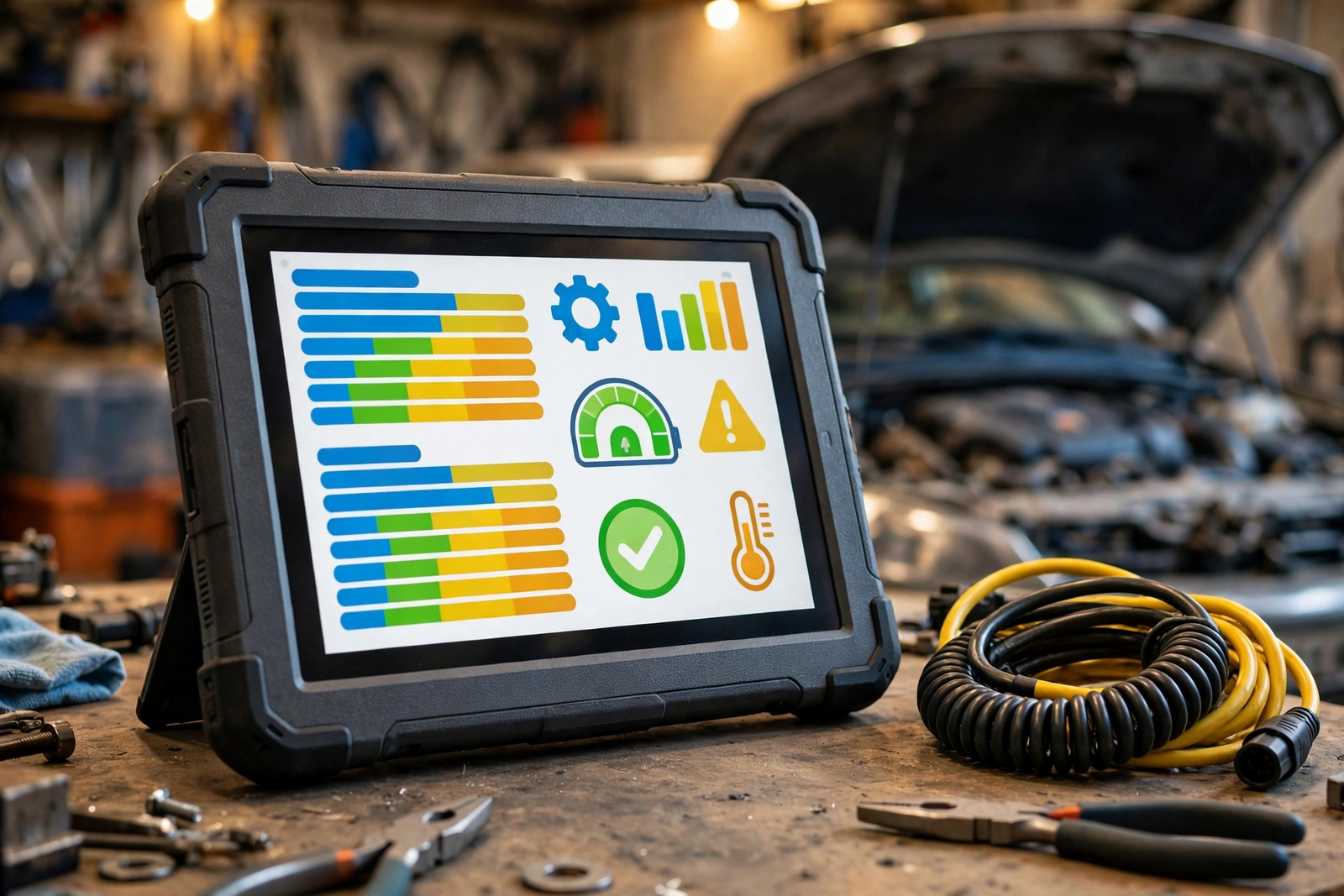
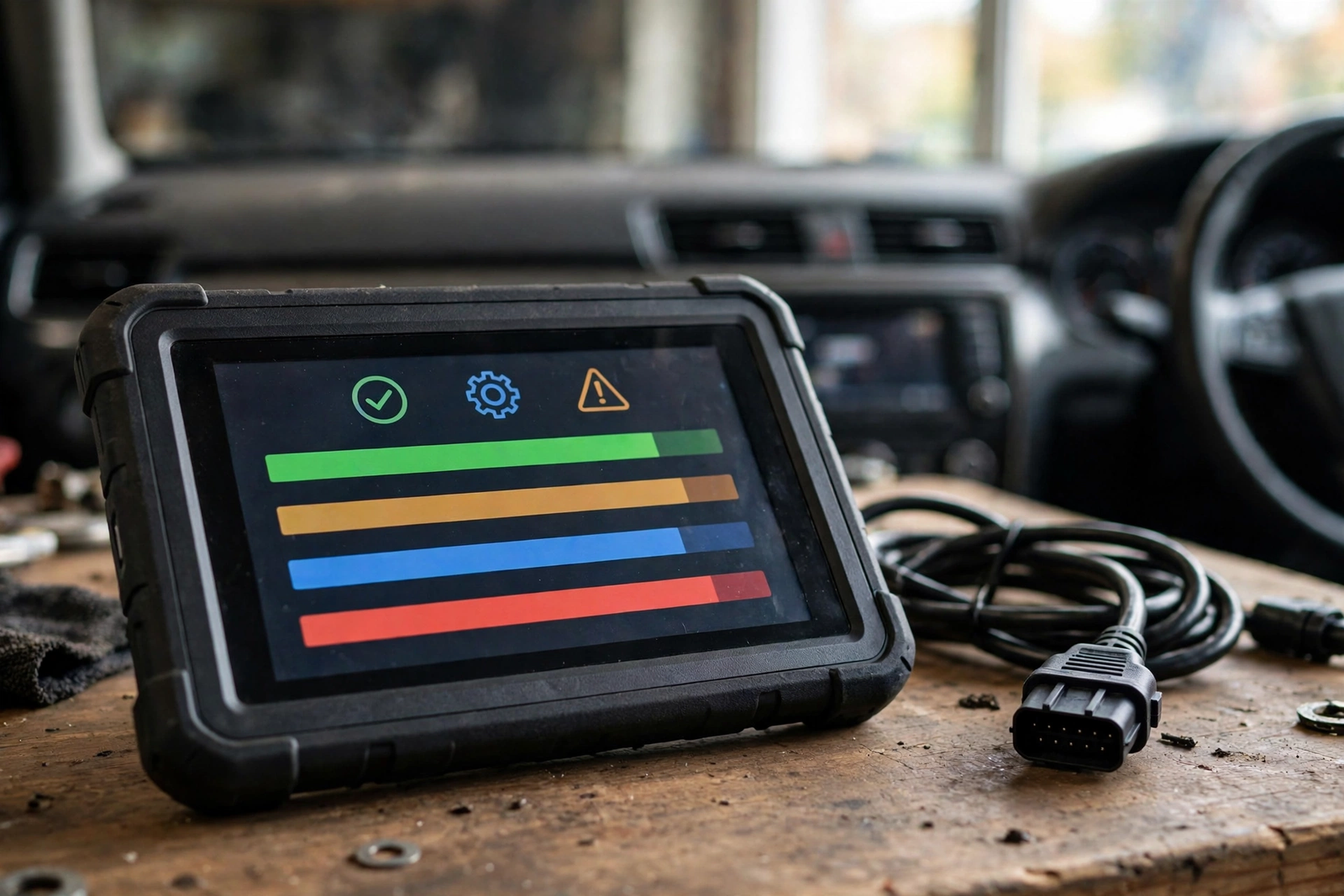
The MK808S is a standalone tablet, not an accessory for your phone. It runs Android 11 on a 7-inch touchscreen, listed at 1024 by 600 resolution, with a Rockchip RK3566 processor and 4GB of memory with 64GB of storage. You plug it into the car’s 16-pin diagnostic port with its cable, and the tablet itself is the screen, the computer, and the interface — there is no phone app to install and no laptop to carry to the car.
As an obd diagnostic tool, it covers far more than the engine. The listing describes OE-level all-system diagnostics — engine, transmission, ABS, airbag, TPMS, and body systems — plus AutoVIN, which reads the car’s VIN and identifies the vehicle for you. It also lists more than 28 service and reset functions and more than 3,000 active tests, the two-way commands covered in the next sections. Those numbers are the listing’s claims, and this review states them as listed, not as results we measured.
Just as important is what the MK808S is not. It is not the original MK808: the S revision is the newer, upgraded version, and older roundups still link the original. Check the part number MK808S before ordering, because Autel’s family is confusing — the MaxiCheck MX808S is listed as sharing hardware with this tablet. It is also not a dealer tool: it does what the listing claims for the cars it supports, and the function menu varies by make, model, and year, so a function listed for one car may not appear for another.
The 7-Inch Android Tablet: Screen, Hardware, and Setup
A 7-inch screen changes how diagnosis feels. Fault codes, live data graphs, and system menus all fit on one screen without the scrolling and squinting a phone dongle demands, and a touchscreen beats the small buttons of a handheld reader when you are working through a long menu under the dashboard. The 1024 by 600 resolution is modest by phone standards, but for menus and graphs it is enough — this is a workshop screen, not a media screen.
Setup is straightforward: charge the tablet, plug the cable into the car’s diagnostic port, and follow the on-screen menus. Because the tablet has its own battery and storage, it works away from the car too — you can review a saved scan indoors, or look up a code definition without standing in the footwell. The listing notes compatibility with Autel’s MV105S and MV108S inspection cameras for hard-to-reach areas; those are separate accessories, not in the box.
The trade-off is size: this is a tool you carry in a case or leave on the workbench, not something that lives in the glovebox. If your whole job is reading one check-engine light on one car, a tablet is more tool than the job needs.
Bidirectional Control: Active Tests That Talk Back to the Car
Bidirectional control is the MK808S’s defining feature, and it is worth understanding properly. A basic scanner only reads: it asks the car’s computers what they recorded. A bidirectional scanner can also send commands — telling a fuel pump to run, a cooling fan to switch on, a window motor to move, or a valve to open and close — and then watching whether the component responds. When a part does not respond to a direct command, you have found the fault instead of guessing at it.
The listing claims more than 3,000 active tests across the systems the tablet supports — the breadth of the menu, not the depth on any single car, since only the tests your car’s own systems support will appear. For a serious DIYer or a small shop, that is still the difference between replacing a part on suspicion and proving it faulty first.
One caution belongs here. Active tests command real components, so they should be run with the car in the state the on-screen instructions describe — parked, in the right gear, with the engine in the state the test asks for. A command sent at the wrong moment can start a fan or move a part you did not expect. Read the prompt on screen before confirming any test.
All-System Diagnostics, AutoVIN, and Service Resets
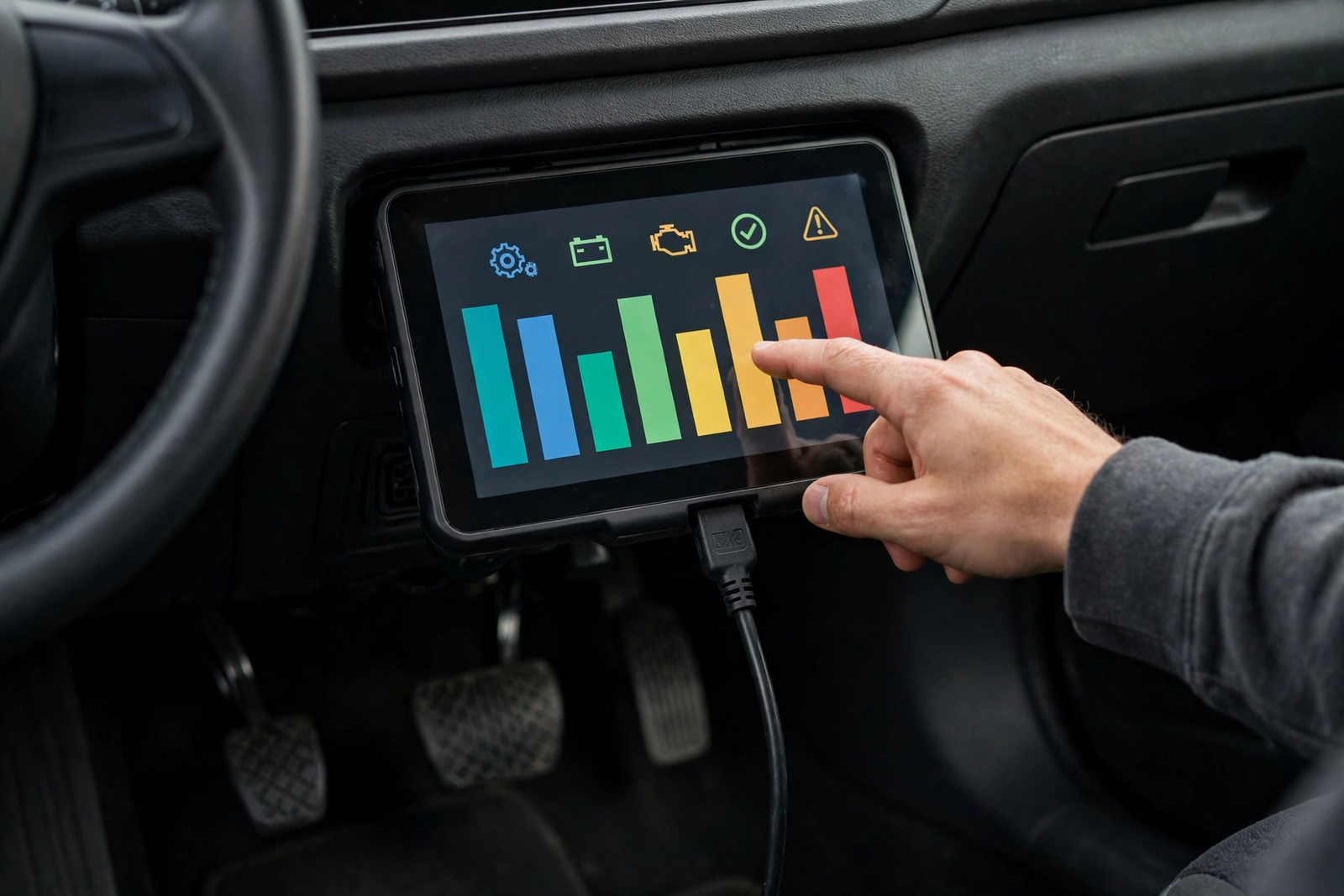
All-system diagnostics means the tablet looks beyond the engine. The listing describes coverage of the engine, transmission, ABS, airbag, TPMS, and body control systems, so a warning light outside the engine system is no longer a blind spot — an ABS light, an airbag light, or a TPMS warning each lives in its own module, and an engine-only scanner will never see them.
AutoVIN is the small feature that saves the most time. Instead of picking the year, make, model, and engine from menus, the tablet reads the VIN from the car and identifies the vehicle itself. On a multi-car household or a small shop with a mixed fleet, that removes the most common setup mistake — diagnosing the wrong vehicle variant.
The service side is where the MK808S earns its keep between breakdowns. The listing names more than 28 service and reset functions, and the examples it gives include oil light reset, TPMS relearn, battery registration, ABS bleeding, and injector coding. A diagnostic tool for cars that can reset the oil light after a service, relearn tyre sensors after a rotation, and register a new battery does the routine jobs that otherwise mean a garage visit — always with the same caveat: which resets appear depends on the car, so confirm the ones you need are listed for your make and model before ordering.
Vehicle Coverage: Which Cars It Fits — and the Limits
The listing claims coverage of more than 150 brands and 10,000 models, and describes support for 2018 and newer FCA vehicles through SGW AutoAuth, plus 2015 and newer Renault SGW access. It also states there is no IP restriction, meaning the tablet can be used outside one region without losing features. Those are the listing’s coverage claims; this review states them as listed, and the only honest advice is to check your own car against them before ordering.
As a vehicle diagnostic tool, the MK808S is built for OBD2-compliant cars — the standard 16-pin port under the dashboard that most petrol cars have carried since 1996 in the US and most cars have carried since the early 2000s elsewhere. Older cars without the OBD2 port cannot be diagnosed with it, and some makes need a brand-specific adapter or gateway access that the listing does not promise for every model.
If you found this review through a car diagnostic scanner automotive search, settle the coverage question before ordering: confirm the tablet lists your make, model, and year, confirm the service resets you need appear for that car, and confirm the seller’s update terms on the live listing.
Autel MK808S vs the Alternatives (ANCEL AD310, BlueDriver)
The ANCEL AD310 is the opposite idea: a small wired plug-in reader that does one job, engine codes, with no app, no battery, and no screen bigger than a matchbox. It reads and clears check-engine codes, shows live data and freeze frame, and checks emissions readiness — and it stops there, with no ABS, airbag, transmission, or service-reset coverage. Our ANCEL AD310 review covers it in full, and for a driver with one car and one warning light it is the simpler and cheaper answer.
The BlueDriver Bluetooth Pro OBDII Scan Tool (model LSB2) takes the middle path: a small Bluetooth dongle that plugs into the port and turns your phone into the screen, with a free app and no subscription fee. Its listing claims more than 7,000 engine codes with repair reports, plus ABS, airbag, and TPMS coverage on supported vehicles, for gas vehicles from 1996 onward. What its listing does not claim is bidirectional control or service resets — it reads and reports, it does not command components or reset service lights.
The choice is about the job. A check-engine light on one car means the AD310. Understanding a fault on your phone with repair guidance and no subscription means the BlueDriver. Diagnosing faults across systems, commanding components to prove them faulty, and resetting service lights on several cars is the job the MK808S is built for — and the tablet, not the dongle, is the right shape for it.
Who Should Buy It — and Who Should Skip It
Buy the MK808S if you work on cars often enough for a tablet to pay for itself: a serious DIYer with two or three cars, a home mechanic who does brakes, services, and sensors for friends and family, or a small shop that needs all-system scans and service resets without dealer-tool prices. It also suits anyone who has outgrown a phone dongle — the moment you need to test a component rather than just read its code, a plug-in reader stops being enough.
Skip it if your only job is a check-engine light: our ANCEL AD310 review covers the plug-in reader that does that job for far less, with nothing to charge and nothing to update. Skip it too if you want everything on your phone — the BlueDriver dongle above is the phone-first option, with no tablet to carry. And skip it if your car is older than OBD2 or a make the listing does not cover; no scanner, however capable, can talk to a car that does not speak its protocol.
Verdict
The Autel MK808S is the tablet for the driver who has outgrown basic scanning. The 7-inch Android tablet, the all-system coverage, the 28-plus service resets, and above all the bidirectional control add up to a car diagnostic tool that tests parts instead of guessing at them — the difference between a diagnosis and a hunch. Its limits are the honest ones: the function menu varies by car, the coverage claims are the listing’s, and a tablet is more tool than a single check-engine light needs. Accept those three facts and this is the right buy for a serious home garage or a small shop; if any of them is a deal-breaker, the alternatives above are the honest next step.
Frequently Asked Questions
Is the Autel MK808S really a bidirectional scanner?
Yes, according to its listing. The MK808S is described as a bidirectional scan tool, which means it can send commands to the car’s computers and receive a response — running active tests on components such as fuel pumps, fans, and valves — rather than only reading stored fault codes. The listing claims more than 3,000 active tests, but only the tests your car’s own systems support will appear in the menu, and the function menu varies by make, model, and year.
What is the difference between the MK808S and the original MK808?
The MK808S is the newer, upgraded revision of the original MK808, with a faster processor, Android 11, and a larger 7-inch screen. Older roundups still link the original MK808, so check the part number MK808S and the ASIN B0744JBC7W before ordering. Autel’s naming is confusing — the MaxiCheck MX808S is listed as sharing hardware with this tablet — so the part number is the reliable check, not the model name alone.
Will the MK808S work on my car?
The listing claims coverage of more than 150 brands and 10,000 models, with support for 2018 and newer FCA vehicles through SGW AutoAuth and 2015 and newer Renault SGW access. It is built for OBD2-compliant cars with the standard 16-pin diagnostic port. Because the function menu varies by make, model, and year, confirm your own car and the service resets you need are listed for it before ordering.
Do I have to pay for software updates after a year?
We could not verify the update terms across the listing, so check the live listing before you buy. One seller listing mentions 12 months of free updates, and the same listing notes that renewal is not necessary to keep using the scanner. Treat the update period as a seller term to confirm at purchase time, not as a fixed fact about the tablet.
Can the MK808S reset the oil light and relearn the tyre sensors?
The listing names more than 28 service and reset functions, including oil light reset, TPMS relearn, battery registration, ABS bleeding, and injector coding. Which resets appear depends on the car, so confirm the ones you need are listed for your make and model before ordering. A reset clears the service reminder after the work is done; it does not fix a fault behind it.
Should I buy the MK808S or the ANCEL AD310?
It depends on the job. The ANCEL AD310 is an engine-only plug-in reader: it reads and clears check-engine codes, shows live data, and needs no app or battery, and our ANCEL AD310 review covers it in full. Buy the AD310 if a check-engine light on one car is the whole job. Buy the MK808S if you need all-system scans, bidirectional active tests, and service resets across several cars — that is the job a tablet is built for.