A check engine light is a question, not an answer — and a basic scanner only answers the easy half. The Thinkcar ThinkDiag is built for the harder half: a small Bluetooth dongle that plugs into the port under your dashboard and turns your phone into an automotive diagnostic scanner with full-system coverage — engine, transmission, ABS, airbag and more — plus 15+ reset and service functions and bidirectional tests a basic scanner cannot touch. Tablet-level capability without buying a tablet.
In this review of the Thinkcar ThinkDiag, we cover what the dongle scans, its reset functions, how the app works, and the fact every buyer must understand first: a subscription applies after year one. We also compare it with the ANCEL AD310 and the BlueDriver. The Quick Pick table below has the short version.
As an Amazon Associate I earn from qualifying purchases.
| Pick | Product | Why it stands out | Check Price |
|---|---|---|---|
| Overall Winner | Thinkcar ThinkDiag Bluetooth OBD2 Scanner | Full-system scans, 15+ reset functions, ECU coding and bidirectional tests from your phone | |
| Best Budget | ANCEL AD310 OBD II Scanner | Engine codes only, but no app, no subscription and no phone needed — the simplest way to read a light | |
| Premium Pick | BlueDriver Bluetooth Pro OBDII Scan Tool | Phone-first scanning with repair reports and no subscription fee, ever |
Table of Contents
What the Thinkcar ThinkDiag Is — and What It Is Not
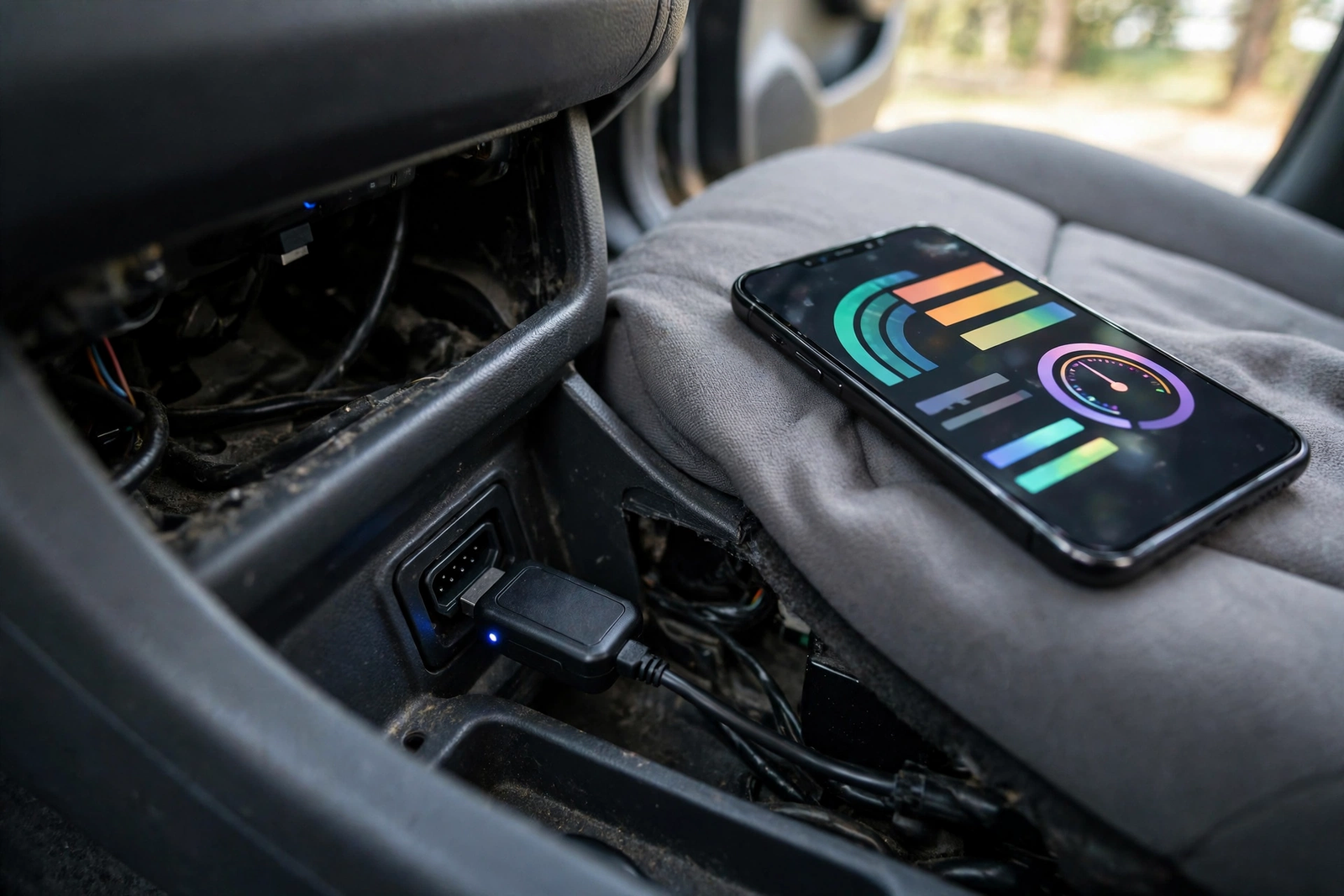
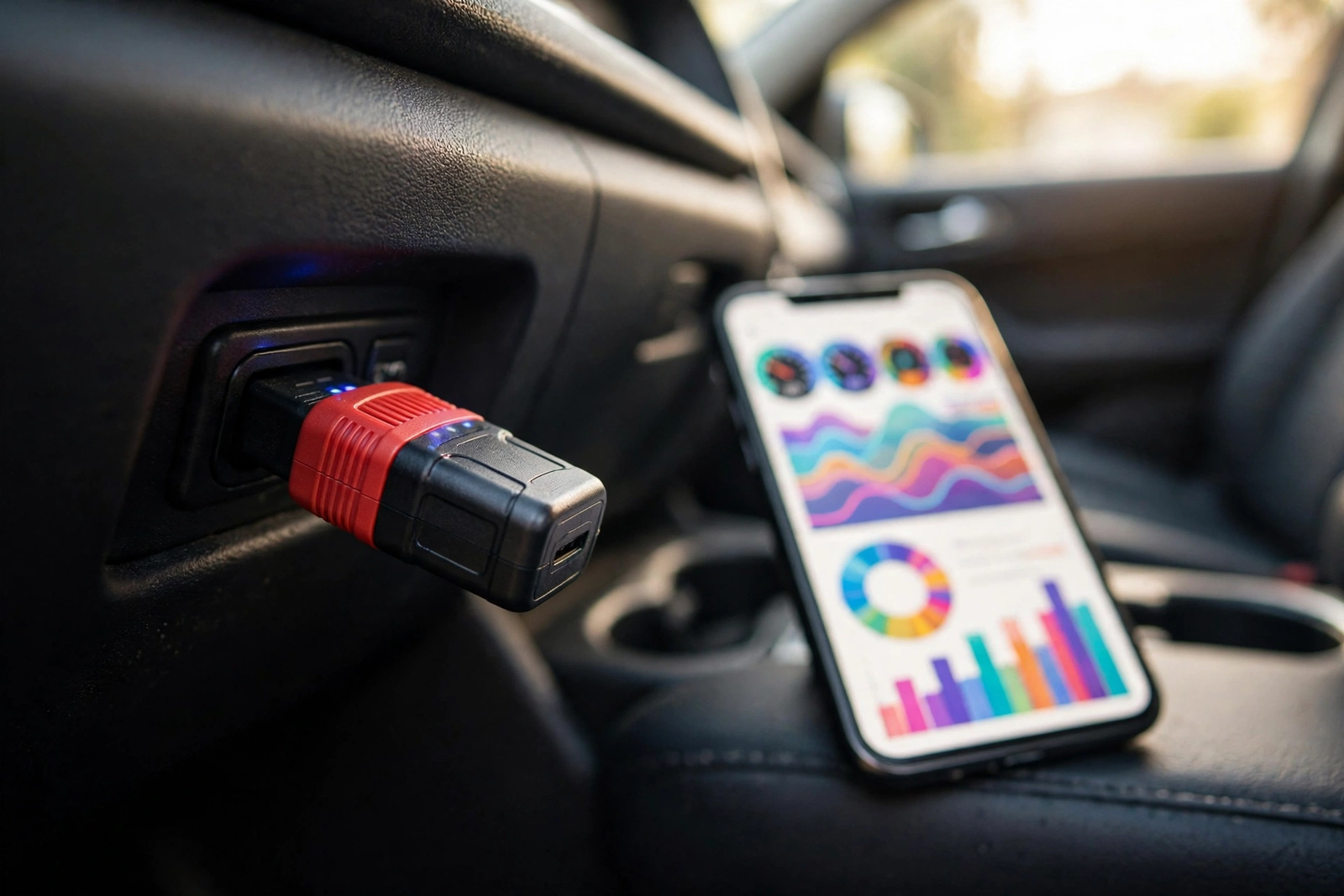
The ThinkDiag is a compact Bluetooth dongle from Thinkcar, and the whole idea is that your phone does the work a scanner screen normally does. Plug it into the 16-pin OBD2 port under the dashboard, open the ThinkDiag app, and the phone becomes the display. No screen, no battery, no cable — the car powers it through the port, and Bluetooth carries the data. It works with Android 6.0 and newer and iOS 13 and newer, per the listing.
As an automotive diagnostic scanner, it covers far more than the engine light: OE-level, full-system diagnostics across all of a vehicle’s systems, with all ten OBD2 test modes, bidirectional control and ECU coding. It is built for OBD2 cars from 1996 onward; the manual states coverage of up to 115 car brands. Check the compatibility list for your exact vehicle before ordering — deeper functions vary by make and model.
Just as important is what it is not. It is not a tablet: no built-in screen, so if your phone dies, the tool is unusable until it charges. It is not a standalone handheld like the ANCEL AD310 — if you dislike car jobs through a phone app, the AD310 in our ANCEL AD310 review is the no-app alternative. And it is not the newer ThinkDiag 2, which adds CAN FD support and Bluetooth 5.0. This review covers the original ThinkDiag only, ASIN B08YWTJY4F — confirm that ASIN before you order.
Full-System Diagnostics: Every System, Not Just the Engine
The difference between this dongle and a basic scanner is the word “system”. A basic scanner talks to the engine computer only. The ThinkDiag talks to all available systems — engine, transmission, ABS, airbag, steering angle, tyre pressure, battery management and air conditioning — reading and clearing fault codes and showing live data and freeze frame. An ABS or airbag light is invisible to an engine-only scanner; on the ThinkDiag it is a system you can open and read.
Live data is where the phone screen earns its keep. Instead of a two-line handheld display, you get graphed sensor readings on a full phone screen — watching a value move in real time while the engine runs. Freeze frame saves a snapshot of the engine at the moment a fault was set, and the ten OBD2 modes cover the standard engine tests.
Two advanced features lift it above the usual dongle class. Bidirectional control — also called active tests — lets the app command a component and watch it respond, such as cycling a part on and off to prove it works. ECU coding lets you change configuration settings in a control unit, for example enabling a hidden feature or recalibrating adaptive data after a repair. Both depend on the vehicle, so check compatibility by VIN first. The listing also includes FCA AutoAuth, which unlocks the secure gateway on 2019-and-newer Chrysler, Dodge, Jeep, Alfa Romeo and Fiat vehicles — without it, those cars refuse most diagnostic access.
15+ Reset and Service Functions
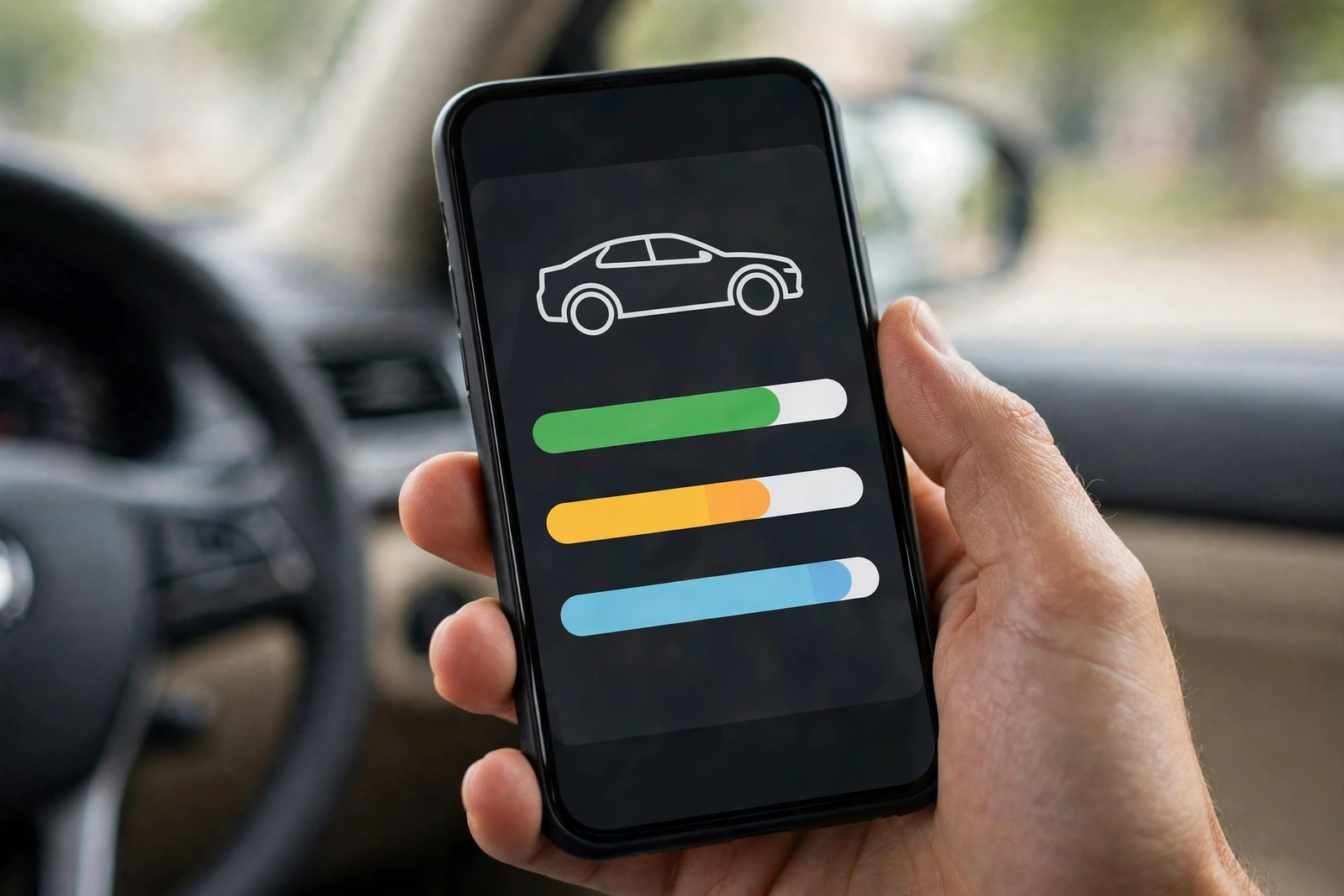
The reset menu is the real reason to buy this dongle instead of a cheaper one. The listing promises more than 15 maintenance and service functions: oil reset, TPMS reset, electronic parking brake reset, steering angle calibration, battery reset, ABS bleeding, injector coding, DPF reset, EGR reset and key programming. Each one resets a warning light or relearns a system after a repair — a garage visit you do not have to book.
Take the two most common jobs. An oil reset recalculates the engine oil life system after fresh oil goes in, so the service reminder stops nagging. A parking brake reset winds the electronic calliper back so rear brake pads can be changed at home — without it, the brake stays locked and the job is not a DIY job. A battery reset tells the car a new battery is fitted; a steering angle reset recalibrates the sensor after alignment work. Treat the list as a menu to check against your vehicle, not a guarantee.
One honest limit belongs here. The reset functions live behind the vehicle software download and the subscription described below — they are not free forever, and they are not available on every make and model. A buyer who only needs an oil reset on one car should check that function against their VIN first — that menu is the whole value of this dongle.

The ThinkDiag App: Your Phone Becomes the Screen
Everything runs through the ThinkDiag app, free on the App Store and Google Play. Setup is straightforward: plug the dongle in, open the app, enter the serial number printed on the device to activate it, and let Bluetooth pair. The first scan downloads that vehicle’s software, which takes a while; later scans are faster. The app then presents the full menu — full-system scan, OBD2 functions, reset services, live data graphs and reports you can save or share.
A phone screen is both the strength and the weakness of this tool. The strength is obvious: a big, bright display, graphed live data and saved reports. The weakness is that the tool is only as good as the phone in your hand — a dead battery or no space for the vehicle download gets in the way. If that sounds like you, a handheld with its own screen is the better buy, and our ANCEL AD310 review covers the simplest one. For everyone else, the app is why this dongle feels like a tablet that fits in a glovebox.
The Subscription After Year One — Read This First
The first year of software is included; after that, a subscription applies — the fact that decides whether this dongle is good value. The listing states all software for one year, and its description is plain about what happens if you do not renew — the reset functions and full-system access go away, while the basic OBD2 functions and some live data keep working for free. After year one the dongle still reads and clears engine codes, but the features that justify its price need a paid renewal.
We state no renewal price here: no verified price for this original model was found in the sources we could read — figures quoted elsewhere online belong to different ThinkDiag models. Check the renewal terms before you buy, and treat the subscription as part of the price: a dongle kept for years costs the purchase plus each renewal. If subscriptions are a deal-breaker, the BlueDriver above charges no subscription fee at all. If you accept the subscription, the ThinkDiag still makes sense — dealer-level functions for a fraction of a tablet’s price — but only knowing the first year is included and later years are not free.
ThinkDiag vs the Alternatives (ANCEL AD310, BlueDriver)
The ANCEL AD310 is the opposite idea to the ThinkDiag: a wired handheld with its own backlit screen, powered by the car, with no app, no Bluetooth and no subscription — updates are free for life. It reads and clears engine codes, shows live data and freeze frame, and checks I/M readiness. The listing calls it one of the best-selling OBD II scanners on the market. Its limit is absolute: engine only. It cannot see ABS, airbag, transmission or tyre pressure systems, and it has no reset functions at all. As an obd code reader for the check engine light alone, it is the cheapest honest answer; as a vehicle diagnostic tool for anything beyond the engine, it is not in the ThinkDiag’s class.
The BlueDriver is the closest rival — also a Bluetooth dongle that turns your phone into a scanner. Its case is the opposite of the ThinkDiag’s: the app is free with no add-ons and no subscription fee, ever, and it reads more than 7,000 codes with vehicle-specific repair reports listing possible causes and reported fixes. Its advanced diagnostics — ABS, airbag and tyre pressure — cover selected makes rather than the whole range, and it has no 15+ reset menu or ECU coding. Choose BlueDriver for phone-first scanning with no ongoing cost; choose ThinkDiag if reset functions and coding matter more than a subscription-free life.
Two more names belong here. The TOPDON TopScan is the other phone-first dongle in this programme, but it is the Lite version with a smaller service menu, on a different app — the ThinkDiag leads on reset count, ECU coding and FCA AutoAuth. The FIXD sensor is the beginner-first option: plain-English explanations of what a light means. The ThinkDiag sits a full capability tier above FIXD — for a DIYer who wants to do the work, not just understand the light.
Who Should Buy It — and Who Should Skip It
Buy the ThinkDiag if you do your own maintenance and want dealer-level functions without a tablet — a DIYer with one or two cars who changes their own oil and brakes, chases warning lights across more than one system, or buys used cars and wants a full-system scan before paying. As an automotive code reader with reset functions, it earns its keep the first time it saves a garage visit.
Skip it if you hate subscriptions — the BlueDriver is the honest alternative. Skip it if you want nothing to do with phone apps, and buy the ANCEL AD310 instead. Skip it if the check engine light is the only problem you ever expect — an engine-only scanner answers that for less, with no renewal to remember. And skip it if your car predates OBD2 or is not on the compatibility list. A diagnostic tool for cars is only worth buying when it covers your car — check the VIN first.
Verdict
The Thinkcar ThinkDiag is the most capable Bluetooth dongle in its class: an automotive diagnostic scanner that puts full-system scans, bidirectional tests, ECU coding and 15+ reset functions on the phone you already own. Its limits are equally clear — no screen of its own, functions that vary by vehicle, and a subscription after the first year that takes the reset menu and full-system access with it if you let it lapse. Accept those three facts and this is a strong buy for a DIYer; if any is a deal-breaker, the BlueDriver or the ANCEL AD310 above is the honest next step.
Frequently Asked Questions
Does the ThinkDiag need a subscription after the first year?
Yes. The first year of software is included with the dongle, and after that a subscription applies to keep the full-system diagnostics and the reset functions working. If you do not renew, the reset functions and full-system access go away, but the basic OBD2 functions and some live data keep working for free. This review states no renewal price, because no verified price for this original model was found in the sources we could read — check the renewal terms in the app or on the listing before you buy.
Will the ThinkDiag work on my car?
It is built for OBD2 cars from 1996 onward; the manual states coverage of up to 115 car brands. Full-system scans, reset functions, bidirectional tests and ECU coding all vary by make, model and year, so check the compatibility list for your exact vehicle — ideally by VIN — before ordering. Chrysler, Dodge, Jeep, Alfa Romeo and Fiat vehicles from 2019 onward need the FCA AutoAuth feature, which this dongle includes, to pass their secure gateway.
What is the difference between the ThinkDiag and the ThinkDiag 2?
The ThinkDiag 2 is the newer model, and it adds CAN FD protocol support and Bluetooth 5.0. This review covers the original ThinkDiag only, ASIN B08YWTJY4F. The two models look alike, so confirm the ASIN on the listing before you order — buying the newer model by mistake means paying for a different tool with different software terms.
Can the ThinkDiag do an oil reset and other service resets?
Yes — the listing promises more than 15 reset and service functions, including oil reset, TPMS reset, electronic parking brake reset, steering angle calibration, battery management reset, ABS bleeding, injector coding, DPF reset, EGR reset and key programming. Which functions work on your car depends on its make, model and year, and the reset functions need an active subscription after the first year.
Should I buy the ThinkDiag or the BlueDriver?
Choose the BlueDriver if you want phone-first scanning with no subscription fee ever, a free app and repair reports that explain possible causes and reported fixes. Choose the ThinkDiag if reset functions, bidirectional tests and ECU coding matter more to you than a subscription-free life — it does more on the car, but it charges a renewal after the first year to keep doing it.
Does the ThinkDiag have its own screen?
No. The dongle has no screen and no battery — your phone is the display, through the free ThinkDiag app on Android 6.0 and newer or iOS 13 and newer. The dongle draws its power from the car’s OBD2 port, and Bluetooth carries the data to the phone. If you want a scanner with its own screen and no phone at all, the ANCEL AD310 is the better buy.