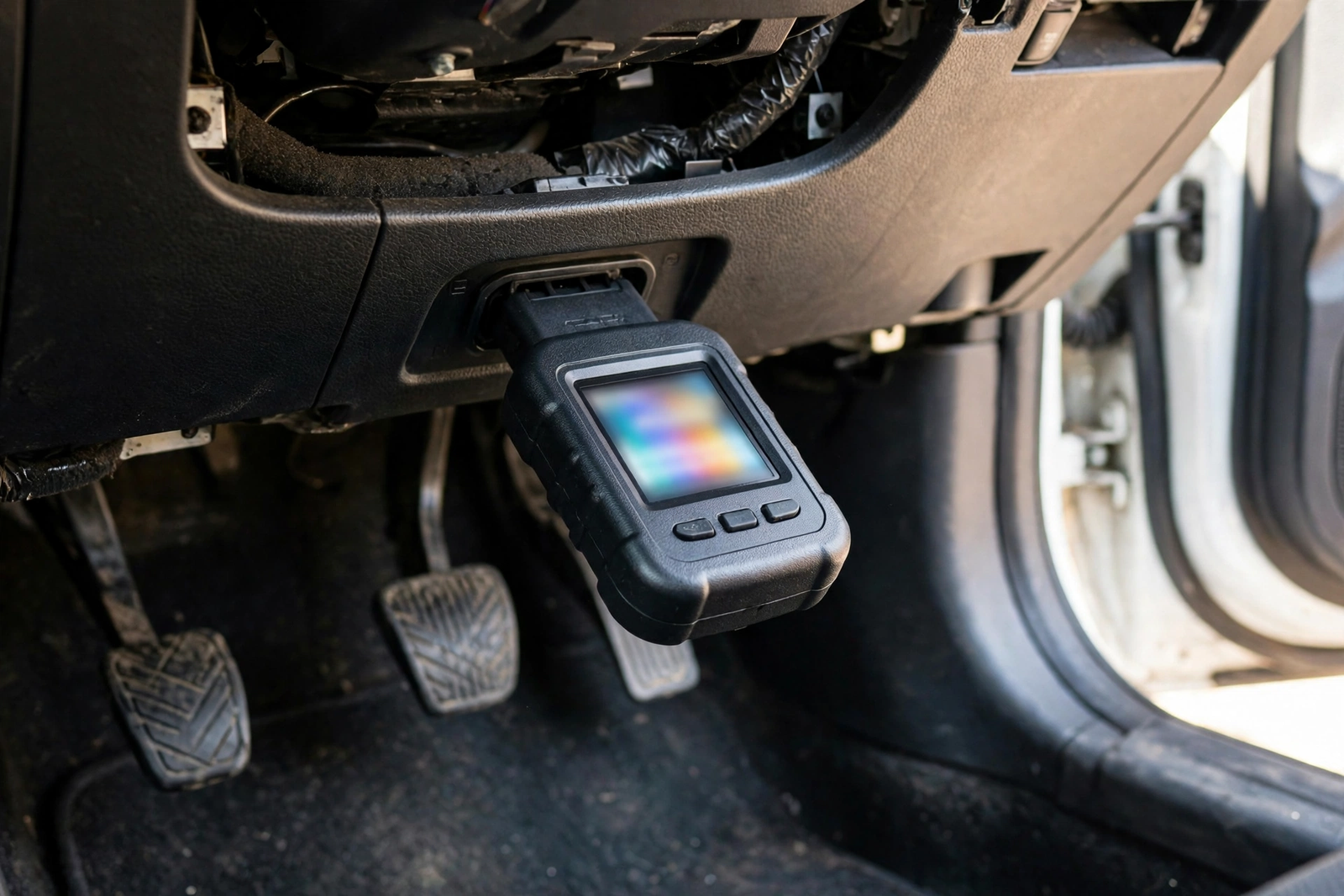
The check engine light comes on, and the question is always the same: what is wrong, and is it safe to keep driving? The FOXWELL NT301 code reader answers that question simply. It plugs into the diagnostic port under the dashboard, draws its power from the car, reads the fault codes stored by the engine computer, and shows each one with its definition on a 2.8-inch colour screen. There is no app to install, no Bluetooth pairing, and no subscription to pay. You plug it in, read the code, and clear it once the repair is done.
The short version is that the NT301 is an engine code reader, nothing more and nothing less. It reads and clears check engine codes on most petrol cars built from 1996 onward and on OBD2-compliant diesels, and it shows live data, freeze frame information, and emissions readiness along the way. It does not read ABS, airbag, transmission, or tyre pressure codes, and it cannot test a battery. Below, we cover what it reads, how the screen and graphing work, which cars it fits, and how it compares with the ANCEL AD310 and the BlueDriver.
As an Amazon Associate I earn from qualifying purchases.
| Pick | Product | Why it stands out | Check Price |
|---|---|---|---|
| Overall Winner | FOXWELL NT301 OBD2 Scanner | 2.8-inch colour screen, live data graphing, on-screen code definitions, no app or subscription | |
| Best Budget | ANCEL AD310 OBD II Scanner | The same engine-only job for less, with a smaller monochrome screen and an EVAP test | |
| Premium Pick | BlueDriver Bluetooth Pro OBDII Scan Tool | Phone-based scanner with ABS, airbag and transmission coverage on popular makes, free app, no subscription |
Table of Contents
What the FOXWELL NT301 Code Reader Is — and What It Is Not
The NT301 is a handheld, wired code reader for the engine system. It connects to the standard 16-pin diagnostic port under the dashboard and draws its power from the car itself, so there is no battery to charge. Once it is plugged in and the ignition is turned on, the unit powers up and prompts you to start a scan. As a code reader for cars and light trucks, it covers the job most drivers actually need: finding out why the check engine light is on.
What you get is deliberately simple: the scanner, its own colour screen, and buttons you can work with gloves on. There is no app, no phone connection, and no account to create. It supports all ten modes of OBD2 testing, according to the listing, and all five OBD2 protocols: KWP2000, ISO9141, J1850 VPW, J1850 PWM, and CAN. The screen is a 2.8-inch TFT colour display at 320 by 240 resolution, easy to read in a dim footwell.
Just as important is what the NT301 is not. The listing states plainly that this is a basic OBD2 reader, not a professional scan tool: no ABS, SRS airbag, transmission, or tyre pressure systems, and no battery registration, bi-directional control, programming, or special resets. It cannot test a battery either. If a warning light outside the engine system is on, this code reader will not see it at all.
What It Reads: Engine Codes, Live Data, and I/M Readiness
The NT301 reads current, pending, and permanent diagnostic trouble codes — the codes the engine computer stores when something goes out of range — and shows a definition for each one on screen. A dedicated HELP button gives the possible causes behind a code. After a repair, it clears the codes, turns off the check engine light, and resets the monitors.
Two honest caveats belong here. First, clearing a code does not fix the fault behind it: if the problem is still there, the light comes back after a few drive cycles. Second, this is an obd2 code reader for the engine system only — a code that belongs to the transmission, the brakes, or the airbags will not appear here.
Reading a code tells you what the computer recorded; live data tells you what the engine is doing right now. The NT301 streams live sensor data while the engine runs — engine speed, vehicle speed, oxygen sensor readings, and more — showing whether a sensor reading looks wrong in real time. The live stream is what turns this code reader into a diagnostic aid.
Freeze frame is the companion feature: when a fault code is set, the car saves a snapshot of the engine’s condition at that exact moment. The I/M readiness check matters most before an emissions or smog test, and the NT301 gives it a dedicated one-key check. A car that has just had its codes cleared will show monitors as not ready, and testing it too soon wastes a trip. The reader also runs an oxygen sensor test and an on-board monitoring test.
The 2.8-Inch Colour Screen and Live Data Graphing
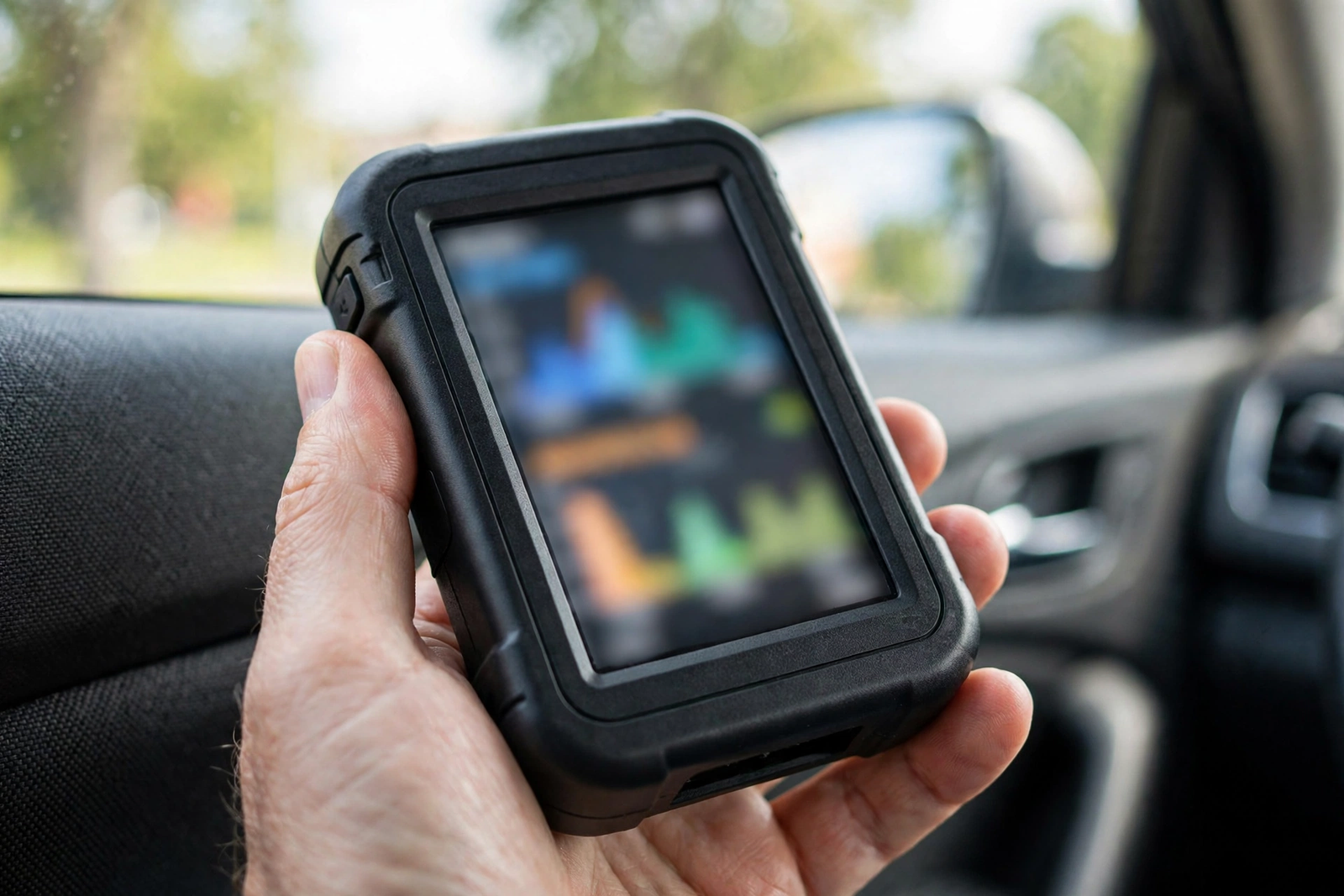
The screen is the NT301’s clearest advantage over the cheapest handheld readers. At 2.8 inches it is bigger than the 2.25-inch monochrome screen on the ANCEL AD310 in our ANCEL AD310 review, and colour makes the difference in practice: definitions, menus, and graphs are easier to scan at a glance than the same information in white on grey.
Live data can be shown as text or as a graph, and graphing is where this code reader earns its keep for intermittent faults. A sensor that reads fine at idle and fails under load will not always set a code, but a graphed line that dips or spikes as you drive tells the story plainly. The NT301 can also record live data and play it back, and data can be printed through a PC.
Navigation is by physical buttons, with hotkeys for the most-used jobs — one key for the I/M readiness check, and the HELP button for code causes. There is no touchscreen to smudge and no menu buried in an app. Updates run through a Windows PC over USB; Mac and iOS are not supported, and no update is needed before first use.
Which Cars It Fits — and Which It Does Not
The NT301 works on most 1996 US-based, 2000 EU-based, and Asian cars, as well as light trucks, SUVs, and newer OBD2 and CAN vehicles — provided the vehicle is OBD2-compliant. That last condition is the one that matters: the reader only speaks OBD2 protocols, and it only connects through the standard 16-pin port. Petrol cars from 1996 onward are the core fit, and OBD2-compliant diesels are covered too.
Just as important is what it does not fit. It is not an OBD1 reader: cars with the older OBD1 system cannot be diagnosed with the NT301, even with an adapter plugged in, because the car itself does not speak the protocol. If your car was built before 1996 in the US, or before 2000 in Europe and Asia, check the port before ordering — look for the 16-pin connector under the dashboard on the driver’s side. No 16-pin port means no scan. The reader runs on 12-volt vehicle power only, so it does not suit 24-volt commercial vehicles.
How to Use It: Plug In, Read, Clear
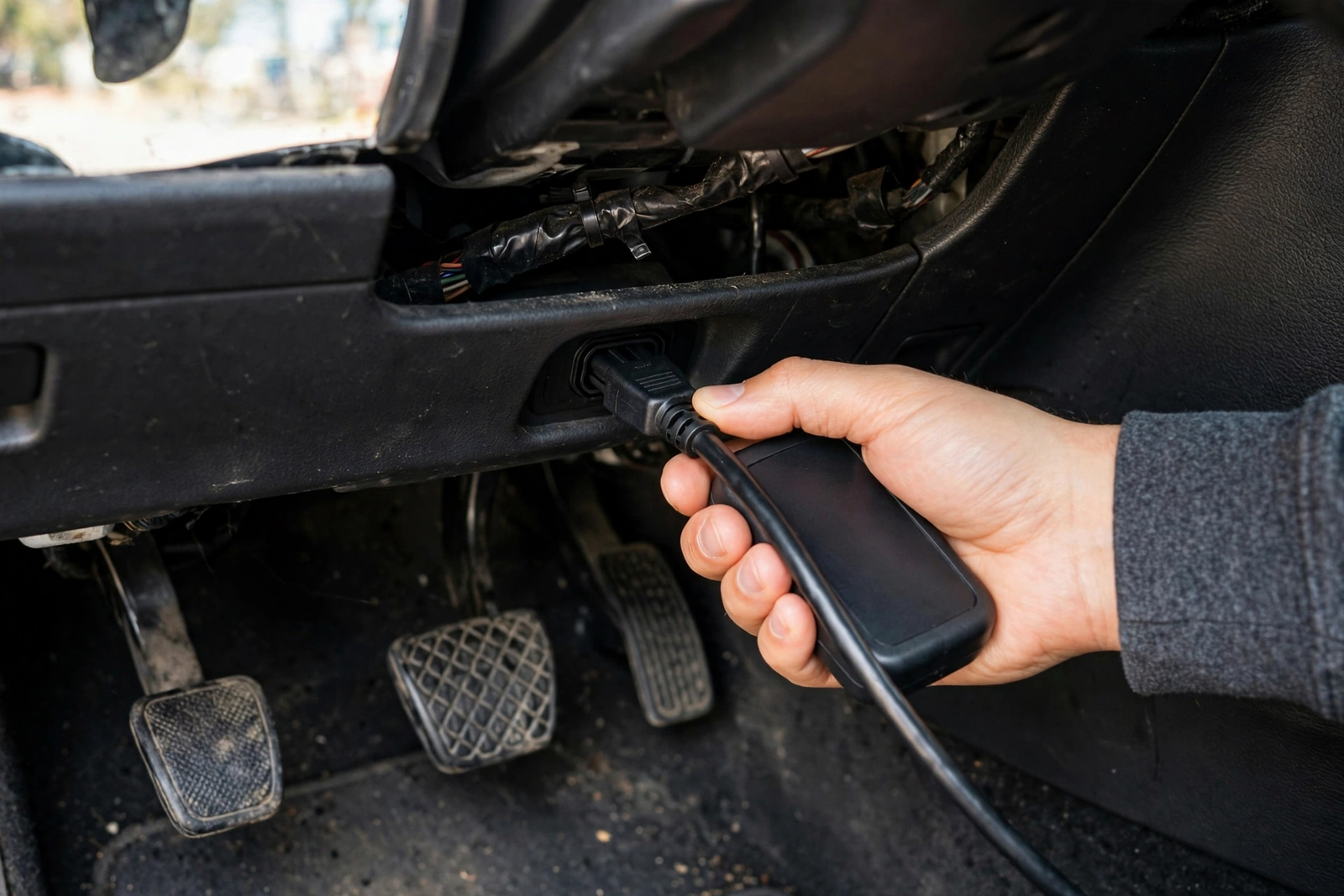
Using the NT301 takes about five minutes once you know where the port is. Find the 16-pin connector under the dashboard on the driver’s side, push the plug in firmly, and turn the ignition to the on position. The reader powers up from the car and prompts you to start. Read the codes, write down every code and its definition, and use the HELP button for the possible causes.
Clear the codes only after the repair is done, never before, because clearing erases the evidence a mechanic needs. After clearing, drive the car through a few normal trips, then scan again: if the code stays away and the I/M monitors show ready, the repair held; if the code returns, the fault is still there.
FOXWELL NT301 vs the Alternatives (ANCEL AD310, BlueDriver)
The ANCEL AD310 is the closest rival, and the two readers share most of what matters. Both are wired, handheld, engine-only readers with no app, no battery, and no subscription, both cover all five OBD2 protocols, and both read codes, live data, and freeze frame. The differences are in the details: the NT301 has the larger 2.8-inch colour screen against the AD310’s 2.25-inch monochrome display, it graphs live data where the AD310 shows text, and it puts code definitions and possible causes on screen through its HELP button. The AD310 answers with an EVAP system test and free lifetime updates through its Mini-B USB port. See our ANCEL AD310 review — if the colour screen, the graphing, and the on-screen definitions matter to you, choose the NT301; if the lowest spend matters most, choose the AD310.
The BlueDriver is the opposite idea to both handheld readers. It is a small Bluetooth plug that turns your phone into the scanner, and its free app carries no subscription and no in-app purchases. Where it earns its place is coverage: it reads enhanced codes for ABS, airbag, and transmission systems on popular makes, and it builds a repair report for each code. It also offers Mode 6 test results, a smog check, and live data graphing. The trade-off is the phone itself: if you want a tool with its own screen, the NT301 is the better fit; if an ABS or airbag light is the problem, the BlueDriver is the one that can see it.
Phone-app scanners such as FIXD put the display on your phone and push a yearly subscription for their full features. The NT301 has no app at all and no subscription of any kind: what you buy is what you get. That is the NT301’s whole pitch — and its limit, since a handheld reader will never show you the repair videos and emailed reports a phone app can.
Who Should Buy It — and Who Should Skip It
Buy the NT301 if a check engine light is the problem you actually have. It suits a driver who wants to know whether a light means a loose fuel cap or a failing sensor before booking a garage visit. It also suits anyone who dislikes phone apps for car jobs: there is nothing to install, pair, update, or charge, and the tool works the moment it is plugged in.
Skip it if you need more than the engine. An ABS or airbag warning light needs a reader that covers those systems, and the NT301 will not see them at all — the BlueDriver in the Quick Pick above is the step up for that job. Skip it too if you want to test a battery: the NT301 has no battery test, and the NT301 Plus is a different model that adds battery testing. Skip it if your car is OBD1 or predates OBD2, and skip it if you want live data on your phone, because this code reader keeps everything on its own screen by design.
Verdict
The FOXWELL NT301 code reader earns its place by turning a worrying dashboard light into a clear next step for the engine system: it reads the code, shows the definition and the possible causes, freezes the moment of the fault, and checks emissions readiness, all from a handheld unit that needs no app, no subscription, and no battery. Its limits are real — engine only, no ABS or airbag, no battery test, OBD2 cars only — but within them it is the most readable handheld reader of its kind. As an obd diagnostic tool for a driver who wants check-engine answers without a phone, buy the NT301; if the job is bigger, buy the reader that covers it.
Frequently Asked Questions
Does the FOXWELL NT301 read ABS or airbag codes?
No. The NT301 is an engine system reader only. It does not support ABS, SRS airbag, transmission, or tyre pressure systems, and it cannot do battery registration, bi-directional control, programming, or special resets. If an ABS or airbag warning light is on, you need a reader that covers those systems, such as the BlueDriver in the Quick Pick above, which reads enhanced ABS, airbag, and transmission codes on popular makes.
Does the NT301 need an app or a subscription?
No. The NT301 has no app, no Bluetooth pairing, and no subscription of any kind. It is a standalone handheld unit with its own colour screen and buttons, and it draws its power directly from the car’s diagnostic port. Updates run through a Windows PC over USB, and Mac and iOS are not supported for updates, but no update is needed before first use.
Will the NT301 work on my car?
It works on most 1996 US-based, 2000 EU-based, and Asian cars, as well as light trucks, SUVs, and newer OBD2 and CAN vehicles, as long as the vehicle is OBD2-compliant and has the standard 16-pin diagnostic port. Petrol cars from 1996 onward are the core fit, and OBD2-compliant diesels are covered too. It will not work on OBD1 cars, even with an adapter, and it runs on 12-volt vehicle power only, so it does not suit 24-volt commercial vehicles. Check for the 16-pin port under the dashboard before ordering.
Can the NT301 clear the check engine light?
Yes. The NT301 reads diagnostic trouble codes and clears them, which turns off the check engine light and resets the monitors. Clearing a code does not fix the fault behind it, so if the problem is still there, the light will come back after a few drive cycles. Always repair the fault first, then clear the code, and scan again after driving to confirm the repair held.
What is the difference between the FOXWELL NT301 and the ANCEL AD310?
Both are wired, handheld, engine-only readers with no app, no battery, and no subscription, and both cover all five OBD2 protocols and all ten test modes. The NT301 has the larger 2.8-inch colour screen against the AD310’s 2.25-inch monochrome display, it graphs live data where the AD310 shows text, and it puts code definitions and possible causes on screen through its HELP button. The AD310 answers with an EVAP system test and free lifetime updates through its Mini-B USB port. If the colour screen, the graphing, and the on-screen definitions matter most, choose the NT301; if the lowest spend on the same core job matters most, choose the AD310.
Does the NT301 test a car battery?
No. The NT301 cannot test a battery — it has no battery test function. It reads engine fault codes, live data, freeze frame data, and emissions readiness only. The NT301 Plus is a different model that adds battery testing, so do not buy the NT301 expecting it. A weak battery can also cause odd codes and a reader that will not link, so check the battery itself if the NT301 will not power up.