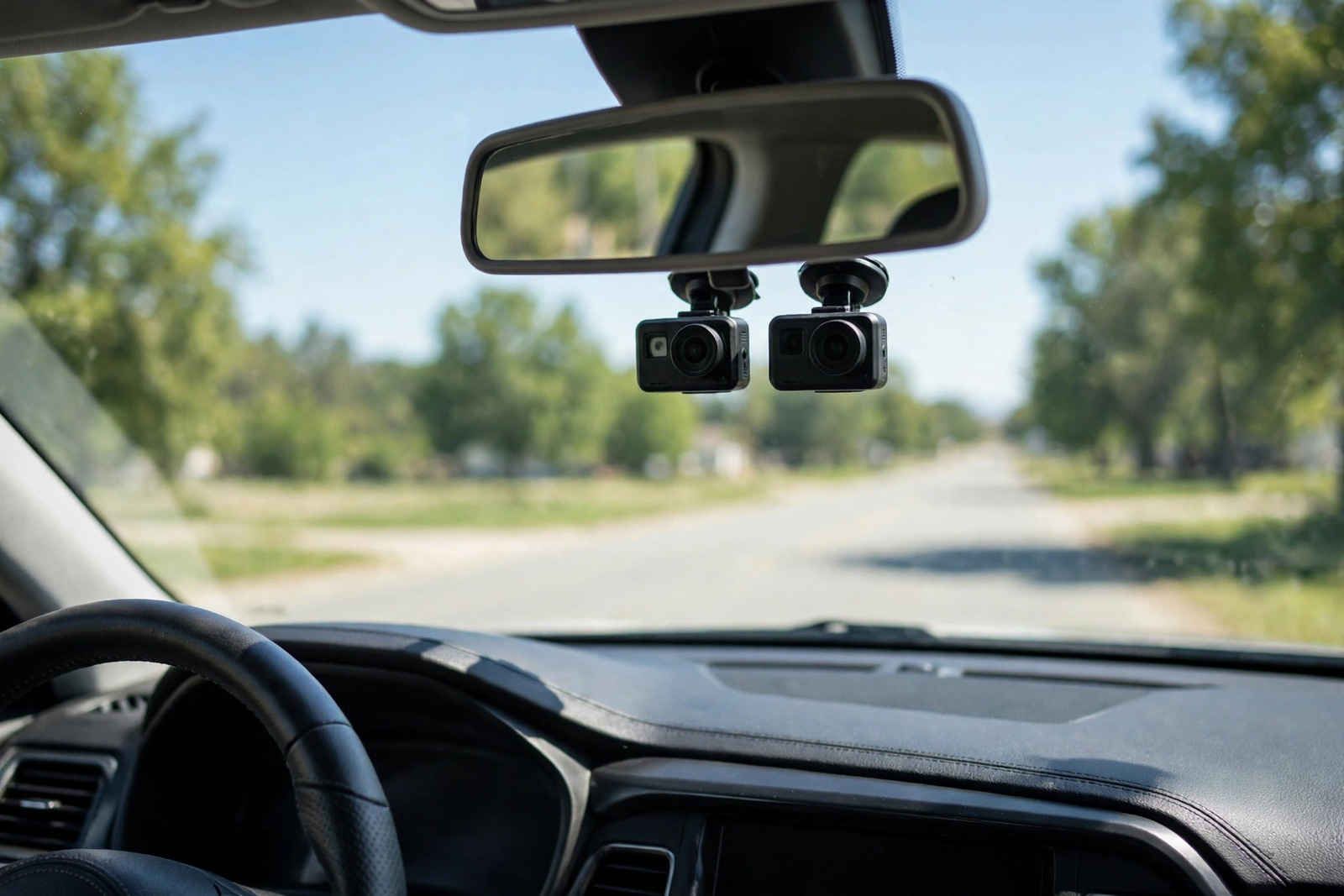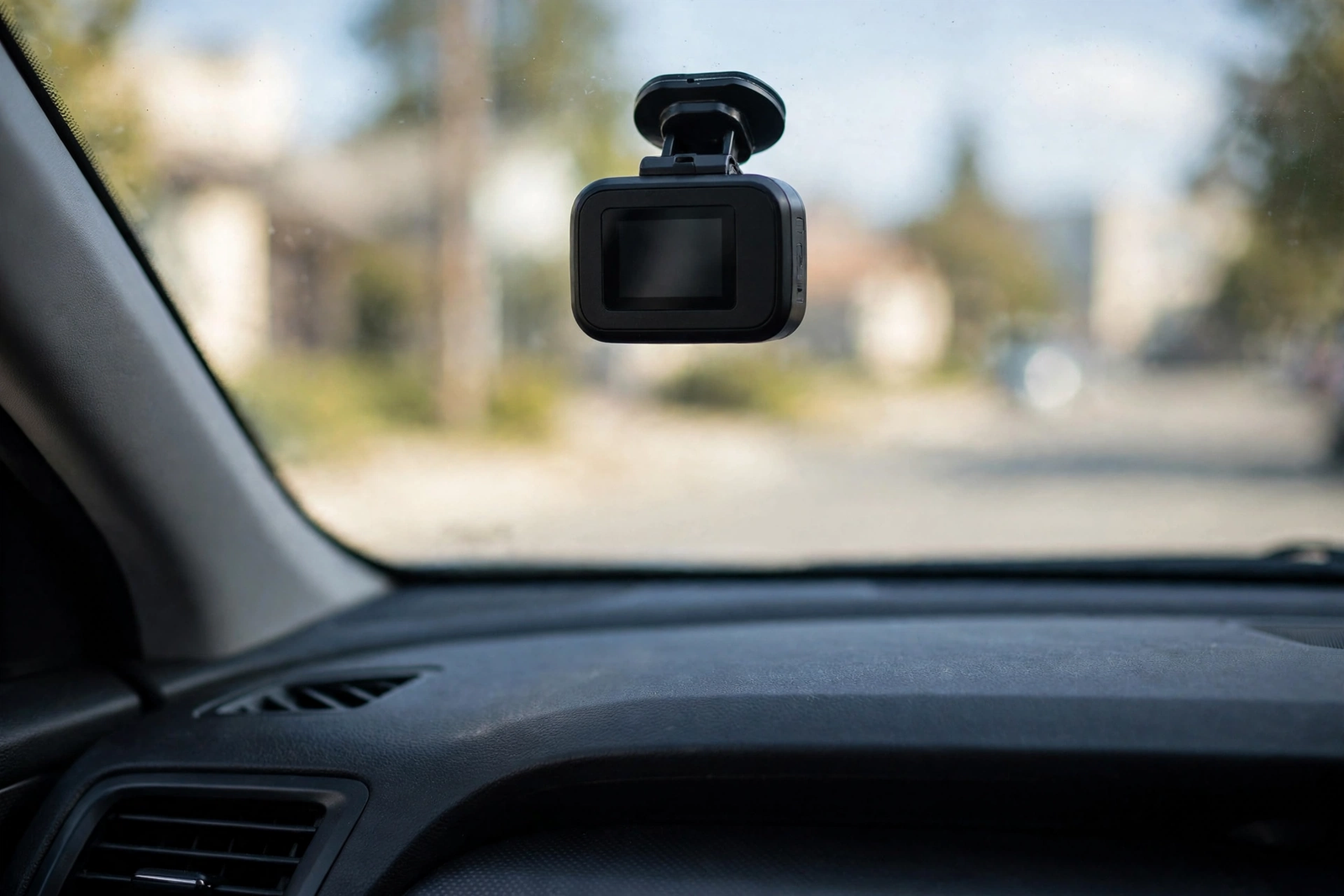
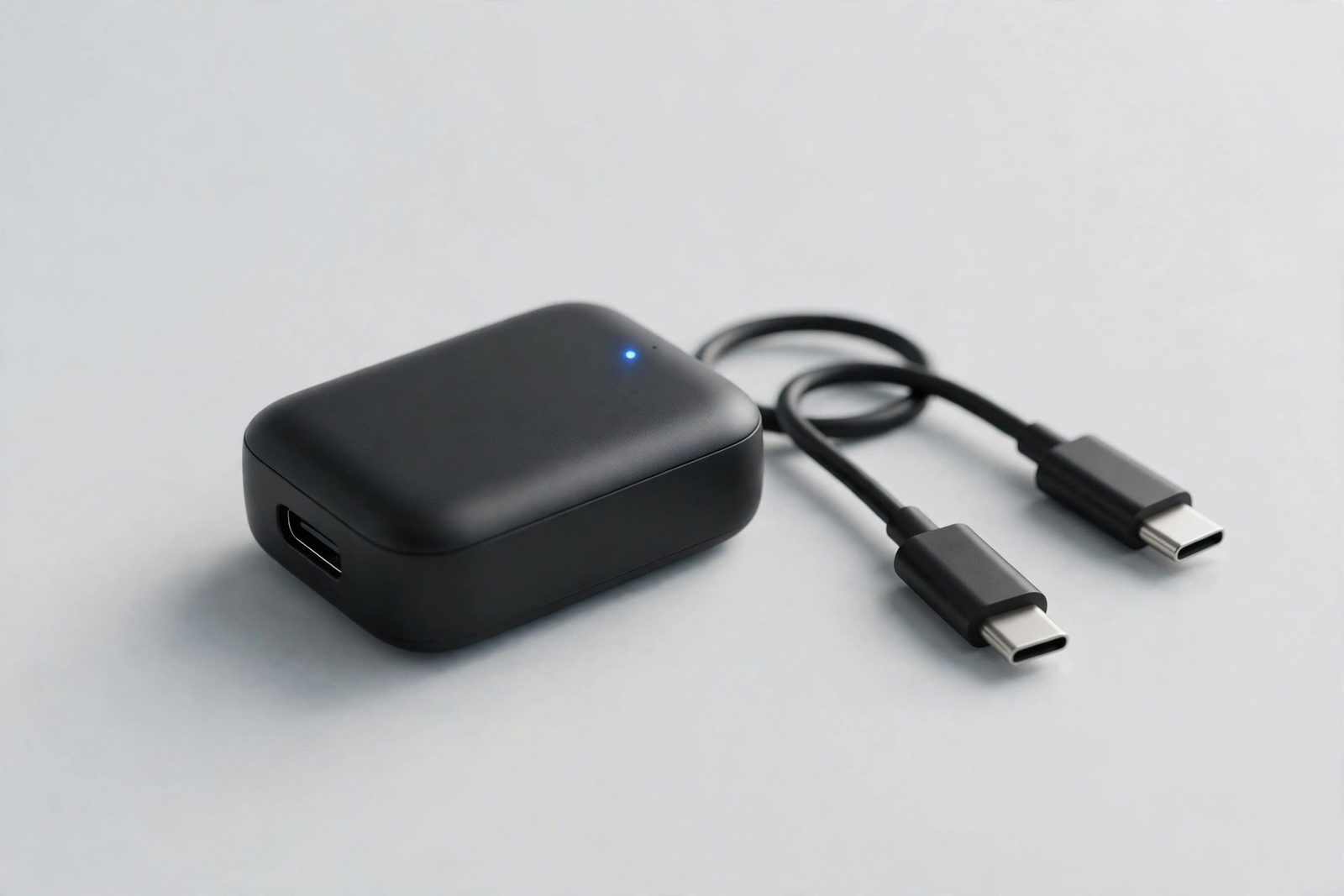
A household with one iPhone and one Android phone usually needs two different answers to the same question: how do you cut the cable without losing CarPlay or Android Auto? The CarlinKit 5.0 2air (model CPC200-2air) is built for exactly that household. It is a dual-system carplay wireless adapter — one small dongle that turns a car’s factory wired CarPlay into wireless CarPlay and its wired Android Auto into wireless Android Auto. It stores up to five paired phones and updates its firmware over the air. But first, the one check that matters: it only works if your car already has factory wired CarPlay or Android Auto.
If your car passes that check, the 2air is a simple upgrade: plug it in once, pair your phones, update the firmware, and your phone then connects itself every time you start the car. This review covers the 2air’s dual-system switching, setup, speed, size and heat, and how it compares with the Mini Ultra 3 and the Mini Cube 3.0 — the short version is in the Quick Pick table below.
As an Amazon Associate I earn from qualifying purchases.
| Pick | Product | Why it stands out | Check Price |
|---|---|---|---|
| Overall Winner | CarlinKit 5.0 2air Wireless CarPlay / Android Auto Adapter | Dual-system 5.0-generation design with auto-switching and memory for up to 5 phones | |
| Best Budget | CarlinKit Mini Ultra 3 Wireless CarPlay / Android Auto Adapter | Ranked the number-one adapter of 2026 in CarPlayLife’s hands-on test, about 25mm across, 10-second boot | |
| Premium Pick | OTTOCAST Mini Cube 3.0 Wireless CarPlay / Android Auto Adapter | 2026 2-in-1 design, 21.5mm cube with a glass top, connects in about 10 seconds |
Table of Contents
What the CarlinKit 5.0 2air Is — and the One Compatibility Check
The CarlinKit 5.0 2air is a 2-in-1 device: it converts a car’s existing wired Apple CarPlay connection to wireless CarPlay, and it does the same for wired Android Auto. Inside is the Atmel AT91SAM9260 processor with a BCM8335 Wi-Fi module, Bluetooth 4.1, and dual-band 2.4GHz and 5GHz Wi-Fi. It connects over USB-C at 5V and 1.0A, consumes 0.75W, and has an LED indicator. The box holds the adapter and two 300mm cables — USB-A to USB-C and USB-C to USB-C — with over-the-air firmware updates.
Now the compatibility check, because it decides everything else in this review. The 5.0 2air only works in cars that already have factory wired CarPlay or Android Auto — it makes the wired signal your car already produces wireless, and it cannot create CarPlay in a car that never had it. The manual states about 98% of car models from 2017 to 2023 with factory wired CarPlay and Android Auto are compatible, covering over 600 models; CarlinKit’s own store page claims over 800 models from 2016 onward, so the manual’s figure is used here. It is not compatible with BMW vehicles, and the manual names the Nissan Murano (2017) and the Mitsubishi L200 (2021) as incompatible. On the phone side, the manual requires iPhone 6 or later on iOS 10 or above and Android phones on Android 11.0 or above (one review lists Android 6.0 or above instead; this review follows the manual). The 2air also does not convert between systems: wired CarPlay becomes wireless CarPlay only.
Dual-System Design: One CarPlay Wireless Adapter for Both Phones
The “2air” in the name is the whole idea: dual native support for both systems in one device. Unlike the CarlinKit 4.0, which converts between protocols, the 5.0 2air supports CarPlay and Android Auto natively and never has to convert between them — which CarlinKit says enables faster connections and smoother navigation. As a carplay android auto adapter it serves whichever system your car already has, and a two-phone household can share one dongle instead of buying one device per platform. Shoppers often search for this kind of device as a wireless carplay dongle.
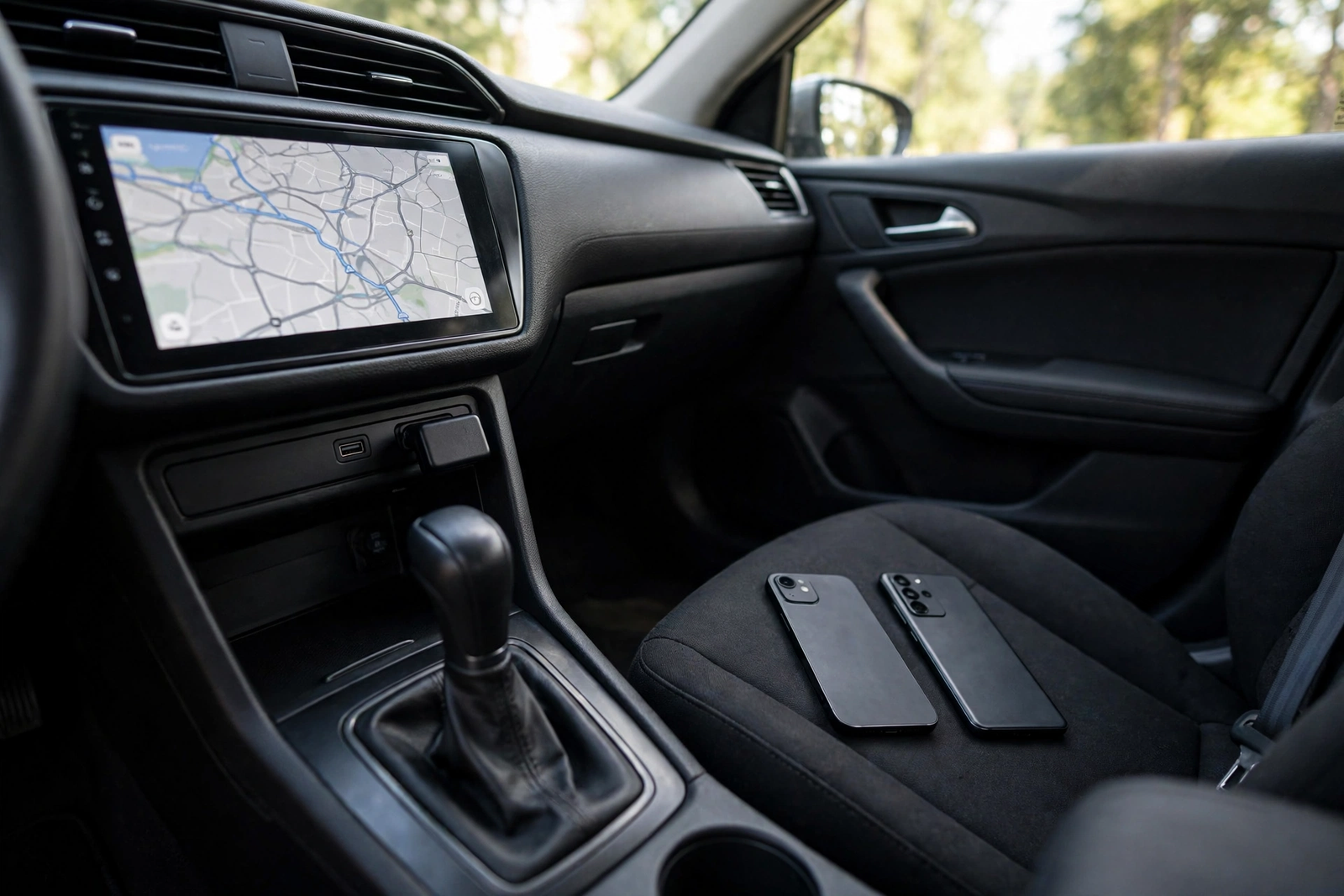
Switching is handled in the adapter’s built-in configuration page, which offers a background switching mode with three settings — CarPlay, Android Auto, or automatic — so the adapter can change between systems without being unplugged. The manual covers switching from CarPlay to Android Auto and back while connected. The adapter also stores up to five devices in its memory, so several drivers’ phones can pair once and then connect automatically — the practical heart of the dual-system design in a shared car. The 2air keeps the original controls — touchscreen, steering wheel controls, and rotary knob — plus voice commands and the car’s original GPS data. One limit: no video streaming apps such as YouTube, Netflix, or Disney+.
Setup: Plug In, Pair, Update Firmware
Setup takes a few minutes the first time and no time at all after that. First, plug the 5.0 2air into the USB port your car uses for wired CarPlay or Android Auto — it must be the data port, not a charge-only socket — with a cable from the box. Second, pair your phone over Bluetooth; the adapter appears in the phone’s Bluetooth list under a name starting with “AutoKit-“. Third, update the firmware before first use through the adapter’s own Wi-Fi network and configuration page.
After that first pairing, the adapter reconnects automatically each time you start the car — no app to open, no button to press. The configuration page is also where the switching mode lives, so open it once during setup rather than only when something goes wrong. One practical note: a charge-only port will power the adapter without ever showing CarPlay on the screen, the most common setup mistake with this kind of device.
Speed, Switching, and Everyday Connection
Speed is where the 5.0 generation earned its reputation, and the numbers come from iSimplifiedTech’s hands-on test, not a spec sheet. In that test the adapter booted into CarPlay in under 19 seconds and into Android Auto in about 12 seconds, with the reviewer reporting almost no delay or lag. CarPlay is the slower half — under 19 seconds is respectable, but nearly twice the Mini Ultra 3’s tested 10-second boot. On Android Auto the picture flips: the 2air’s tested 12 seconds beats the Mini Ultra 3’s tested 18 seconds and is far quicker than the Mini Cube 3.0’s tested 25.03 seconds. As a wireless android auto adapter it is genuinely quick — the older design’s one clear speed win. No independent latency measurement for the 2air was found, so this review states no latency figure for it.
In everyday use, maps, calls, music, and messages run through the car’s own microphone, speakers, and controls, with voice commands and the car’s original GPS data carried over from the wired connection. The five-device memory means a second driver does not need to re-pair.
Size, Build, and Heat
The 5.0 2air is a flat rectangle, not one of the tiny buttons and cubes that came after it. The Amazon and manual spec table lists it at 70 by 40 by 10mm (2.76 by 1.57 by 0.39 inches); another copy of the manual lists 76 by 43 by 12mm, so the dimensions differ between sources and this review uses the spec-table figure. It weighs 29 grams according to iSimplifiedTech’s hands-on review, though one spec table lists 4.6 ounces — a figure that looks like a packaged weight, flagged here as conflicting. The body is ABS and PC plastic with heat-sink holes on both sides.
Heat is the quiet worry with any adapter that lives on a USB port, and the 2air’s answer is ventilation rather than metal. The heat-sink holes help dissipate heat for more stable operation in high-temperature environments, according to the hands-on review. No temperature measurement for the 2air was found in research — unlike the Mini Cube 3.0, whose surface peaked around 37 degrees Celsius in testing — so this review states no temperature figure. At 70mm long it is bigger than the 25mm Mini Ultra 3 and the 21.5mm Mini Cube 3.0, and it will show in the console. The trade-off is that nothing about it is fiddly — the LED indicator is easy to see, the ports are full-size, and the two cables cover both USB-A and USB-C cars.
5.0 2air vs the Alternatives (Mini Ultra 3, OTTOCAST Mini Cube 3.0)
The closest rival is from CarlinKit’s own range. Our CarlinKit Mini Ultra 3 review covers it in full: a 2-in-1 device about the size of a coat button — roughly 25mm across — with a dual-core processor and Bluetooth 5.4, ranked as the number-one adapter of 2026 in CarPlayLife’s hands-on test. It boots into the CarPlay menu in about 10 seconds, connects an iPhone in about 7 seconds and an Android phone in about 11 seconds, and boots Android Auto in about 18 seconds. Its trade-offs are a metal case that holds heat and a 90-degree plug that can block a neighbouring USB port. Against the 2air, the Mini Ultra 3 wins on CarPlay speed and size; the 2air wins on Android Auto boot time and multi-driver memory.
The premium alternative is the OTTOCAST Mini Cube 3.0, a 2026 2-in-1 design in a 21.5mm cube with a glass top and a glowing logo, running 5GHz Wi-Fi with Bluetooth. Its listing claims a connection in about 10 seconds and a 5-second auto-reconnect; in TechTwo’s hands-on test CarPlay took 12.23 seconds from ignition while Android Auto took 25.03 seconds. It runs warm but stable, peaking around 37 degrees Celsius in that test, and it is not compatible with BMW or Tesla vehicles or Sony aftermarket head units. One flag: recent crawls of its listing showed “No featured offers available”, so check its live availability before ordering. The three cover three buying positions — the 2air is the proven dual-system pick, the Mini Ultra 3 the tested fastest, the Mini Cube 3.0 the newest and smallest — and all three need a car with factory wired CarPlay or Android Auto.
Who Should Buy It — and Who Should Skip It
Buy the 5.0 2air if your household mixes iPhone and Android phones and shares one car. The dual native support and five-device memory are built for exactly that: each driver pairs once and the adapter picks up their phone, on either system, without switching hardware. It also suits buyers who want a proven design rather than the newest one, and drivers with aftermarket head units from Alpine, Kenwood, Sony, Pioneer, or JVC.
Skip it if your car has no factory wired CarPlay or Android Auto — the adapter cannot add what the car never had. Skip it too if you drive a BMW, a 2017 Nissan Murano, or a 2021 Mitsubishi L200. Skip it if you want the smallest device or the fastest CarPlay boot: the Mini Ultra 3 is 25mm across and boots into CarPlay in about 10 seconds, against the 2air’s under 19. And skip it if your car has wired CarPlay only and you want Android Auto — that cross-conversion job belongs to the CarlinKit 4.0.
Verdict
The CarlinKit 5.0 2air is a proven dual-system carplay wireless adapter: one dongle that turns wired CarPlay and Android Auto wireless, remembers up to five phones, and boots Android Auto in about 12 seconds in hands-on testing. Its weaknesses are honest — a larger body than the tiny devices that followed it, a slower CarPlay boot than the Mini Ultra 3, an older Bluetooth 4.1 radio, and confusing shopping, with many parallel seller listings for the same model. Accept those facts and this is a strong buy for a mixed-phone household; if any of them is a deal-breaker, the alternatives above are the honest next step.
Frequently Asked Questions
Will the CarlinKit 5.0 2air work in my car?
Only if your car already has factory wired CarPlay or Android Auto. The adapter converts your car’s existing wired connection to wireless — it cannot add CarPlay to a car that never had it. The manual states it is compatible with about 98% of car models from 2017 to 2023 with factory wired CarPlay and Android Auto, covering over 600 models. It is not compatible with BMW vehicles, and the manual names the Nissan Murano (2017) and the Mitsubishi L200 (2021) as incompatible, so check your car’s specifications or manual before ordering.
Can it add CarPlay to a car that never had it?
No. The 5.0 2air needs the car’s factory wired CarPlay or Android Auto to work with. If your car has no CarPlay or Android Auto at all, the adapter will do nothing for you, and this misunderstanding is the number-one cause of returns for this kind of device. It also cannot cross-convert: wired CarPlay becomes wireless CarPlay only, and wired Android Auto becomes wireless Android Auto only.
Does it work with both iPhone and Android?
Yes. The 5.0 2air is a 2-in-1 device that supports both wireless CarPlay for iPhone 6 or later running iOS 10 or above and wireless Android Auto for Android phones running Android 11.0 or above. It stores up to five devices in its memory, so several drivers’ phones can pair once and connect automatically without repeating setup.
How fast does it connect?
In iSimplifiedTech’s hands-on test, the adapter booted into CarPlay in under 19 seconds and into Android Auto in about 12 seconds, with almost no delay or lag in everyday use. After the first pairing, the adapter reconnects automatically each time you start the car, so there is nothing to press or open on later trips.
How do I switch between CarPlay and Android Auto?
Use the adapter’s built-in configuration page, which offers a background switching mode with three settings — CarPlay, Android Auto, or automatic — so the adapter can change between systems without being unplugged. The manual covers switching from CarPlay to Android Auto and back while connected, and the automatic setting lets the adapter follow whichever system is in use.
Should I buy the 5.0 2air or the Mini Ultra 3?
It comes down to dual-system versatility against size and CarPlay speed. The 5.0 2air remembers up to five phones, supports both systems natively, and its tested Android Auto boot of about 12 seconds beats the Mini Ultra 3’s tested 18 seconds. The Mini Ultra 3 is about 25mm across, boots into the CarPlay menu in about 10 seconds, and ranked as the number-one adapter of 2026 in CarPlayLife’s hands-on test. If a mixed-phone household and multi-driver memory matter most, choose the 2air; if the smallest body and the fastest CarPlay boot matter most, choose the Mini Ultra 3.