The best wireless carplay adapter is the one you forget is there. The CarlinKit Mini Ultra 3 is a 2-in-1 wireless CarPlay and Android Auto adapter about the size of a coat button — roughly 25mm across — that plugs into your car’s USB port and turns wired CarPlay wireless. In CarPlayLife’s hands-on test it ranked as the number-one wireless CarPlay adapter of 2026, booting into the CarPlay menu in about 10 seconds. But first, the one check that matters: the Mini Ultra 3 only works if your car already has factory wired CarPlay or Android Auto. It cannot add CarPlay to a car that never had it, and that misunderstanding is the number-one cause of returns.
If your car passes that check, the Mini Ultra 3 is a small, simple upgrade. Plug it in once, pair your phone, update the firmware, and from then on your phone connects itself every time you start the car. This review covers setup, speed, heat, CarPlay versus Android Auto, and how it compares with the CarlinKit 5.0 2air and the OTTOCAST Mini Cube 3.0 — so you can decide whether this tiny adapter earns its place in your car.
As an Amazon Associate I earn from qualifying purchases.
| Pick | Product | Why it stands out | Check Price |
|---|---|---|---|
| Overall Winner | CarlinKit Mini Ultra 3 Wireless CarPlay / Android Auto Adapter | Ranked the number-one wireless CarPlay adapter of 2026 in CarPlayLife’s hands-on test, with a 10-second boot | |
| Best Budget | CarlinKit 5.0 2air Wireless CarPlay / Android Auto Adapter | Older dual-model adapter at a lower price; review counts are split across many parallel seller listings | |
| Premium Pick | OTTOCAST Mini Cube 3.0 Wireless CarPlay / Android Auto Adapter | 2026 2-in-1 adapter with the newest feature set of the three |
Table of Contents
What the Mini Ultra 3 Is — and the One Compatibility Check
The CarlinKit Mini Ultra 3 is a 2-in-1 wireless adapter: it converts a car’s existing wired Apple CarPlay connection to wireless CarPlay, and it does the same for wired Android Auto. Inside is a dual-core processor with Bluetooth 5.4, and over-the-air updates let CarlinKit fix bugs and add compatibility after you buy it. Shoppers often search for this kind of device as a wireless carplay dongle — a term whose search interest is up 900% over the last three months — but the job is the same: your phone stays in your pocket and CarPlay appears on the dashboard.
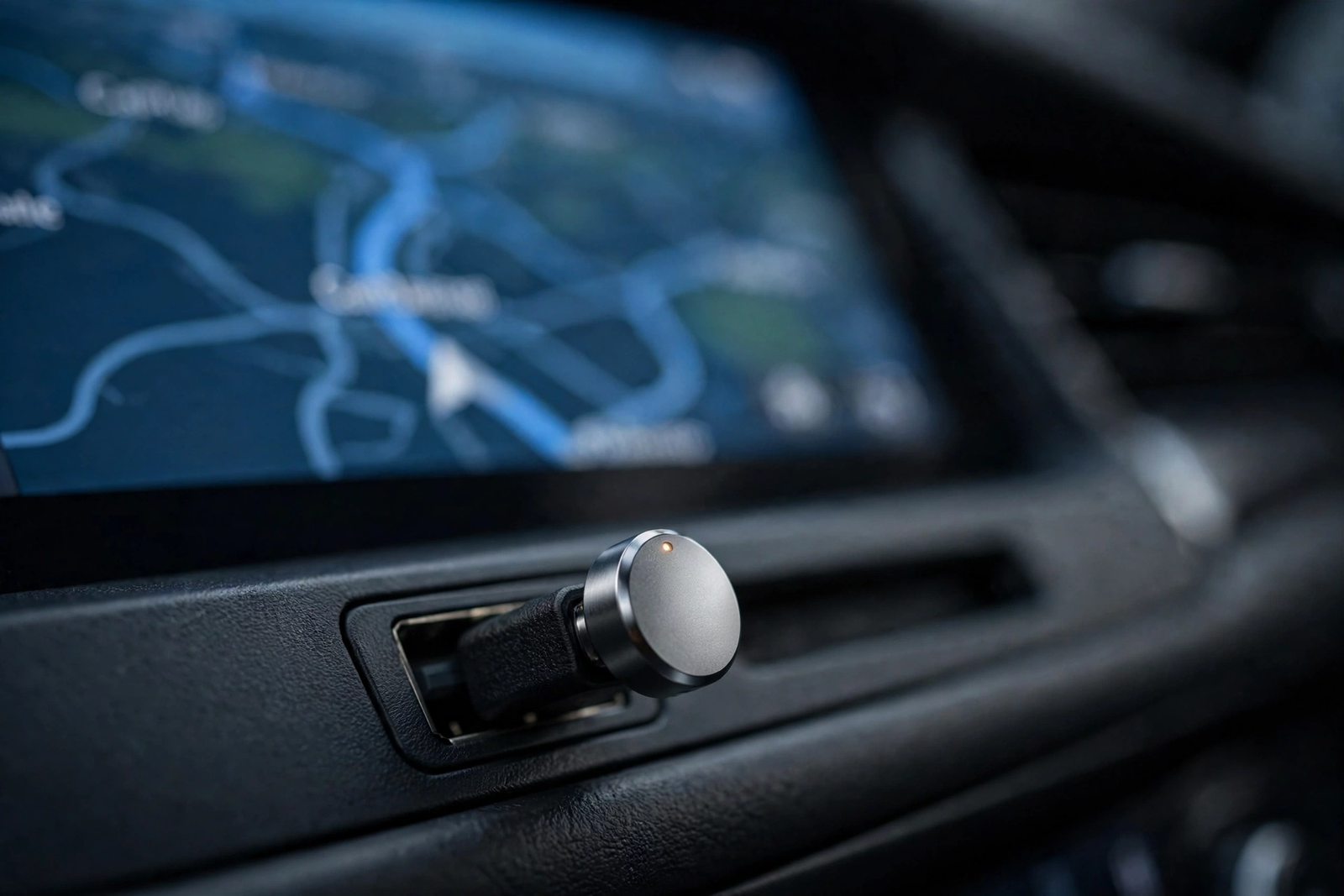
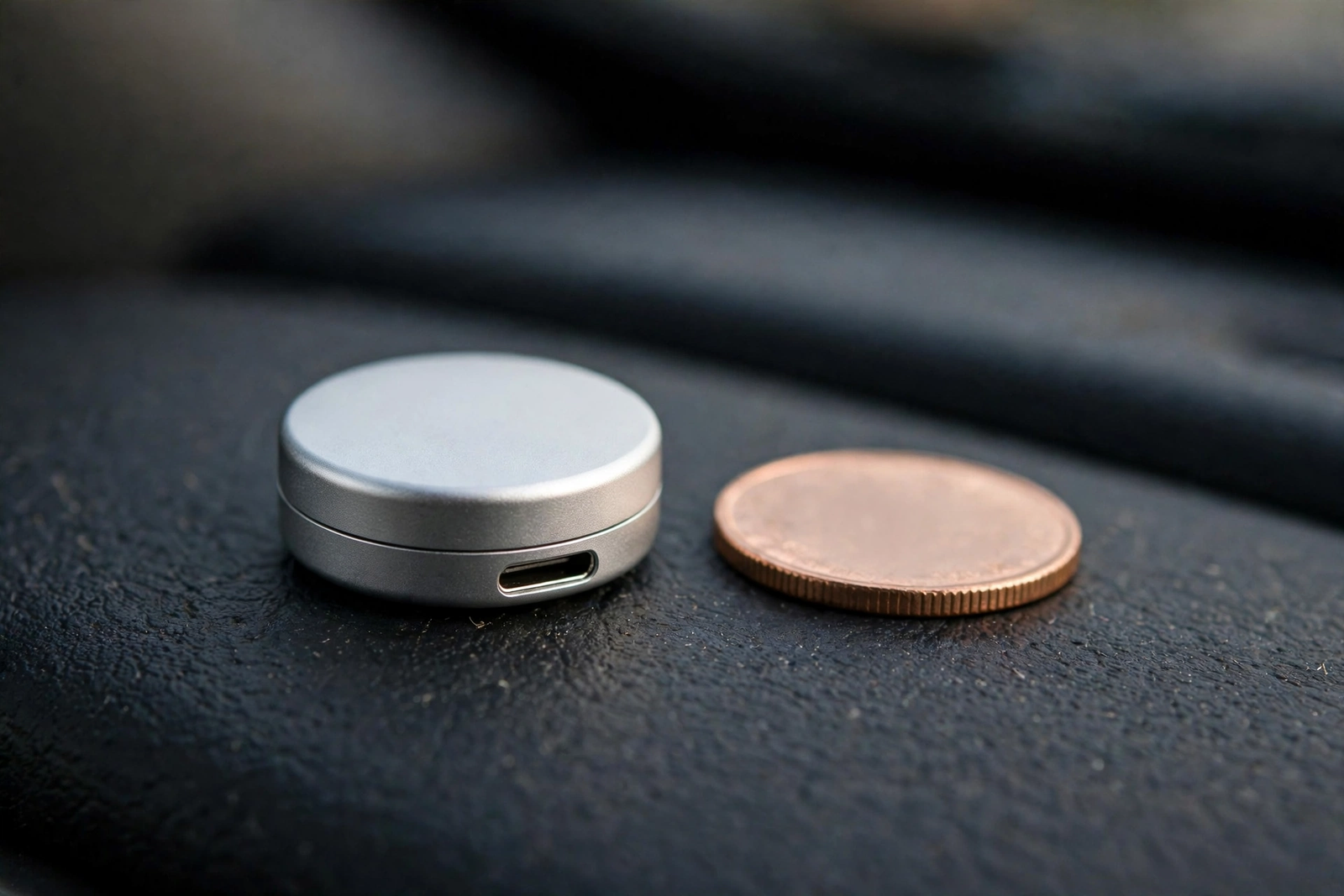
The headline feature is the size. At about 25mm across — roughly the size of a coat button — the Mini Ultra 3 is one of the smallest adapters of its kind, small enough to sit in the USB port without dangling or getting in the way of the gear lever. That is the point: wireless CarPlay with no cable and no bulky box on the dashboard.
Now the compatibility check, worth repeating because it decides everything else in this review. The Mini Ultra 3 only works in cars that already have factory wired CarPlay or Android Auto. It makes the wired signal your car already produces wireless — it cannot create CarPlay in a car that never had it. If your car’s infotainment system has no CarPlay or Android Auto at all, this adapter will do nothing for you, and that mismatch is the number-one cause of returns. Before ordering, check your car’s specifications or manual for wired CarPlay or Android Auto support. The manual states the adapter works with 2018-and-newer vehicles, so owners of older cars should check twice.
Setup: Plug In, Pair, Update Firmware
Setup takes a few minutes the first time and no time at all after that. First, plug the Mini Ultra 3 into the USB port your car uses for wired CarPlay — usually in the centre console or under the dashboard, not a charge-only port. Second, pair your phone to the adapter over Bluetooth and let the car hand the connection to wireless CarPlay. Third — the step reviewers stress most — update the firmware before first use. The adapter supports over-the-air updates, and running the latest firmware first avoids the connection glitches behind most early complaints.
After that first pairing, the adapter reconnects automatically in about 8 to 10 seconds each time you start the car, according to the manual. No app to open, no button to press — you get in, start the car, and CarPlay is there. One practical note: the adapter draws its power from the car’s USB port, so the cable and the port matter more than they seem to. If your car’s USB setup is already crowded, see our USB-C car charger roundup.
Speed: Boot, Connection, and Latency in a Wireless CarPlay Adapter
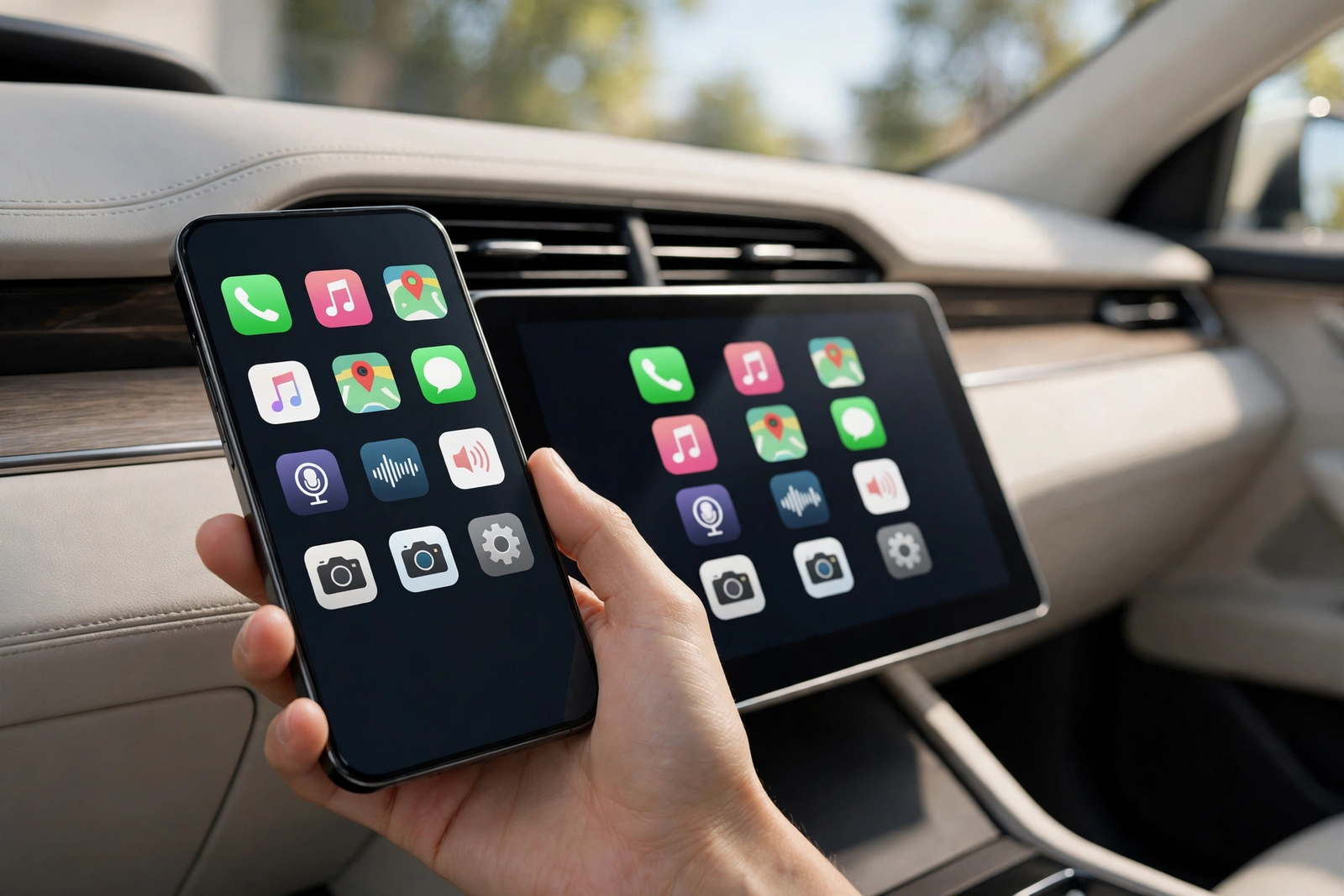
Speed is where the Mini Ultra 3 earns its ranking, and the numbers come from CarPlayLife’s hands-on test, not a spec sheet. The adapter boots into the CarPlay menu in about 10 seconds from the moment the car powers the USB port. An iPhone connects in about 7 seconds, an Android phone in about 11 seconds, and Android Auto itself boots in about 18 seconds. Those are tested figures, not marketing claims, and they put the Mini Ultra 3 among the fastest adapters in its class — fast enough that CarPlay is usually ready before you finish reversing out of a parking space.
Latency is the other half of the speed story: the number that decides whether wireless CarPlay feels like wired CarPlay. In CarPlayLife’s test, audio latency measured about 0.11 seconds — hard to notice in music and navigation prompts, though very sensitive listeners may catch it on phone calls. Touch response feels immediate in normal use, because the heavy work still happens on the phone and the adapter only carries the connection.
Heat and the Tiny Metal Case
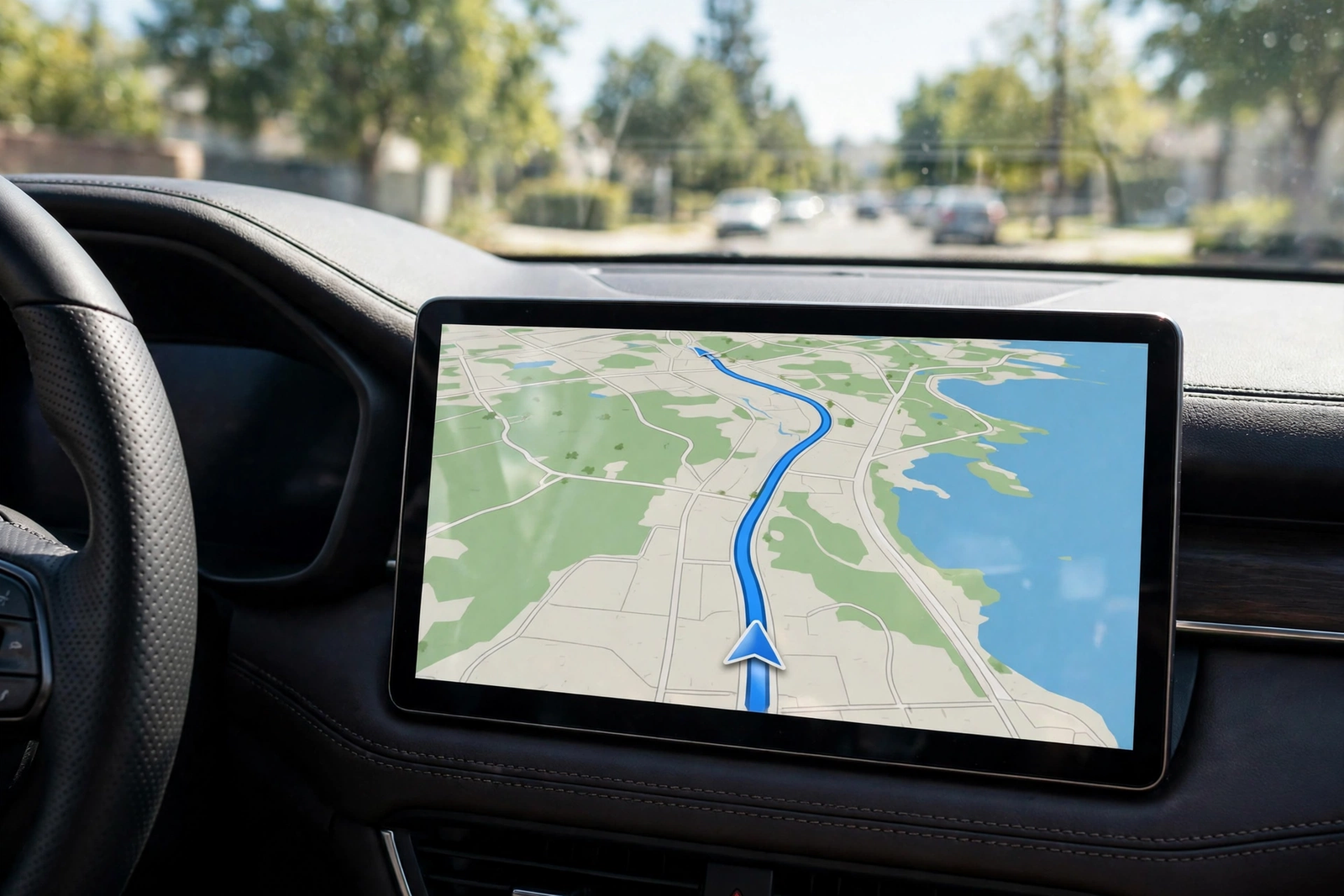
A metal case the size of a coat button has one drawback: it holds heat. The metal casing retains warmth during use, the trade-off for a body this small — there is simply nowhere for the heat to go. CarlinKit markets the adapter as running at less than half the heat of its predecessor — a sign the company knows heat was a complaint on the earlier model. In practice, a warm adapter is normal for this kind of device, and the hands-on testing behind this review’s speed figures reported no heat-related failures.
The small size creates one more practical quirk. The adapter’s 90-degree USB plug can block a neighbouring USB port, depending on how far apart your car’s sockets are spaced. If your car has two USB ports side by side and you need both — one for the adapter, one for a passenger’s charging cable — measure the gap or use a different port for charging. A minor issue, but easier to plan around before the adapter arrives than after.
CarPlay vs Android Auto on the Mini Ultra 3
The Mini Ultra 3 is a 2-in-1 adapter, so the same device serves both platforms — but the experience is not identical. On an iPhone, wireless CarPlay connects in about 7 seconds in CarPlayLife’s test and the adapter boots into the CarPlay menu in about 10 seconds — Apple users get the fastest version of this product. On Android, the phone connects in about 11 seconds and Android Auto boots in about 18 seconds — still quick, but slower than the iPhone side. As a carplay wireless adapter it handles both systems from one device — the real advantage over single-platform adapters: a two-phone household can share one adapter and each phone just works when its owner drives.
There is no switching to do and no mode to select: the adapter detects which phone is connecting and serves the right system, so the driver never thinks about which platform is in use. If your household is all iPhone, the Android side is a bonus; if it is mixed, dual support is the reason to pick this adapter over a CarPlay-only one.
Mini Ultra 3 vs the Alternatives (CarlinKit 5.0 2air, OTTOCAST Mini Cube 3.0)
The closest alternative in CarlinKit’s own range is the CarlinKit 5.0 2air, an older dual-model adapter doing the same 2-in-1 job — wireless CarPlay and wireless Android Auto — at a lower price. It is the budget pick for exactly that reason: if the goal is wireless CarPlay for the least money, the 5.0 2air gets you there. The trade-offs: an older design without the Mini Ultra 3’s tiny form factor or 10-second boot, and confusing shopping, because CarlinKit has many parallel seller listings for the 5.0 that split review counts across listings.
The premium alternative is the OTTOCAST Mini Cube 3.0, a 2026 2-in-1 adapter matching the Mini Ultra 3 on the headline spec — wireless CarPlay plus wireless Android Auto in a small cube. Between the two, the deciding factor is independent testing: CarPlayLife’s hands-on test ranked the Mini Ultra 3 the number-one wireless CarPlay adapter of 2026, giving the CarlinKit the edge on tested performance.
The three adapters cover three buying positions. The Mini Ultra 3 is the tested best overall: smallest, fastest to boot, and ranked first by CarPlayLife. The 5.0 2air is the value choice for buyers who want the same dual-platform trick for less and do not mind an older design. All three need the same thing — a car with factory wired CarPlay or Android Auto — so the compatibility check comes first.
Who Should Buy It — and Who Should Skip It
Buy the Mini Ultra 3 if your car already has factory wired CarPlay or Android Auto and you are tired of plugging your phone in every trip. It also suits buyers who value tested speed: the 10-second boot and 7-second iPhone connection are the fastest figures in this review, and the tiny size means the adapter disappears into the USB port once installed. As a wireless apple carplay adapter it covers both phone platforms, so it is the safe pick for a mixed iPhone-and-Android household.
Skip it if your car has no factory wired CarPlay or Android Auto — the adapter cannot add what the car never had, and no firmware update will change that. Skip it too if your car is older than the 2018-and-newer range the manual states, unless you have confirmed wired CarPlay support for your exact model. And if your car’s USB ports are packed tightly together and you need every port free, check the socket spacing first — the 90-degree plug can block a neighbouring port. For everyone else who passes the compatibility check, this is the wireless carplay adapter to beat in 2026.
Verdict
The CarlinKit Mini Ultra 3 is the wireless carplay adapter to beat in 2026: a 2-in-1 device about the size of a coat button that turns wired CarPlay and Android Auto wireless, boots in about 10 seconds, and ranked first in CarPlayLife’s hands-on test. Its weaknesses are honest — a metal case that holds heat, a plug that can crowd a neighbouring USB port, and a slower Android connection than iPhone — and none of them changes the verdict for a buyer whose car passes the compatibility check. If your car has factory wired CarPlay or Android Auto, buy it, update the firmware first, and forget the cable. If it does not, no adapter will help — the one fact to get right before you order.
Frequently Asked Questions
Will the CarlinKit Mini Ultra 3 work in my car?
Only if your car already has factory wired CarPlay or Android Auto. The adapter converts your car’s existing wired connection to wireless — it cannot add CarPlay to a car that never had it. The manual states it works with 2018-and-newer vehicles, so check your car’s specifications or manual for wired CarPlay or Android Auto support before ordering.
Can it add CarPlay to a car that never had it?
No. The Mini Ultra 3 needs the car’s factory wired CarPlay or Android Auto to work with. If your car has no CarPlay or Android Auto at all, the adapter will do nothing for you, and this misunderstanding is the number-one cause of returns.
How long does setup take?
A few minutes the first time: plug the adapter into the car’s CarPlay USB port, pair your phone over Bluetooth, and update the firmware before first use. After that first pairing, the adapter reconnects automatically in about 8 to 10 seconds each time you start the car, according to the manual.
Does it work with Android Auto as well as CarPlay?
Yes, it is a 2-in-1 adapter that supports both wireless Apple CarPlay and wireless Android Auto. In CarPlayLife’s hands-on test, an Android phone connected in about 11 seconds and Android Auto booted in about 18 seconds, compared with about 7 seconds for an iPhone connection.
Does the Mini Ultra 3 get hot?
The metal casing does retain heat during use, which is the trade-off for a body about 25mm across. CarlinKit markets the adapter as running at less than half the heat of its predecessor. Hands-on testing reported no heat-related failures, but a warm adapter is normal for this kind of device.
Should I update the firmware before first use?
Yes. Reviewers advise updating the firmware before first use, and the adapter supports over-the-air firmware updates. Running the latest firmware first avoids the connection glitches that cause most early complaints.