
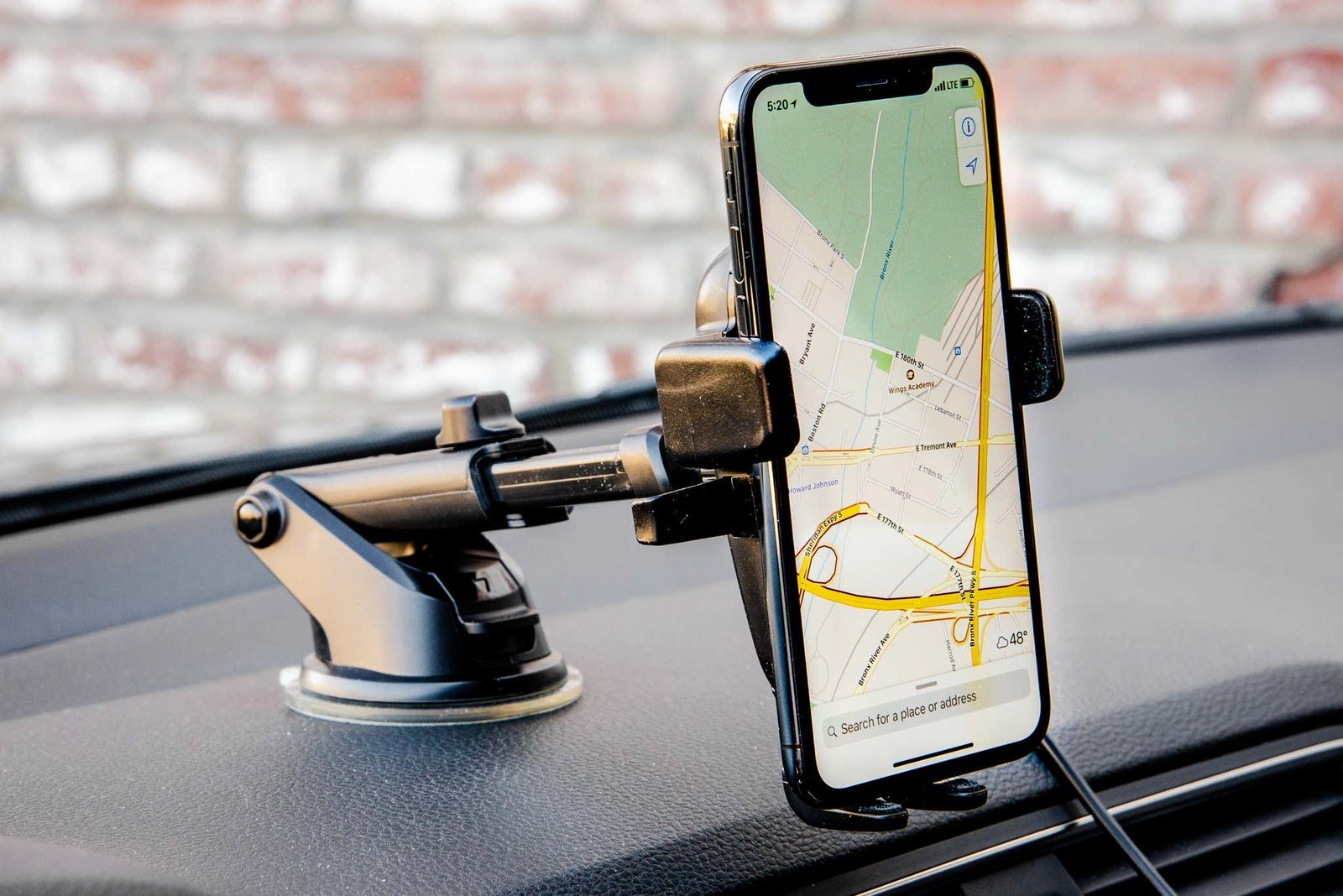
A magnetic mount that snaps to your phone’s built-in ring is the best wireless car charger mount for most drivers, because it holds the device steady and starts charging in one motion. If your dashboard has deep curves or heavy texture, a CD-slot clamp delivers a more reliable grip than any suction cup.
Wireless car charger mounts compared
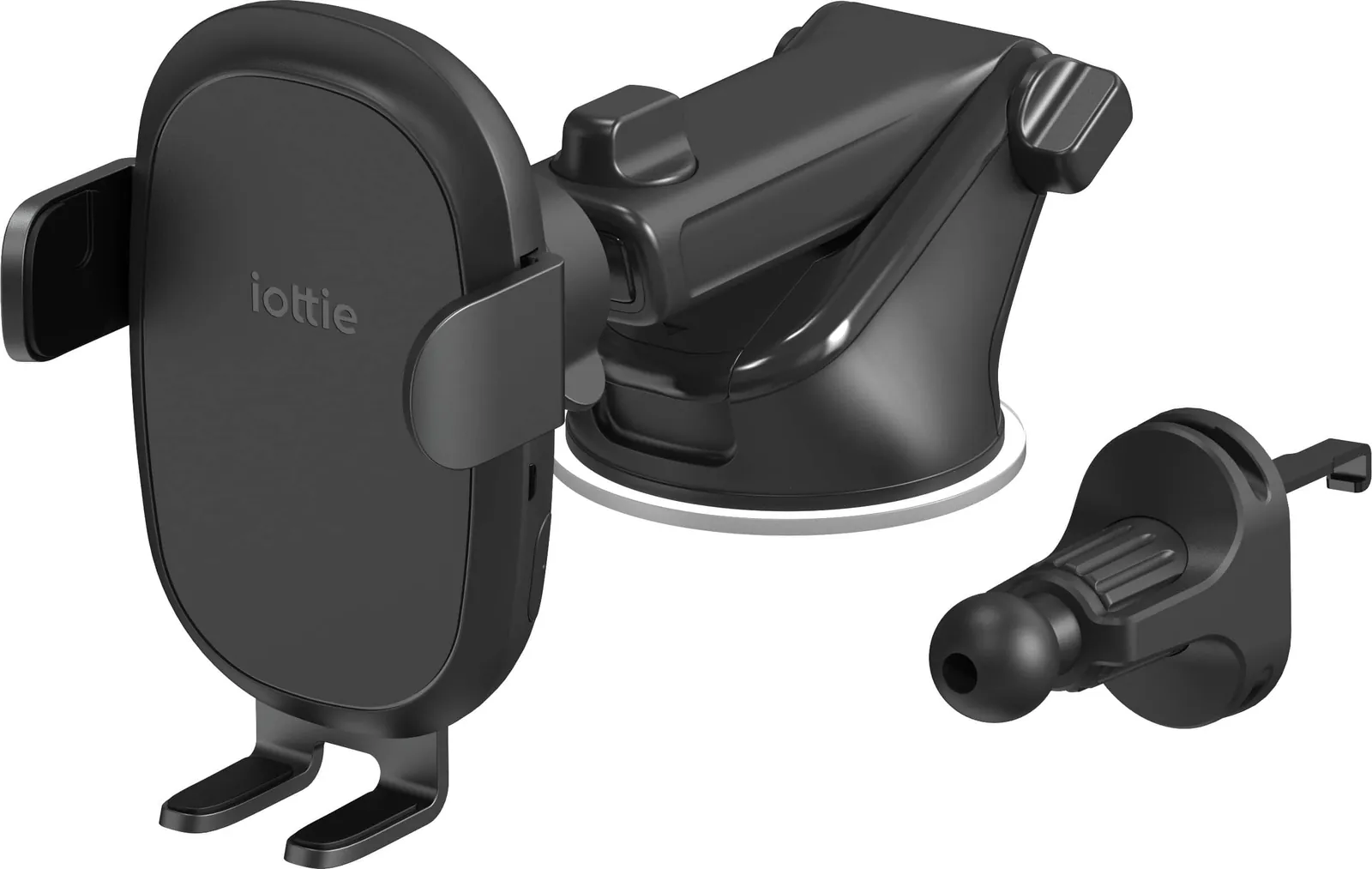
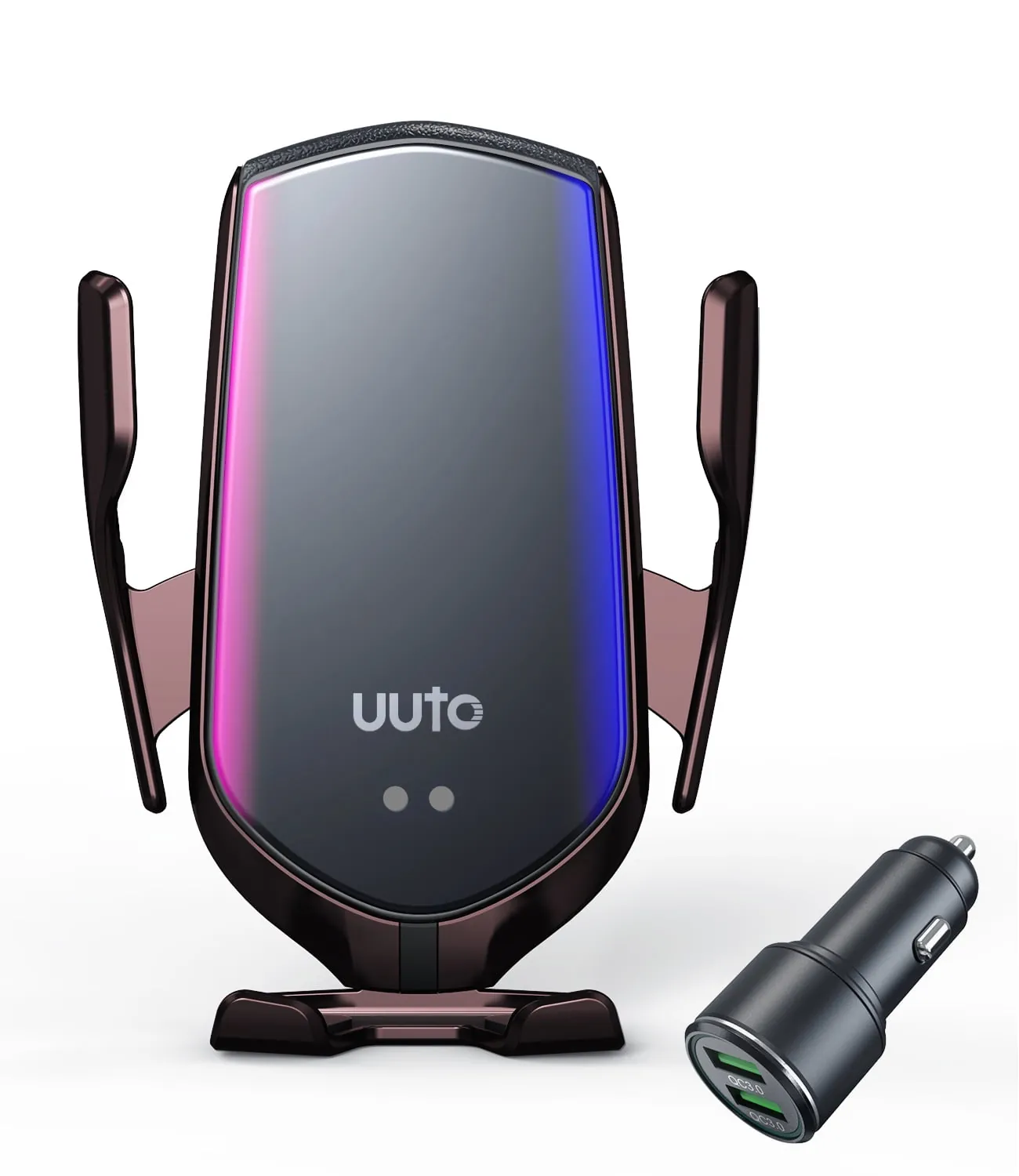
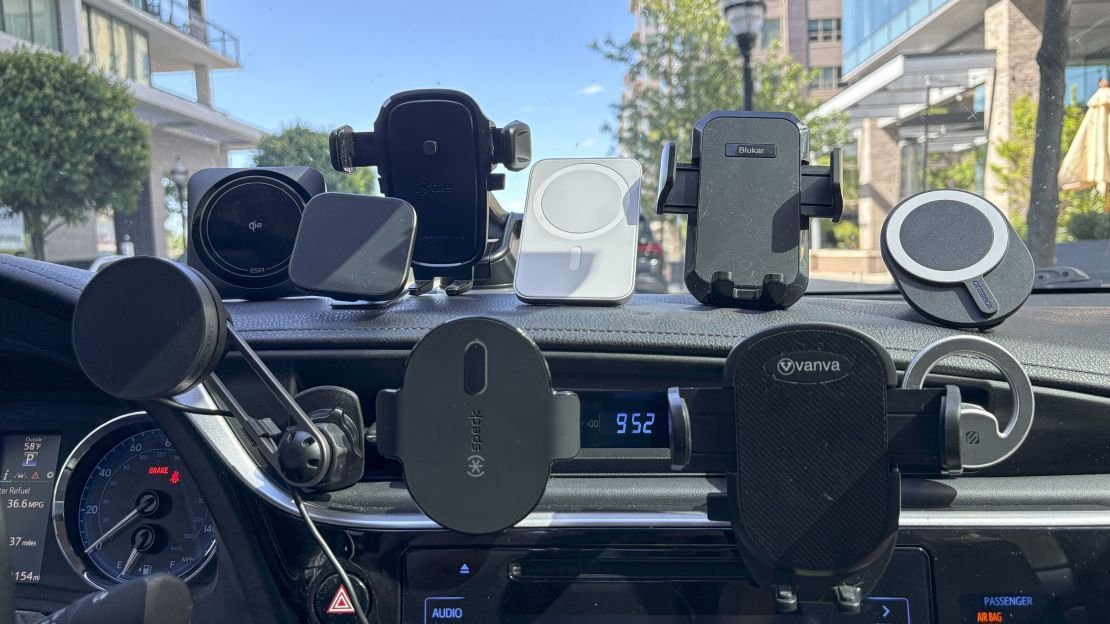
Four common designs handle this job, but they don’t share the same strengths. Pick the one that fits your dashboard layout and how often you drive.
| Method | How long | Effort | Cost | Best for |
|---|---|---|---|---|
| Magnetic vent clip | 2 minutes | Low | Low | Quick trips, light phones |
| Suction cup windshield | 5 minutes | Medium | Medium | Clear dashboards, tall drivers |
| CD slot clamp | 3 minutes | Medium | Low | Textured dashboards, older cars |
| Custom-fit cradle | 15 minutes | High | High | A permanent daily-driver setup |
If your vents are horizontal slats, do a vent clip; if they’re round or angled, skip straight to the CD slot or windshield option. Each method trades something away: magnets limit case choices, suction cups block part of the view, clamps tie up the CD player, and custom trays only fit one vehicle model. You can check the exact dimensions your car requires on the manufacturer’s official accessory page before buying.
Magnetic vent clips
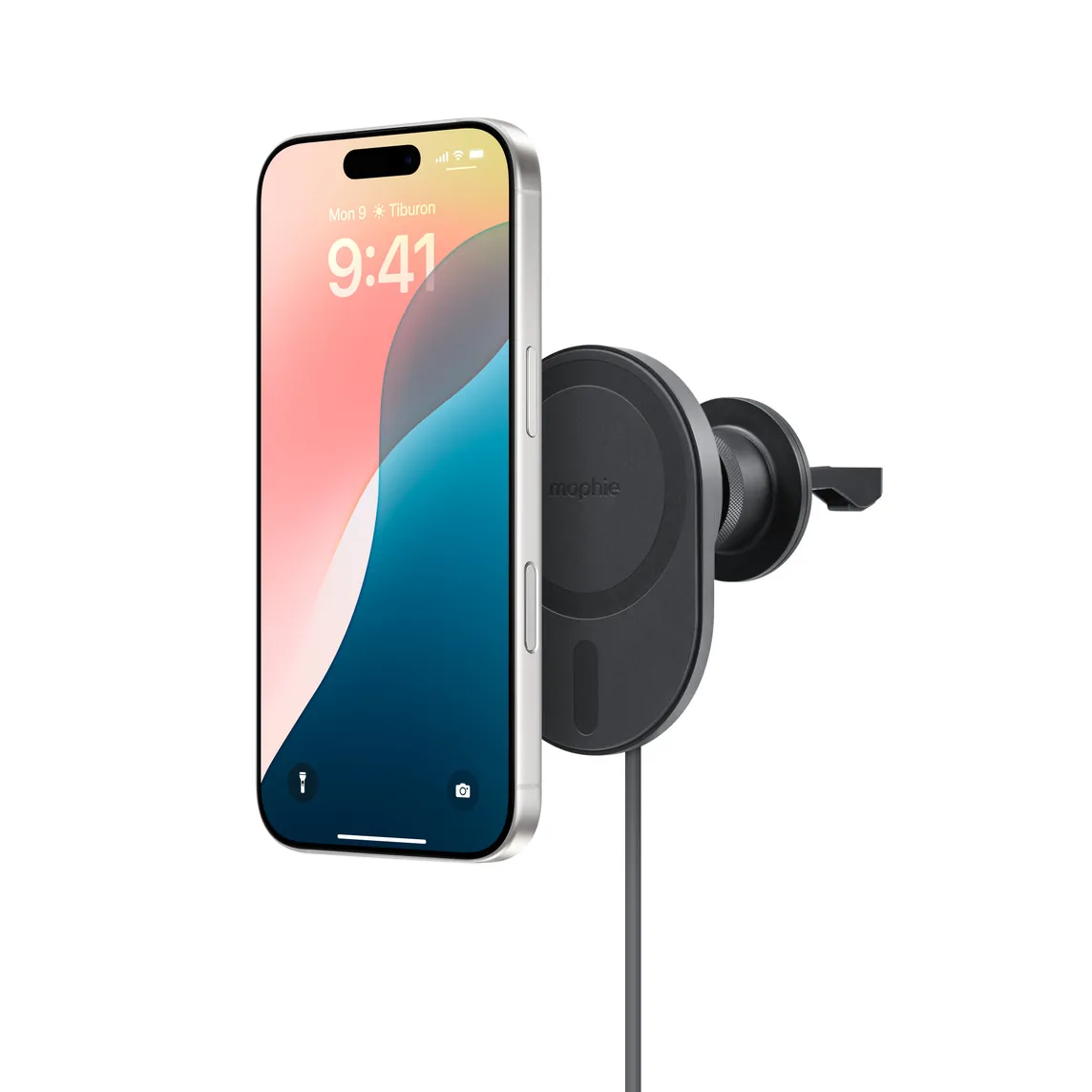
This design uses magnets in the mount to lock onto MagSafe-compatible phones or cases attached to a small charging pad clipped to an air vent. It keeps the screen at eye level without blocking much glass.
- Slide the rubber prongs into a horizontal vent slat until the base sits flush.
- Plug the included USB cable into a power adapter rated for at least 20 watts.
- Snap your bare phone or MagSafe-compatible case against the pad’s center ring.
- Wait 3 seconds for the charging icon to appear on your screen.
- Pull the phone straight off when you park to avoid stressing the vent slat.
It’s fast to install and removes in seconds, which makes it great for rental cars. The low weight means it won’t sag during a commute.
The trade-off is real: vertical or circular vents won’t hold the prongs securely, and the phone’s weight can bend a thin plastic slat over time. Don’t use this style with thick non-magnetic cases, since the gap kills both the hold and the charge rate.
Suction cup windshield mounts
A large silicone cup presses against the glass while a telescoping arm positions the charging head near your line of sight. It works in almost any vehicle regardless of dashboard shape.
- Wipe a 4-inch circle on the windshield with a clean microfiber cloth.
- Press the lever-style suction cup flat against that spot and flip the locking lever down.
- Extend the arm so the screen sits just below your forward view.
- Connect the power cable to a 20-watt or higher USB adapter.
- Set the phone into the auto-clamping arms and wait for them to close.
This style handles heavy phones well and doesn’t depend on your vent design. You’ll get a stable view even on rough roads.
Heat is its weakness — direct summer sun softens the silicone, and the cup can drop without warning. Releasing the suction slowly each time prevents tearing the rubber edge. Leaving it locked on hot glass for weeks will permanently warp the cup’s rim.
CD slot clamp mounts
The base slides into the unused CD player opening and expands with a twist knob to lock itself in place. It puts the phone lower than a windshield mount but keeps the glass completely clear.
- Turn the knob counter-clockwise to shrink the clamp’s width.
- Insert the clamp into the CD slot until the padded back rests against the stereo face.
- Twist clockwise until the mount feels rigid and doesn’t wiggle.
- Route the cable behind the stereo trim to keep it out of reach.
- Place your phone on the charging head and confirm it locks in.
Because it anchors to metal framing inside the dash, vibration rarely shakes it loose. It’s also the safest pick if local laws restrict windshield obstructions — the National Highway Traffic Safety Administration advises keeping the driver’s forward view unobstructed by accessories.
You lose access to the CD player entirely while it’s installed. Some modern dashboards angle the slot downward, which tilts the screen away from you. If your slot isn’t perfectly horizontal, the phone leans forward and may slip out of weaker grips.
Custom-fit cradles molded for specific vehicles exist as a fourth route. They bolt into factory gaps for zero wobble, but cost far more and only fit one car model.
Which car charger mount fits your drive
Your daily routine decides what works. A mount that excels on a highway commute might fail on a bumpy rural road.
When you’re rushing between errands, grab a magnetic vent clip. It takes two seconds to snap the phone on and pull it off, saving you from fiddling with mechanical arms every time you park.
When you’re setting this up for the first time, start with a CD slot clamp. The twist-knob base forgives small errors in placement, and you won’t risk dropping a suction cup onto the floor while learning the angles.
When you want the steadiest possible hold regardless of effort, install a custom-fit cradle designed for your exact vehicle. It costs more and takes fifteen minutes to bolt in, but it eliminates all vibration on rough pavement.
Every choice here is a trade-off between speed and stability. The fastest mounts rely on simple friction or magnets, while the most rigid ones demand actual installation time. Match the hardware to how long you spend behind the wheel each day.
Setup rules for every mount type
Power delivery matters more than the physical bracket. A mount plugged into a 5-watt port won’t keep up with navigation apps draining the battery, no matter how good the coil is. Use a wall-style adapter rated for at least 20 watts plugged into the car’s 12-volt socket.
Check the Qi certification mark on the packaging before buying. Uncertified pads lack thermal controls, meaning they can overheat a battery during long summer drives.
Before attaching anything, clean the target surface with rubbing alcohol. Dust trapped under a suction cup or adhesive pad creates tiny channels for air to leak through, causing drops later.
Partway through your first week, push firmly on the mounted phone while parked. If the base shifts even slightly, tighten the clamp or re-seat the cup immediately. Loose mounts degrade faster under road vibration.
The actual charging speed varies based on your specific phone model and the wattage printed on your power adapter’s label.
Frequently asked questions
Can I use a wireless car charger with a thick case?
No, cases thicker than 3 millimeters usually block the signal entirely. Standard slim cases work fine, but wallets, heavy armor, or metal plates prevent charging. Remove bulky covers before driving if you need power.
Why does my phone stop charging on the mount?
Heat causes this most often. Phones throttle power intake around 95°F to protect the battery. Pointing an air conditioning vent directly at the back of the mount keeps temperatures down during summer trips.
How long does it take to fully charge while driving?
Expect 2 to 3 hours for a standard 4,000mAh battery using a 15-watt mount. This assumes your screen is off or dimmed. Running GPS navigation simultaneously slows the rate significantly because the processor draws extra current.
Is it safe to leave the mount plugged in when parked?
Yes, certified chargers draw nearly zero current without a phone present. However, leaving the phone attached in a hot, closed car degrades the battery over time. Take the device with you when you exit the vehicle.
What happens if the suction cup falls while driving?
Don’t reach for it. Let it drop safely and pull over when traffic allows. Reaching across the steering wheel causes accidents. Clean both the glass and the cup thoroughly before reattaching it to restore the vacuum seal.
How many watts does a car wireless charger need?
Look for at least 15 watts of output for reasonable speeds. A 5-watt pad barely maintains battery levels while running maps. Verify your car’s USB port or cigarette lighter adapter actually supplies enough input power to support that output.
Conclusion
Picking the right hardware comes down to where you drive and what your dashboard looks like. A smooth commute favors quick magnetic snaps, while rougher roads need rigid clamps or bolted trays. Check your phone’s case thickness and your car’s power ports before buying anything. The right match keeps your battery full and your eyes safely on the road.


3 thoughts on “Best Wireless Car Charger Mount”