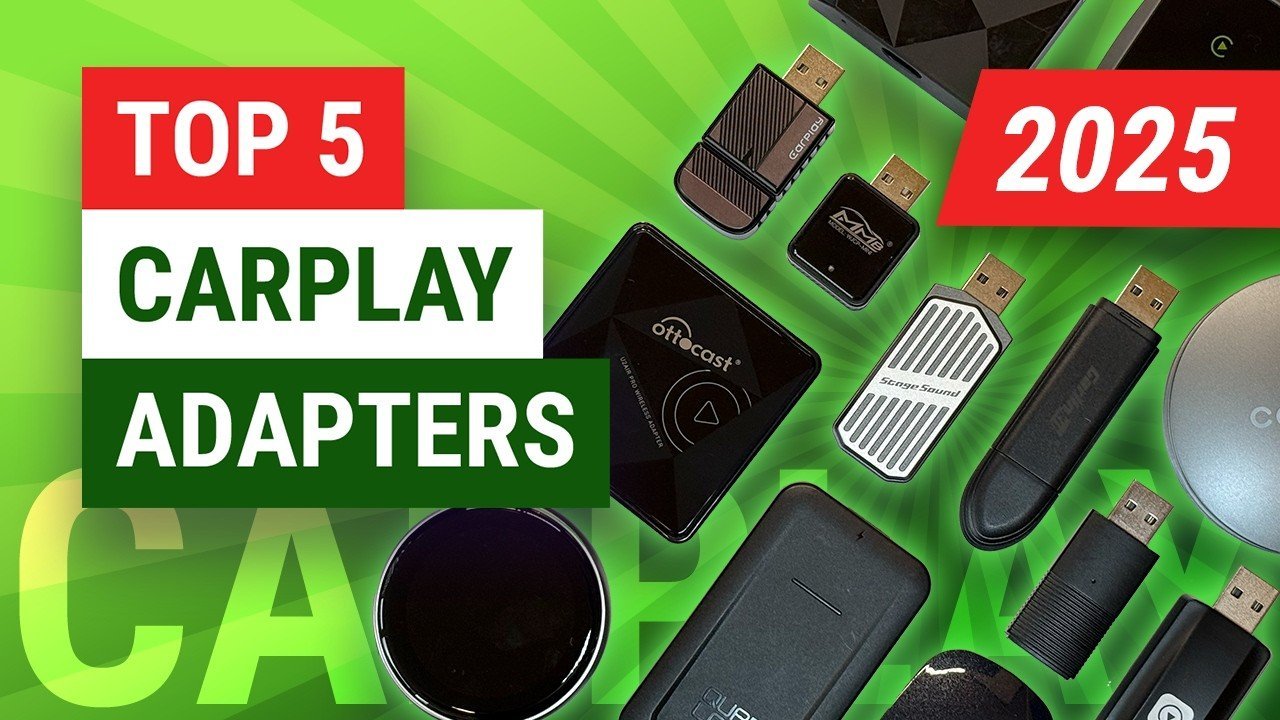
The best wireless carplay adapter for most drivers is the Carlinkit 5.0 because it supports both CarPlay and Android Auto with stable dual-band Wi-Fi. If your car’s factory USB port supplies less than 1A, a wired connection remains the only reliable option.
Wireless CarPlay Adapter Options Compared
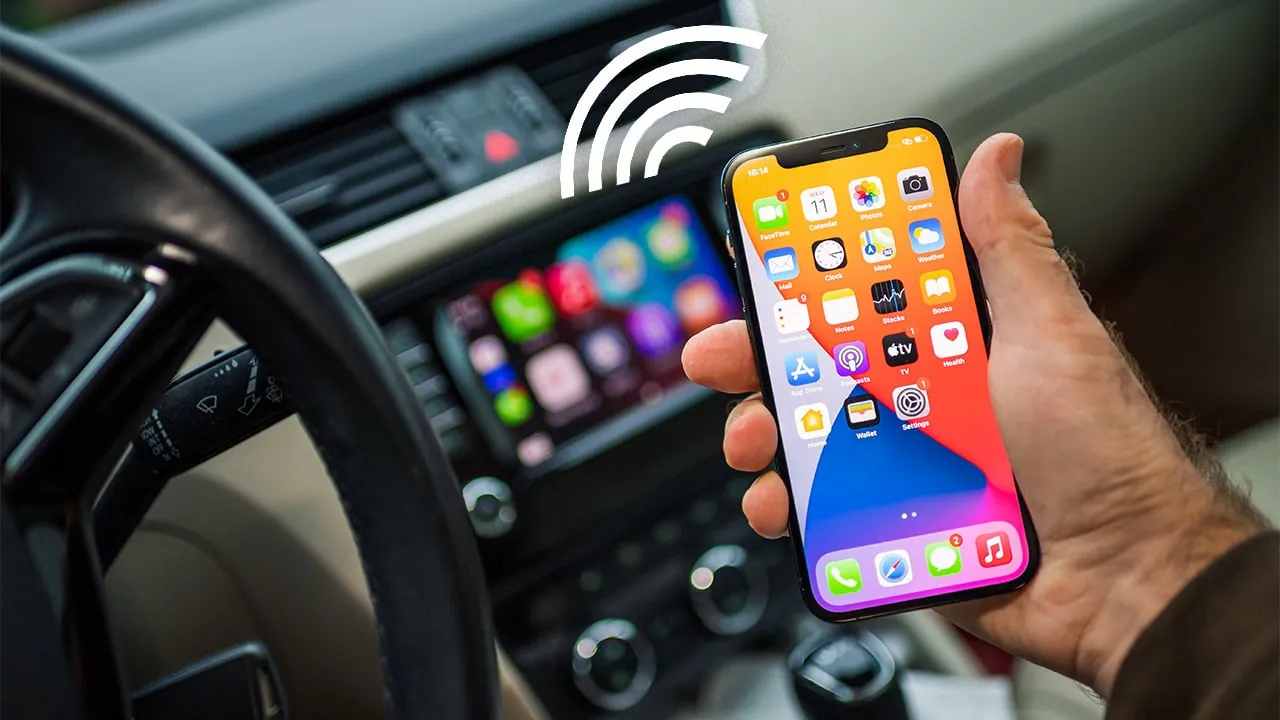
Choosing the right dongle depends on your car’s head unit and phone model. These three adapters cover most real-world setups without requiring permanent installation or wiring changes.
| Method | How long | Effort | Cost | Best for |
|---|---|---|---|---|
| Carlinkit 5.0 | 2 min setup | Low | Medium | Dual OS support |
| Ottocast U2-X | 3 min setup | Low | High | Fastest boot time |
| Generic 5GHz Dongle | 5 min setup | Medium | Low | Budget single-use |
Carlinkit 5.0 Dual System Support
This adapter handles both iOS and Android phones through one compact unit. It uses dedicated 5GHz Wi-Fi to reduce lag during navigation and music streaming compared to older 2.4GHz models.
- Plug the adapter into your car’s data-enabled USB port.
- Enable Bluetooth and Wi-Fi on your phone, then pair with the device.
- Open the CarLink app to confirm firmware is current before driving.
- Wait for automatic reconnection on subsequent trips.
It excels at switching between family members’ different phones seamlessly. The plastic housing gets warm during extended use, which is normal but requires airflow. Check Carlinkit official specifications to verify compatibility with your specific vehicle year before purchasing.
Ottocast U2-X Premium Performance
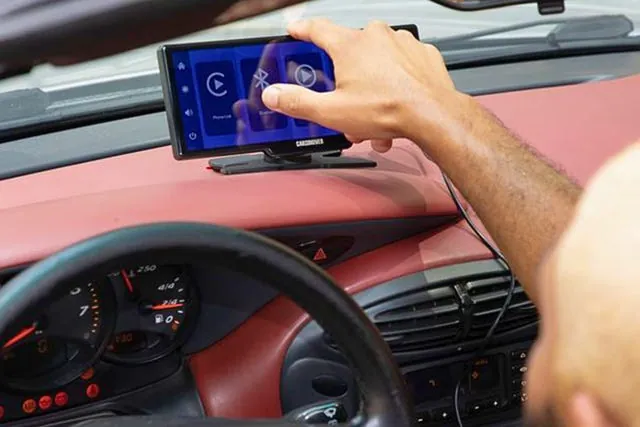
Ottocast prioritizes connection speed and stability over multi-platform flexibility. Its custom chipset reduces the initial handshake time significantly compared to standard generic alternatives available online.
- Connect the U2-X to your vehicle’s primary CarPlay USB port.
- Pair via Bluetooth using the unique SSID printed on the device label.
- Allow thirty seconds for the first full protocol negotiation.
- Mount securely away from direct sunlight to prevent thermal throttling.
Boot times are consistently faster for iPhone-only users who value responsiveness. It lacks native Android Auto support, making it unsuitable for mixed-device households. This trade-off buys reliability for Apple-centric drivers who don’t need cross-platform functionality.
Generic 5GHz Budget Alternatives
Budget adapters work adequately for basic audio and maps but often lack consistent firmware updates. They typically use reference designs that prioritize low manufacturing cost over long-term software maintenance or heat management.
- Insert the dongle and wait for the blinking indicator light.
- Search for the generic Wi-Fi network in your phone settings.
- Enter the default password found in the included paper manual.
- Test navigation audio sync before relying on it for commutes.
These units handle simple tasks fine if you’re patient with occasional reconnects. Latency spikes frequently when processing complex map rendering or voice commands simultaneously. Some newer vehicles with strict USB power management reject these entirely; always test within the return window since performance varies wildly by head unit manufacturer.
Choosing Your Wireless CarPlay Adapter
Your daily routine determines which adapter actually serves you best. Speed matters differently for commuters versus families sharing one vehicle.
If you’re rushing out the door each morning, pick Ottocast U2-X for its rapid wake-from-sleep performance. First-time buyers should start with Carlinkit 5.0 because its wider compatibility reduces return risk. When absolute maximum stability matters more than convenience, skip adapters entirely and use a certified Lightning cable instead.
Every wireless solution introduces some latency; the trade-off is always freedom versus perfect synchronization. No adapter eliminates delay completely, so manage expectations accordingly based on your tolerance for minor lag.
Universal Wireless CarPlay Rules
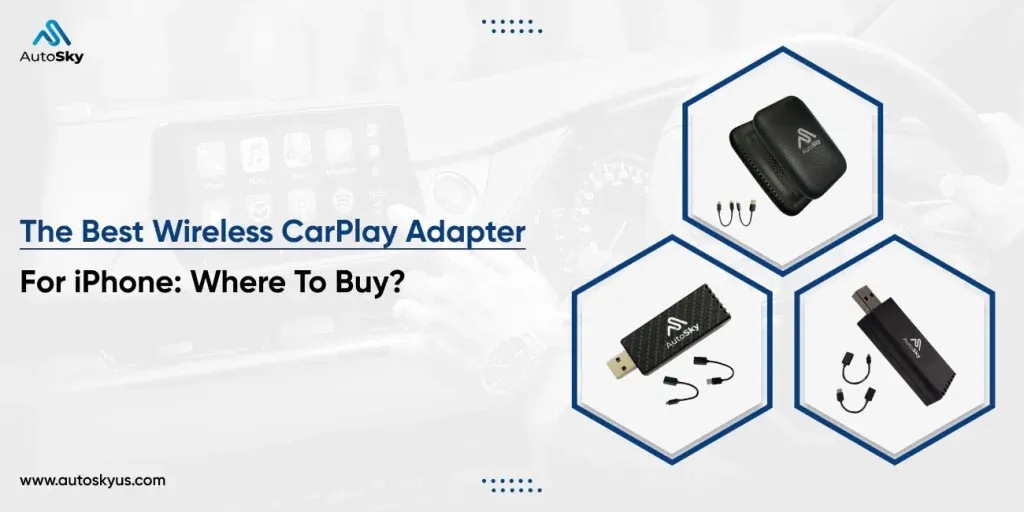
Regardless of brand, all wireless adapters follow the same technical constraints set by Apple’s MFi program. Ignoring these fundamentals causes most connection failures and user frustration.
Always update your adapter’s firmware before troubleshooting connectivity issues. Manufacturers release patches regularly to address new iOS versions and head unit quirks. Ensure your car’s USB port provides adequate power; ports labeled “charge only” won’t work.
Check your iPhone’s privacy settings to confirm local network access is enabled for CarPlay. Without this permission, the adapter can’t maintain the necessary background data stream even when paired correctly.
Frequently asked questions
Why does my wireless CarPlay keep disconnecting?
Interference from other 5GHz devices usually causes drops. Change your adapter’s channel in its companion app, or move competing routers away from your parking spot. Outdated firmware is the second most common culprit; update before assuming hardware failure.
Is wireless CarPlay safe while driving?
Yes, when configured before moving. Apple requires wireless adapters to meet the same driver distraction standards as wired connections. Never adjust settings or troubleshoot pairing while the vehicle is in motion; pull over safely first.
How long does wireless CarPlay take to connect?
Typically 8–15 seconds after starting the engine, assuming previous pairing. Cold boots take longer; subsequent connections are faster. If yours exceeds 30 seconds consistently, check for firmware updates or USB power delivery issues.
Can I charge my phone wirelessly while using an adapter?
Usually no, unless your car has separate Qi charging and data ports. Most adapters occupy the sole data USB slot needed for CarPlay. Use a dedicated wireless charger pad if your vehicle offers one independently of the infotainment system.
What happens if my car doesn’t support CarPlay natively?
Wireless adapters require existing wired CarPlay support. They convert wired signals to wireless, not add missing functionality. You’ll need an aftermarket head unit or screen replacement first; check your vehicle’s specifications before buying any adapter.
Does wireless CarPlay drain battery faster than wired?
Yes, expect roughly 10–15% higher consumption per hour due to constant Wi-Fi transmission. Keep a charging cable handy for long trips. Battery impact varies significantly based on signal strength, screen brightness, and active navigation usage.
Conclusion
Picking the right adapter means matching your specific car and phone combination rather than chasing specs alone. Test thoroughly during your return period, since real-world performance depends heavily on factors no product page can fully predict.