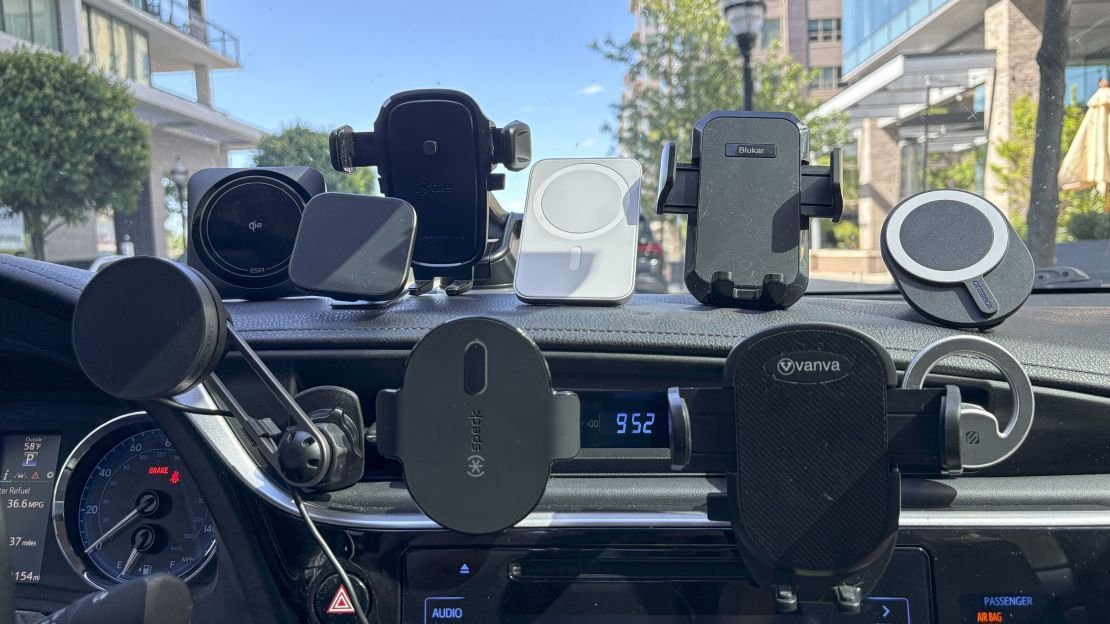
The best car phone holder for iphone is a vent-mounted magnetic mount because it offers the fastest one-handed operation and keeps your view clear. If you drive a vehicle with circular air vents or need wireless charging while navigating, a dashboard suction mount with Qi support is the better choice. Your specific car’s interior layout ultimately decides which option actually works safely.
Car phone holder types compared
Choosing the right mount depends on balancing installation effort against daily convenience and stability. Each type has distinct trade-offs that matter more than brand names when you’re driving.
| Method | How long to install | Effort | Cost | Best for |
|---|---|---|---|---|
| Vent magnetic mount | 30 seconds | Low | Medium | Quick access and minimal setup |
| Dashboard suction mount | 2 minutes | Medium | High | Wireless charging and flat surfaces |
| CD slot mount | 1 minute | Low | Medium | Cars without modern vents |
| Windshield suction mount | 2 minutes | Medium | Low | Flexible positioning options |
Vent mounts win on speed but fail on round vents. Suction cups hold heavier phones securely yet leave marks in extreme heat. CD slot inserts are stable but block music playback. No single method dominates every category, so match the mount to your car’s actual features rather than generic reviews.
Vent magnetic mounts explained
This style clips directly onto horizontal air vent slats and uses strong magnets to grip a metal plate attached to your iPhone case. It’s the fastest option for drivers who want minimal fuss during short commutes or frequent stops.
- Slide the clip mechanism between two horizontal vent slats until it locks firmly in place.
- Peel the adhesive backing off the thin metal plate and stick it to the center back of your phone case.
- Hold your iPhone near the mount face; the magnets will snap it into position automatically.
- Adjust the ball joint angle once before driving to avoid glare or neck strain.
- Remove the phone by pulling straight out, not twisting, to prevent vent damage.
Magnetic vent mounts excel at one-handed use and keep the phone within easy reach without blocking sightlines. They’re ideal if you prioritize speed over wireless charging capability. The main weakness is incompatibility with circular or vertical-only vents, which causes slipping during sharp turns. Check your vehicle’s vent shape before buying, as Apple’s MagSafe safety guidelines note that third-party magnets may interfere with pacemakers or medical devices.
Dashboard suction mounts detailed
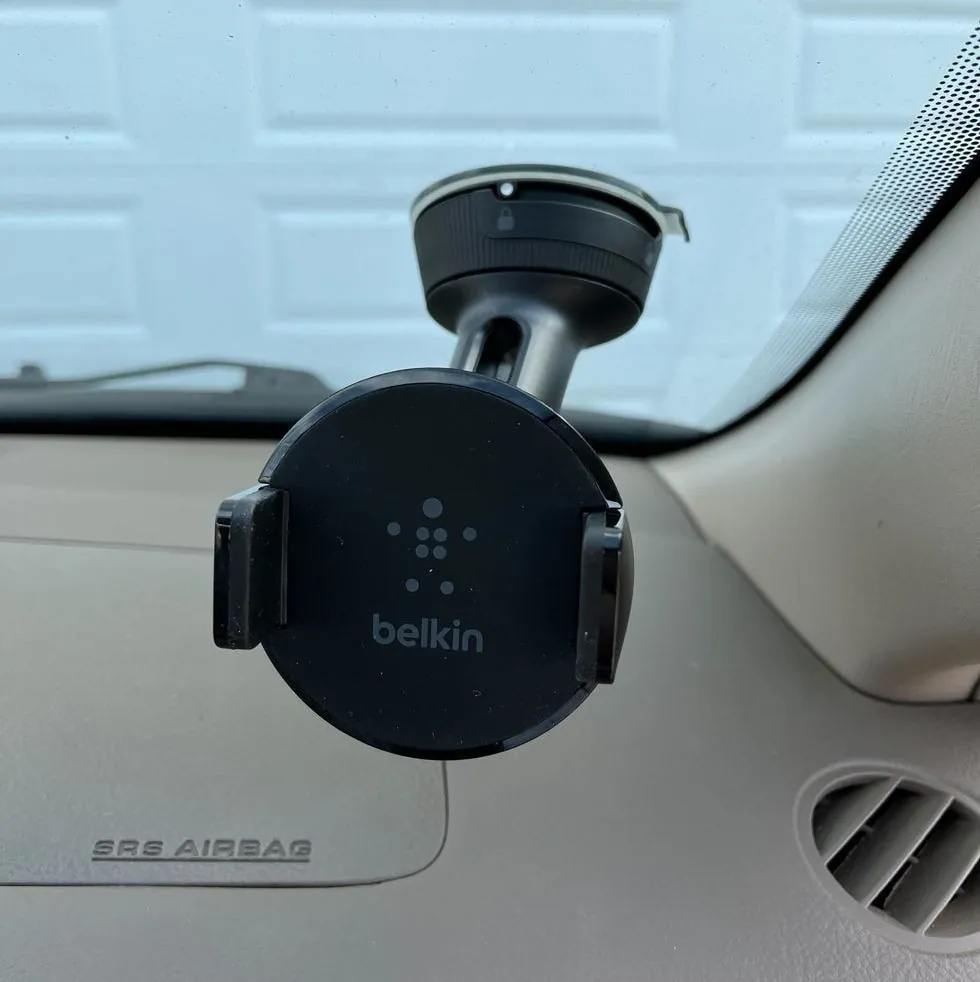
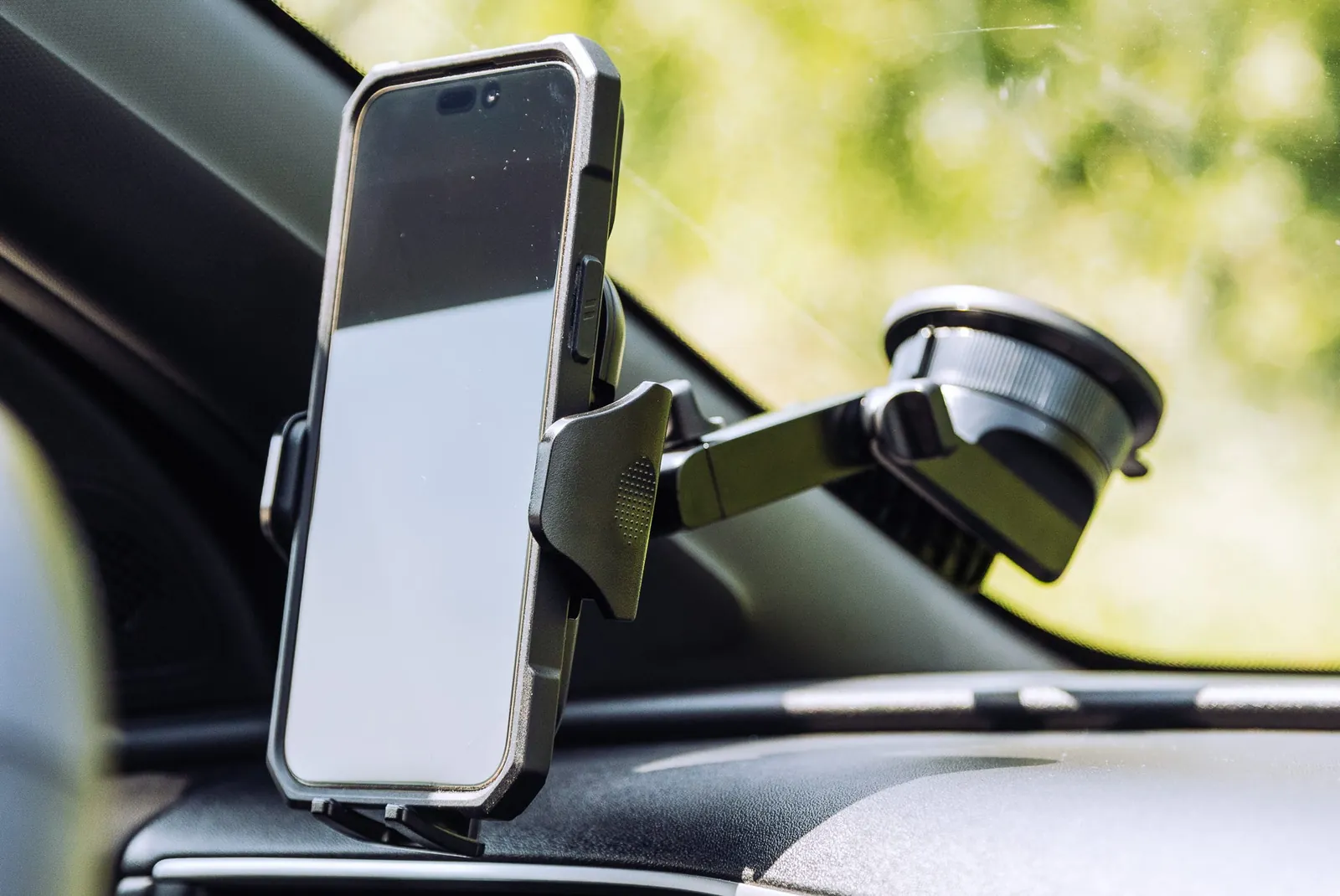
Suction-based dashboard mounts use a vacuum seal combined with a sticky gel base to attach to smooth, non-porous surfaces above the instrument cluster. This method provides the most stable platform for larger iPhones and supports integrated wireless charging pads.
- Clean the dashboard surface thoroughly with alcohol wipes to remove dust and silicone dressings.
- Press the suction cup down firmly and flip the locking lever to create an airtight seal.
- Attach the phone cradle or charging pad to the adjustable arm and tighten the pivot knob.
- Place your iPhone onto the pad, ensuring alignment with the internal charging coils.
- Test stability by gently tugging the phone before starting your journey.
These mounts handle heavy Pro Max models and enable charging without cables, making them superior for long trips or navigation-heavy driving. Their downside is potential residue or surface damage on leather or textured dashboards after prolonged sun exposure. If your dashboard isn’t perfectly smooth, the suction fails unpredictably in summer heat, risking sudden drops while you’re focused on traffic.
CD slot and windshield alternatives
CD slot mounts insert into unused disc players and clamp mechanically using a twist-lock system that requires no adhesives or suction. They offer rock-solid stability in older vehicles where vents are fragile or oddly shaped.
- Insert the mount’s expansion blade fully into the CD slot opening.
- Turn the adjustment knob clockwise until the internal clamps grip both sides snugly.
- Attach your phone cradle to the mounting head and secure the locking nut.
- Slide your iPhone into the cradle arms and adjust tension as needed.
- Verify the mount doesn’t obstruct gear shifters or climate controls.
This type excels in cars with delicate vents or curved dashboards where other methods fail. Its weakness is permanent unavailability of the CD player and potential scratching of the slot mechanism over time. Windshield suction mounts serve as a fallback for flexible positioning but violate traffic laws in many states and distract from forward vision; check local regulations before using one, as they’re rarely worth the legal risk compared to safer alternatives.
Choosing the right holder for your situation
Different driving scenarios demand different priorities, and what works perfectly for one trip fails completely for another. Matching the mount to your immediate need prevents frustration and unsafe adjustments mid-drive.
When you’re rushing to work or making quick errands, pick the vent magnetic mount. Its instant attach-and-go design saves precious seconds, and you won’t fumble with cradles or charging cables while stressed. The trade-off is sacrificing wireless charging, but speed matters more here than battery top-ups.
If this is your first car mount and you’re unsure about compatibility, choose the dashboard suction mount with a universal cradle. It fits nearly every iPhone size and lets you test positioning without committing to permanent modifications. You’ll sacrifice some sleekness for versatility, but avoiding buyer’s remorse outweighs aesthetic concerns during the learning phase.
For maximum functionality regardless of cost or bulk, select a premium dashboard mount with built-in Qi charging and auto-clamping sensors. It delivers hands-free operation, continuous power, and vibration dampening for video calls. The compromise is higher price and complex setup, but nothing else matches its all-around performance for professional drivers or tech enthusiasts who refuse to settle.
Essential safety rules for any mount
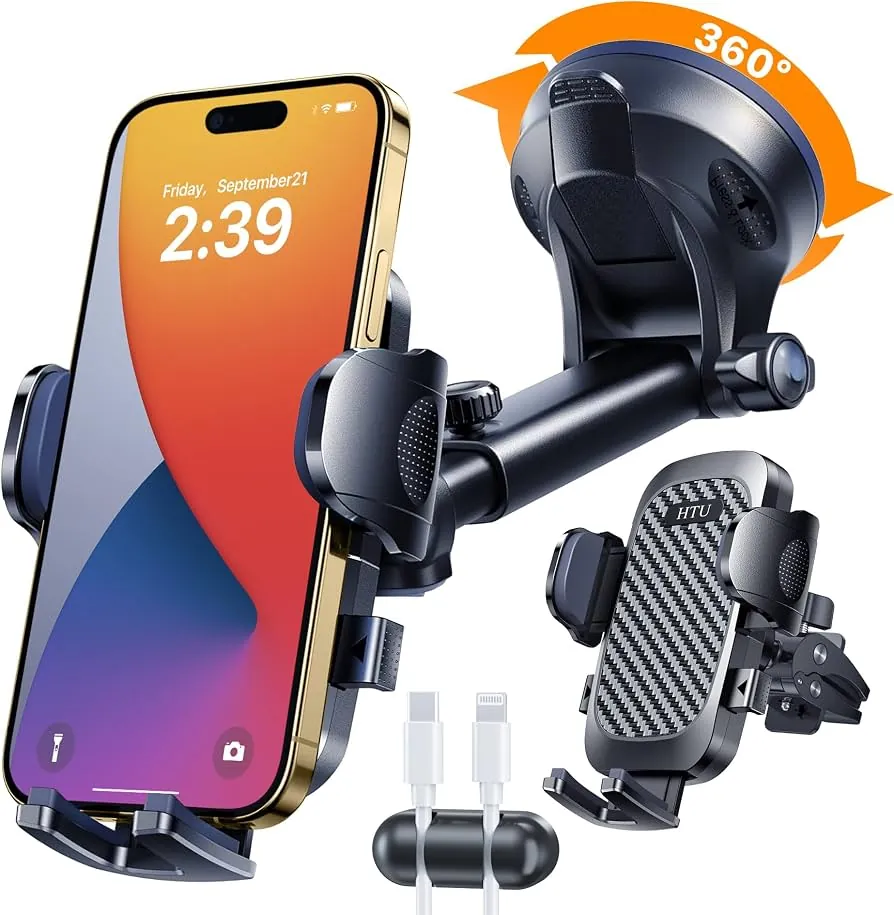
Regardless of which holder you choose, certain safety standards apply universally to protect both driver and device. Ignoring these basics turns even the best mount into a hazard during sudden stops or crashes.
Always position the phone within arm’s reach but outside the primary forward sightline to minimize visual distraction. Mounting too high forces eye movement away from traffic; too low encourages dangerous glances downward. Prepare your route and playlist before inserting the phone, never while moving.
Check the mount’s grip strength weekly by testing resistance to gentle pulls, especially after temperature swings that weaken adhesives or suction. At the end of each month, inspect your iPhone case and mount contact points for wear, cracks, or magnet degradation that could cause unexpected detachment. Replace components showing fatigue immediately—don’t wait for failure.
If your mount requires drilling, hardwiring, or modifies vehicle structure, hire a certified automotive technician instead of attempting DIY installation. Improper modifications can void warranties, trigger airbag malfunctions, or create projectile risks during collisions that no consumer-grade mount is engineered to withstand.
Frequently asked questions
Can I use a magnetic holder with MagSafe iPhone?
Yes, but only if the mount is specifically labeled MagSafe-compatible. Standard magnetic plates interfere with Apple’s built-in magnet array and reduce wireless charging efficiency. Non-certified magnets may also disrupt compass calibration or NFC functions. Always verify compatibility on the manufacturer’s spec sheet before purchasing to avoid degraded performance or accessory conflicts.
Why does my suction cup keep falling off?
Suction failure usually stems from dirty surfaces, extreme temperatures, or worn-out gel seals. Clean both the dashboard and cup with isopropyl alcohol, then reapply in moderate weather. If problems persist past three cleanings, the silicone has permanently deformed and needs replacement. Textured or porous dashboards never hold suction reliably—switch to a vent or CD slot mount instead.
How long do car phone holders last?
Quality mounts typically last 2–4 years with regular use, depending on material quality and environmental exposure. Plastic joints degrade faster in direct sunlight, while metal components resist heat but corrode in humid climates. Check the manufacturer’s warranty period as a baseline indicator; anything under one year suggests poor durability. Replace immediately if cracking, loosening, or magnet weakening appears.
Is it safe to mount on the windshield?
Often no, as many states prohibit windshield obstructions within the driver’s direct line of sight. Even where legal, windshield mounts increase injury risk during airbag deployment and distract from critical forward vision. Dashboard or vent placements are generally safer alternatives. Consult your state’s DMV website for exact placement restrictions before installing any device. Consult your state’s DMV website for exact placement restrictions before installing any windshield-mounted device.
What happens if my phone falls while driving?
A falling phone becomes a dangerous projectile that can strike occupants or jam pedals during emergency maneuvers. Pull over safely before retrieving it—never reach down while the vehicle is moving. After recovery, inspect both phone and mount for damage before reuse. Repeated falls indicate fundamental incompatibility between your car and mount type; switch methods entirely rather than risking injury.
Can wireless charging mounts overheat my iPhone?
They can, especially in hot cars or during intensive navigation use. Ensure adequate airflow around the phone and avoid covering it with cases thicker than 3mm.
Conclusion
Before you buy anything, sit in your driver’s seat and check where your phone naturally falls when you reach for it. Pick the mount that fits that exact spot. You’ll spend less time fumbling and more time keeping your eyes on the road ahead.