Aluratek Wireless Car Adapter for Android Auto Review: AWCGD02F
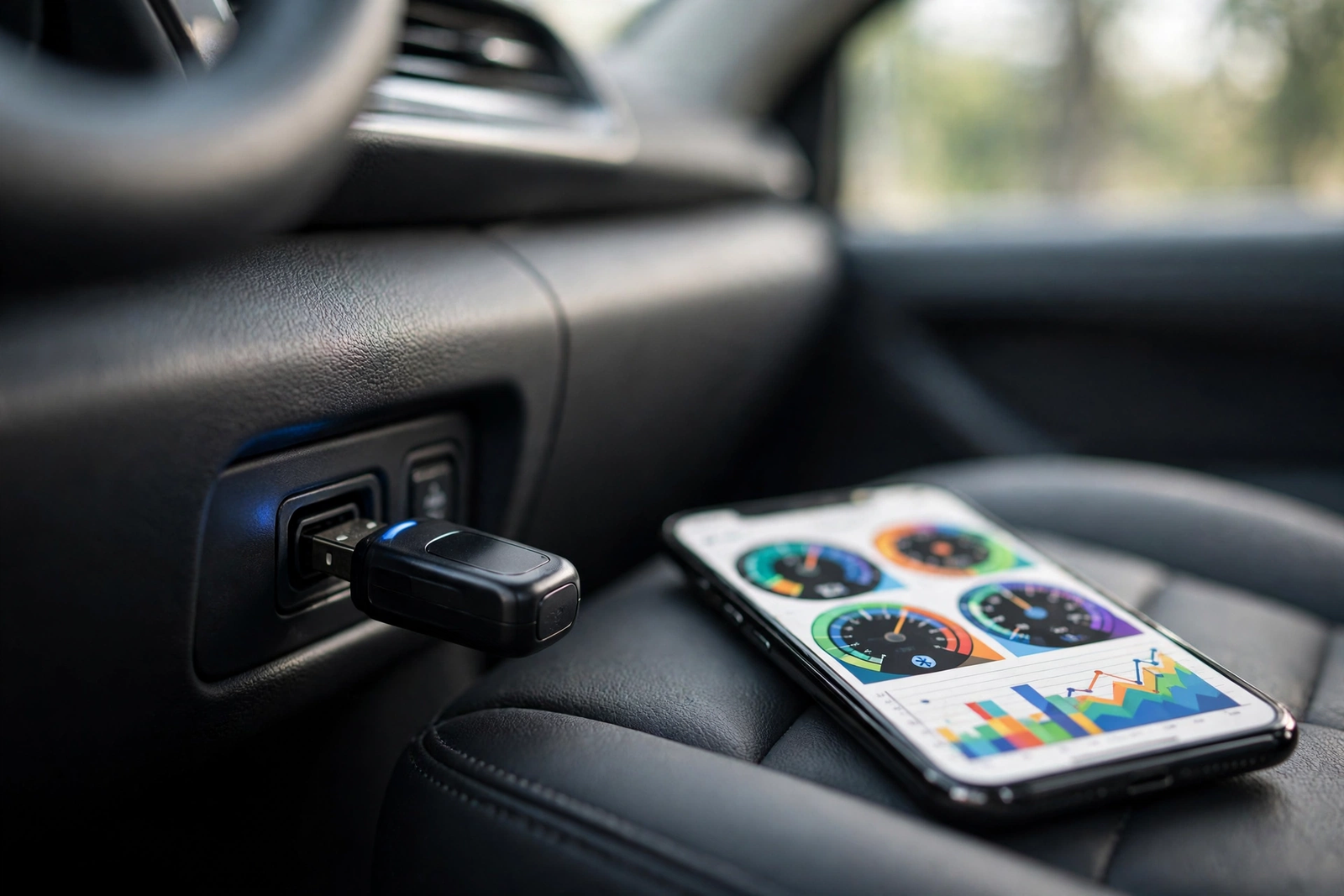
An Aluratek wireless car adapter for Android Auto is a small dongle that turns a wired Android Auto connection into a wireless one. You plug it into the USB port your phone normally uses, pair your phone once over Bluetooth, and from then on Android Auto appears on your car’s screen without a cable. The current model is the Aluratek AWCGD02F, a combo adapter that also handles Apple CarPlay, and this review covers what it does, what it needs from your car, and the verified alternatives you can buy when the Aluratek itself is not on Amazon.
The short answer: the Aluratek wireless car adapter for Android Auto works well for what it is — a plug-and-play bridge for cars that already have wired Android Auto — but there is one catch buyers should know first. No Amazon listing for the AWCGD02F could be verified at draft time, so there is no Amazon button for it on this page. If you want a verified buy-now adapter for Android Auto, the Motorola MA1 is the overall pick below, with the AAWireless TWO as the alternative.
As an Amazon Associate I earn from qualifying purchases.
Quick Pick: Aluratek Wireless Car Adapter for Android Auto
| Pick | Product | Best For | Check Price |
|---|---|---|---|
| Overall Winner | Motorola Sound MA1 Wireless Android Auto Car Adapter, Google-Licensed Bridge, USB Type-A | Android Auto only, Google-licensed bridge; the verified buy-now pick | Check Price on Amazon |
| Best Android Auto Alternative | AAWireless TWO Android Auto Wireless Adapter, Multifunction Button, Made in Europe | Android Auto only, multifunction button, made in Europe | Check Price on Amazon |
| Best for iPhone Households | Aluratek Wireless CarPlay Adapter AWCPA01F, Bluetooth and Wi-Fi 5.8GHz, USB | CarPlay only; the Aluratek pick for iPhone-only drivers | Check Price on Amazon |
Table of Contents
What an Aluratek Wireless Car Adapter for Android Auto Is
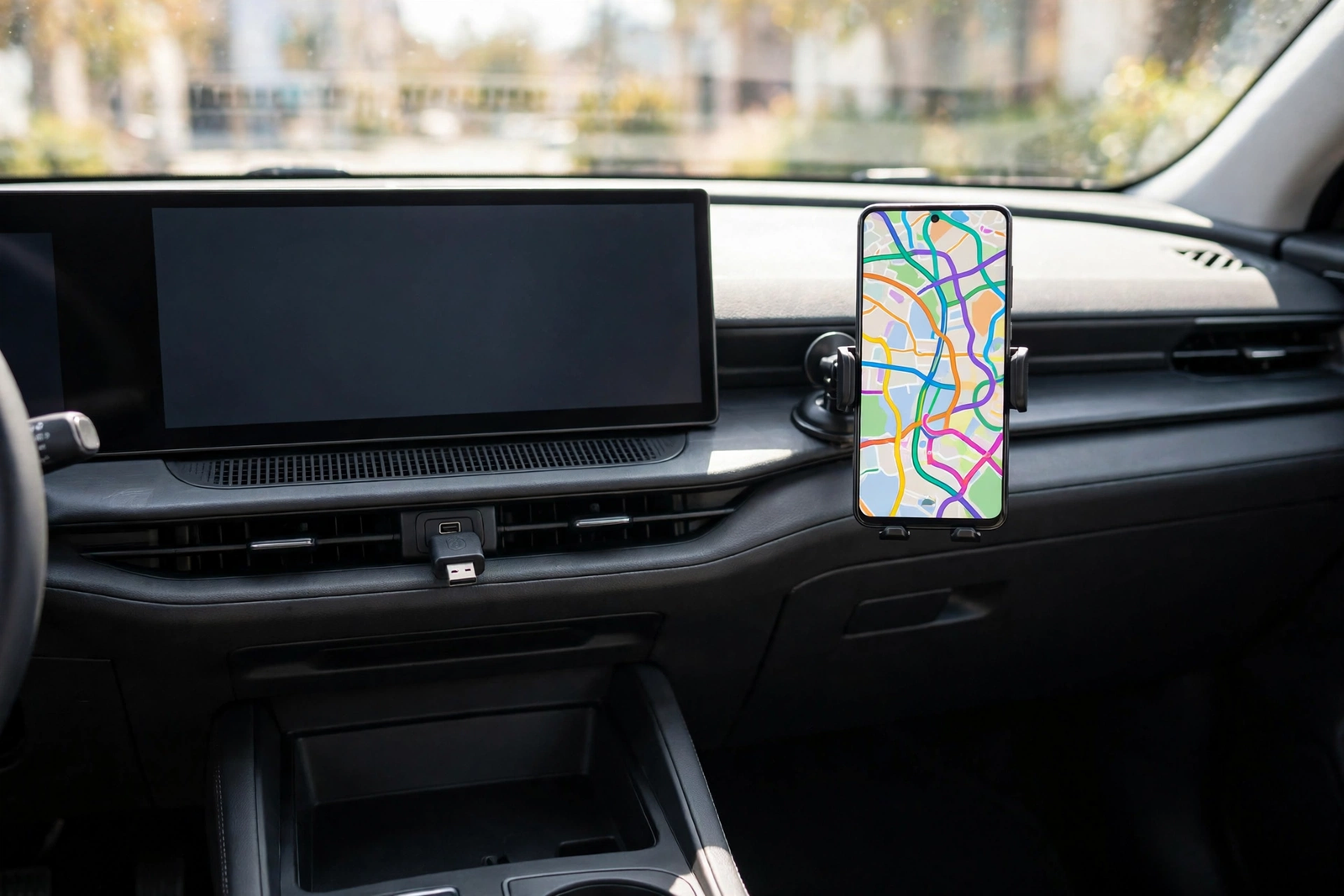
An Aluratek wireless car adapter for Android Auto is a small dongle that turns a wired Android Auto connection into a wireless one. It plugs into the USB port your phone normally uses for Android Auto, pairs with your phone once over Bluetooth, and then hands the connection over to 5GHz Wi-Fi. From then on, Android Auto appears on your car’s screen when you start the car, with your phone still in your pocket or bag.
It is a bridge, not a new head unit. The adapter cannot add Android Auto to a car that does not already have it, and it cannot fix a car whose USB port is charge-only. What it removes is the cable — and the daily plug-in, plug-out routine that wears out phone ports. That is the whole job, and it is worth buying only if your car already has factory wired Android Auto and you drive with an Android phone.
Aluratek AWCGD02F: The Combo Adapter Reviewed
The adapter this review is named for is the Aluratek AWCGD02F, the Combo Wireless Car Adapter for Apple CarPlay and Android Auto. It is a combo unit: a switch on the adapter chooses between CarPlay and Android Auto, so the same dongle serves an iPhone household and an Android household. It is plug-and-play with no app to download, it comes with both USB-A and USB-C connections for universal compatibility, and it carries a limited 1-year warranty. It works with iPhone 5 and later models with iOS 10 or higher for CarPlay, and with Android smartphones with Android 11 and above for Android Auto.
Two details come from the user guide rather than the sales page. The adapter pairs with up to two phones, and you press the button on the unit to toggle between them; the Bluetooth pairing name is AWCGD02F followed by four characters. Aluratek’s own product page says the adapter can pair up to five devices, so the sources disagree on the number — the user guide’s two-phone figure is the one tied to the pairing steps, so treat two as the working number. The button also disconnects the current connection with a click, and a long press of 15 seconds clears all data and restores factory settings.
The size figures disagree too. Retail listings describe the 2025 combo adapter as thumb-drive sized, while Aluratek’s own product page lists 2 by 0.5 by 5.75 inches and 8 ounces, which reads like packaging dimensions rather than the device. Treat it as thumb-drive sized and do not quote either figure as certain. Aluratek says the 2025 version starts up in under 25 seconds, against 30 to 40 seconds for the previous version. Some Best Buy reviewers report lag and compatibility issues with some car stereos, so the wireless connection is not identical on every car.
One honest flag before anything else: there is no Amazon button for the AWCGD02F on this page. No Amazon listing for it could be verified at draft time, after repeated exact-model searches, so no Amazon link for it is used anywhere in this review. Aluratek sells it direct from its own store, and it is also sold through Best Buy and Costco’s online store. Wireless Adapter for Apple CarPlay and Android Auto on aluratek.com is the manufacturer’s own listing — check a live offer there, or at Best Buy or Costco, before ordering.
Motorola MA1: The Android Auto-Only Pick
The Motorola MA1 is the overall pick because it is the verified buy-now adapter for Android Auto on this page. It is the Motorola Sound MA1 Wireless Android Auto Car Adapter, model MA1, built on Google-licensed bridge technology — Motorola describes it as the only adapter using Google-licensed technology to enable a wireless Android Auto connection. It works with cars, trucks and motorcycles that have factory-fitted wired Android Auto, and with Android phones running Android 11 or higher.
It is Android Auto only: it does not do CarPlay, so an iPhone household should not buy it. It connects by USB Type-A, uses Bluetooth and 5GHz Wi-Fi, and measures 6.5 by 2.1 by 0.3 inches per Tom’s Guide. The package includes a gel pad to hold the adapter in place wherever you install it in the car. To pair a new phone, press and hold its button and release it when the LED begins blinking blue; holding it for 35 seconds instead erases the adapter’s memory and restores factory settings, per the MA1 user guide. One availability note: the MA1 has gone out of stock for stretches before and then returned, so confirm a live offer is showing before you order rather than assuming it is always in stock.
Motorola Sound MA1 Wireless Android Auto Car Adapter, Google-Licensed Bridge, USB Type-A on Amazon: model MA1, Android Auto only, Bluetooth and 5GHz Wi-Fi, Android 11 or higher, gel pad included per the listing.
AAWireless TWO: The Android Auto-Only Alternative
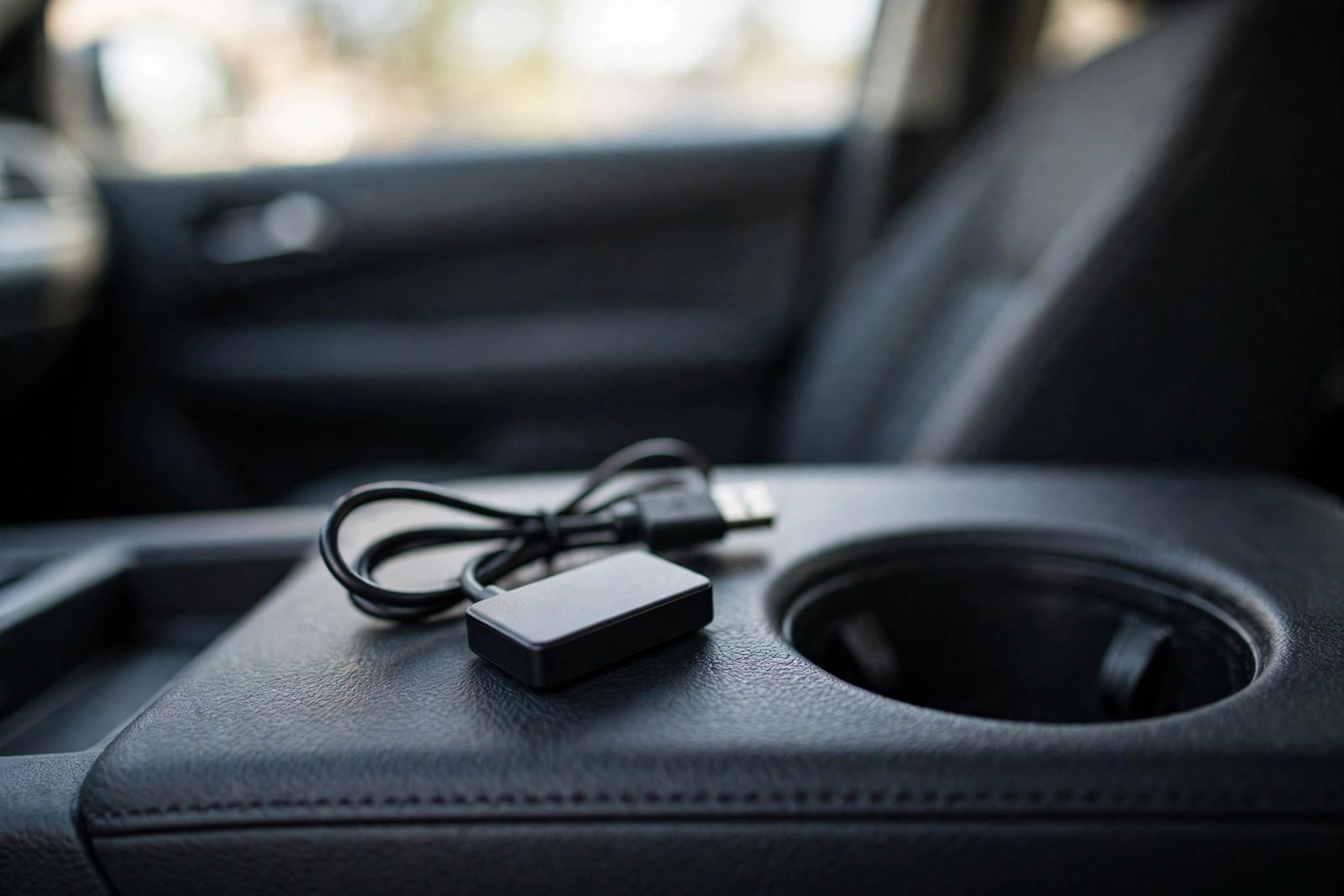
The AAWireless TWO is the Android Auto-only alternative. It is the AAWireless TWO wireless Android Auto adapter, model AAW003, a small unit measuring 5.5 by 3.5 by 1.5 centimetres and weighing 18 grams, with a multifunction button for easy plug-and-play setup. It converts factory wired Android Auto to wireless, connects by Bluetooth and Wi-Fi, and works with smartphones running Android 11 or higher. It is made in Europe, was first available on August 1, 2024, and is sold by AA Wireless and shipped from Amazon.
Like the Motorola MA1, it does not do CarPlay — the listing states it is not compatible with Apple CarPlay. If every phone in the car is Android, that does not matter, and the TWO is the smaller, lighter alternative to the MA1. AAWireless also sells a newer combo model, the TWO+, which adds CarPlay; our AAWireless Two+ review covers that model. Buy the TWO for Android-only use, and the TWO+ if an iPhone ever needs to connect.
AAWireless TWO Android Auto Wireless Adapter, Multifunction Button, Made in Europe on Amazon: model AAW003, Android 11 or higher, Bluetooth and Wi-Fi, 5.5 by 3.5 by 1.5 centimetres, 18 grams per the listing.
Aluratek AWCPA01F: The CarPlay-Only Sibling
The Aluratek AWCPA01F is the older Aluratek adapter, and it is CarPlay only — it does not do Android Auto at all, so Android users should not buy it. It converts a car’s factory wired CarPlay system into a wireless one, using Bluetooth and Wi-Fi at 5.8GHz over a USB connection, with power from the vehicle’s USB port. Per its user manual it measures 4.57 by 13.97 by 1.27 centimetres and weighs 41 grams.
It earns its place on this page for one household: an iPhone-only household that wants an Aluratek adapter. Its Amazon identity is thinner than the other two picks — the ASIN is corroborated by the manual’s retailer-linked ASIN page rather than a full crawled Amazon listing — so confirm a live offer is showing before you order, and do not buy it expecting Android Auto support it does not have.
Aluratek Wireless CarPlay Adapter AWCPA01F, Bluetooth and Wi-Fi 5.8GHz, USB on Amazon: model AWCPA01F, CarPlay only, Bluetooth and Wi-Fi 5.8GHz, USB, 41 grams per the manual.
Aluratek Wireless Car Adapter for Android Auto Compared
The four adapters on this page split cleanly into two groups: the combo and CarPlay models for mixed or iPhone households, and the Android-only models for Android households. The table is the comparison — match your phone first, then your car.
| Spec | Aluratek AWCGD02F | Motorola MA1 (B09PQ95GY4) | AAWireless TWO (B0DBVMG9Y6) | Aluratek AWCPA01F (B0CCZB5252) |
|---|---|---|---|---|
| Works with | CarPlay + Android Auto | Android Auto only | Android Auto only | CarPlay only |
| Phone needed | iPhone 5+/iOS 10+ or Android 11+ | Android 11+ | Android 11+ | iPhone, iOS compatible |
| Connection | Bluetooth + 5GHz Wi-Fi | Bluetooth + 5GHz Wi-Fi | Bluetooth + Wi-Fi | Bluetooth + Wi-Fi 5.8GHz |
| USB | USB-A attached + USB-C adapter included | USB Type-A | USB Type-C on device, USB Type-A to car | USB, powered by vehicle USB port |
| Multi-phone | Up to 2 phones per the manual; up to 5 per Aluratek’s page | Not stated in the listing as crawled | Not stated in the listing as crawled | Not stated in the manual as crawled |
| Size / weight | Thumb-drive sized per retail listings; Aluratek’s page lists larger figures | 6.5 x 2.1 x 0.3 in per Tom’s Guide | 5.5 x 3.5 x 1.5 cm, 18 g | 4.57 x 13.97 x 1.27 cm, 41 g |
| Amazon listing | None verified at draft time | Verified listing, crawl 256 days ago | Verified listing, crawl 279 days ago | ASIN corroborated via the manual’s ASIN page only |
Compatibility: Will It Work in Your Car
Compatibility has two halves, and both must pass. First, the car: it must already have factory wired Android Auto for the Android side, or factory wired CarPlay for the CarPlay side. Aluratek says the AWCGD02F supports most vehicles with factory wired CarPlay or Android Auto, as well as many aftermarket versions. The AAWireless TWO is compatible with cars and head units that exclusively support wired Android Auto. Check your car against Android’s official compatibility list before buying any of them.
Second, the phone: Android 11 or higher for Android Auto on all three Android-capable adapters, and iPhone 5 or later with iOS 10 or higher for CarPlay on the Aluratek models. A car with wired CarPlay alone cannot gain Android Auto through any adapter on this page, and a car with wired Android Auto alone cannot gain CarPlay. If your car already has wireless Android Auto built in, you do not need an adapter at all.
Setup: Plug In, Pair, Drive
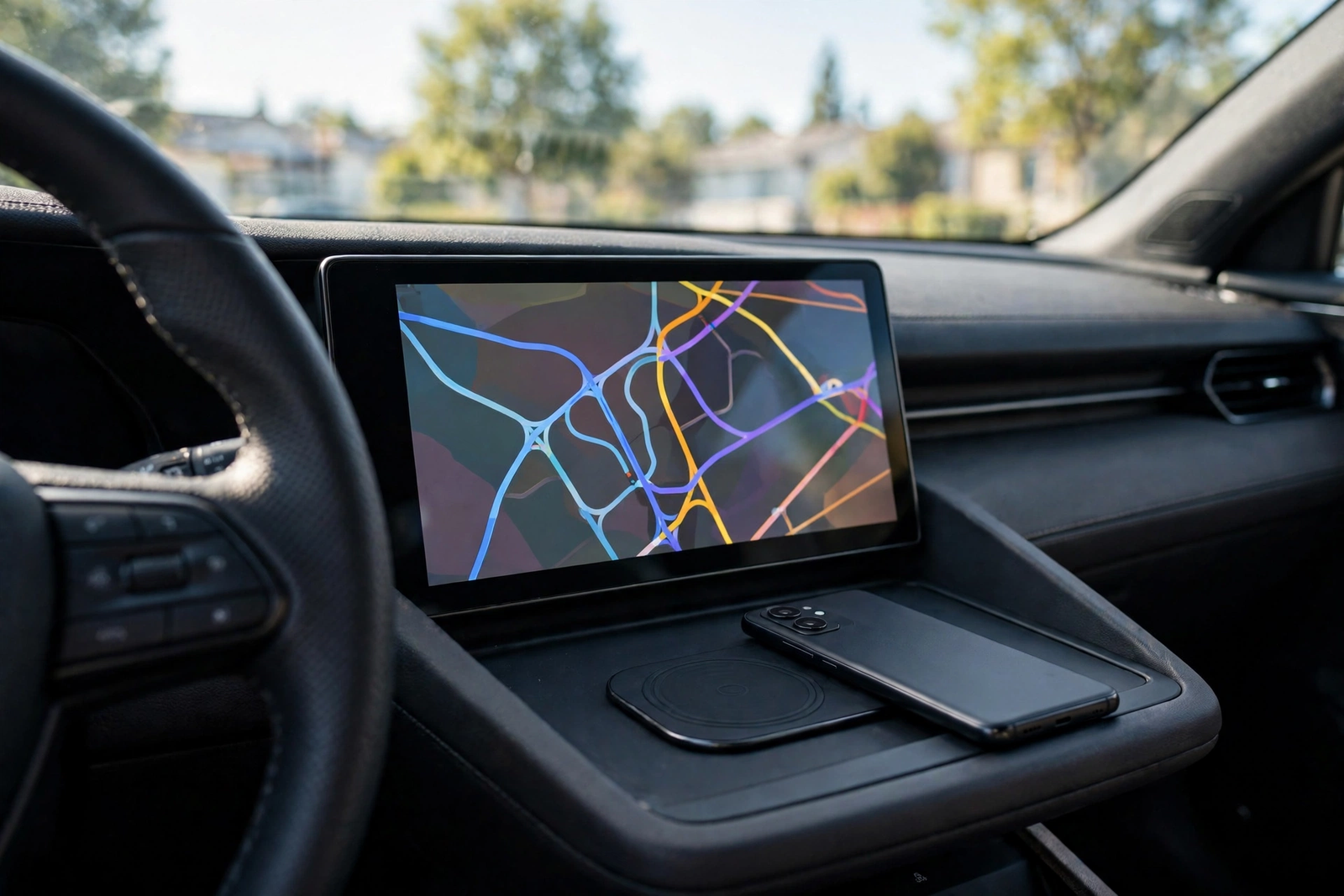
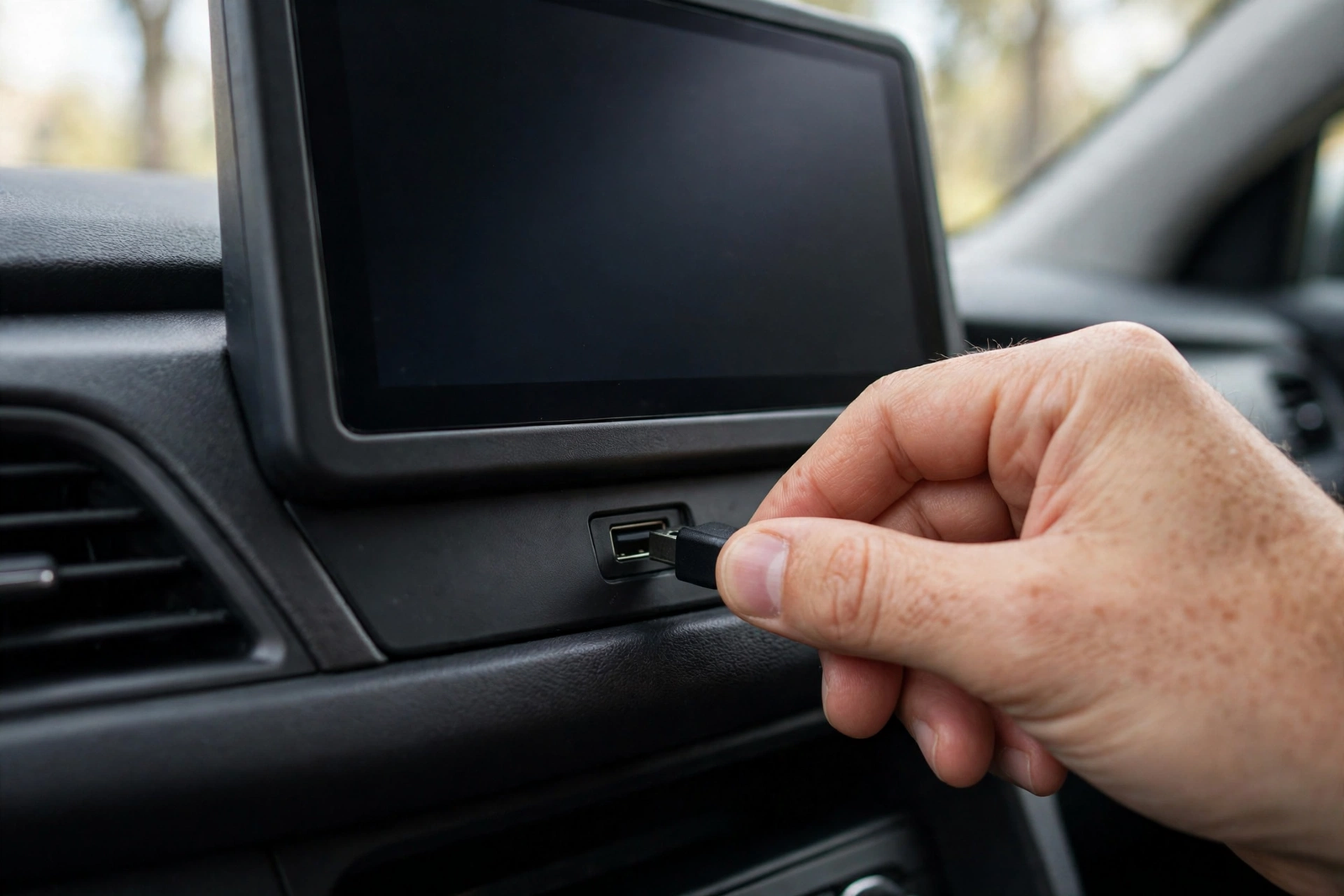
Setup follows the AWCGD02F user guide, and the other adapters work the same way. First, remove the Bluetooth connection between your phone and the car if the phone was paired to the car’s Bluetooth. Second, connect the adapter to the USB-A or USB-C port in your car — the port you normally use for wired Android Auto, not a charge-only port. Third, your car will automatically recognise the device and show its interface. Fourth, turn on your phone’s Wi-Fi and Bluetooth and pair with the Bluetooth device named AWCGD02F followed by four characters. Fifth, agree to all requests. You are then connected, and there is no need to repeat the pairing steps the next time you start the vehicle.
Two controls are worth knowing. On the Aluratek, a click of the button disconnects the current connection, and a long press of 15 seconds clears all data and restores factory settings. On the Motorola MA1, press and hold the button and release it when the LED blinks blue to pair a new phone — holding it for 35 seconds is the factory reset, not the pairing step. If the connection fails, delete the car’s Bluetooth pairing and start again from the first step rather than retrying the same pairing.
What the Aluratek Adapter Cannot Do
An Aluratek wireless car adapter for Android Auto cannot add Android Auto to a car that does not have it. This is the misunderstanding that causes most returns: the adapter converts a wired system into a wireless one, and a car with no wired Android Auto has nothing to convert. It also cannot make a charge-only USB port carry data, and it cannot fix a car stereo that does not support Android Auto in the first place.
Wireless also trades a little responsiveness for convenience. A cable is still the lowest-lag connection, and some Best Buy reviewers report lag and compatibility issues with some car stereos on the Aluratek adapter. If your daily drive depends on split-second navigation prompts, test the wireless connection on a short drive before relying on it. And the adapter uses your phone’s data plan like any Android Auto session, so it adds no new cost but removes no existing one.
Who Should Buy an Aluratek Wireless Car Adapter for Android Auto
Buy the Motorola MA1 if: every phone in the car is Android and you want the verified buy-now pick with Google-licensed bridge technology.
Buy the AAWireless TWO if: every phone in the car is Android and you want the smaller, lighter alternative, made in Europe.
Buy the Aluratek AWCPA01F if: every phone in the car is an iPhone and you want an Aluratek adapter — and only then, since it does not do Android Auto.
Buy the Aluratek AWCGD02F direct if: your household mixes iPhones and Android phones and you want one combo adapter — buy it from Aluratek’s own store, Best Buy or Costco, since no verified Amazon listing for it exists.
Skip all four if: your car has no wired Android Auto or wired CarPlay, or it already has wireless Android Auto built in. If you want the combo successor to the AAWireless TWO, our AAWireless Two+ review covers it, and our Carlinkit 5.0 2air review and Ottocast Mini Cube 3 review cover two more wireless adapters.
The Verdict
The best Aluratek wireless car adapter for Android Auto is the AWCGD02F — the combo adapter that handles both platforms with a switch, no app, and USB-A and USB-C in the box. But the best adapter you can actually buy on Amazon today is the Motorola MA1: Android Auto only, Google-licensed, and verified. Buy the Aluratek direct if your household mixes phones, buy the MA1 if it is Android only, and check first that your car already has wired Android Auto — without that, no adapter on this page will help.
Motorola Sound MA1 Wireless Android Auto Car Adapter, Google-Licensed Bridge, USB Type-A on Amazon: model MA1, Android Auto only, Bluetooth and 5GHz Wi-Fi, Android 11 or higher, gel pad included per the listing.
Frequently Asked Questions
Does the Aluratek wireless car adapter for Android Auto work with any car?
No. It only works in cars that already have factory wired Android Auto, or factory wired CarPlay for the CarPlay side. It converts a wired system into a wireless one, so a car with no wired Android Auto has nothing to convert. Check your car against Android’s official compatibility list, and confirm your phone runs Android 11 or higher.
What is the difference between the Aluratek AWCGD02F and the AWAGA01F?
The AWCGD02F is the current combo adapter for both CarPlay and Android Auto, with a switch on the unit to choose the platform and both USB-A and USB-C connections. The AWAGA01F is the older Aluratek adapter for Android Auto only, with a user guide dated August 2023. No Amazon ASIN could be verified for either model at draft time.
Can I use the Aluratek adapter with two phones?
The AWCGD02F user guide says it connects up to two phones, and you press the button on the unit to toggle between them if the connected phone is no longer in range. Aluratek’s own product page says the adapter can pair up to five devices, so the sources disagree — the user guide’s two-phone figure is the one tied to the pairing steps, so treat two as the working number.
Does the Aluratek wireless car adapter for Android Auto need an app?
No. Aluratek describes the adapter as plug-and-play ready with no need to download any apps. You plug it into the car’s USB port, pair your phone over Bluetooth once, and Android Auto connects automatically on later starts.
Will the Motorola MA1 work with an iPhone?
No. The Motorola MA1 is Android Auto only, and it does not do CarPlay. It is built on Google-licensed bridge technology for Android phones running Android 11 or higher. An iPhone household should buy the Aluratek AWCGD02F combo adapter direct, or the CarPlay-only Aluratek AWCPA01F.
Which adapter should I buy?
Buy the Motorola MA1 if every phone in the car is Android and you want the verified buy-now pick. Buy the AAWireless TWO if every phone is Android and you want the smaller, lighter alternative. Buy the Aluratek AWCGD02F direct from Aluratek, Best Buy or Costco if your household mixes iPhones and Android phones. Buy the Aluratek AWCPA01F only if every phone is an iPhone.