How to Use OBD2 Scanner
A check engine light tells you something is wrong, and nothing about what. Learning how to use obd2 scanner hardware turns that warning into a plain answer: the scanner plugs into a port under your dashboard, talks to the car’s computer, and shows the fault code behind the light — plus a short description of what that code means. The whole job takes a few minutes, needs no tools, and works on most cars built since 1996.
The short answer: plug the scanner into the OBD2 port under the driver-side dashboard, turn the ignition on without starting the engine, and read the codes. A Bluetooth scanner like the BlueDriver shows the codes in a phone app, a wired handheld like the ANCEL AD310 shows them on its own screen, and a Bluetooth dongle like the Innova 1000 shows them in its RepairSolutions2 app. Write the codes down before you clear anything — clearing a code does not fix the fault behind it.
As an Amazon Associate I earn from qualifying purchases.
Quick Pick: OBD2 Scanners Compared
| Pick | Product | Best For | Check Price |
|---|---|---|---|
| Bluetooth App Scanner with Repair Reports | BlueDriver Bluetooth Pro OBDII Scan Tool, Model LSB2 | Reading codes in a free phone app with vehicle-specific repair reports, for drivers who want plain-English explanations | Check Price on Amazon |
| Wired Handheld Reader with Its Own Screen | ANCEL AD310 OBD II Scanner, Classic Enhanced | Reading and clearing engine codes on a handheld screen with no app, no pairing and no battery, for drivers who want the simplest tool | Check Price on Amazon |
| Bluetooth Dongle with Live Data and Repair App | Innova 1000 Bluetooth OBD2 Scanner, Model 1000 | Reading codes, live data, ABS and SRS in the RepairSolutions2 app, for drivers who want a small dongle that stays plugged in | Check Price on Amazon |
Table of Contents
BlueDriver: The Bluetooth App Scanner
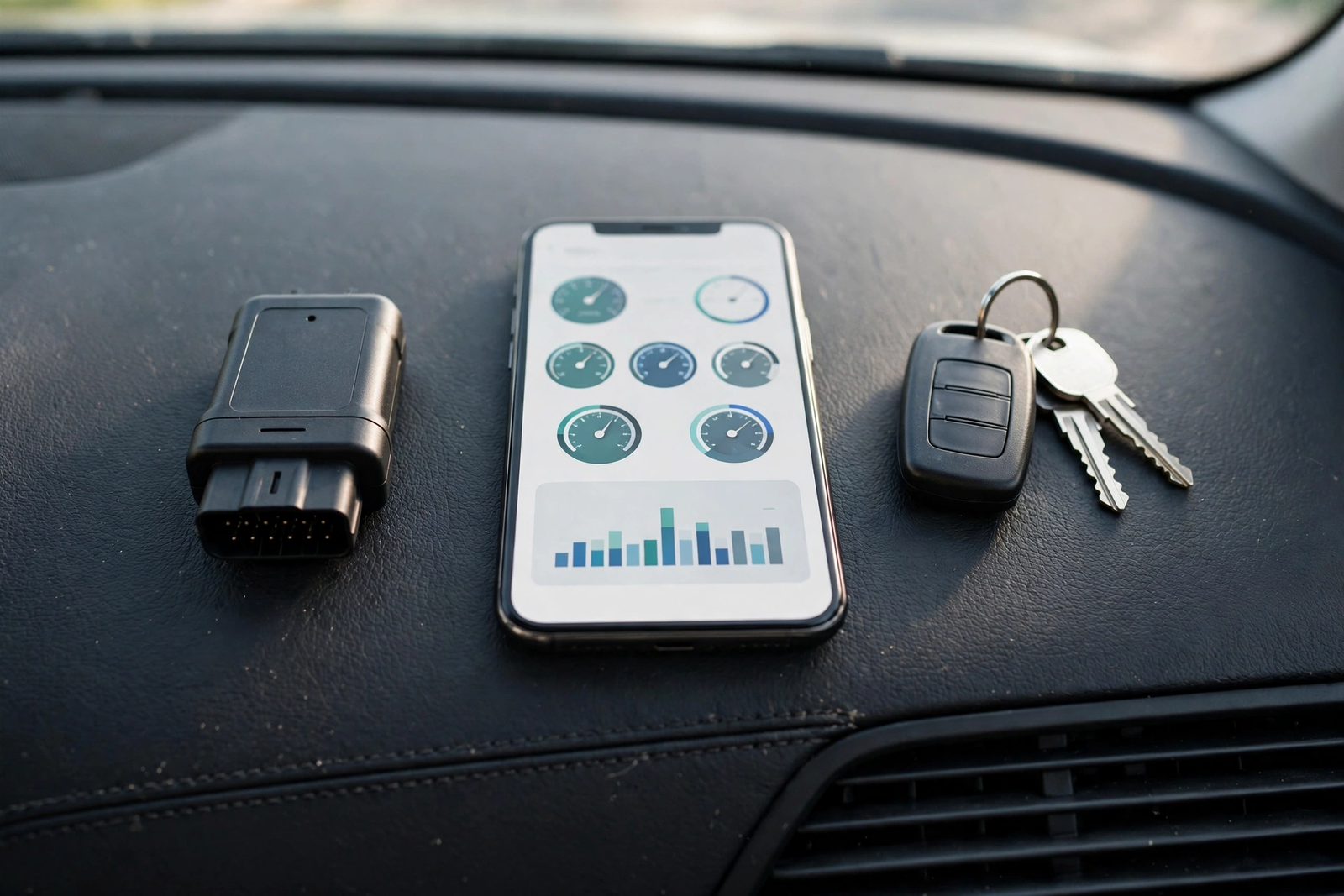
The BlueDriver Bluetooth Pro OBDII Scan Tool, model LSB2, is the app scanner in this guide: a small Bluetooth dongle that plugs into the OBD2 port and turns an iPhone or Android phone into the scanner’s screen. The listing says it reads 7,000+ engine codes and explains them the way a professional would, with vehicle-specific Repair Reports that list the code definition, possible causes and reported fixes. It covers ABS, SRS, airbag and TPMS on supported makes, works on all vehicles from 1996 onward, supports all OBD2 protocols including CAN, and the app is free with no subscription and no in-app purchases, according to the listing. It is made by Lemur Vehicle Monitors.
Using it is the Bluetooth pattern: plug the dongle into the port, open the free BlueDriver app, pair the dongle over Bluetooth, and tap to scan. The app shows the codes with plain-English explanations and the repair report for each one, and the report can be saved or emailed as a PDF. The advantage over a handheld is the explanation — a code on its own is a number, and the report is what turns it into a next step. One honest flag belongs here: several crawls of this listing showed no featured offers available, while one older crawl showed a price, so the offer picture is mixed and must be checked before ordering. The 7,000+ code figure and the repair-report features are the listing’s claims, not measured results. Our BlueDriver OBD2 scan tool review covers this scanner in full.
The BlueDriver is the pick in this guide for the driver who wants the code and the explanation together: plug it in, scan, and read what is wrong and what usually fixes it, in plain English on the phone. It suits a driver who is comfortable with a phone app and wants more than a bare code number. Note that a second source gives a different code-count figure for this scanner — the body uses the listing’s 7,000+ figure and does not assert the other one.
BlueDriver Bluetooth Pro OBDII Scan Tool, Model LSB2 on Amazon: Bluetooth OBD2 scanner, model LSB2, 7,000+ codes per the listing, ABS, SRS, airbag and TPMS on supported makes, free app with no subscription, 1996 and newer, all OBD2 protocols including CAN. Offer evidence conflicts across crawls — check the live offer before ordering.
Buy the BlueDriver if: you want to read codes in a free phone app with vehicle-specific repair reports. Confirm the listing shows a live offer first.
ANCEL AD310: The Wired Handheld Reader
The ANCEL AD310 is the wired handheld in this guide: a standalone code reader with its own screen and buttons, no app, no Bluetooth pairing and no battery to charge — the car powers it through the port. It reads and clears check engine codes, shows live data and freeze frame information, checks I/M readiness and runs an EVAP system test, and it supports all five OBD2 protocols: KWP2000, J1850 VPW, ISO9141, J1850 PWM and CAN. It works on most 1996 and newer vehicles in North America, and it has a backlit 128 by 64 pixel display. The listing describes it as a classic enhanced universal OBD2 scanner.
The important limit is that the AD310 reads engine codes only. It does not read ABS, airbag, TPMS or transmission codes, and it cannot test a car battery — the listing says so plainly, and the guide in this article respects that limit. Using it is the handheld pattern: plug the cable into the port, the screen lights up on the car’s power, and use the buttons to pick Read Codes from the menu. The code appears on the screen with its description, and the buttons step through live data and readiness the same way. One flag belongs here: an older crawl of this listing showed no featured offers available, and the freshest crawl confirms the identity but gives no offer evidence — check the live offer before ordering. The engine-only limit and the five protocols are the listing’s claims, not measured results. Our ANCEL AD310 OBD2 scanner review covers this reader in full.
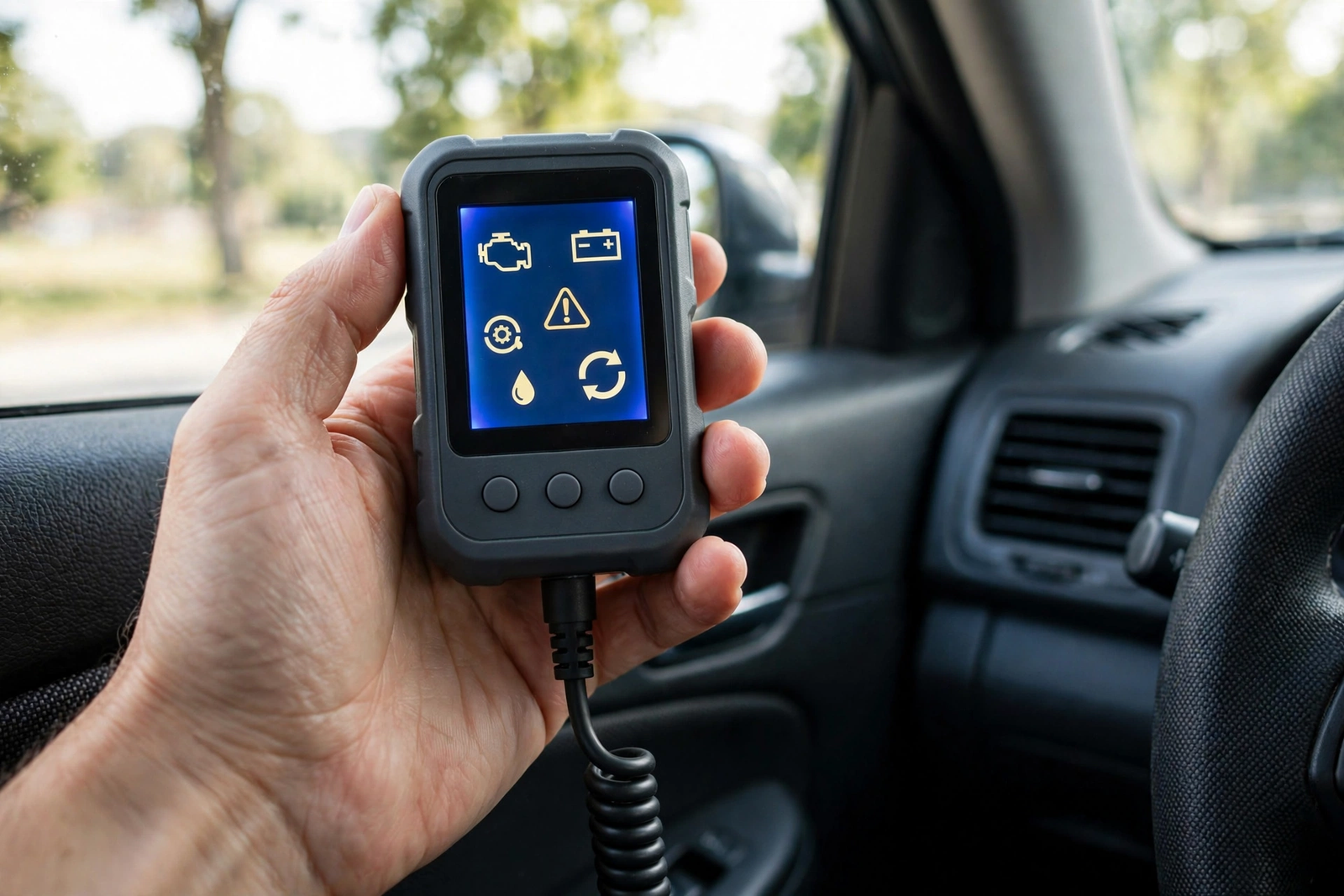
The AD310 is the pick in this guide for the driver who wants the simplest possible way to read a check engine light: plug it in, read the code on the screen, unplug it. It suits a driver who does not want an app, a phone, a pairing step or a subscription of any kind. One more flag: the sources conflict on the code lookup library — the listing’s specifications describe a built-in OBD2 fault-code lookup library, while ANCEL’s own comparison page says the step-up AD410 adds built-in DTC lookup that the AD310 does not have. This article states the conflict and picks no side.
ANCEL AD310 OBD II Scanner, Classic Enhanced on Amazon: wired handheld OBD2 reader, engine codes only, no ABS, SRS, TPMS or transmission, live data, freeze frame, I/M readiness, EVAP test, all five OBD2 protocols, backlit 128 by 64 pixel display, powered by the car. Confirm the listing shows a live offer before ordering.
Buy the ANCEL AD310 if: you want a no-app, no-battery handheld reader for engine codes. Confirm the listing shows a live offer first.
Innova 1000: The Bluetooth Dongle with RepairSolutions2
The Innova 1000 is the second Bluetooth scanner in this guide, and it is the smallest of the three: a 2-inch, 16-pin Bluetooth BLE dongle that pairs with the RepairSolutions2 app on iPhone and Android. Innova says it turns a phone into a scanner that reads and clears codes for the engine, ABS and SRS, shows live data in graph or table form — RPM, fuel trim, mass air flow, coolant temperature, throttle position and intake manifold pressure — and gives predicted repairs from a database of verified fixes, with no subscription and no hidden costs. It is a one-time purchase with unlimited scans, according to Innova, and the dongle is small enough to leave plugged in.
Using it is the app pattern with one extra step: download the RepairSolutions2 app first, because the dongle only works with that app. Then plug the dongle into the port, pair it over Bluetooth, and scan — Innova says a scan takes about 60 seconds. Two limits matter. First, Innova says the tool works on most vehicles from 1996 to 2024 in the US and Canada — check the coverage checker on Innova’s site before buying, since coverage for later years is still being added. Second, 2018 and newer FCA vehicles (Jeep, Chrysler and related makes) need AutoAuth access for some functions, so the tool may read codes on those cars but not erase them. The live-data list, the 60-second scan and the coverage years are Innova’s claims, not measured results. Our Innova CarScan OBD2 scanner review covers this dongle in full.
The Innova 1000 is the pick in this guide for the driver who wants a dongle that lives in the port: leave it plugged in, open the app whenever a light comes on, and read the code, the live data and the likely fix in one place. It suits a driver in the US or Canada whose car is within the covered years and who is happy to use one specific app. No live-offer evidence was found for this listing, so check the live offer before ordering.
Innova 1000 Bluetooth OBD2 Scanner, Model 1000 on Amazon: Bluetooth BLE dongle, model 1000, RepairSolutions2 app, engine, ABS and SRS codes, live data, no subscription per Innova, 2-inch 16-pin dongle, US and Canada coverage 1996 to 2024 per Innova. Confirm the listing shows a live offer before ordering.
Buy the Innova 1000 if: you want a small Bluetooth dongle with live data and repair guidance in one app. Confirm the listing shows a live offer first.
Find the OBD2 Port, Plug In and Turn the Ignition On
The OBD2 port is a 16-pin connector under the dashboard on the driver side of most cars, usually within reach of the steering column — look below the dash to the left of the steering wheel, near the pedals. Some cars hide it behind a small cover or a trim panel, and on a few it sits in the center console or under the steering column shroud, so check the car’s manual if it is not visible at first glance. The port has a trapezoidal shape, and the scanner’s plug only fits one way round, so do not force it — if it does not slide in, turn the plug over.
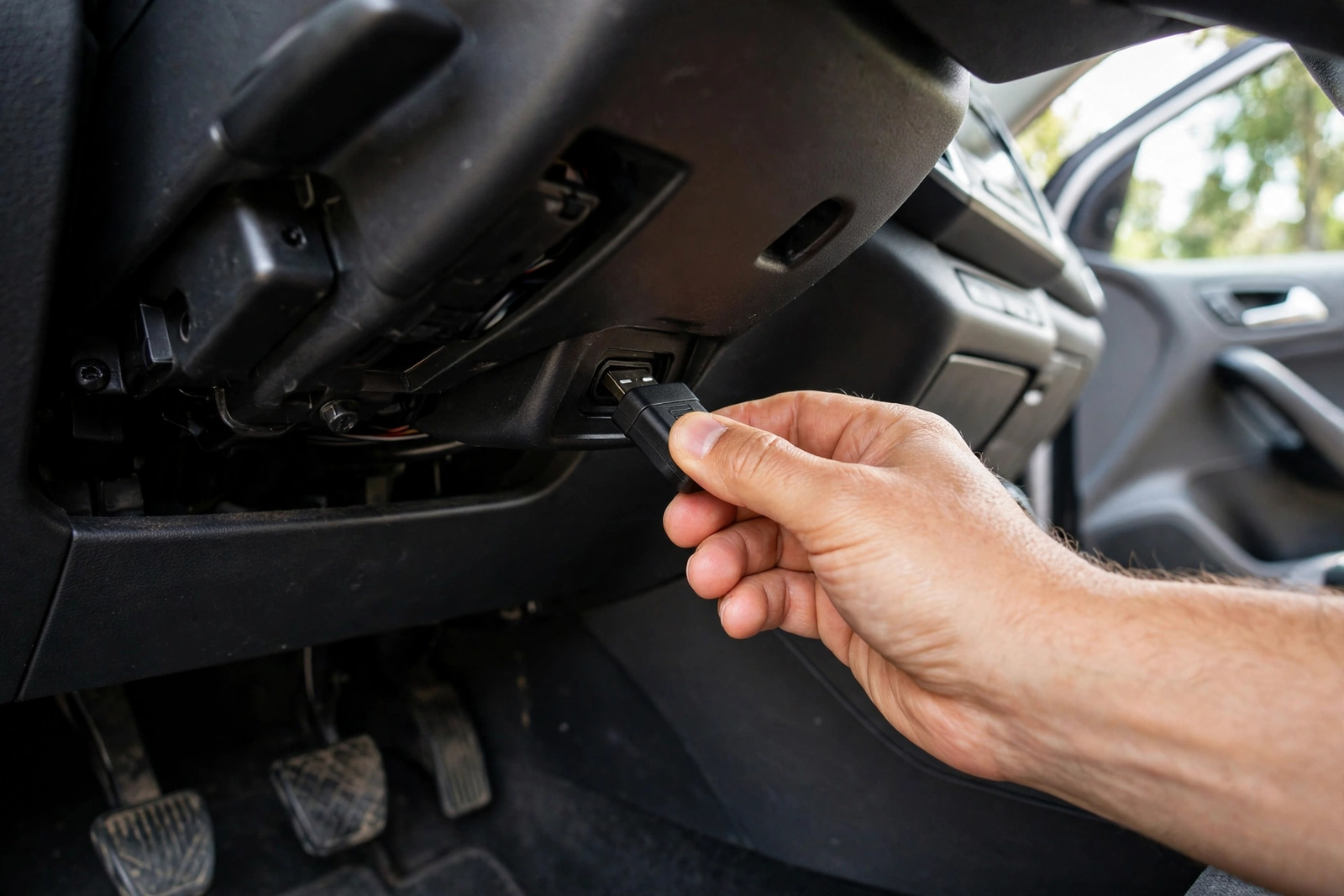
With the scanner plugged in, turn the ignition on without starting the engine: turn the key to the ON or run position, or press the start button without holding the brake so the engine stays off. The ignition powers the port, and the scanner wakes up — a handheld lights its screen, a Bluetooth dongle shows a light or appears in the app. Once you know how to use obd2 scanner hardware, the routine is short: reading stored codes needs only the ignition on. Live data that moves with the engine, like RPM, needs the engine running, so start the engine only when the step you are doing asks for it. If the scanner stays dark with the ignition on, check the plug is fully seated, check the car’s accessory fuse, and try the ignition again — a port with no power is almost always a seating or a fuse problem, not a broken scanner.
How to Use OBD2 Scanner: Read the Codes
Reading the codes is the same on every scanner in this guide, even though the screens differ. On the BlueDriver and the Innova 1000, open the app, confirm the Bluetooth connection, and tap Scan or Read Codes. On the ANCEL AD310, use the buttons to pick Read Codes from the menu. The scanner asks the car’s computer for its stored trouble codes and lists them one by one. Write every code down, with the short description the scanner gives, before doing anything else — the list is the record of what the car reported, and it is easy to lose if the codes are cleared first. Note the status too if the scanner shows it: a stored code is one the car has confirmed, a pending code is one it has seen but not yet confirmed, and a permanent code is one that cannot be cleared until the fault is fixed and the car has verified the repair.
A code is five characters: a letter and four numbers. The letter says which system reported it — P for powertrain (engine and transmission), B for body, C for chassis, and U for the network that links the car’s computers. The first number says whether the code is generic (0) or manufacturer-specific (1), and the rest narrow it down. A P0300, for example, is a powertrain code for a random or multiple-cylinder misfire — the engine is misfiring, but the code alone does not say which part caused it. That is why the explanation matters more than the number: the BlueDriver’s repair report and the Innova’s predicted repairs both start from the code and add the causes other drivers with the same code actually found. Our FOXWELL NT301 OBD2 scanner review covers another handheld reader that shows codes the same way.
Live Data and Freeze Frame: What Else the Scanner Shows
Codes are the headline, but a scanner shows two more things that help work out what is actually wrong. Live data is the stream of readings from the car’s sensors, shown as numbers or graphs while the engine runs: RPM, coolant temperature, throttle position, fuel trim, mass air flow and intake manifold pressure are the ones the Innova 1000 lists, and the AD310 shows live data too. A reading that looks wrong — coolant temperature stuck low, or fuel trim far from zero — points at the sensor or the system behind it, and watching a reading move while the engine warms up tells you more than a single snapshot.
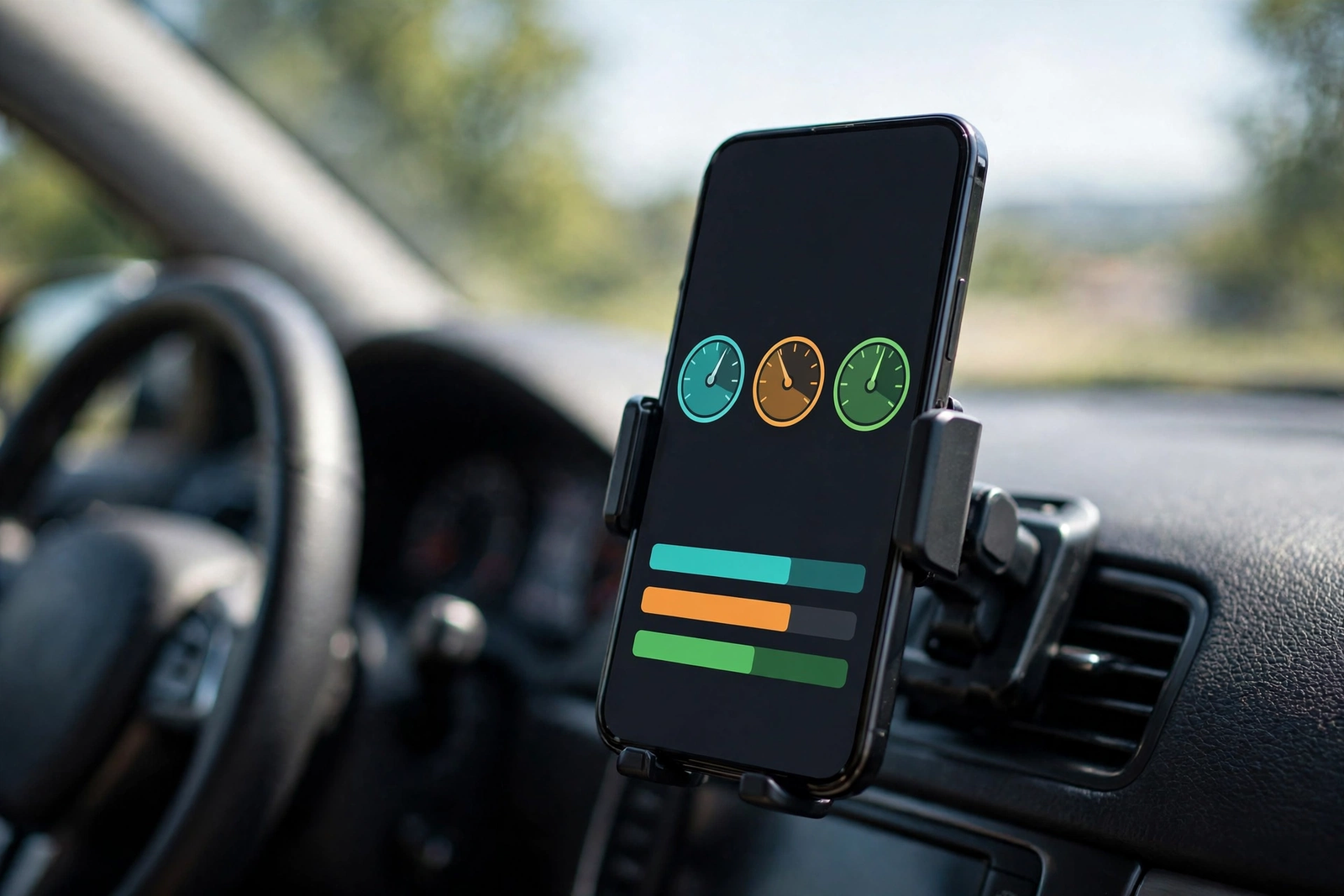
Freeze frame is the snapshot the car saved at the exact moment the code was set: the engine speed, temperature, load and speed when the fault happened. It answers the question of whether the fault happens cold, hot, at idle or under load, which narrows the search a lot. Both the AD310 and the app scanners show freeze frame for the code they read. If the code is an intermittent one that comes and goes, the freeze frame is often the only clue about the conditions that set it — save it with the code before clearing anything.
Clearing Codes: What It Does — and What It Does Not Fix
Clearing a code erases it from the car’s computer and turns the check engine light off. It does not repair anything. If the fault is still there, the light comes back — sometimes within minutes, sometimes after a few drives — because the car’s computer runs its own checks again and finds the same problem. Clearing is the last step, not the first: read the codes, write them down, find and fix the fault, and only then clear the codes to confirm the repair worked. If the light stays off after a proper drive, the fix held. If it comes back, the fault is still there.
To clear, pick Erase Codes or Clear Codes in the app or on the handheld menu, and confirm when the scanner asks. Do it with the ignition on and the engine off unless the scanner’s instructions say otherwise. Never clear codes to hide a fault before selling a car or before an inspection — the car’s computer keeps a record that the codes were cleared and the readiness monitors were reset, and a buyer or an inspector who scans the car will see it. And never clear a code while the car is showing other warnings, like an overheating or oil-pressure light — those need a mechanic, not a cleared code.
Emissions Readiness: Why Clearing Codes Can Fail a Test
Clearing codes also resets the car’s emissions readiness monitors — the set of self-checks the computer runs on the catalytic converter, the oxygen sensors, the EVAP system and the rest of the emissions equipment. After a clear, every monitor shows as incomplete, and the car has to complete a series of drive cycles — a mix of cold starts, steady cruising and idling — before they show as ready again. That takes days of normal driving, not one trip round the block.
This matters because an emissions test checks the monitors, not just the light. A car with the light off but the monitors incomplete can fail the test or be turned away until the monitors are ready, depending on the state. The AD310’s I/M readiness check shows which monitors are ready and which are not, and the app scanners show the same status. The rule is simple: never clear codes in the days before an emissions test, and if the codes have already been cleared, drive the car normally for several days and check the readiness status before booking the test.
Who Should Use an OBD2 Scanner — and When to See a Mechanic
Use an OBD2 scanner yourself if: the check engine light is on and you want to know why before calling a shop, you want to check whether a repair worked, or you want to watch live data while tracking down an intermittent fault. Any of the three scanners in this guide does that job — the AD310 for the simplest read, the BlueDriver or the Innova 1000 for the explanation as well.
Use it with care if: the car has more than one warning light, the code points at the transmission, the airbags or the brakes, or the car drives badly. Those systems need a scanner that reads their codes — the AD310 reads engine codes only — and a fault in them is a safety matter, not a DIY guess.
See a mechanic if: the oil-pressure or temperature warning is on, the car is overheating, stalling or making a new noise, or the same code comes back after a repair. A scanner tells you what the car reported; a mechanic finds why it reported it, and some faults — a failing catalytic converter, a transmission slip, an airbag fault — are not jobs for a code reader and a driveway.
The Verdict
Learning how to use obd2 scanner hardware is a small skill with a large payoff: a few minutes with a scanner turns a warning light into a code, a description and a next step. The BlueDriver is the pick for the driver who wants the code and the repair report in plain English. The ANCEL AD310 is the pick for the driver who wants the simplest tool — plug it in, read the screen, done. And the Innova 1000 is the pick for the driver who wants a dongle that stays in the port with live data and repair guidance in one app.
Whichever scanner you choose, the method is the same: find the port under the driver-side dashboard, plug in, turn the ignition on, read the codes and write them down before clearing anything. Clear only after the repair, and never clear codes just before an emissions test. Confirm the listing shows a live offer before ordering, and check the scanner’s coverage for your car’s year, make and model before buying.
Frequently Asked Questions
Where is the OBD2 port in my car?
Under the dashboard on the driver side of most cars, usually below the dash to the left of the steering wheel, near the pedals. It is a 16-pin trapezoidal connector, and the scanner’s plug only fits one way round. Some cars hide it behind a small cover or trim panel, and on a few it sits in the center console or under the steering column shroud — check your car’s manual if you cannot see it at first glance.
Do I need to start the engine to use an OBD2 scanner?
No, not to read stored codes. Turn the ignition on without starting the engine — key to the ON or run position, or start button pressed without the brake — and the port powers up so the scanner can read the codes. Live data that moves with the engine, like RPM, does need the engine running. Start the engine only when the step you are doing asks for it, such as watching live data. That is the first rule of how to use obd2 scanner hardware: ignition on, engine off, then read.
What does a check engine code like P0300 mean?
P0300 is a powertrain code for a random or multiple-cylinder misfire — the engine is misfiring, but the code alone does not say which part caused it. The letter says the system: P for powertrain, B for body, C for chassis, U for network. The first number says whether the code is generic (0) or manufacturer-specific (1). The explanation matters more than the number, so use the scanner’s description or repair report to find the likely cause.
Should I clear a code as soon as I read it?
No. Write the code down first, with the description the scanner gives, and find and fix the fault behind it. Clearing a code erases it from the car’s computer and turns the light off, but it does not repair anything — if the fault is still there, the light comes back when the car’s computer runs its checks again. Clear codes only after the repair, to confirm the fix worked.
Will clearing codes make my car fail an emissions test?
It can. Clearing codes resets the emissions readiness monitors to incomplete, and the car needs several days of normal driving — cold starts, steady cruising and idling — before they show as ready again. An emissions test checks the monitors, not just the light, so a car with the light off but the monitors incomplete can fail or be turned away. Never clear codes in the days before an emissions test, and check the readiness status before booking one.
Can an OBD2 scanner damage my car?
Reading codes does not damage the car — the scanner only asks the car’s computer for information and changes nothing. Clearing codes is the step that changes stored data, and it only erases the codes and resets the readiness monitors. Do not unplug the scanner while it is reading or clearing, and never clear a code while the car is showing an oil-pressure or overheating warning — those need a mechanic, not a cleared code.