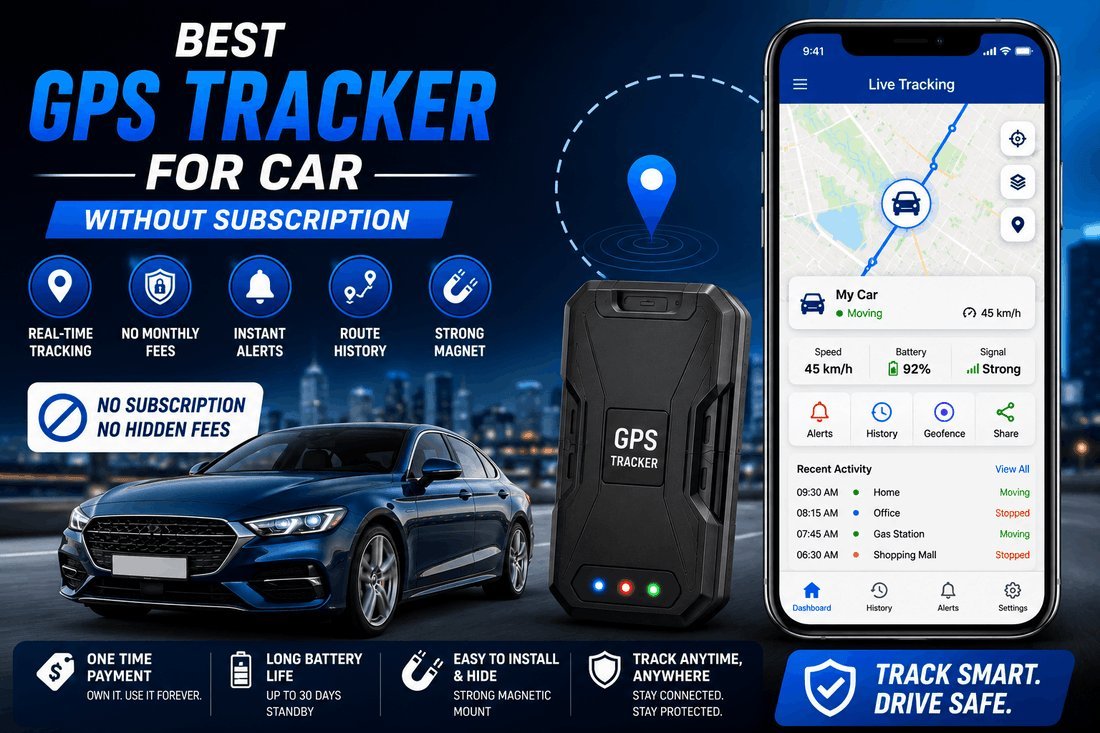
The best car GPS tracker without subscription uses a one-time purchase and a user-supplied SIM card. Devices like the LandAirSea 54 or SinoTrack ST-901 are inexpensive. Network choice, ping frequency, and power source determine monthly costs.
Who needs a no-subscription GPS tracker

Someone who wants zero ongoing fees is looking for a Bluetooth tag, not a real GPS unit. The third has a vehicle they don’t drive daily and wants location data only when it moves.
This page serves that third person. If you need live turn-by-turn tracking on a fleet of vans, a commercial service with a dashboard is what you actually want, not a standalone unit.
What changes your tracker’s performance
Four things decide whether this setup works or leaves you guessing where your car is.
Cellular network support. The tracker talks to cell towers, not satellites, to send you its location. If the network in the box doesn’t run towers where you park, the device sits silent. Check the prepaid carrier’s coverage map before buying.
Update interval. Asking the tracker to report every ten seconds drains a small battery in days. Pinging every five minutes while parked stretches battery life to weeks.
Power source. A battery-only unit hides anywhere but dies.
SIM card size. Trackers use nano, micro, or standard SIMs. Read the manual before opening the package.
How to set up your car GPS tracker
Follow these steps in order.
- Slide the correct SIM card into the tracker’s slot until it clicks shut.
- Turn the device on using its power button, then wait two minutes for the LED to blink steadily. That steady blink means it found a cell tower.
- Download the maker’s app, like the SinoTrack app, or log into their web portal.
- Type the IMEI number printed on the tracker’s sticker into the app to pair them.
- Pick your update interval in the settings. Choose five minutes if the car stays parked all week; choose thirty seconds if someone else drives it daily.
- Plug the tracker into the OBD-II port under your steering wheel, or connect the red wire to the battery’s positive terminal and the black wire to the chassis ground.
- Walk fifty feet away from the car and refresh the app. You should see your exact spot on the map.
- Set a geofence around your home address so the app alerts you when the car leaves that circle.
Old locations indicate an inactive SIM data plan.
Situations and what they require
Setups change cost and upfront work.
| Your situation | What to do | What it takes | Watch out for |
|---|---|---|---|
| Parked classic car | Battery tracker, daily ping | Five-minute install | Dead battery after two weeks |
| Daily commuter | Hardwired OBD-II tracker | Ten-minute install | Draining starter battery slowly |
| Teen driver | Real-time thirty-second pings | Higher prepaid data cost | Exceeding your data cap |
| Fleet of three cars | Separate SIM per tracker | Triple the monthly cost | Mixing up devices in the app |
| Motorcycle | Waterproof battery tracker | Zip-tie under seat | Vibration shaking the SIM loose |
| RV in storage | Solar-charged tracker | Higher upfront cost | Shade blocking the solar panel |
Details that separate good installs from bad ones
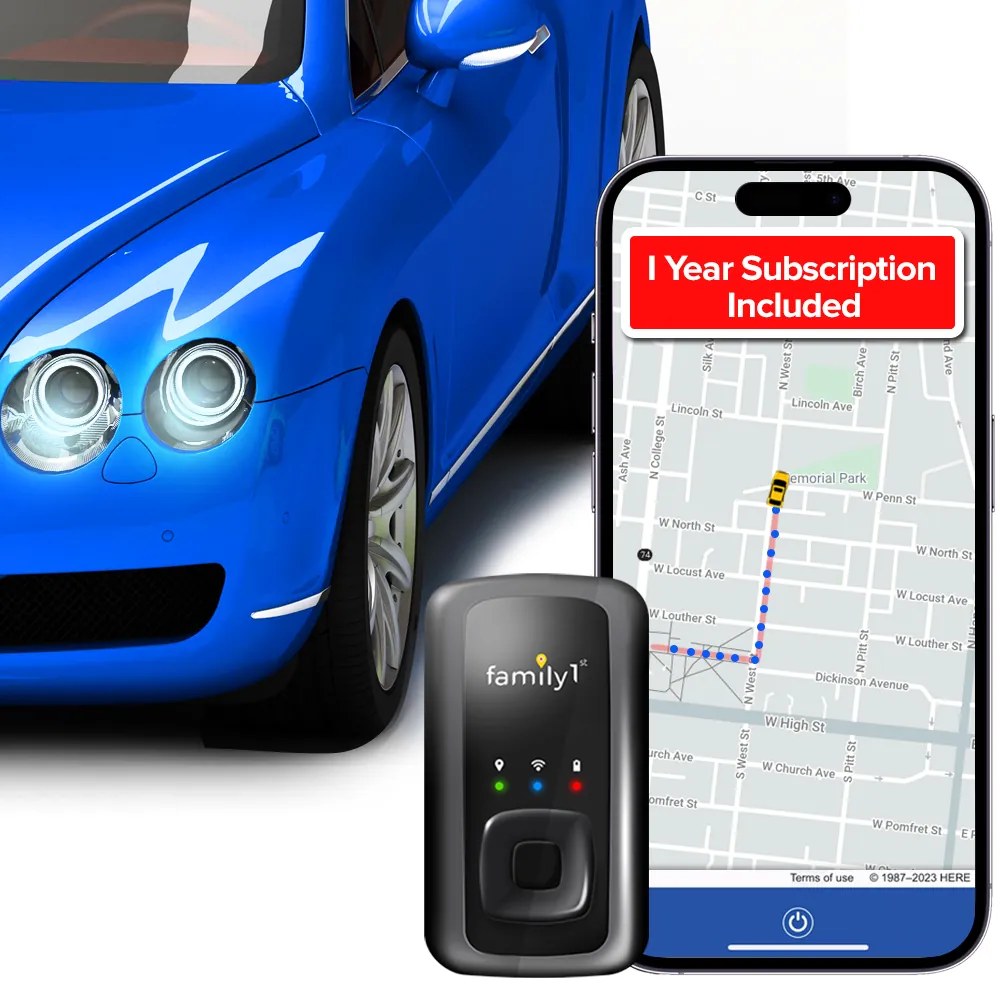
Power connections that last
A loose ground wire causes the tracker to reboot every time you hit a bump. Attach the black wire to a bare metal bolt on the car’s frame. Scrape the paint off the contact point with sandpaper first.
If you use the OBD-II port, push the plug in until you hear a click. A half-seated plug falls out when you adjust the pedals. Wrap the cable with a zip tie to prevent interference.
Placement that gets a signal
Metal blocks cellular signals completely. Place it under the dashboard plastic or behind the rear bumper cover where there’s no solid steel between the antenna and the sky.
Don’t put it directly against the engine block. Heat above 140°F damages the lithium battery inside most units.
Tracker problems and quick fixes
App update failures usually stem from the SIM card or power connection.
| What you notice | What it usually means | What to do first | How to stop it happening again |
|---|---|---|---|
| App shows old location | No cellular data | Add credit to SIM | Set up auto-pay on SIM |
| Device won’t turn on | Battery is dead | Charge for two hours | Lower the ping frequency |
| Can’t pair in app | Wrong IMEI typed | Check sticker again | Take a photo of sticker |
| Location jumps wildly | Weak GPS signal | Move tracker higher | Avoid deep metal hiding spots |
| Alerts never arrive | Notifications blocked | Allow app notifications | Check phone settings monthly |
Rules that apply to trackers
In the US, placing a GPS tracker on a vehicle you own is legal. Putting one on someone else’s car without permission may violate state privacy laws or constitute federal stalking.
If you drive into Canada or Mexico, your US prepaid SIM might stop working or charge roaming fees. Check your carrier’s international policy before the trip.
Commercial truck drivers face different rules under the Federal Motor Carrier Safety Administration, which requires certified electronic logging devices rather than consumer trackers.
What you’ll actually spend
The hardware is inexpensive relative to the alternative for reliable models like the SinoTrack ST-901 or LandAirSea 54.
Compare the prepaid data rates on your carrier’s website before buying the SIM. The trade-off is simple: faster updates cost more money every single month.
Keeping the tracker running
Check the app once a week to confirm the battery icon isn’t flashing red.
Wipe dust off the OBD-II plug contacts as needed, since how often depends on use and the owner’s manual is the authority.
When a standalone tracker fails
If you need police to recover a stolen car in real time, a self-managed tracker isn’t enough.
If you refuse to deal with any SIM card at all, buy an Apple AirTag.
Frequently asked questions
Can I use my old phone’s SIM card?
Yes, if it fits the slot and has an active data plan. Deactivated SIM cards won’t connect to cell towers, so the tracker stays offline.
How long does the battery last?
A typical 10,000mAh battery lasts two to four weeks when pinging every five minutes. Dropping the interval to ten seconds cuts that down to three days.
Is it safe to hardwire to the battery?
Yes, if you use the inline fuse included in the box. Wiring without a fuse risks melting the cables if the tracker shorts out.
Why does the location jump around?
Tall buildings and heavy tree cover bounce GPS signals off surfaces. Moving the tracker closer to the windshield glass usually fixes the drift.
Does it work outside the US?
Only if your SIM card includes international roaming and the tracker supports the local cell bands. Check the manufacturer’s spec sheet for supported frequencies.
What happens if the SIM runs out of data?
The tracker keeps recording its GPS coordinates internally but can’t send them to your phone. It uploads everything once you add more credit.
Do I need Wi-Fi for this to work?
No. These trackers rely entirely on cellular networks to transmit data. Wi-Fi is only used during the initial firmware update on some models.
Start tracking your car today
Buy a tracker that matches your power preference, insert an active prepaid SIM, and set the ping interval to five minutes. You’ll see your car’s location on the map within sixty seconds of parking it. If the app shows nothing after adding data credit, take the device back to the seller instead of opening the wiring harness yourself.